Ask AI Questions About a Long Document, With Citations
To ask AI questions about a long document, paste the text into a tool that searches it first and then answers only from the passages it found, citing where each fact came from. That way you can check every answer against the source. Here is how retrieval works in GrabCast's Chat with Content, how to prepare text so citations help, and what leaves your browser.
💬 Try Chat with Content now — freeOpen →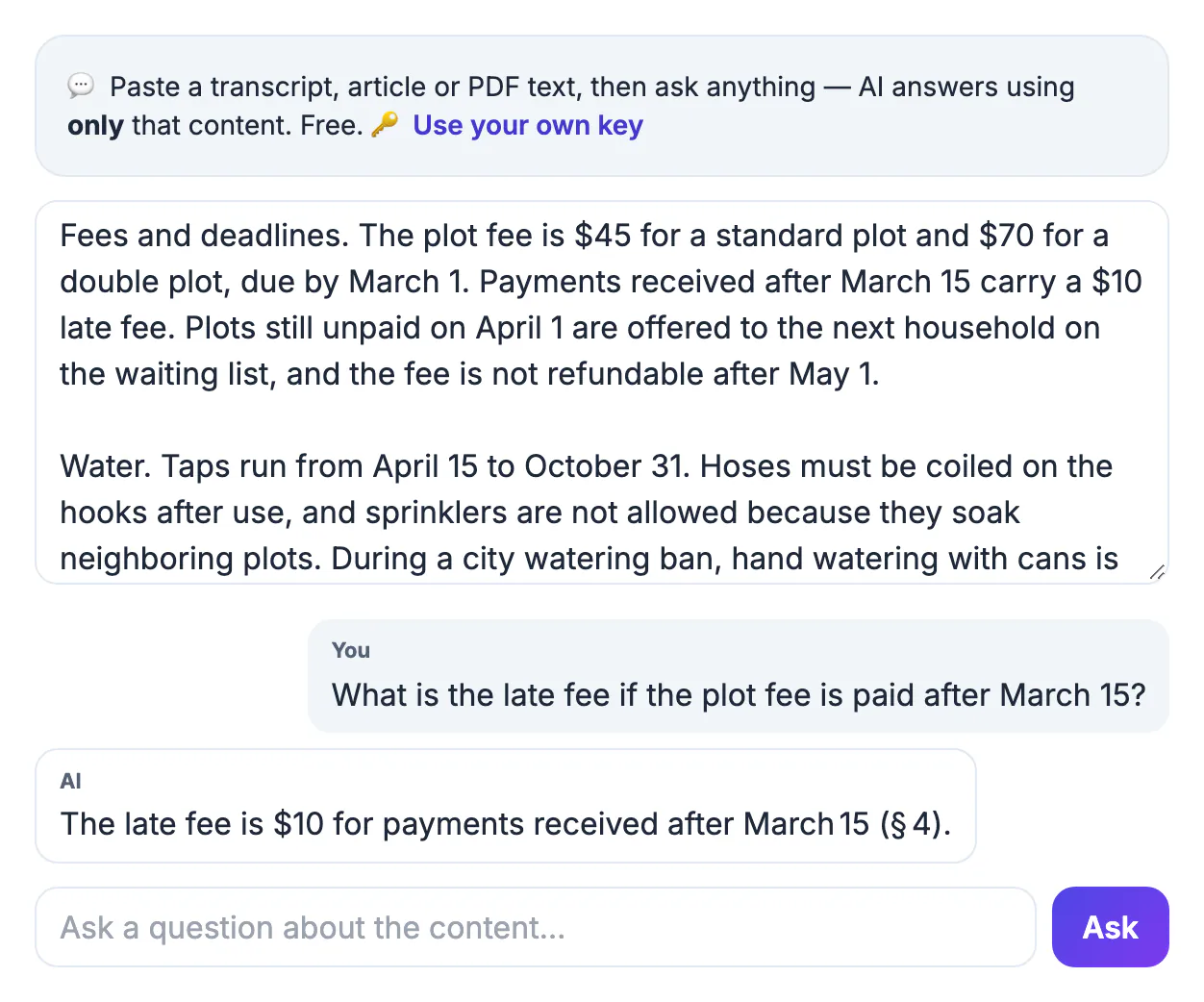
A general chatbot answers from its training, so a question about your 60-page policy or a two-hour meeting transcript can come back fluent and wrong. Pasting everything into one prompt often fails too, because long inputs get cut off or skimmed. Grounded answering picks the passages that match your question first, and the AI must answer from those alone or say the answer is not there.
How the tool finds the right part of a long document
Chat with Content searches in your browser before any AI is involved:
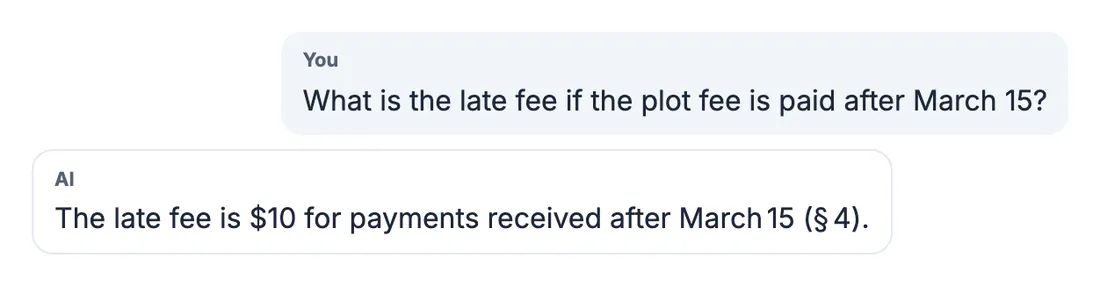
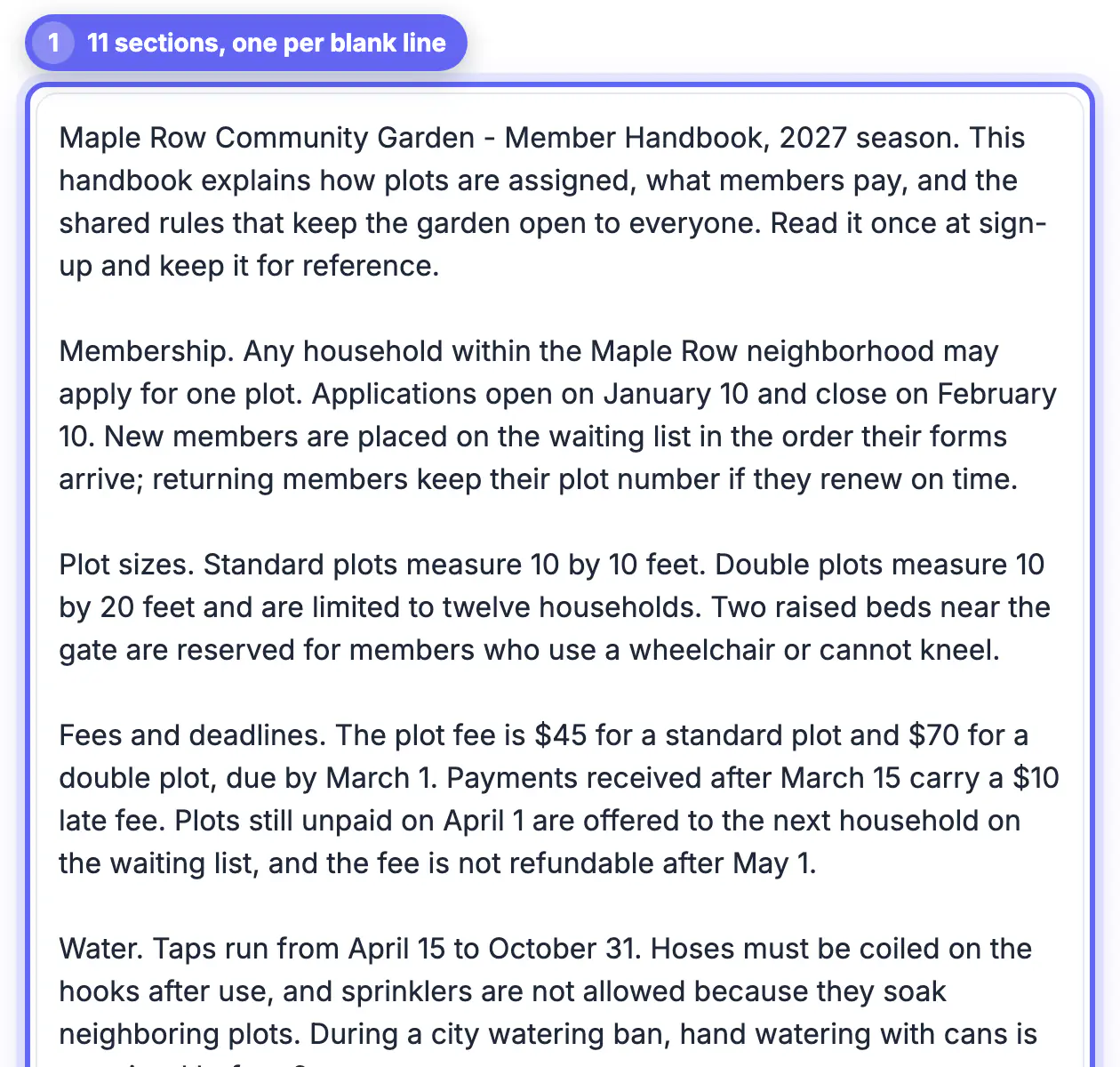
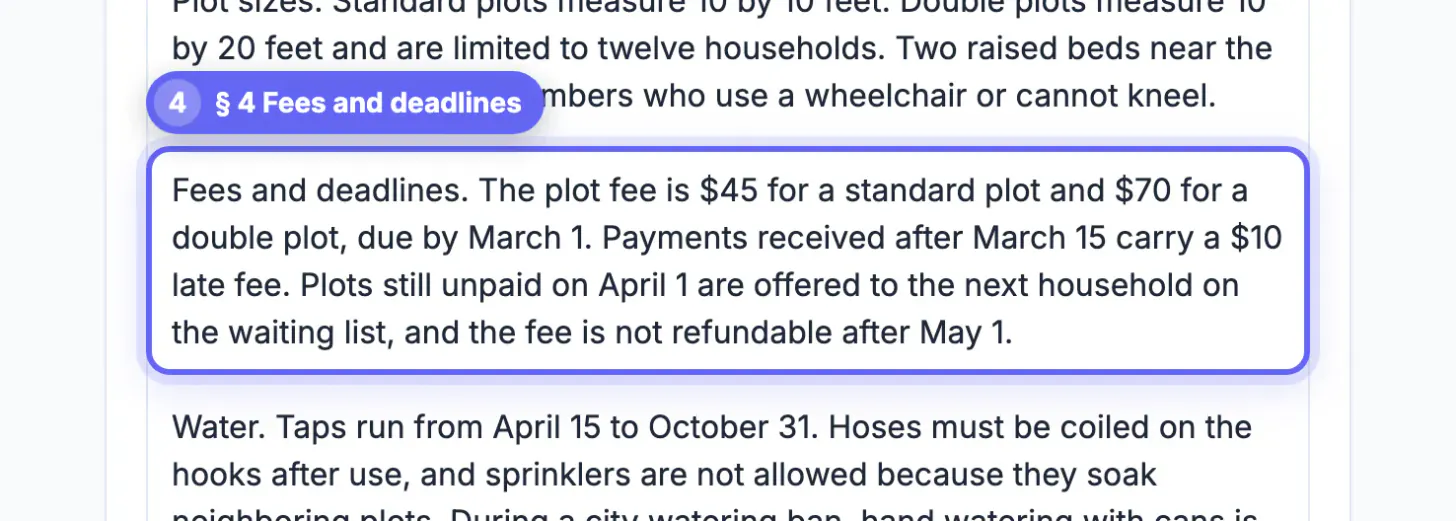
- Your text is split into sections at every blank line. Section 1 is everything before the first blank line, section 2 the next block, and so on. These numbers are what the answers cite, as (§ 4).
- Sections are cut into passages of roughly 700 characters.
- For every question, a keyword-ranking search picks up to eight passages that share the most distinctive words with your question.
- Broad questions containing words like summary, overview, main or key pull an evenly spread sample from the whole text instead.
- The AI receives at most about 7,000 characters of excerpts plus your recent questions, and must cite sections.
The search matches words, not meaning. If a contract says termination and you ask about cancelling, the clause may never be picked, so reuse the document's vocabulary.
Prepare the text so citations point somewhere useful
A transcript pasted as one solid block becomes a single § 1, and every citation says the same thing. Add structure first:
- Add a blank line at each topic or speaker change; 20 to 40 sections make citations findable.
- Keep timestamps such as [12:40] so you know where to replay the recording.
- Remove repeated page headers, footers and cookie banners; boilerplate wins keyword matches it should not.
- For a PDF, use Chat with PDF, which cites pages.
Ask AI questions about a long document: phrasing that works
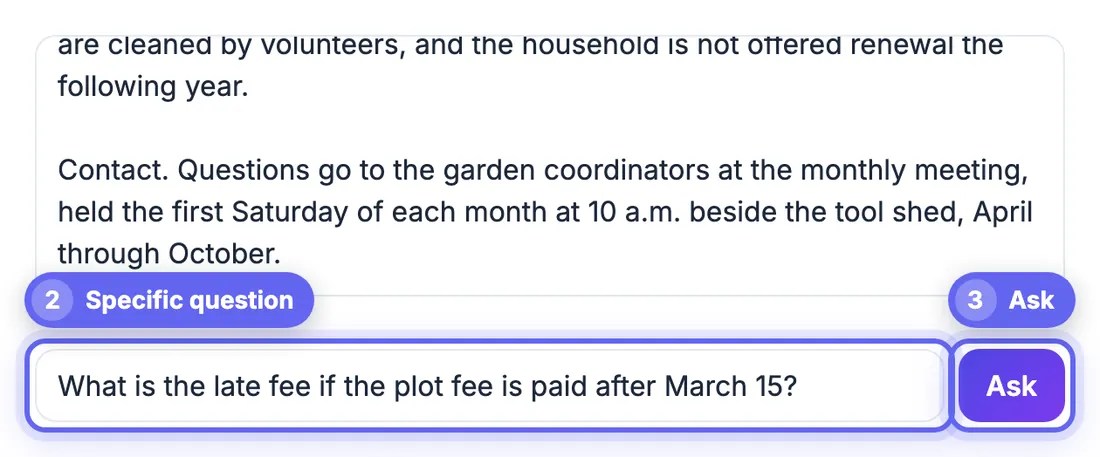
Specific questions give the search distinctive words to match:
- Weak: What about money? Better: What is the monthly fee?
- Weak: Anything about risks? Better: Which risks does the report list for supplier delays?
- Weak: What did they decide? Better: What did Maria agree to deliver, and by which date?
Follow-ups work because your last questions are included in the next search, so And for the second quarter? after a revenue question usually lands correctly. For an overview, ask for a summary or the main points. Answers come back in the language of your question.
Check the answer, and know what is sent to the AI
Treat every answer as a lead. Open your original, find the cited section and confirm numbers, dates and names before you repeat them. If a citation is missing or does not match, ask again in the document's own terms.
On privacy: the full text stays in your browser, where the splitting and searching happen. Each question sends only your question, the matching passages (up to about 7,000 characters) and recent questions and answers to GrabCast's AI server, which forwards them to an AI provider (Groq or Pollinations) to write the reply. The tool page says replies are cached in server memory for about 30 minutes. Do not paste medical records, passwords, customer data or confidential material. An optional Groq or Gemini key you add is stored in your browser.
Good uses and limits of document question answering
This approach is strong for finding facts in a transcript, policy, manual or report: a date, a fee, a requirement or the name of a decision-maker. It is weaker for judgments across the whole document, such as the overall tone or whether the argument is convincing, because only the retrieved sections inform the answer.
- Use it to locate a passage, then read that passage yourself.
- Ask one question at a time and compare answers when the document is long.
- Do not rely on it for legal, medical or financial decisions without checking the source.
- Paste only text you are allowed to share with a third-party service.
For PDFs, chatting with a PDF using AI shows a similar workflow, and summarising an article with AI works better when you want the overall picture rather than a specific fact.
Structuring transcripts for better results
If your document is a meeting or interview transcript, label speakers and keep timestamps, then split by topic. Transcribing a Zoom recording gives you text to start from, and the clearer the sections, the easier it is to verify an answer against the original.
Examples of useful questions
Ask for specifics tied to wording in the source: what is the cancellation notice period, who approved the budget, which dates are mentioned for delivery, or what exceptions does the policy list. Follow up with a request to quote the relevant sentence, then open that section and read it before you rely on the answer. If the first reply seems vague, add the term the document uses for the concept and ask again.
Step-by-step
Common mistakes to avoid
Pro tips
Frequently asked questions
How long can the document be?
There is no fixed limit on the paste box. Only up to eight matching passages are used per question, so very long texts work best with specific questions.
Why does every answer cite § 1?
Sections are created at blank lines. Add blank lines between topics and paste again.
Can the AI use outside knowledge?
It is instructed to answer only from the excerpts. Models can still slip, so check the cited section.
Does it remember earlier questions?
Yes, the last few questions and answers are included. Changing the text resets it.
Is my whole document uploaded?
No. The full text stays in your browser. Each question sends only the matching passages, your question and recent Q&A to the AI server and its provider.
Grounded chat is only as good as its retrieval: add blank lines between topics, use the document's own words, and open the cited section before trusting an answer. Keep sensitive material out, since matching passages go to an AI service.
Related guides
Browse more: all AI guides · Chat with Content