Sign Lease Forms Free: A Small Landlord's Workflow
Small landlords can sign lease forms for real estate rentals free by completing the blanks in GrabCast Fill PDF Form, adding their own mark, initials and date in Sign PDF, and emailing the packet to each tenant to do the same. Both tools run in the browser, so rent amounts, Social Security numbers and bank details never touch a server. The catch is workflow rather than technology: the free route has no automatic routing, reminders or audit certificate, so you manage the order of signers and keep the evidence yourself. This guide lays out a practical routine for owners of one to four units, plus the legal points worth knowing.
✒️ Try Sign PDF now — freeOpen →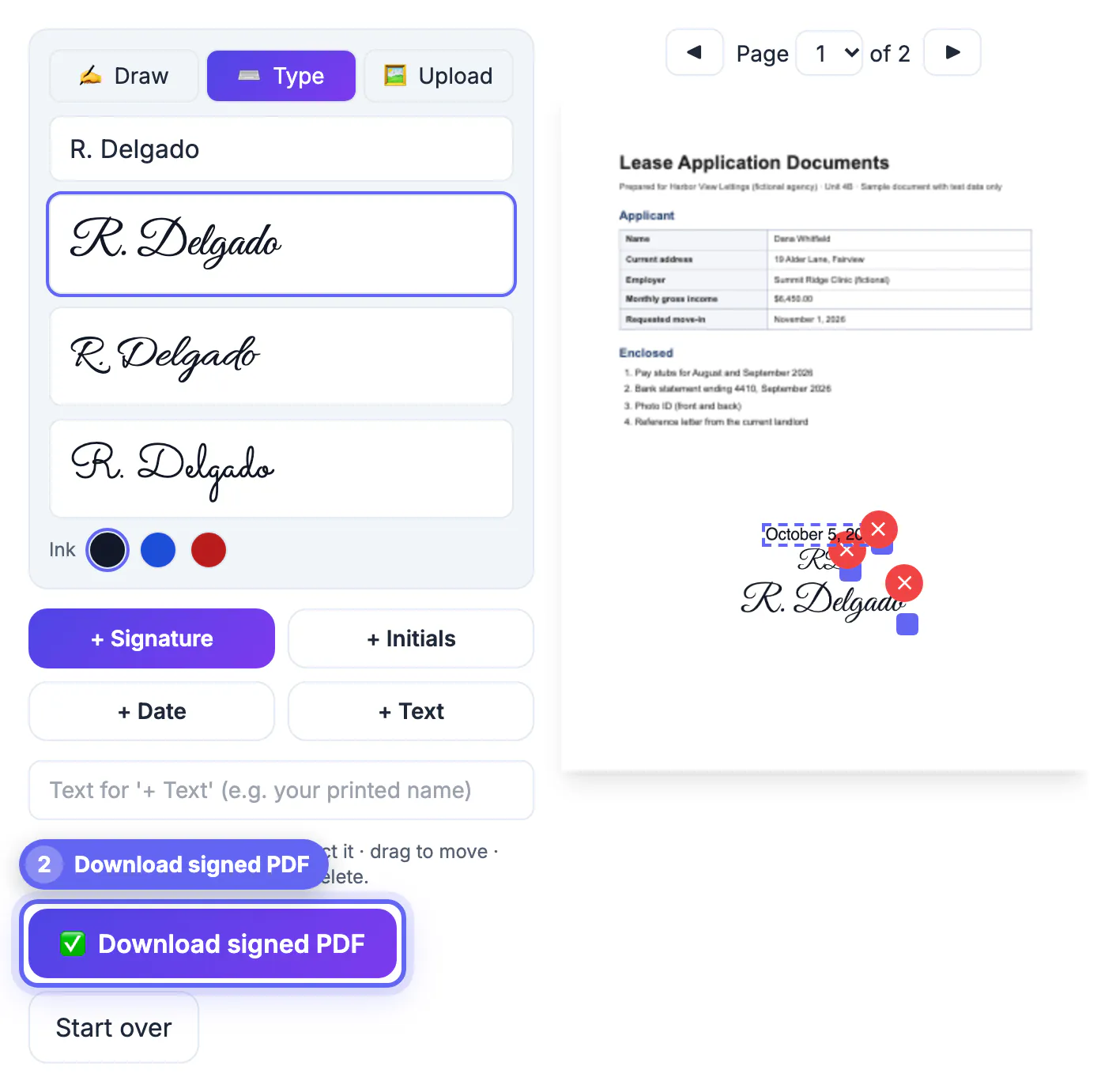
Most rental disputes that reach small-claims court turn on paperwork: a missing initial beside the pet clause, an addendum nobody dated, or two versions of the same agreement with different deposit amounts. A consistent process for preparing, routing and storing each packet prevents those gaps far more reliably than any particular app. For a landlord with a duplex or a few single-family homes, a paid e-signature subscription is often more than the job needs, while printing, driving over and scanning wastes an afternoon per turnover. A simple browser routine sits in between: it is free, fast, private, and produces clean copies you can defend later.
Prepare the packet before anyone signs
Start from your state association template or attorney-drafted agreement, exported as a PDF.
- If the template has fillable boxes, open it in Fill PDF Form and type names, the address, rent, deposit and dates straight into them; Tab moves through the boxes.
- If it is a flat scan, turn on Add text and click to place each entry; text is written as real, searchable Helvetica.
- Tick Flatten on the final version so rent and deposit amounts cannot be edited after the tenants receive it.
- Combine the main agreement with addenda, such as pet, parking or smoking rules, into a single document in Merge PDF.
For most housing built before 1978, federal law requires a lead-based paint disclosure and the EPA pamphlet to be part of the packet, so include that form and have every adult tenant acknowledge it. Check page count and every figure before sending; once tenants start adding marks, any correction means starting a fresh round.
Route it to each tenant in a clear order
The free tools handle one signer at a time, so you act as the router.
- Sign first as the owner in Sign PDF, adding initials to each page footer and the date beside your mark, then download the -signed copy.
- Email that copy to the first tenant with a short list of every spot needing initials, a mark or a date.
- Each adult tenant opens it in Sign PDF, adds their own items, and replies with the new file, which you forward to the next co-tenant.
- When everyone is done, send the fully executed copy to all parties in a single email so each has the same final version.
Ask tenants to reply from the email address listed on their rental application; that thread becomes useful evidence of who returned which version and when. For in-person move-ins, everyone can take turns on one tablet, which is often the quickest route of all.
Sign rental paperwork electronically: what US law says
General information, not legal advice. State and local rules vary, so confirm anything unusual with a local attorney or your state landlord association.
- The federal ESIGN Act and state laws based on UETA (every state except New York, which has its own similar statute) let parties form a rental agreement electronically when both agree to do business that way.
- ESIGN specifically excludes notices of default, eviction, foreclosure and the right to cure for a rental agreement on an individual's primary residence; deliver those on paper as your state requires.
- Some states and cities require particular disclosures, languages or delivery methods for certain notices, regardless of how the agreement itself was executed.
- A placed image mark carries no identity verification or audit certificate, so your email records serve as the supporting evidence.
If you run many units, face frequent disputes or rent to tenants you have never met, a paid platform that logs identity checks and timestamps may be worth its fee. For a few long-term tenants you know, the browser routine is usually proportionate.
Store executed copies so you can find them later
Good records matter as much as the marks themselves when a deposit dispute arrives two years later.
- Name each final copy consistently, for example 12-Oak-St-Unit-B-2026-10-01-executed.pdf.
- Keep the email thread showing each tenant's return alongside the document.
- Store copies in two places, such as a cloud drive and an external drive, and keep them for the tenancy plus the period your state and tax advisor recommend.
- Keep the unsigned, filled template too, so the next turnover starts from a clean, correct base.
If you send packets as attachments, check size first; addenda and scanned disclosures add up, and Compress PDF keeps the agreement under common 20 to 25 MB email caps. To protect a stored copy, encrypt it with an open password in Preview, Word or LibreOffice after all parties have finished.
Step-by-step
Common mistakes to avoid
Pro tips
Frequently asked questions
Is an electronically signed lease valid in the US?
General information, not legal advice: generally yes. ESIGN and state UETA laws give electronic signatures legal effect when both parties agree to transact electronically. Some notices, such as eviction and default notices for a primary residence, are excluded and must follow paper rules.
Can my tenants sign on their phones?
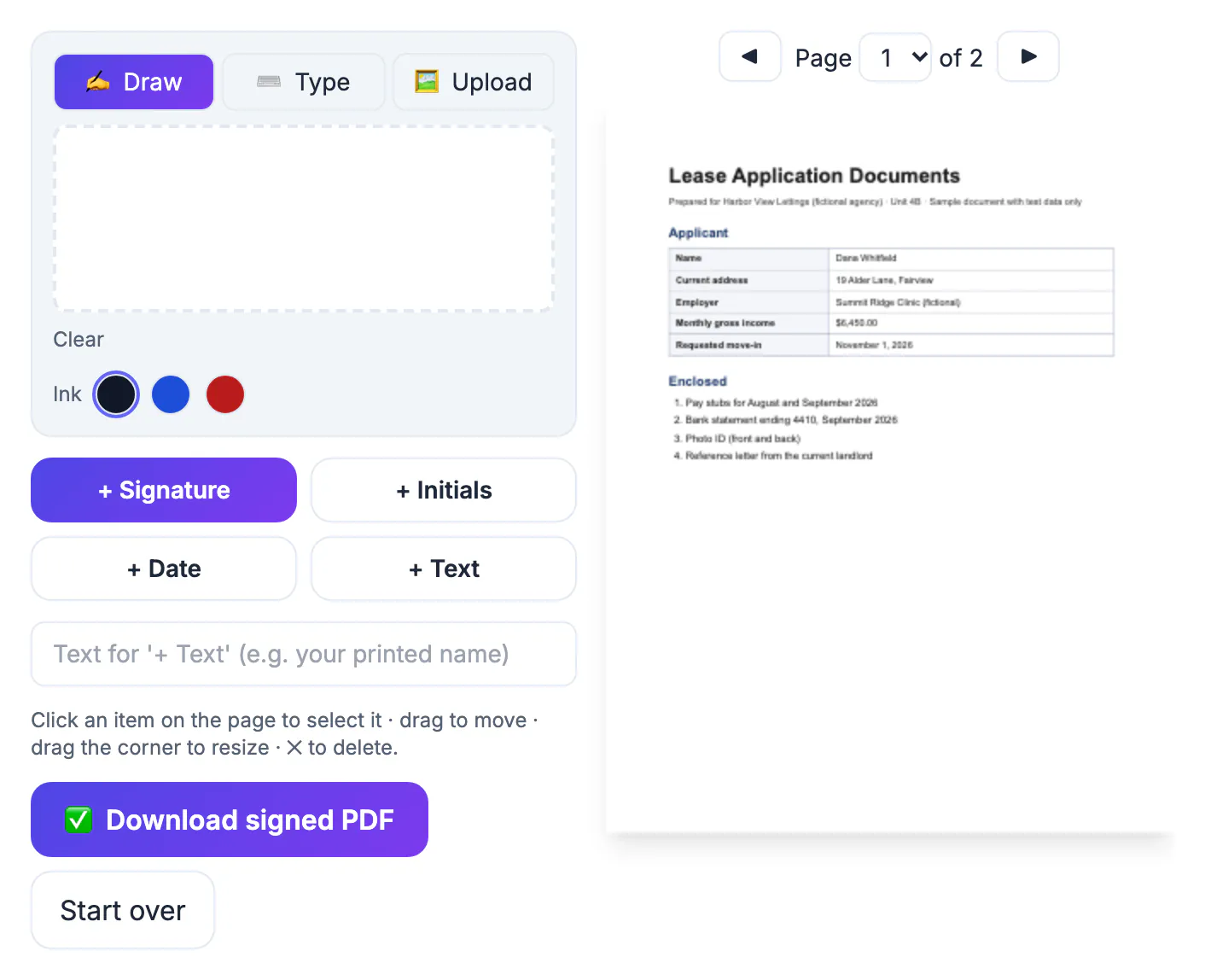
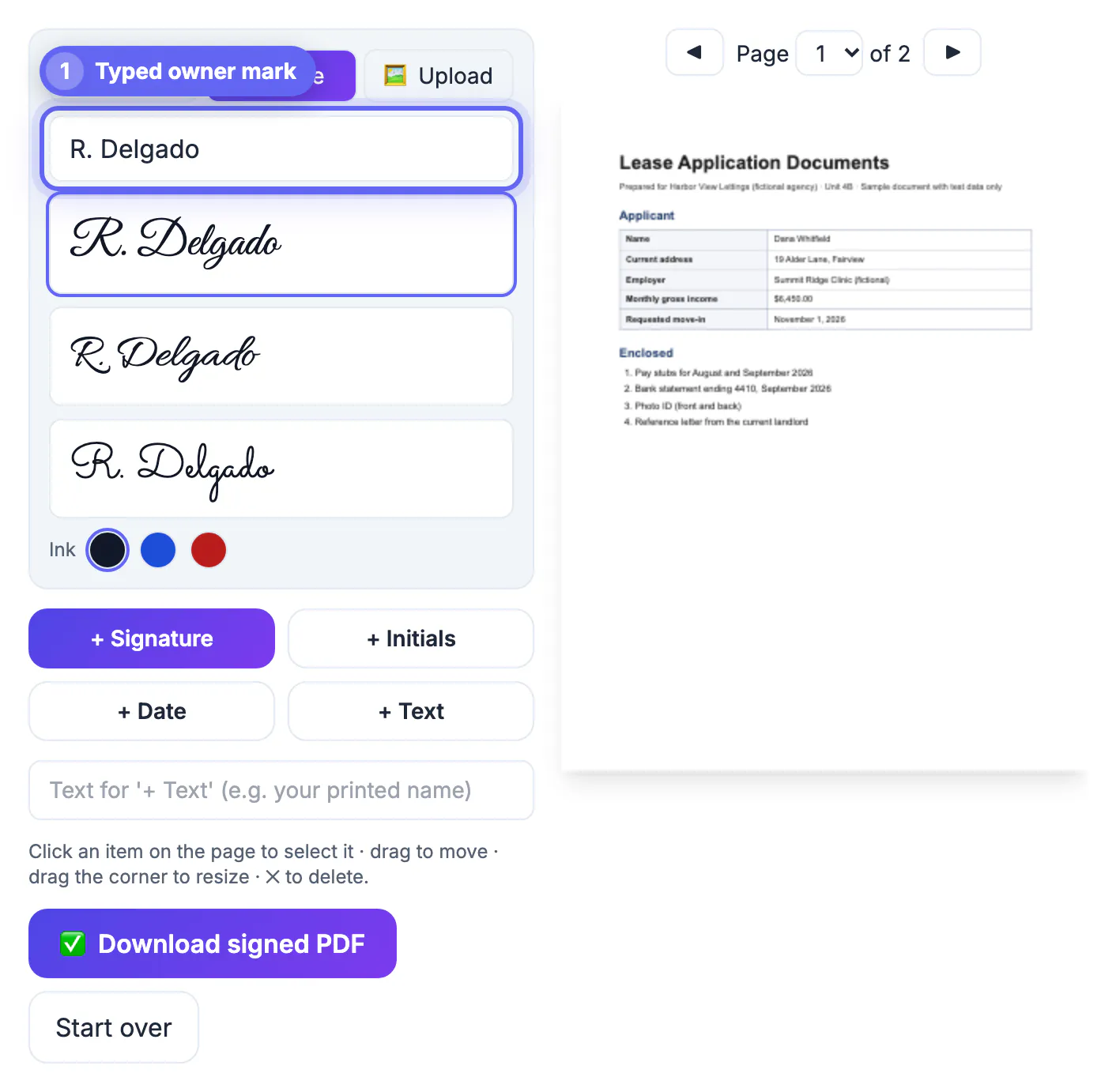
Yes. Sign PDF works in Safari and Chrome on phones and tablets. Tenants save the attachment, open it in the tool, draw or type their mark, and download the updated copy.
How do several tenants sign one lease?
Route the file in sequence: you sign, then send it to the first tenant, who returns it, then forward that copy to the next. Finish by sending the final version to everyone.
Can I type rent and dates in the same tool as the signature?
Use Fill PDF Form for rent, dates and names, since it writes into the real form fields or adds searchable text. Sign PDF then adds the marks, initials and date.
Are tenant details uploaded anywhere?
No. Both tools open and save files in the browser, so personal details in the packet never leave the device being used.
For a handful of rentals, a free browser routine covers the whole packet: fill and flatten the terms in Fill PDF Form, route the document to each signer through Sign PDF, and keep the email thread with the executed copy. Deliver eviction and default notices on paper, and consider a paid platform only when volume or risk justifies it.
Related guides
Browse more: all PDF guides · Sign PDF