Is a Drawn Signature on a PDF Legally Binding?
In most everyday situations, yes: a drawn signature on a PDF is legally binding in the United States under the federal ESIGN Act and state electronic transactions laws, and in the European Union it counts as a simple electronic signature that a court cannot reject just because it is electronic. What decides whether it holds up is not how the mark looks but whether you can show who made it and that they meant to agree. This explainer covers the rules in the US and EU, the kinds of documents that often still need wet ink or a notary, what an audit trail adds, and when a paid e-signature service is worth it. It is general information, not legal advice; for a high-stakes document, check with a lawyer where you live.
✒️ Try the Sign PDF tool now — freeOpen →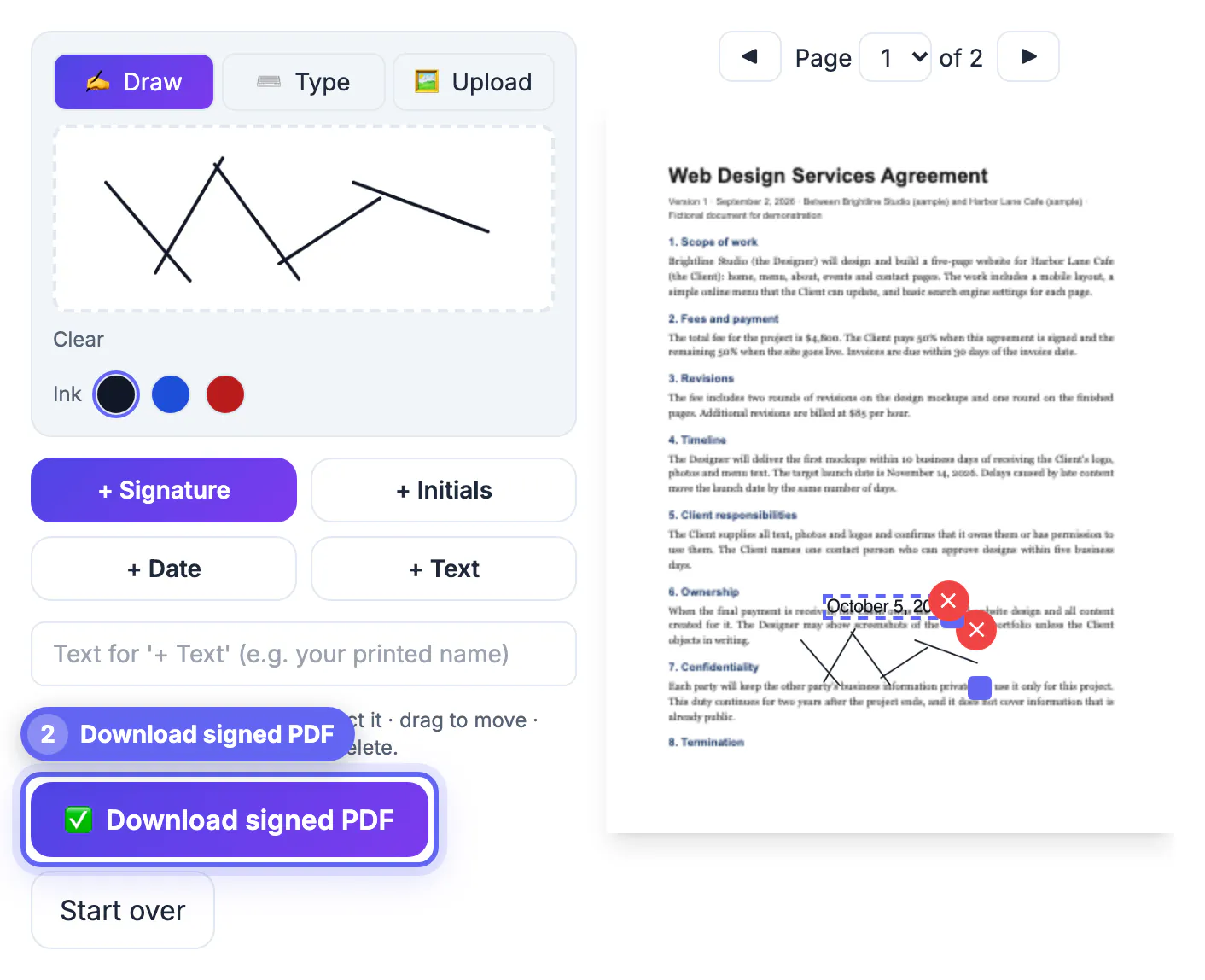
People worry that a trackpad squiggle looks nothing like their pen signature, or that a typed name in a script font seems too easy to fake. The law mostly does not care about appearance. A handwritten signature on paper is also easy to imitate; what gives it weight in a dispute is the surrounding evidence: witnesses, the envelope it arrived in, the conduct of the parties afterward. Electronic signatures work the same way. If you understand which facts a judge or an arbitrator would look for, you can decide in a minute whether a free drawn signature is enough for a lease addendum, a freelance contract or a school form, and when it is not.
Is a drawn signature legally binding in the US?
Two layers of law apply. The federal Electronic Signatures in Global and National Commerce Act of 2000, usually called ESIGN, says a signature or contract may not be denied legal effect solely because it is in electronic form. The Uniform Electronic Transactions Act, or UETA, says much the same at state level; it has been adopted by 49 states plus the District of Columbia, and New York applies its own similar statute.
- Definition: ESIGN treats an electronic signature as any sound, symbol or process attached to a record and adopted with the intent to sign. A drawn mark, a typed name and a photo of your pen signature all qualify.
- Intent: the signer must mean to sign; deliberately placing a mark on the signature line shows that.
- Consent: the parties must agree to do business electronically, which is often shown simply by exchanging documents by email.
- Retention: the signed record must be kept in a form that can be accurately reproduced later.
Consumer deals add one wrinkle. When a law requires a business to give a consumer certain information in writing, ESIGN expects the business to obtain the consumer's consent to electronic delivery first. That duty sits with the company, not with you as the person signing.
How EU and UK law treat a drawn signature on a PDF
The EU eIDAS Regulation (No 910/2014) sets three levels, and a drawn signature sits at the first one.
- Simple electronic signature: any electronic data a person uses to sign, including a drawn or typed mark. Under Article 25, it cannot be denied legal effect or admissibility in court merely because it is electronic.
- Advanced electronic signature: uniquely linked to and capable of identifying the signer, created with data under the signer's sole control, and linked to the document so that later changes are detectable.
- Qualified electronic signature: an advanced signature made with a qualified device and certificate from a trust service provider. Only this level automatically has the same effect as a handwritten signature in every member state.
- UK: after Brexit, the Electronic Communications Act 2000 and the retained UK eIDAS rules give similar results, and English courts have accepted typed names in emails as signatures.
In practice, national contract law decides how much weight a simple signature carries. Some member states require written form for particular contracts, and only ink or a qualified signature satisfies that requirement. For cross-border deals, ask the other side which level they expect before anyone signs.
Documents that often still need ink, a witness or a notary
ESIGN itself lists exclusions, and state rules add more. Treat these as paper-first unless the receiving office confirms otherwise.
- Wills, codicils and testamentary trusts. A small number of states now allow electronic wills, but only under strict statutory formalities.
- Adoption, divorce and other family law matters, court orders and official court documents such as briefs and pleadings.
- Notices of default, foreclosure, eviction or repossession involving a primary residence, notices ending utility service or health and life insurance, and certain product recall notices.
- Anything that must be notarized or witnessed, such as many real estate deeds and powers of attorney. Most states now allow remote online notarization through an approved provider, which is a separate, paid process.
The authority is always the party receiving the document. A county recorder, a passport office or a court clerk can require an original, and a neat electronic copy will simply be sent back. When a form says original signature required, believe it.
Proof, audit trails and when to pay for e-signature
If a signature is ever disputed, the question becomes attribution: can you show this person made this mark on this version? Paid platforms such as DocuSign, Adobe Acrobat Sign and Dropbox Sign answer that with an audit trail: verified email links, timestamps, IP addresses and a certificate of completion, plus a cryptographic seal that shows whether the file changed afterward. A free drawn signature has none of that built in, so you create the record yourself.
- Send the signed copy back in the same email thread that delivered the document, from the address the agreement names.
- Add the date beside the mark and type your printed name, so an informal scrawl is still clearly yours.
- Keep the original, the signed copy and the emails together, and ask the other party to countersign and return a copy.
- Pay for a platform when several people must sign in order, the amount at stake is large, a regulator sets e-signature rules for your records, or the counterparty asks for an audit certificate or a qualified signature.
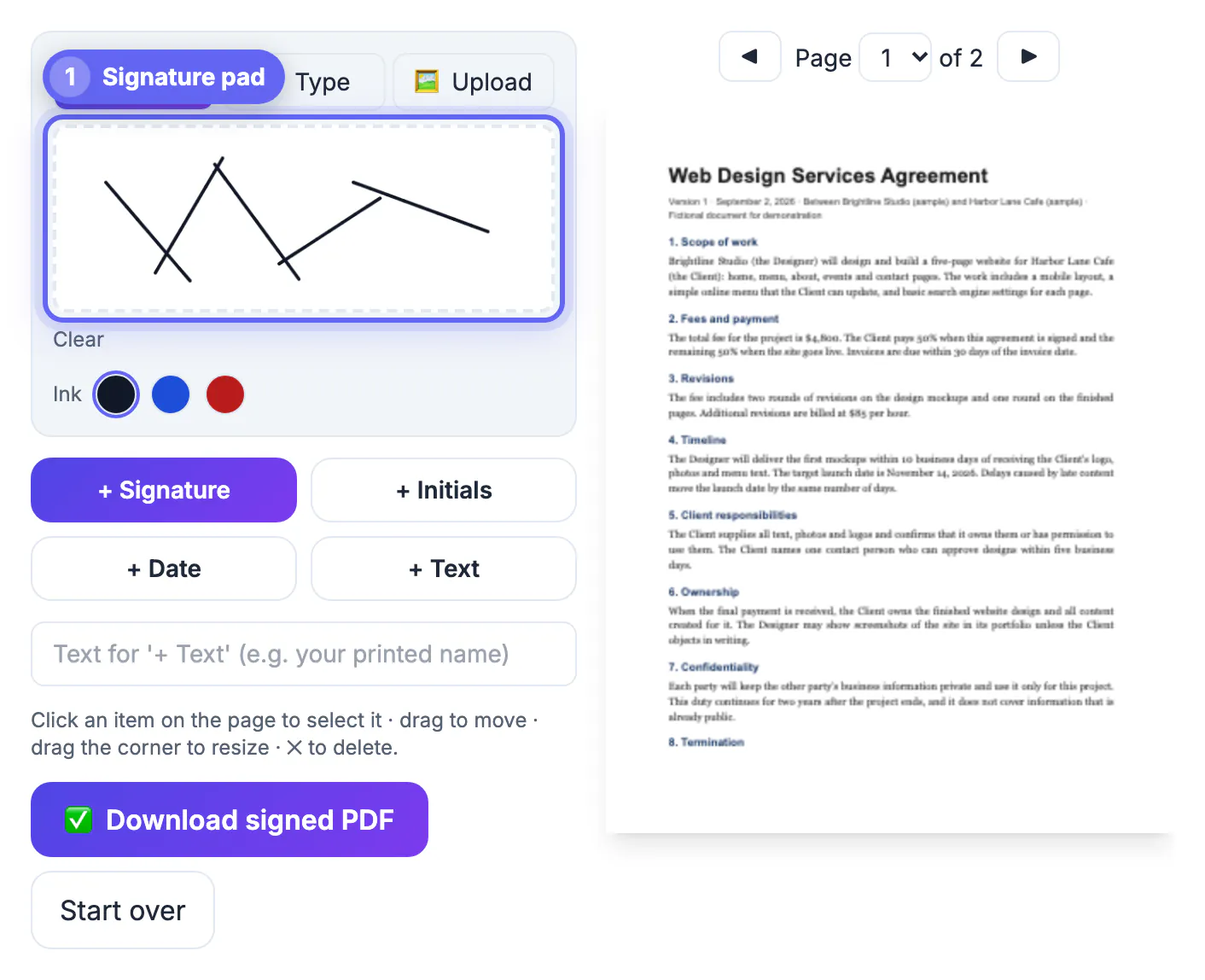
GrabCast Sign PDF is built for the simple case. You draw, type or upload your signature, choose black, blue or red ink, add initials, the date and text, and download a copy with a -signed suffix. It places an image of your mark in a standard PDF; it is not a certificate-based digital signature, it keeps no audit log, and the file is never uploaded.
Before signing, compare versions so nothing slipped in, and afterwards lock the file with the Protect PDF tool.
Step-by-step
Common mistakes to avoid
Pro tips
Frequently asked questions
Is a drawn signature on a PDF legally binding in the US?
For most contracts, yes. ESIGN and state UETA laws say a signature cannot be denied legal effect just because it is electronic, provided the signer intended to sign and the parties agreed to deal electronically.
Does a typed name count as a signature?
Generally yes. US law defines an electronic signature by the intent behind it, not its appearance, so a typed name adopted to sign a document can qualify, as can a photo of a pen signature.
Is a drawn signature valid in the EU?
It is a simple electronic signature under eIDAS, which cannot be rejected as evidence just for being electronic. Only a qualified electronic signature automatically equals a handwritten one everywhere in the EU.
Which documents cannot be signed this way?
Wills, family law papers, court documents, certain foreclosure, eviction and utility notices, and anything requiring a notary or witness often need ink or a special process. Check with the receiving office.
Does GrabCast Sign PDF create an audit trail?
No. It places an image of your signature on the page in your browser and keeps no record. For identity checks, timestamps and a certificate of completion, use a dedicated e-signature service.
A drawn signature on a PDF is legally binding for most everyday agreements in the US, and it is admissible as a simple electronic signature in the EU. What protects you is evidence of who signed and when, so keep the email trail, date the page and store the files. Use ink or a notary for wills, family, court and many property papers, and a paid platform when you need an audit certificate or a qualified signature.
Related guides
Browse more: all PDF guides · the Sign PDF tool