Create a Favicon From an Image Free Online
To create a favicon from an image, drop a square logo or icon into GrabCast Favicon Generator; it instantly builds a favicon.ico containing 16, 32 and 48 pixel versions, plus separate PNGs at 16, 32, 48, 180, 192 and 512 pixels. A live preview shows how the icon looks in a mock browser tab. This guide explains which file goes where, the few lines of HTML to add, and how to design an icon that still reads at the size of a fingernail.
⭐ Try Favicon Generator now — freeOpen →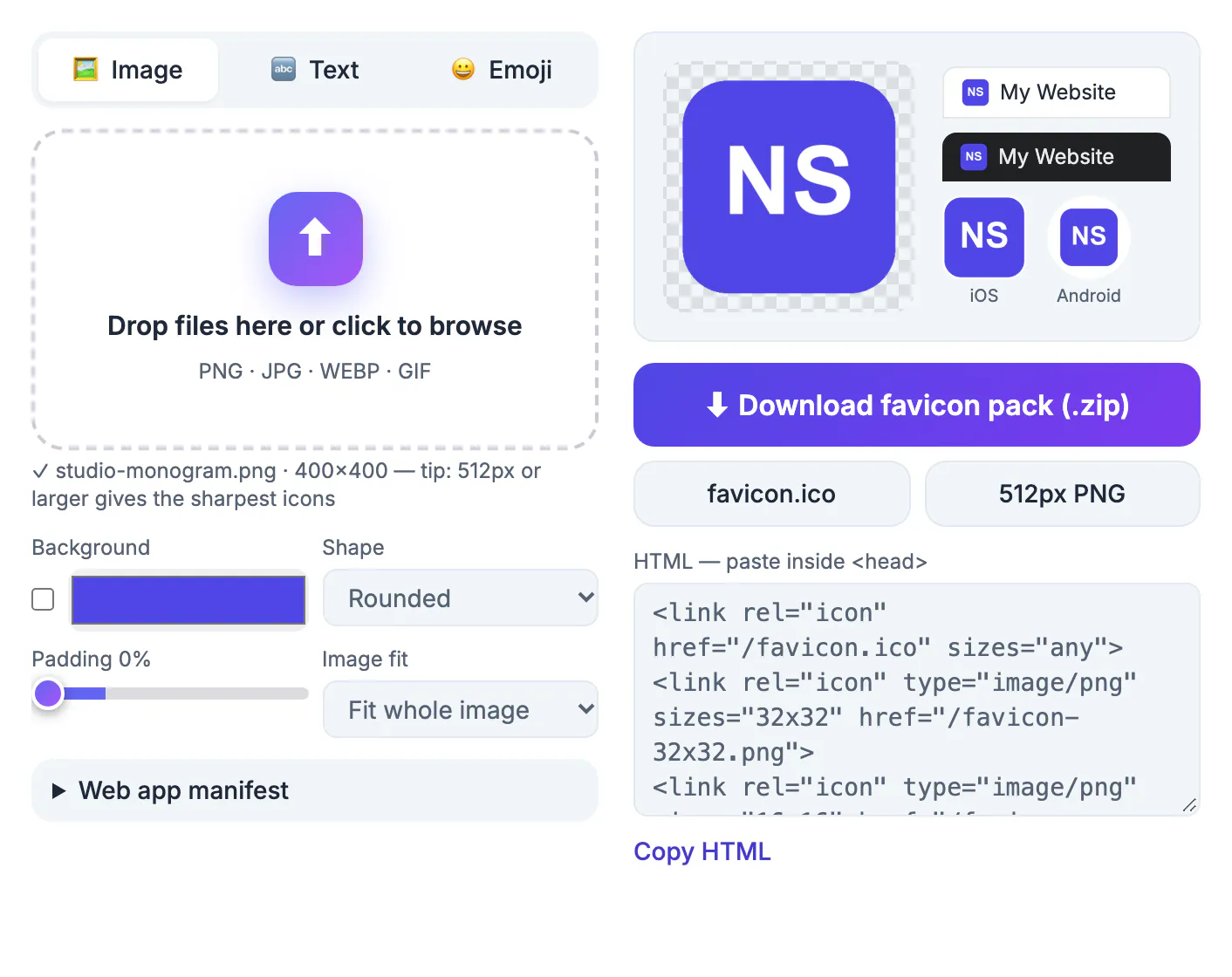
The icon beside your page title is often the only branding people see when they have 15 tabs open, scan their bookmarks, or look at browser history. Without one, browsers show a generic globe or blank page, which makes a site look unfinished. Google also displays the site icon next to search results, so a crisp, recognizable mark can help a listing stand out. Phones use larger versions when someone saves your site to the home screen. One source picture can cover every one of those places if it is exported at the right sizes. Getting it right once also saves recurring headaches, because browsers cache the file for a long time and an old or missing icon can linger in bookmarks for weeks after you fix it.
What is in the pack and where each file goes
Each size has a specific job. You do not need all of them on every site, but most modern sites use at least four.
- favicon.ico with 16, 32 and 48 pixel layers: the classic file browsers request from your site root
- favicon-32x32.png and favicon-16x16.png: sharp PNG versions for modern browsers
- apple-touch-icon.png (180 pixels): the Apple touch icon used when an iPhone or iPad user adds your site to the home screen
- android-chrome-192x192.png and android-chrome-512x512.png: Android home screen and web app manifest icons
- favicon-48x48.png: handy for Windows shortcuts and some search result displays
The pack also includes a site.webmanifest that lists the 192 and 512 files, plus a maskable 512 icon; set the app name, short name and theme color under Web app manifest before you download.
If you only want the minimum, favicon.ico plus the 180 pixel Apple touch icon covers desktop browsers and iPhones. Add the 192 and 512 pixel files when you want Android home screens and installable web apps to look sharp.
The HTML to add to your pages
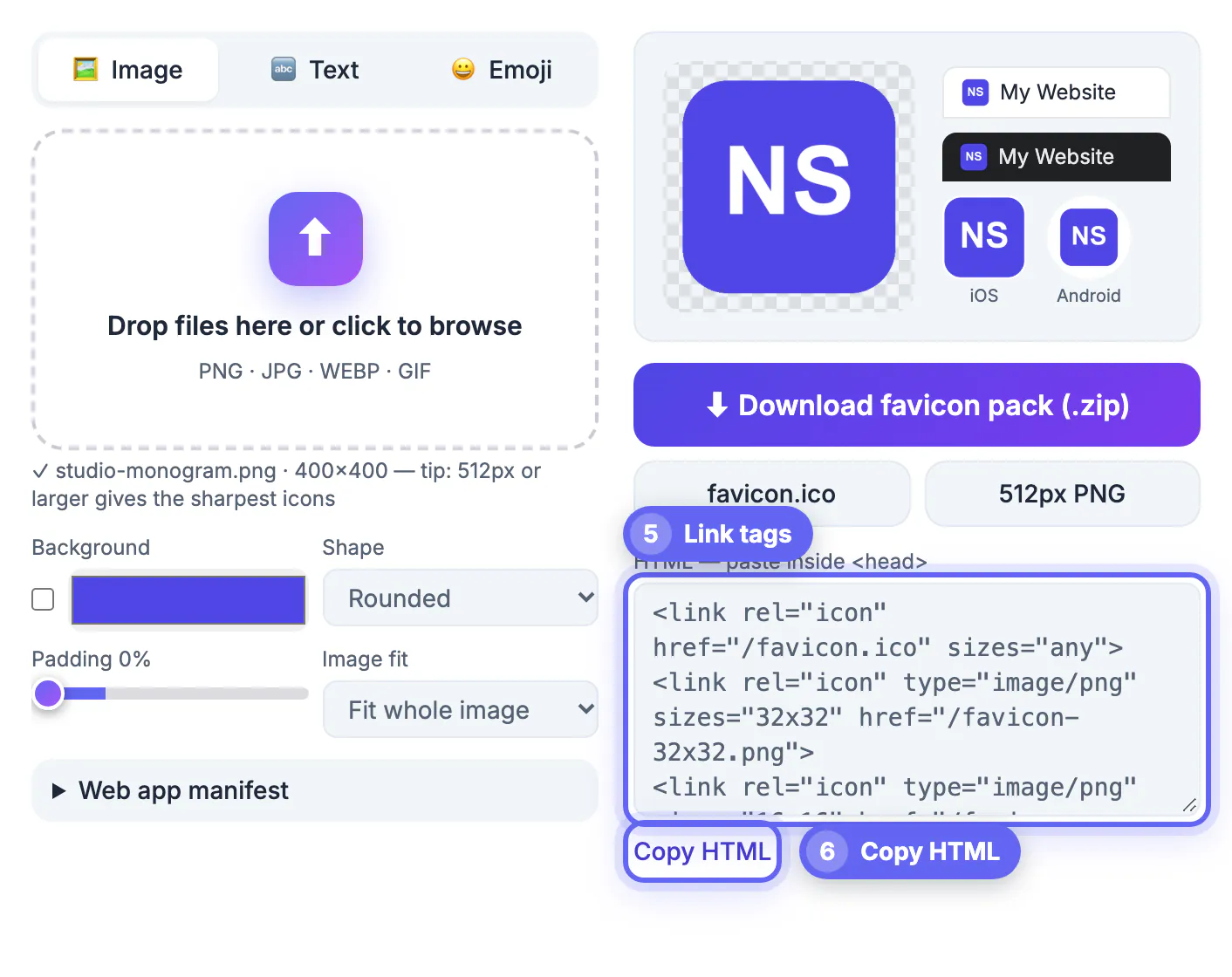
Upload the files to your site's root folder, then add a few link tags inside the head of every page, or in the shared header template of your CMS.
- A link with rel icon pointing at /favicon.ico covers every browser
- A link with rel icon, type image/png and sizes 32x32 pointing at the 32 pixel PNG gives modern browsers a crisper file
- A link with rel apple-touch-icon pointing at the 180 pixel PNG handles iOS home screens
- WordPress users can skip the code: upload the 512 pixel PNG under Appearance, Customize, Site Identity, Site Icon
Squarespace, Wix and Shopify each have a similar favicon field in their settings, and they generate their own sizes from one upload.
For the matching tags, the Meta Tag & Open Graph Generator helps with the rest of your page head, and choosing a colour palette keeps the icon on brand.
Design a favicon that survives 16 pixels
At 16 by 16 there are only 256 pixels to work with, so a full logo with a tagline turns into a smudge. Simplify aggressively.
- Use one letter, a monogram, or the symbol part of your logo rather than the whole wordmark
- Choose high contrast, such as a white letter on a strong brand color
- Avoid thin lines and small details that vanish when scaled down
- Check both light and dark browser themes; a black icon disappears on a dark tab bar
The preview row shows the 16, 32 and 48 pixel versions side by side with the tab mockup, so you can judge legibility before downloading.
How the generator handles your picture
Everything runs locally in the page. A non-square picture is fitted whole inside the square by default, or you can switch Image fit to Fill (crop center); the tool then scales it down to each size as PNG with transparency preserved.
- Start with a square source of at least 512 by 512 pixels for the sharpest large icons
- Crop off-center artwork to a square first so nothing important is trimmed
- Transparent PNG sources keep their see-through background in every output
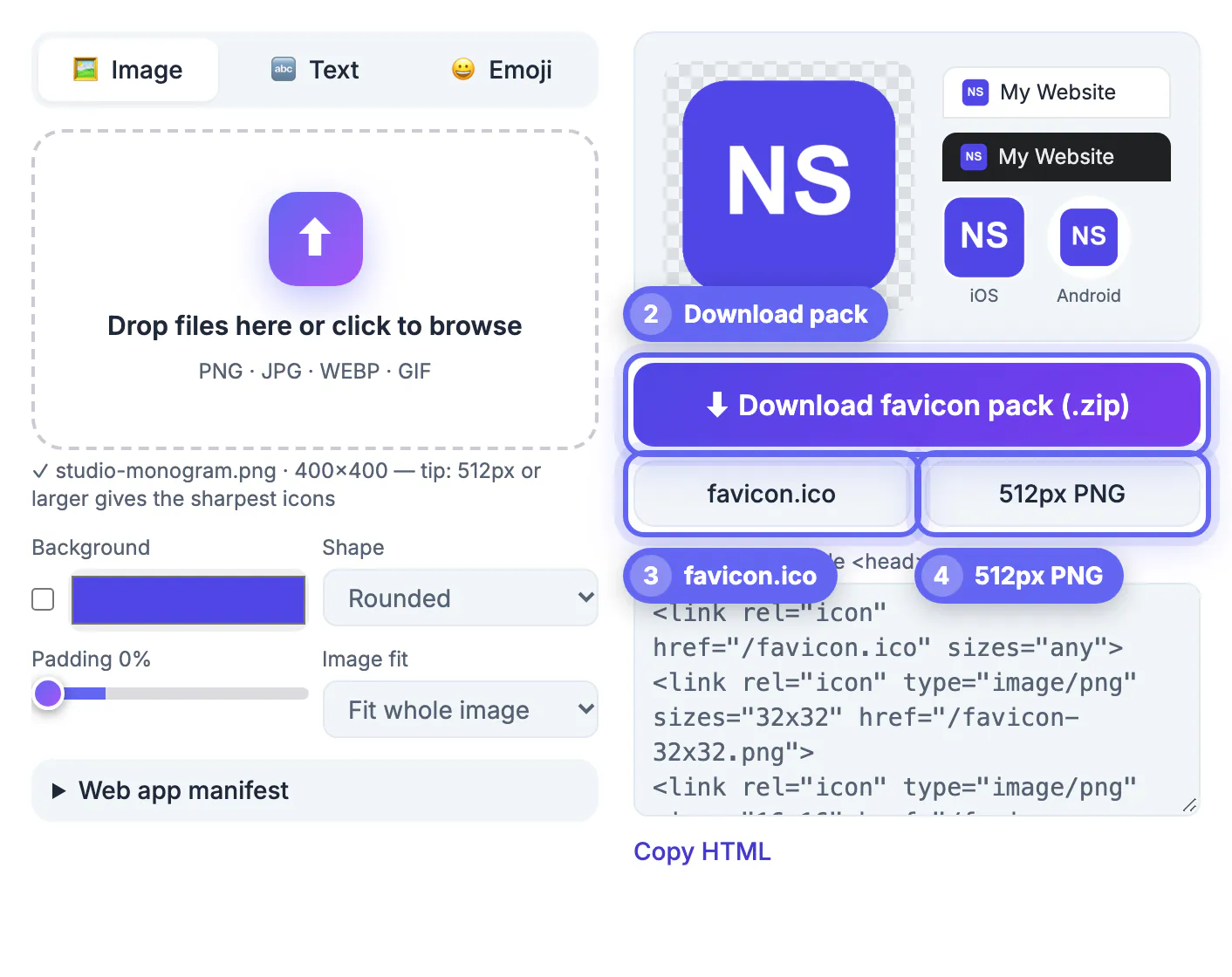
- Everything downloads as one ZIP: favicon.ico, the PNG sizes, the manifest and a copy-ready HTML snippet
Because the process happens on your own device, you can experiment freely with unreleased brand marks or client artwork, trying several versions until one reads clearly in the tab preview.
Step-by-step
Common mistakes to avoid
Pro tips
Frequently asked questions
What size should a favicon be?
Browsers use 16 and 32 pixels in tabs, 48 in some Windows views, 180 for Apple touch icons, and 192 and 512 for Android and web apps. The generator exports all of these from one image. Always start from a larger square source so the downscaled files stay crisp.
Do I still need a .ico file?
It is still the safest default because every browser and many bots request /favicon.ico automatically. Modern browsers can also use the PNG versions you link. Without it, servers log a stream of not-found errors for that path.
Why is my new favicon not showing?
Browsers cache favicons aggressively. Hard-refresh the page, open it in a private window, or add a version query string to the link tag. Search engines refresh the icon they show in results on their own schedule, which can take days or weeks.
Can I use a transparent PNG?
Yes. Transparency is kept in every size. Check that the mark is visible on both light and dark browser themes. A thin white or dark outline around the shape can help it stand out on both.
Does the tool upload my logo?
No. The resizing and the .ico packing happen in your browser, so the picture never leaves your device.
Start from a simple, high-contrast square mark, download the .ico and the PNG sizes you need, add three link tags, and hard-refresh. Your site will look finished in every tab, bookmark and home screen.
Related guides
Browse more: all image guides · Favicon Generator