Make a Favicon When You Have No Logo Yet
To make a favicon without a logo, pick one to three letters or a single emoji, put it on a solid color tile, and export the standard pack of icon files. That takes about five minutes in GrabCast's Favicon Generator and costs nothing. This guide is for people launching a newsletter, portfolio, Etsy-style shop or weekend app who need a tab icon today and a real brand mark maybe never. You will see how to choose the letters, the colors and the shape, how to judge the result at 16 pixels, and what the finished download contains.
⭐ Try the Favicon Generator tool now — freeOpen →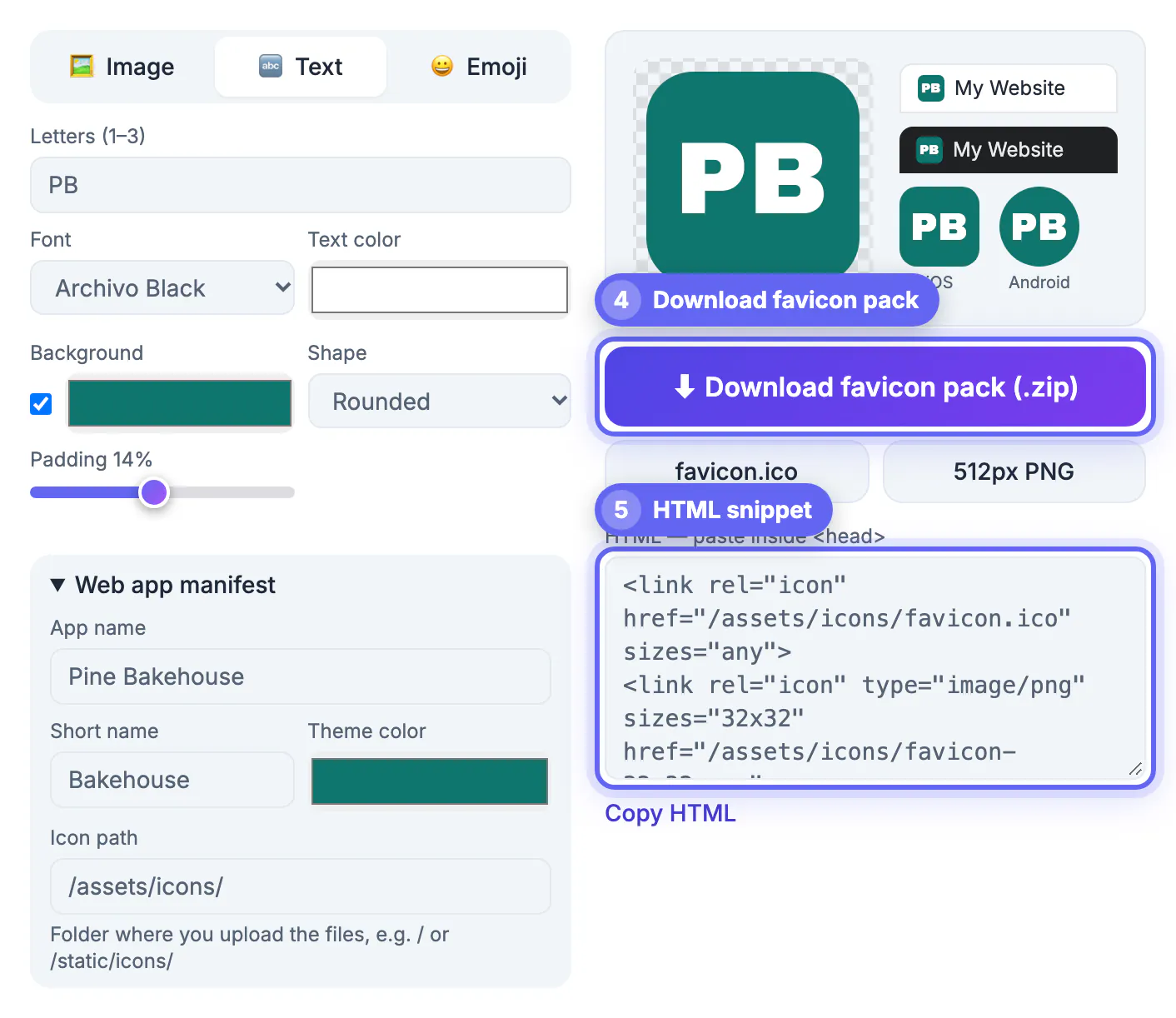
A missing tab icon is the first sign of an unfinished site: browsers show a gray globe or blank page, and your tab disappears among a dozen others. Most well-known sites use far less than a full logo at this size anyway. Medium shows a black M, Gmail an envelope shape, Notion a single letter on a square. At 16 by 16 pixels there are only 256 dots to work with, so a bold letter or a single pictogram reads better than a detailed illustration would. Starting with a monogram also costs nothing to replace later: when a designer delivers a proper mark, you regenerate the pack and upload the same file names over the old ones.
Picking letters or an emoji for your first favicon
The source you choose decides how the icon reads at tab size, so decide this before touching colors.
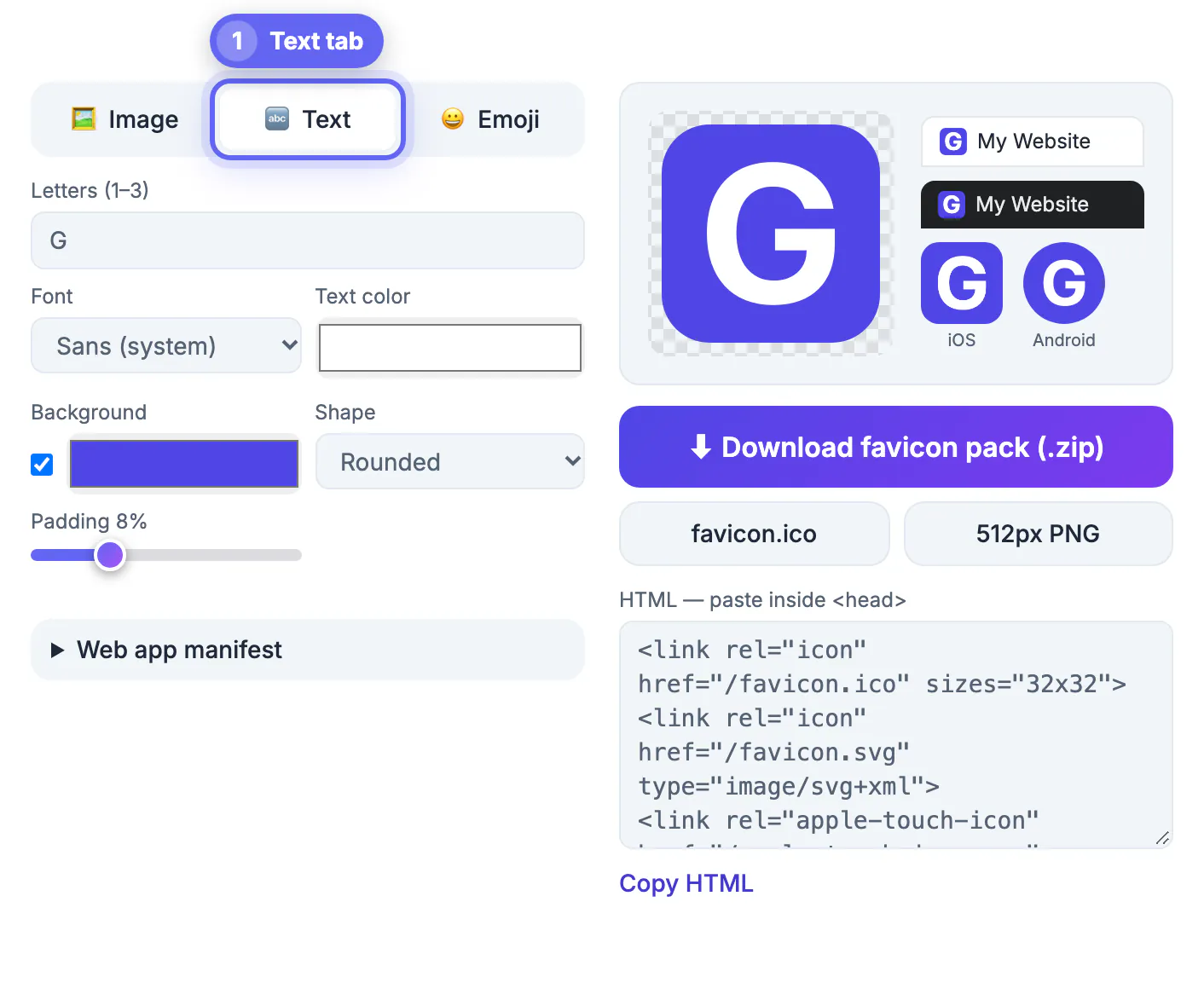
- One letter is the safest choice. A capital G, R or K fills the tile and survives the 16 pixel version with room to spare.
- Two letters work when they are short and wide, such as JD or TK. Three letters, like NYC or BBQ, become thin at 16 pixels, so check them closely before you commit.
- An emoji suits hobby projects and newsletters: a coffee cup for a cafe blog, a dog for a pet sitter, a rocket for a launch page. It carries color and shape without any design work.
- Avoid lowercase letters with descenders such as g, j, p and y; the tail forces the rest of the glyph to shrink.
If you later get a real mark, switch the source to Image and rebuild. Nothing else in your site needs to change as long as the file names stay the same.
Colors, shape and inner margin that read at 16 pixels
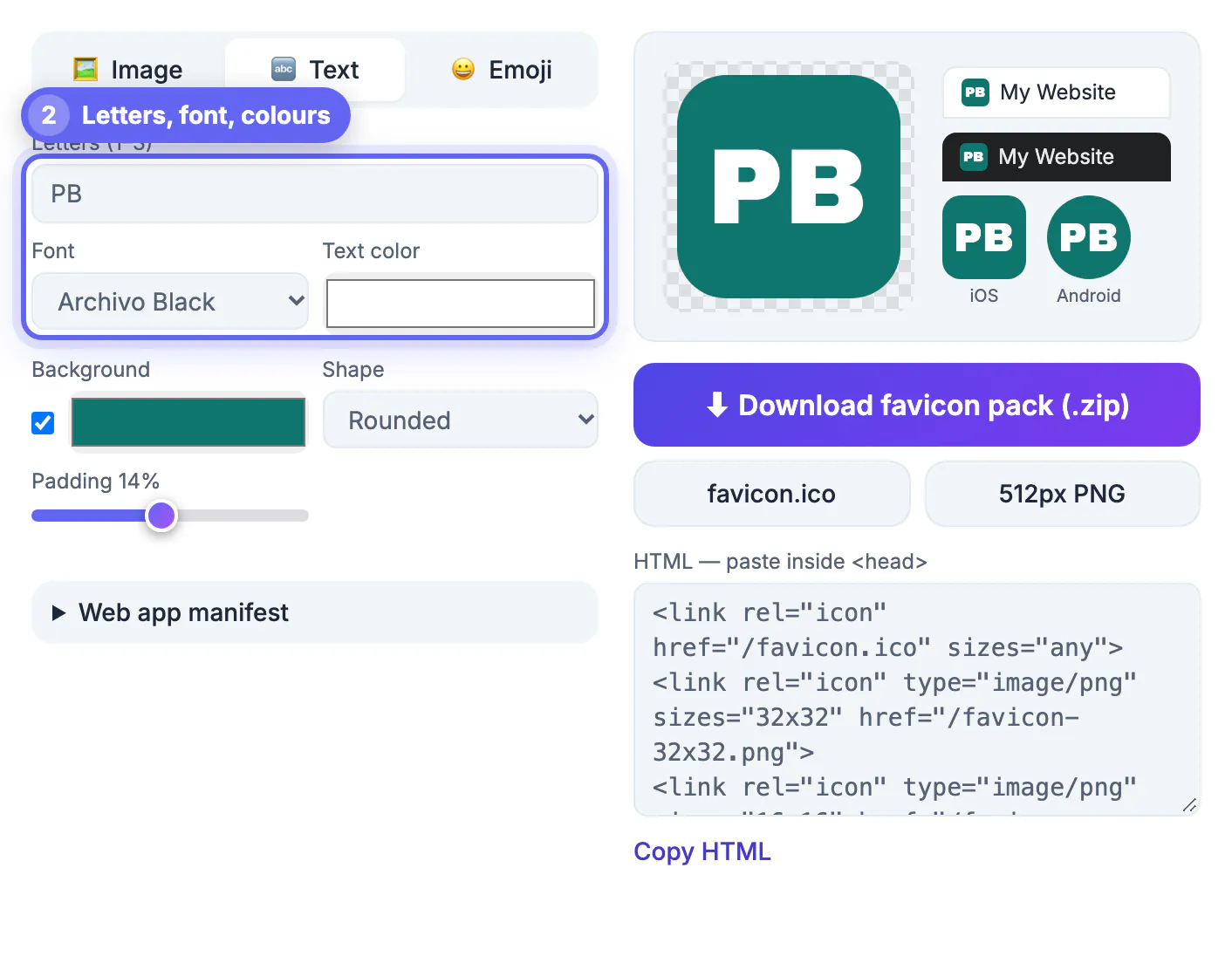
Contrast matters more than hue. A white letter on a saturated tile, such as indigo, forest green or brick red, stays legible in both the white tab strip of Safari and the dark gray strip of Chrome in dark mode.
- Keep the background fill on for letters. A transparent letter looks fine on white and vanishes on a dark tab bar.
- Rounded corners feel modern and match app icons; a circle suits personal brands and avatars; a square gives the letter the most room.
- The margin slider runs from 0 to 30 percent. Around 8 percent is a good default for letters; emoji usually look best between 10 and 16 percent.
- Pastel tiles need darker text. Light yellow with white text fails; light yellow with near-black text works.
A quick check: squint at the large preview from across the room. If you can still name the letter, the tab version will hold up.
What the Favicon Generator does with your choices
The tool has three source tabs, Image, Text and Emoji, and it redraws every preview as you change a setting. Text mode offers five fonts: a system sans, Archivo Black, Anton, a serif and a monospace face, plus a text color picker.
- Previews show a light browser tab, a dark browser tab, an iOS home screen tile and a round Android icon side by side, so you catch contrast problems before you download anything.
- The iOS file is always an opaque 180 pixel square, because iOS rounds the corners itself and fills transparency with black.
- A separate maskable 512 pixel icon keeps your letter inside the central 80 percent safe zone so Android launchers can crop it to a circle or squircle without clipping.
- Emoji and text in the system, serif or mono fonts also get a true vector favicon.svg. Archivo Black and Anton are PNG-only because a visitor's device may not have those fonts installed.
Everything is drawn on a canvas in your browser tab. Your letters and colors are never sent to a server.
The download and the one change to make before you upload
Download favicon pack gives you one ZIP. Inside you will find favicon.ico holding 16, 32 and 48 pixel images, PNG copies at 16, 32 and 48, apple-touch-icon.png at 180, android-chrome files at 192 and 512, a maskable 512 icon, favicon.svg when your source allows it, site.webmanifest and a favicon-snippet.html file with the head tags.
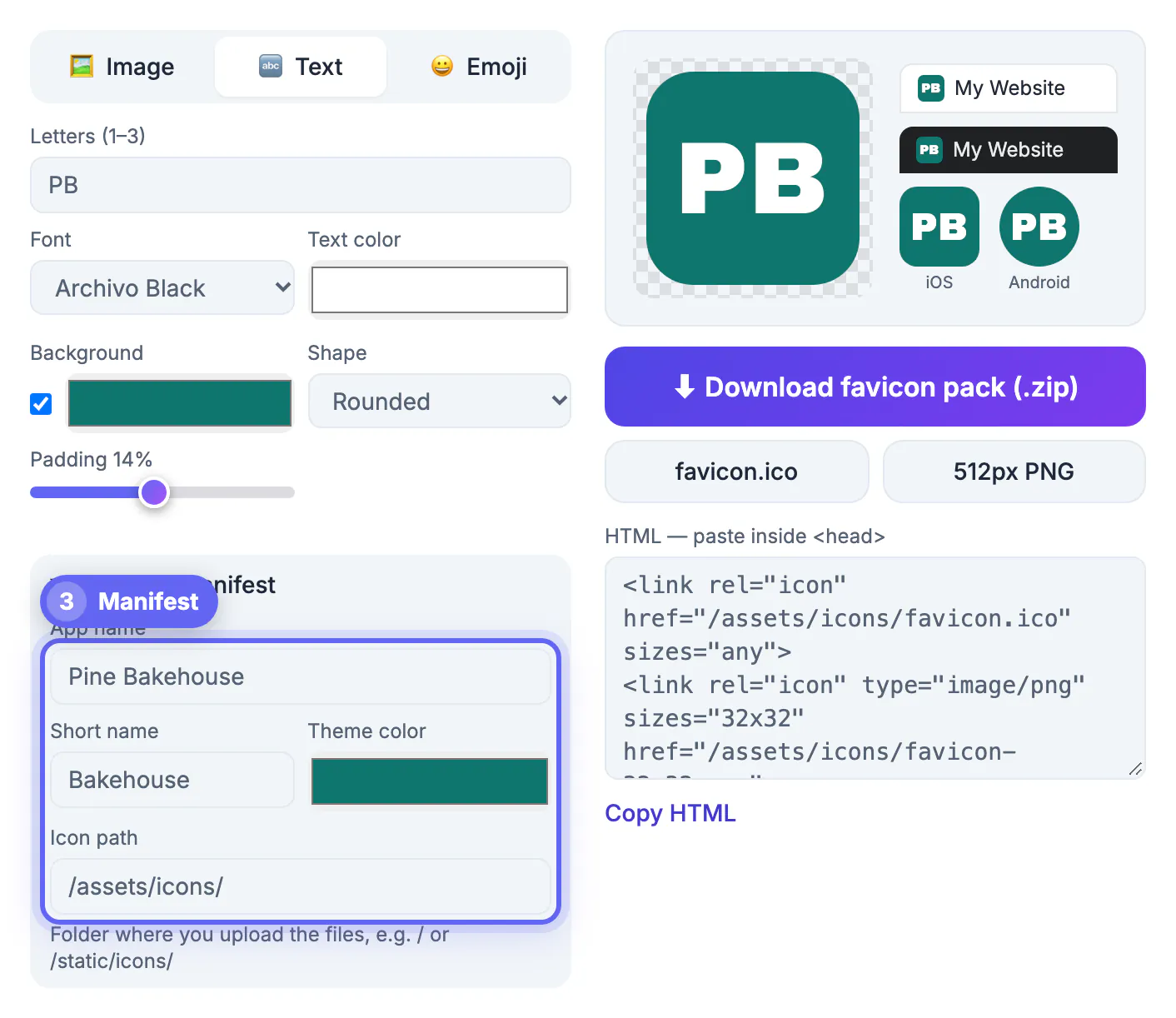
- Open the Web app manifest panel first and replace the defaults: the full app name, a short name of 12 characters or fewer, and a theme color that matches your tile.
- Set the icon path if the files will not live at the site root, for example /static/icons/. The snippet and manifest update to match.
- If you only need a quick test, the favicon.ico and 512px PNG buttons save single files without the ZIP.
Upload the files, paste the snippet inside the head of your pages, and hard refresh. Browsers cache tab icons aggressively, so a private window is the fastest way to see the new version.
Not sure which colours to pick? See how to choose a colour palette first, and add icon and share-image tags with the Meta Tag & Open Graph Generator.
Step-by-step
Common mistakes to avoid
Pro tips
Frequently asked questions
Can a favicon be just a letter?
Yes. Many large sites use a single letter on a colored tile. It is the easiest mark to keep sharp at 16 pixels and it can be replaced later without changing file names or HTML.
Is an emoji favicon allowed?
Yes. It is just an image or SVG file. The generator draws the emoji with your system's emoji font, so an Apple-style emoji made on a Mac will look like Apple's design in the exported PNG files.
Do I need design software to make one?
No. The Favicon Generator draws letters and emoji on a canvas in your browser and exports every size in one ZIP. You only need an image editor if you want to hand-tune a detailed logo.
Which font should I choose for a letter icon?
The system sans or Archivo Black give the thickest strokes and read best at 16 pixels. Anton is tall and narrow, good for one letter but tight for three. Serif and monospace suit literary or developer projects.
Will my letters and colors be uploaded anywhere?
No. Rendering, the ICO encoding and the ZIP are all created in the page itself. The page only fetches its own fonts and, the first time you click Download, a ZIP library from a public CDN.
If you have no logo, a bold letter or a single emoji on a high-contrast tile makes a perfectly professional tab icon. Check the dark tab preview, fill in the manifest name and icon path, download the pack and ship it today; you can swap in a designed mark later without touching your HTML.
Related guides
Browse more: all image guides · the Favicon Generator tool