Remove EXIF Metadata From Photos Before You Share Them
To remove EXIF metadata from photos, run each image through a cleaner that deletes the hidden data blocks before you send it; GrabCast's Metadata Remover does this in your browser, shows what it found, and for JPEG, PNG and WebP leaves every pixel untouched. A typical phone picture carries the exact date and time, the device model, the lens and often GPS coordinates accurate to a few meters, which is enough to reveal a home address or a daily routine. Big social networks usually hide that data on public posts, but email attachments, file transfers, cloud links and many websites can pass it along intact. This guide shows what a file actually contains, which sharing routes keep it, how lossless cleaning works, and a routine for sellers, parents, journalists and anyone posting from home.
🧹 Try Metadata Remover now — freeOpen →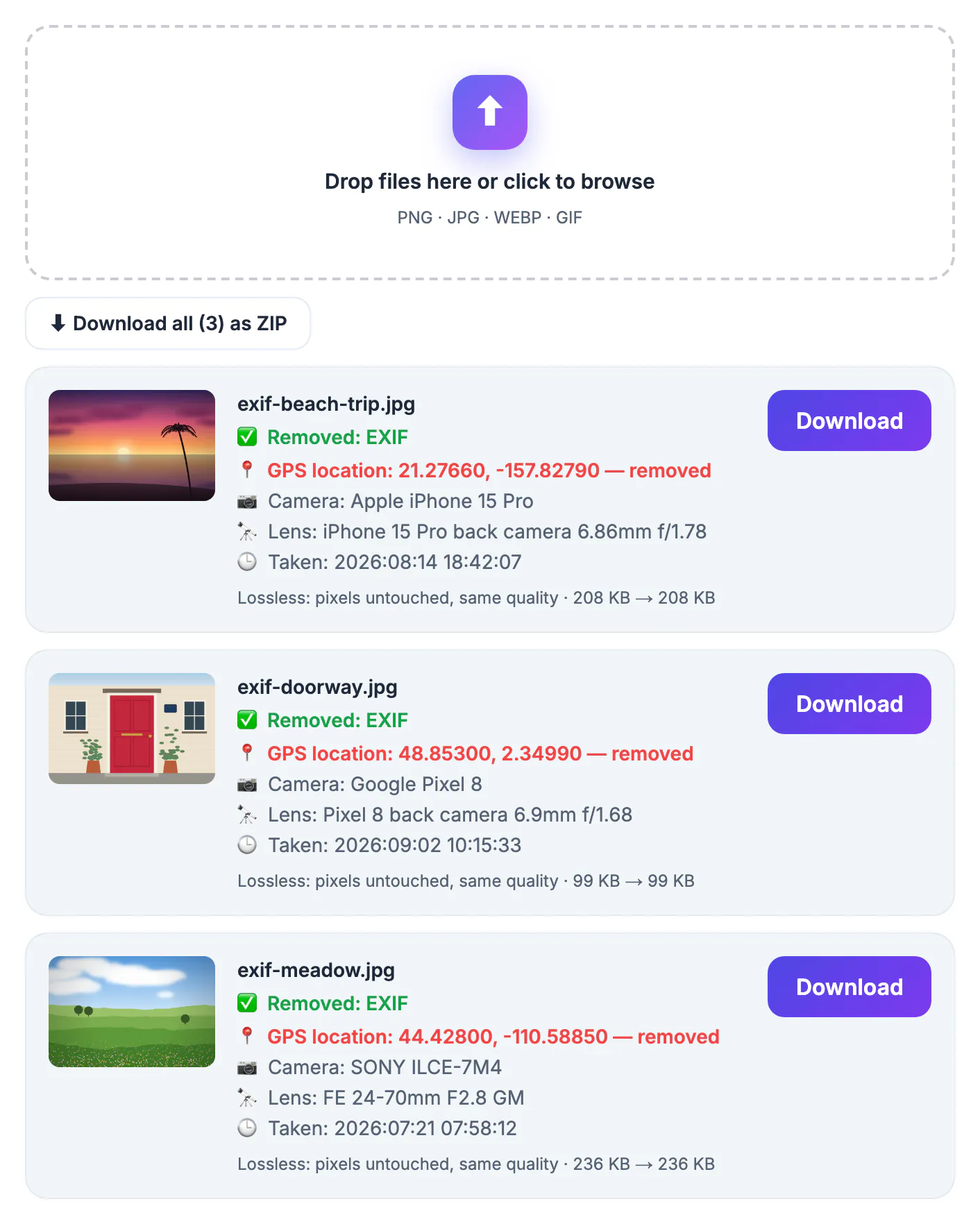
Nobody sees these fields when looking at a picture, which is exactly why they leak. A listing photo of a couch taken in your living room can place your apartment on a map. A picture of a child at the park, sent to a group chat as an original file, records where and when you were there. Journalists and activists have been located through coordinates left in images they believed were anonymous. The risk is not only location: the camera serial or phone model, editing software and precise timestamps can tie separate posts to the same person. Most people never think about any of this because the popular social apps quietly handle it for public posts, so habits formed there carry over to channels that do not. Making a cleanup pass part of your routine for anything leaving your own devices costs seconds and removes a whole category of accidental disclosure.
What a typical phone picture quietly carries
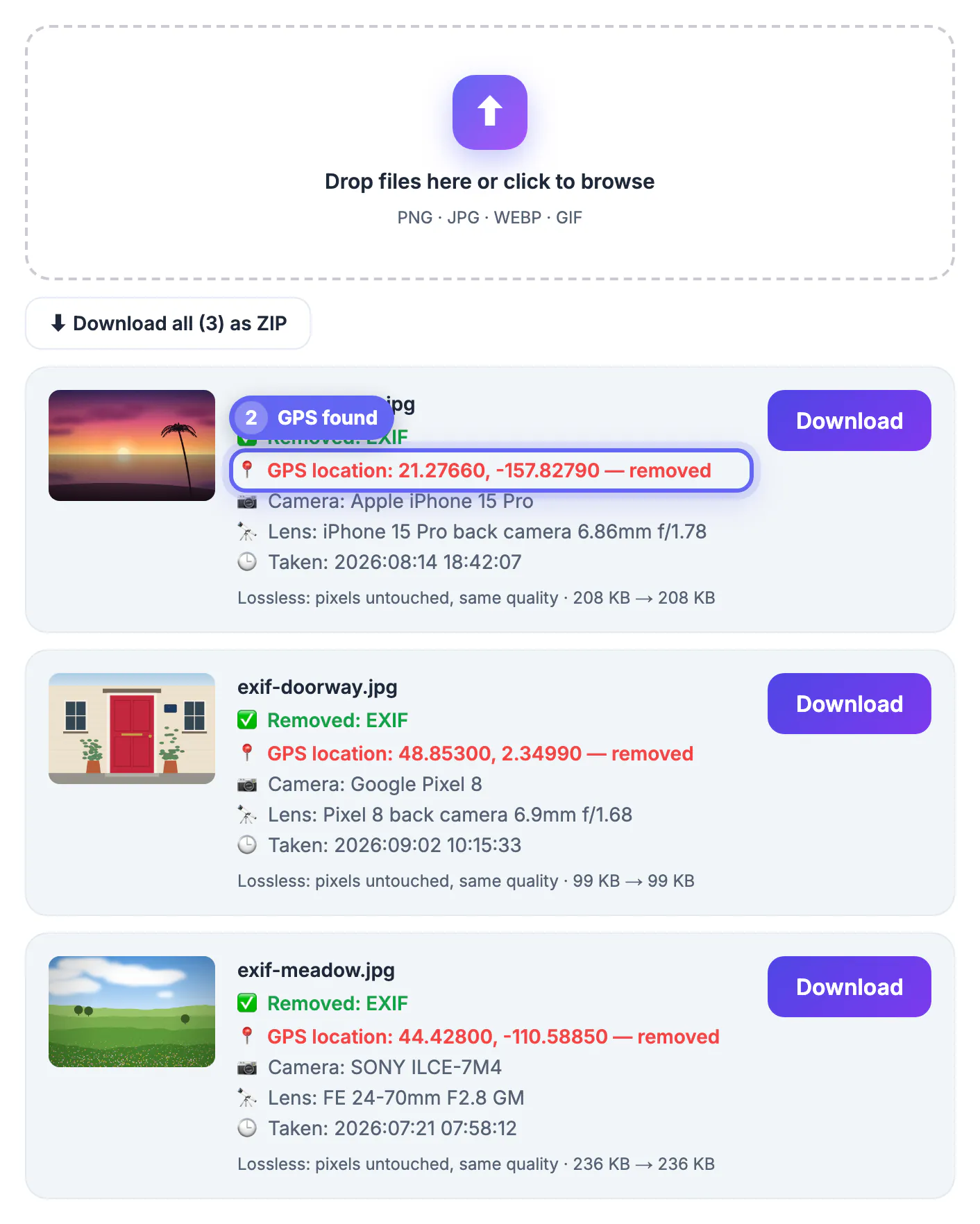
Image files store descriptive blocks alongside the pixels. The best-known is EXIF, written by cameras and phones, but there are others: XMP from editing apps, IPTC captions and credits from news and stock workflows, embedded comments, and PNG text chunks. When you drop a file into GrabCast's tool, it reads and lists the most sensitive items before you download:
- GPS location, shown in red with coordinates to five decimal places, roughly one meter of precision.
- Camera make and model, and the lens if recorded.
- The original date and time the shot was taken.
- The software that last saved the file, such as an editing app.
If none of these are present, the tool says the picture was already clean, which is common for screenshots and images saved out of social apps.
Which sharing routes keep the data, and which strip it
Facebook, Instagram and X generally strip these fields out of publicly displayed images, although the platform itself may read them during upload under its own policies. Plenty of other routes pass the original file along untouched, so assume the data survives unless you know otherwise:
- Email attachments and many messaging apps when you send a picture as a file or document.
- Cloud storage share links and file-transfer services, which deliver the original.
- Forums, self-hosted blogs and some marketplace or classifieds sites.
- AirDrop and cable transfers, which copy the file exactly.
On an iPhone you can also switch location off for a single share: tap Options at the top of the share sheet and turn off Location. Turning off location tagging in your camera settings prevents coordinates from being written at all, though it also removes the map view from your own gallery.
How lossless metadata cleanup works, and when it is not
Many cleaners re-save the picture, which recompresses it and softens detail. GrabCast instead rewrites the file's container. For JPEG it removes the EXIF, XMP, IPTC, comment and similar blocks while keeping the color profile and the pixel data byte for byte, and it re-inserts only the orientation flag so portrait shots do not turn sideways. PNG loses its text, timestamp and EXIF chunks; WebP loses its EXIF and XMP chunks. Each result card confirms what was deleted and shows the size change, usually a few kilobytes smaller.
Other formats that your browser can open, such as HEIC in Safari, are re-encoded to a high-quality JPEG instead, and the card says so. That step is slightly lossy, so convert once and keep the original for yourself.
A cleanup routine for sellers, parents and reporters
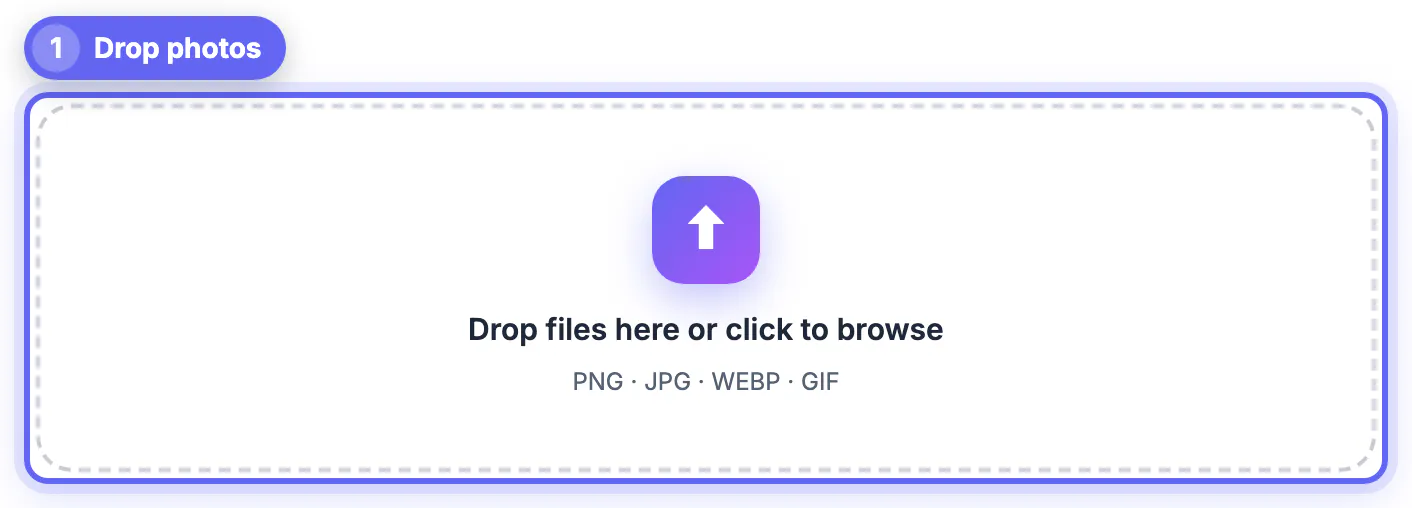
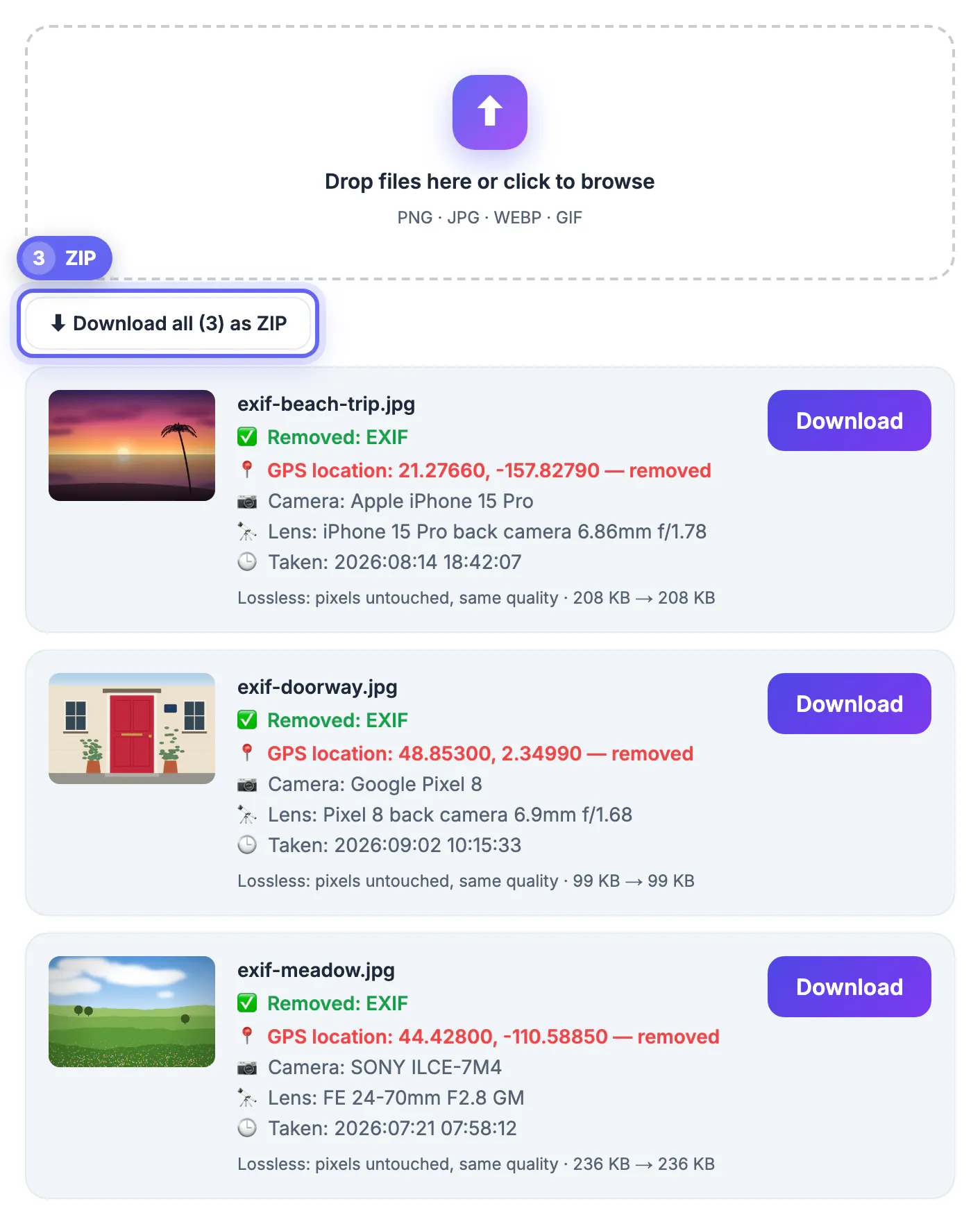
Drop a whole batch at once: each image gets its own card and download button, and when there is more than one, a single button saves them all in a ZIP with -clean added to every file name. Everything runs in your browser, so pictures of your home, family or sources are not uploaded anywhere.
Remember the limit of any metadata cleaner: it cannot touch what is visible. A house number, a license plate, a school logo on a uniform or a letter on the desk can reveal as much as coordinates. Crop or blur those areas first, then clean the file.
- Sellers: clean every listing image shot at home before uploading it to a marketplace.
- Parents: clean pictures of children before emailing or sharing them as files.
- Reporters: clean images from sources, and keep untouched originals offline for verification.
Selling something online? Blur a license plate before posting, and consider adding a watermark to the final picture.
Step-by-step
Common mistakes to avoid
Pro tips
Frequently asked questions
What is EXIF metadata?
It is descriptive data stored inside an image file by the camera or phone, including the date and time, device model, lens and settings, and often GPS coordinates. It is invisible in the picture but readable by anyone with the file.
Does removing it reduce image quality?
Not for JPEG, PNG or WebP with GrabCast; the pixels are left untouched and only the data blocks are deleted. Other formats are re-encoded to a high-quality JPEG, which is slightly lossy, and the tool tells you when that happens.
Are my pictures uploaded during cleaning?
No. The files are read and rewritten in your browser, and nothing is sent to a server. You can process a batch and download a ZIP without an account.
Will my photo still display the right way up?
Yes. For JPEGs the tool keeps a minimal orientation flag, so portrait shots do not rotate sideways after cleaning.
Do Instagram and Facebook already strip this data?
They generally remove it from publicly displayed images, but the original file may still be processed on upload. Email, file transfers and cloud links usually keep it, so clean before sending through those routes.
Hidden image data turns an innocent picture into a map pin and a timestamp. Before sending files by email, message, cloud link or marketplace, run them through GrabCast's free Metadata Remover: it lists what it finds, strips it losslessly for JPEG, PNG and WebP, handles batches with a ZIP download, and never uploads your pictures. Then check the frame for visible clues too.
Related guides
Browse more: all image guides · Metadata Remover