Blur a License Plate in a Photo: Pixelate or Box It
To blur a license plate in a photo, drag a rectangle over the whole plate, including the frame and any dealer sticker, choose heavy pixelation or an opaque box, and save a new copy. It takes under a minute in GrabCast's free Blur & Pixelate Image, and the saved file has no GPS tags. Below: when people usually hide registrations, which effect holds up, and the details that still give a car away.
🙈 Try Blur & Pixelate Image now — freeOpen →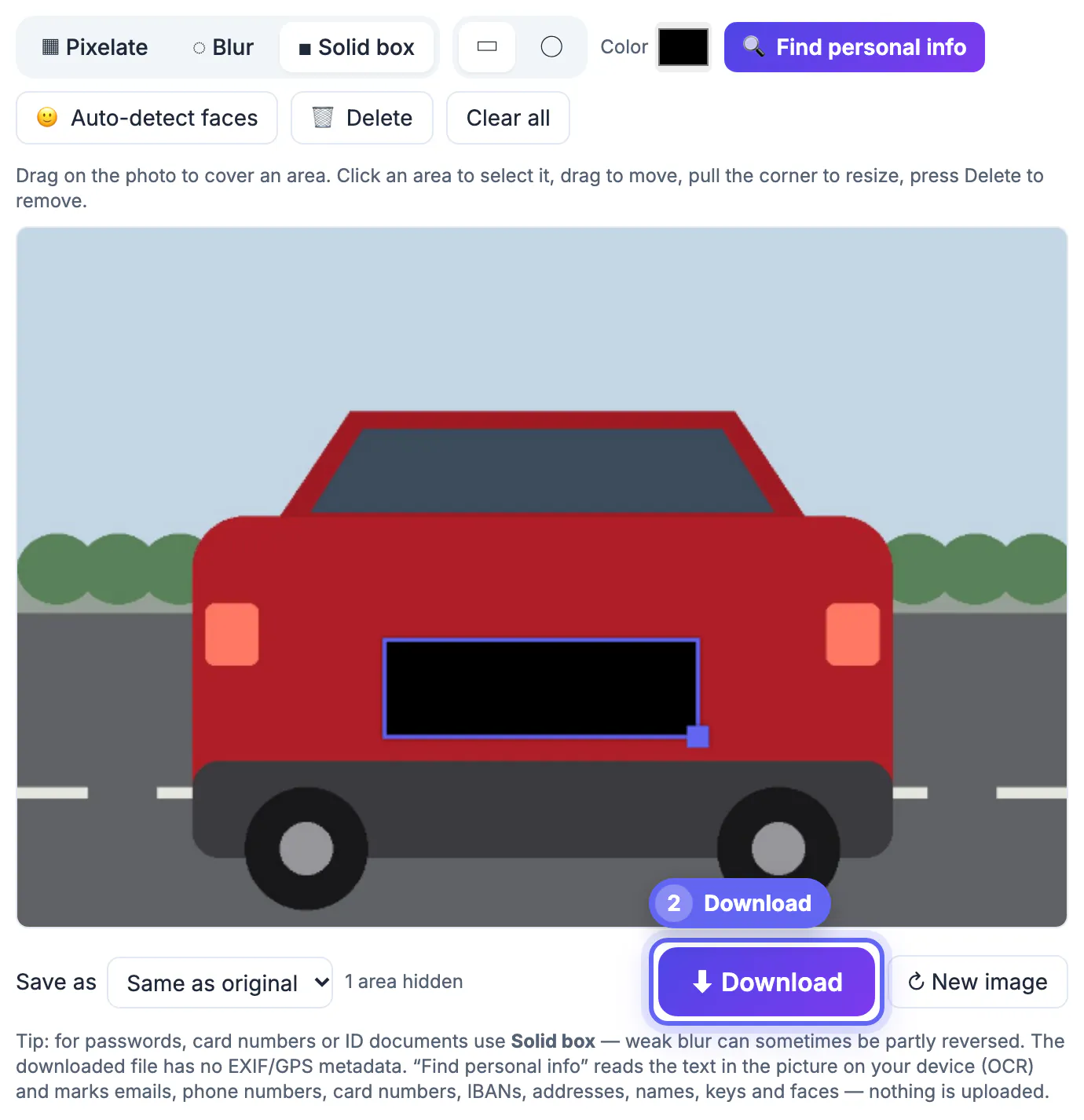
A registration number links a car to a person through official records, insurance checks and a growing number of paid lookup sites. Private sellers worry about plate cloning, where criminals copy the characters onto a look-alike car to dodge tolls, speed cameras and parking fines. Dashcam owners sharing a near-miss would rather not start a feud with the other driver, and street photographers simply prefer not to publish strangers' vehicle details. In some places hiding them is a professional norm; in others nobody cares. Either way, it costs almost nothing to do.
When hiding a plate is expected, and when it may be required
Practice differs a lot by country and platform, so treat this as orientation rather than legal advice, and check local rules or the site’s policy when it matters.
- Selling a car privately: many sellers in the US, UK and EU cover the registration in listing pictures to reduce cloning and unwanted contact, while some buyers like to run a history check first. A common compromise is to hide it in public shots and share the number or VIN privately with serious buyers.
- Dashcam and helmet-cam clips: channels that post incidents usually hide third-party registrations, and platforms may act on harassment complaints when a driver is named and shamed.
- Street and travel photography: in the US a plate visible from a public road is generally not treated as private, but in parts of Europe, where GDPR can treat a registration as personal data, publishers and mapping services routinely obscure them.
- Real-estate and rental listings: agents often cover cars parked in driveways, because the owner is usually the seller or tenant whose privacy the listing already protects.
If you are sending evidence to police or an insurer, do the opposite: keep the original untouched. Redact only the copy you post publicly.
Pixelate or solid box for registration numbers
A registration is short text on a high-contrast background, which is exactly what weak effects fail on. Characters come from a limited set, and regional formats narrow the options further, so a light mosaic can sometimes be matched against the few possible combinations.
- Solid box: the most reliable choice. Pick a color close to the plate or the bodywork, such as white, yellow or black, and it looks tidy rather than censored.
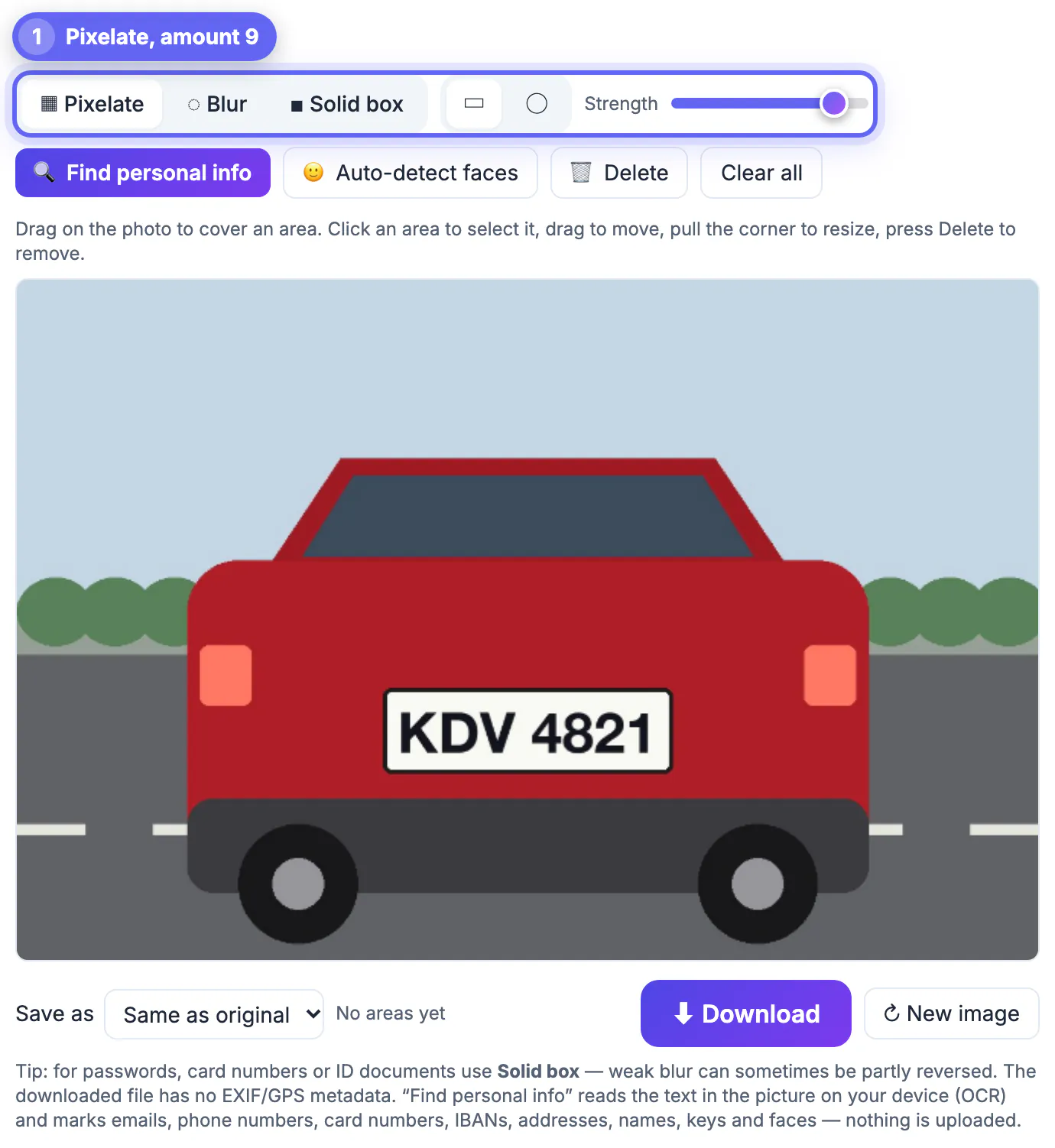
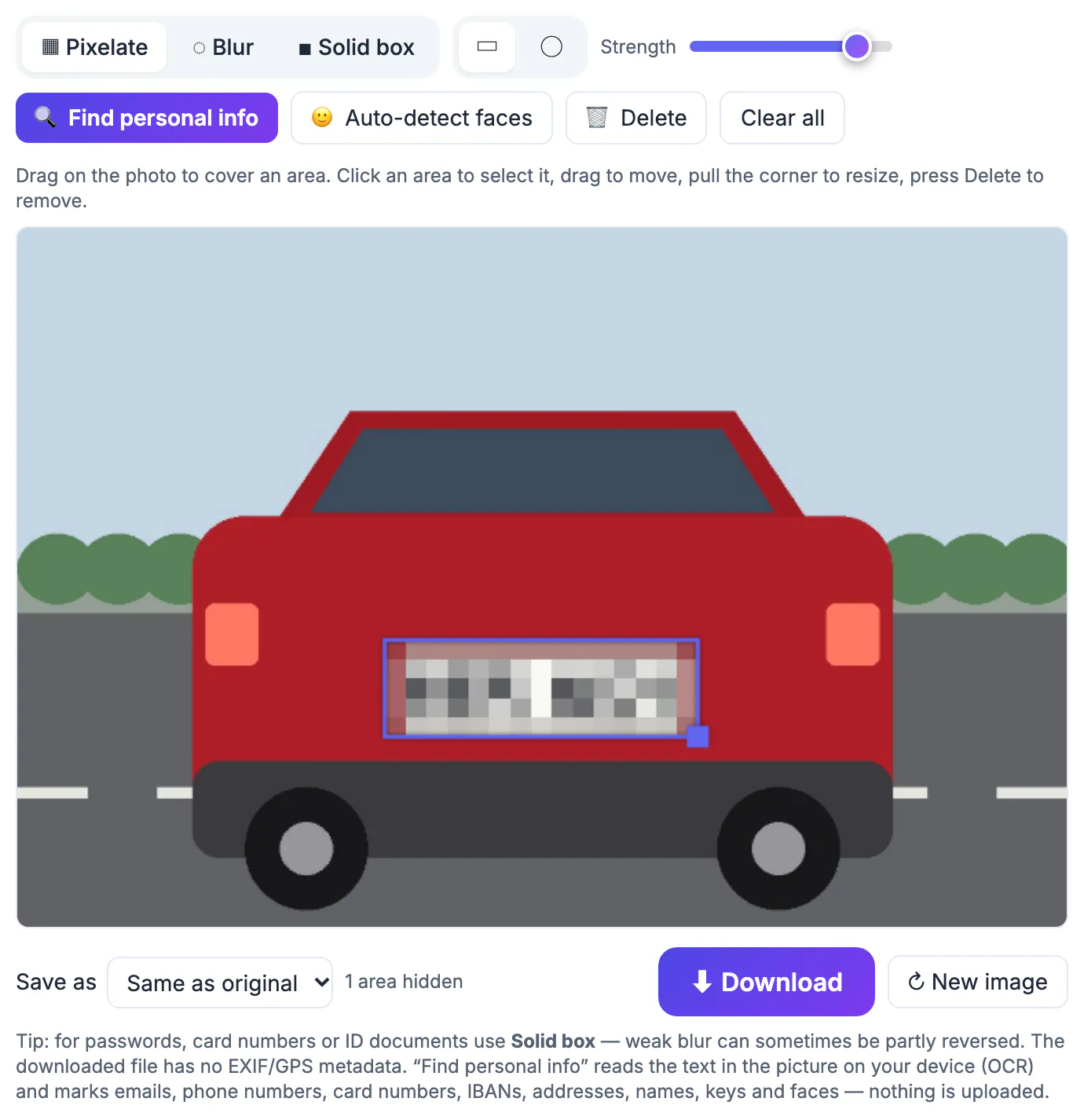
- Pixelate at high strength: acceptable for casual posts when the plate is small in the frame. In the tool, tile size grows with the area, so strength 8 to 10 on a tight rectangle leaves just a few blocks.
- Blur: the least suitable. Soft smudges on bold characters can stay readable, especially from a distance or after someone sharpens the picture.
- Size the area generously, covering the whole plate surround so the mounting holes and dealer frame do not hint at the edges of the text.
Whatever you pick, zoom in to full size before downloading. A cover that looks complete on a phone screen can leave a sliver of a character visible along one edge.
Covering plates in a listing or dashcam still with GrabCast
Blur & Pixelate Image opens JPG, PNG and WebP files straight from your phone or computer and never uploads them. For a video clip, pause on the frame you want, save a still, and treat it like any other picture.
- Drop the picture in, choose Pixelate or Solid box, keep the rectangle shape, and drag over the plate.
- Drag more areas for the rear plate, a second car, or a registration visible in a reflection; each one can use its own effect and strength.
- Click an area to move it or pull its corner to resize; press Delete to remove a misplaced one, or Clear all to start over.
- Save as the same format, or pick JPG for marketplace listings, which often recompress uploads anyway.
- Auto-detect faces also helps when a passer-by is in the frame, but it only finds heads, never plates, so every registration is marked by hand.
The tool edits one picture at a time. For a 20-picture car listing, only the few shots that actually show the rear or front need covering; interior, engine and side views usually do not. The download keeps full resolution and drops EXIF, including any GPS tag that would reveal where the car is parked every night.
Before posting the listing, clear hidden location data with the Metadata Remover, and keep the upload light with the Compress Image tool.
Other details that identify a car or its owner
A hidden registration does little if the rest of the frame names the owner. Before posting, check for:
- Parking permits, toll tags and residential stickers on the windshield.
- Dealer names on the plate frame, which reveal the town where the car was bought.
- The VIN plate visible through the windshield in close-ups of the dashboard.
- House numbers, a street sign or a distinctive gate behind the car in driveway shots.
- Paperwork on the passenger seat, such as a service invoice showing an address.
Cover these the same way. And think about the background as a whole: if the car sits outside your home with the street visible, a buyer can find it without any registration at all. Shooting at a neutral location, like an empty parking lot, avoids most of these issues in the first place.
Step-by-step
Common mistakes to avoid
Pro tips
Frequently asked questions
Is it illegal to post a photo showing someone's license plate?
In the US it is generally not considered private information when visible from a public road, but rules differ by country; in parts of Europe it can count as personal data. This is not legal advice, so check local rules and the platform's policy when in doubt.
Should I hide my plate when selling my car?
Many sellers do, to reduce cloning and unwanted contact. Buyers may want it for a history check, so a common approach is to hide it in public pictures and share it privately with serious buyers.
Is pixelation enough for a license plate?
Only at a high strength, with large tiles. Registration characters come from a small set and formats are predictable, so light mosaics can sometimes be matched. A solid box is the safest option.
Can the tool find plates automatically?
No. Auto-detect only finds faces. Plates are quick to cover by dragging a rectangle, and you can add as many areas as the picture needs.
Can I process a whole set of listing pictures at once?
Not yet; it works on one picture at a time. In practice only a few shots in a car listing show a registration, so it is usually a two or three minute job.
Cover the entire plate, frame included, with a solid box or strong pixelation, never a gentle blur. Hide it in public posts but keep untouched originals for police, insurers and serious buyers, and check the rest of the frame, from permits to house numbers, before you publish.
Related guides
Browse more: all image guides · Blur & Pixelate Image