Create an Invoice Online Free for a Side Business
To create an invoice online for free, open the GrabCast Invoice Generator, set up your business details once, add the customer and each item, apply a sales tax rate if you owe one, and download a numbered PDF. No account is needed, the PDF carries no watermark, and nothing you type leaves your browser. This guide is written for side businesses that sell to other businesses: the weekend caterer feeding an office, the candle maker supplying a local boutique, the handyman fixing up a rental for a landlord. Those buyers usually need paperwork before they can pay, and they expect sales tax and shipping to be shown correctly. You will see two worked examples with real arithmetic, how the tax and shipping boxes interact, and where a free tool stops so you know when paid software starts to make sense.
🧾 Try Invoice Generator now — freeOpen →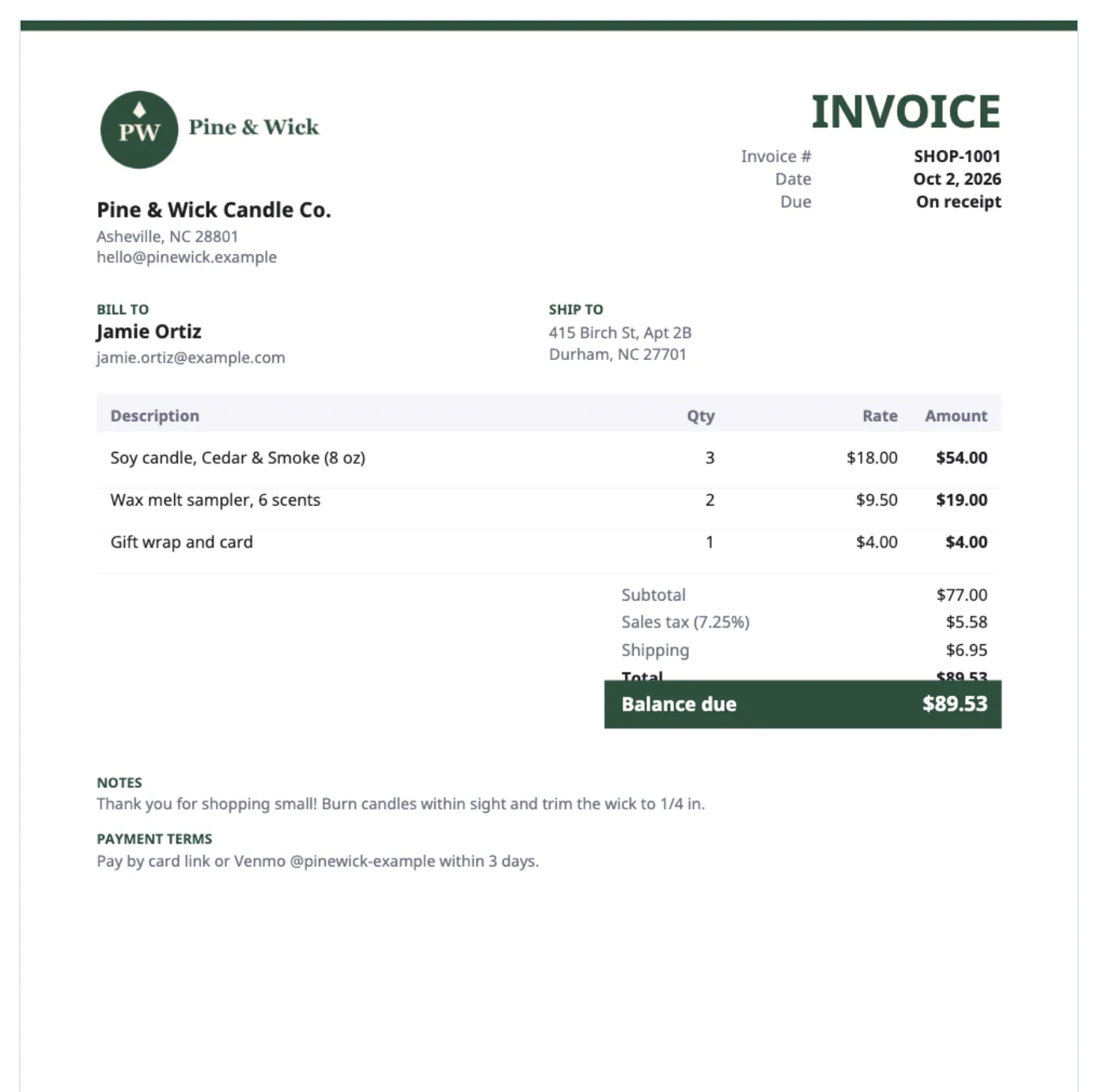
Plenty of side businesses start by texting a total. That works with friends, but a company needs a numbered document before its accounts payable team will release money, and a landlord or office manager may need one for their own books. A proper PDF with dates, line items, tax and terms gets you paid through their normal process instead of as a favor. It also protects you. Side income is taxable, and a folder of numbered bills makes Schedule C, sales tax returns and any question from your state far easier to answer. Finally, it changes how buyers see you: a clean page with your logo tells an office manager that your two-person operation is a real vendor worth ordering from again.
Set up once, then create an invoice online free in minutes
The first bill takes the longest because you enter your own details. After that the generator remembers them on the device you use.
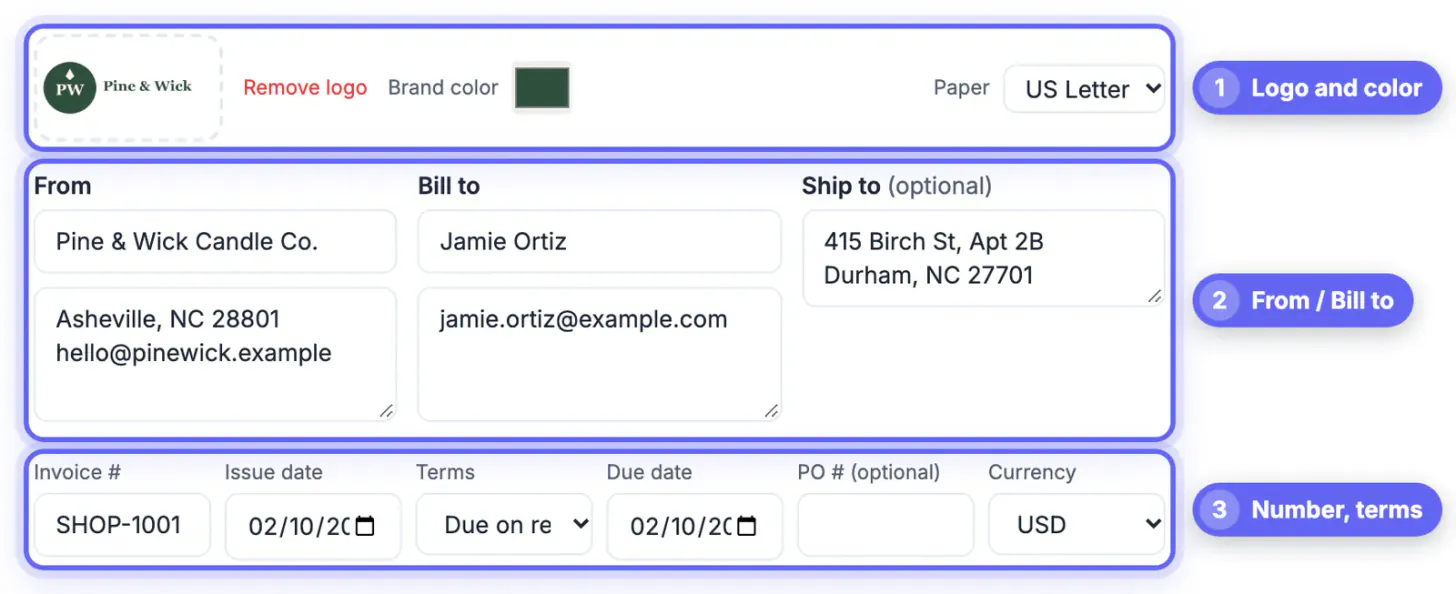
- Upload your logo and choose a brand color; both are kept in the saved draft along with your From block.
- Type your business name, address, email, phone and any state seller's permit or tax ID into the From box.
- Choose USD and US Letter, and set the numbering pattern you will keep, for example SHOP-1001.
- Pick default terms. Due on receipt suits one-time retail customers; Net 15 or Net 30 is normal when a business is buying.
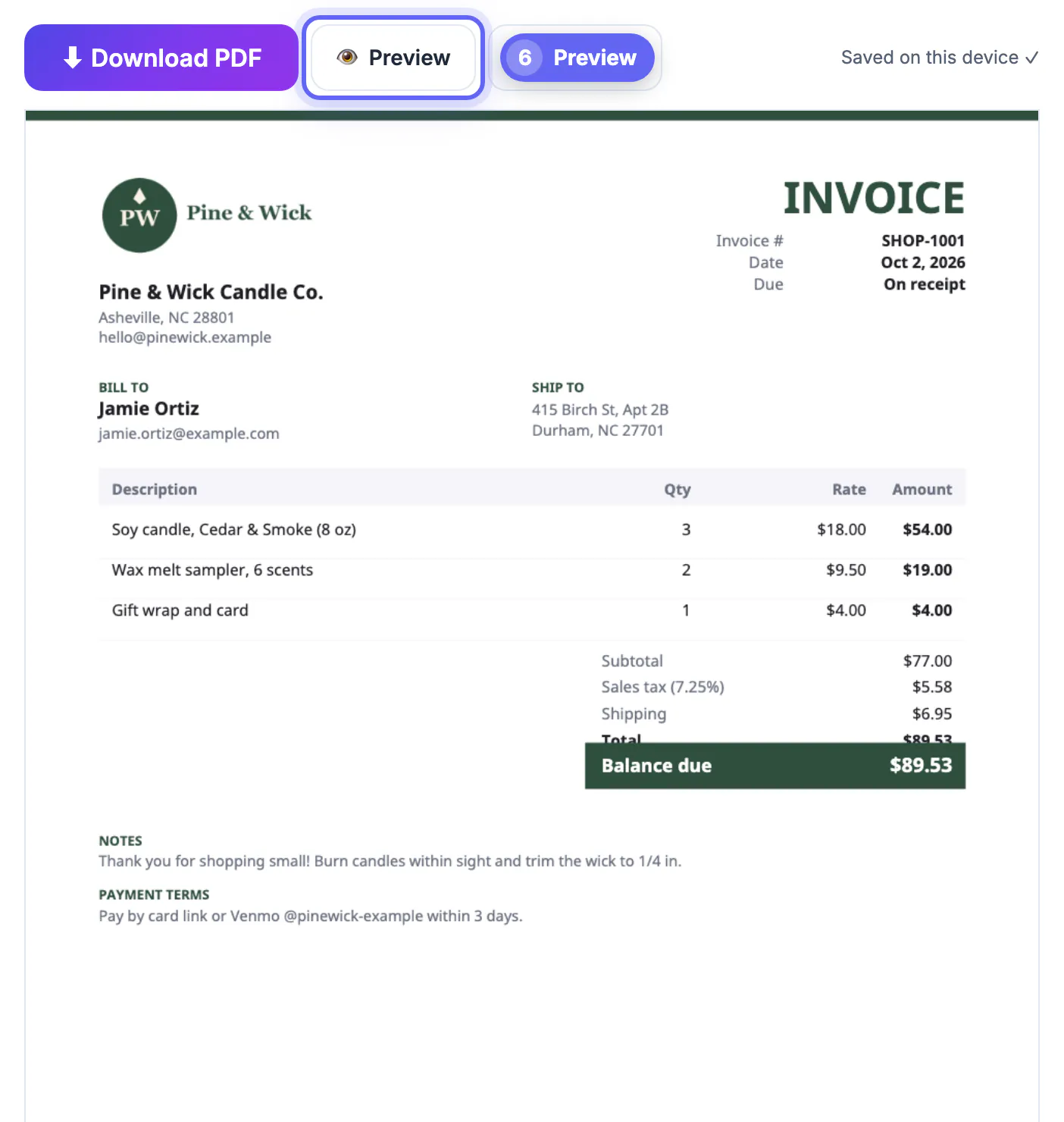
When a job is done, click New invoice. Your business info and logo stay, the customer, lines and amounts clear, and the number steps from SHOP-1001 to SHOP-1002. The draft is stored in this browser only, so use the same computer or re-enter details on a new one.
Worked example: catering lunch for 18
A law office orders lunch for 18 people from your weekend catering business in New York City. The bill reads:
- 18 boxed lunches, turkey or veggie, at $16.50 each: $297.00.
- Delivery and setup, downtown, Oct 9: $35.00.
- 2 beverage trays, 12 drinks each, at $24.00: $48.00.
- Subtotal $380.00. Tax box set to 8.875% and labeled NYC sales tax: $33.73. Total $413.73, due Net 15.
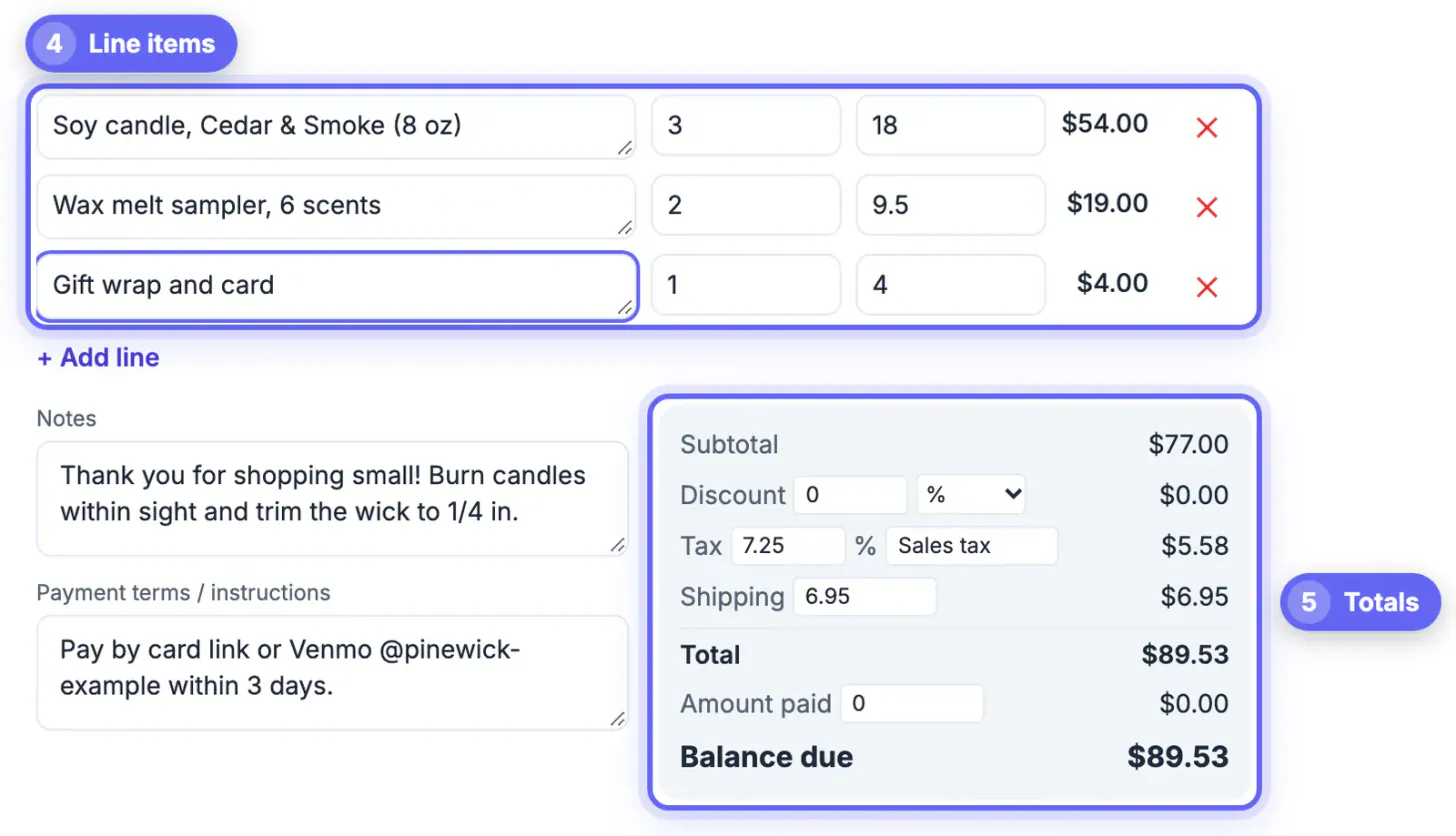
Notice the delivery charge sits in a line item, not the Shipping box. The generator taxes the subtotal after any discount, but adds Shipping afterward untaxed. In New York, delivery charged on a taxable sale is generally taxable too, so it belongs in the taxed subtotal. Rules differ by state and change over time, so confirm yours with your state tax department.
Selling goods wholesale: Ship to, shipping and resale certificates
Now a different side business: you make soy candles and a boutique across the state orders 24 for its shelves.
- Bill to: the boutique's legal name and office address. Ship to: the shop's street address, which prints as its own block.
- Line: 24 soy candles, 8 oz, cedar and fig, at $14.00 wholesale: $336.00.
- Shipping: $18.50 in the Shipping box, shown on its own line and not taxed.
- Tax: 0%, with the note Exempt sale for resale, certificate on file, because the store gave you a resale certificate.
Retailers buying to resell can usually present a resale or exemption certificate, and you keep a copy in case your state asks. If a customer buys for its own use instead, you normally charge tax, and some states also tax shipping. When yours does, list shipping as a line item rather than in the Shipping box so the tax covers it.
Where a free generator stops and software starts
The tool is built for clean one-off bills, and it is honest to say what it does not do.
- No customer list or history: it keeps only the current draft, so your downloaded PDFs and a simple spreadsheet are the ledger.
- No payment collection: paste a Square, PayPal or Stripe payment link, or Zelle details, into the payment instructions box.
- One tax rate per bill: mixing taxable and exempt items means either separate bills or computing the tax as its own line.
- No sales tax filing: it shows the tax you charged, but tracking what you owe your state each period is still up to you.
If you start sending dozens of bills a month, want card payments inside the bill, or sell into several states, services such as Square, Wave or QuickBooks add those features, some on free plans with paid add-ons. Until then, the free generator and a tidy folder are plenty.
Billing a client in another country? Convert the amount into their currency first so the figures on both sides match.
Step-by-step
Common mistakes to avoid
Pro tips
Frequently asked questions
Is this invoice generator really free?
Yes. There is no account, trial or paid tier, and the PDF has no watermark or branding footer from GrabCast.
Do I have to charge sales tax on a side business?
It depends on your state, what you sell and who buys it. Forty-five states and DC have a statewide sales tax, and many tax goods but not most services. Check your state's rules before your first sale.
Can I show a different shipping address?
Yes. The optional Ship to box prints a separate delivery address, which is useful when a store's billing office and shop floor differ.
Is shipping taxed in the generator?
No. Tax is applied to the subtotal after any discount, and the Shipping amount is added after tax. If your state taxes shipping, add it as a line item instead.
Where are my customer details stored?
Only in your browser's saved draft on this device. Nothing is uploaded, so keep each downloaded PDF as your record.
For a side business selling to other businesses, a free generator covers everything a buyer needs: your logo, clear lines, the right tax treatment, shipping and a Ship to address. Set it up once, reuse it with New invoice, keep every PDF and resale certificate, and check your state's tax rules rather than guessing.
Related guides
Browse more: all business guides · Invoice Generator