How to Make a Promo Video for a Small Business, Free
A promo video for a small business does one job: it shows a product or offer quickly enough that someone scrolling stops, understands it and knows what to do next. It does not need a film crew. Three good photos of your products, a sentence for each and a clear call to action make a 15-second video that works on Reels, TikTok, Shorts and Facebook. This guide walks through the script, the photos and the edit, using GrabCast's free Template Studio, which builds the video in your browser from your own photos without uploading them. The example is a fall bouquet promo for a fictional market flower stall.
🧩 Try Template Studio now — freeOpen →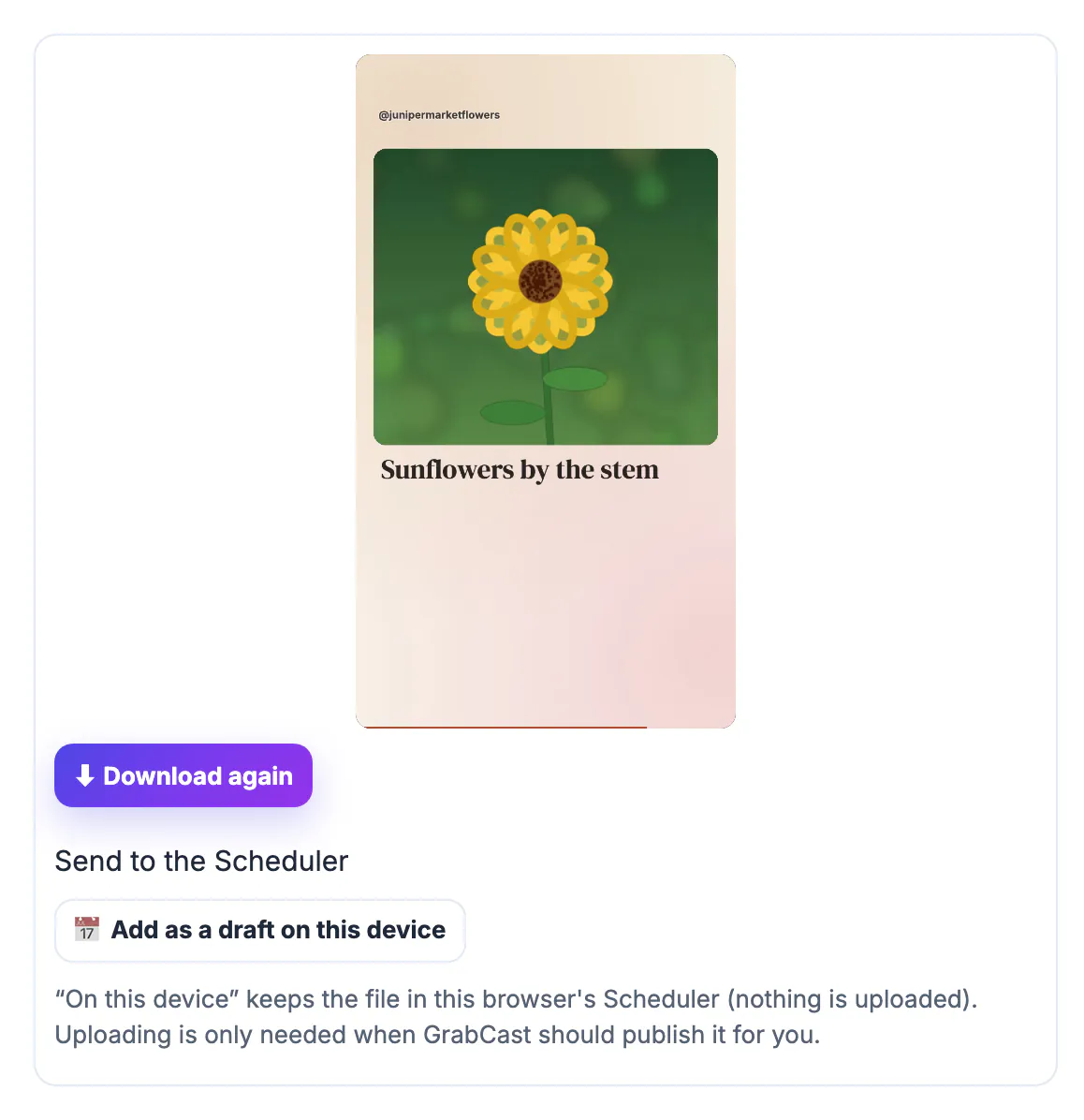
Video gets more room in feeds than a single photo, and a short one is cheap to make again next week. A small business rarely has one big launch; it has a weekly special, a restock, a seasonal item, an event. A template turns each of those into a video in a few minutes, and because it uses your real products, it feels honest in a way stock footage does not. Keep the expectations right, though: a promo video helps people who already follow or find you understand the offer. It is not a substitute for good products, clear prices and a working way to order.
Write a promo video script in four lines
Before opening any editor, write four lines:
- Hook: what is new or why now, such as This weekend: fall bouquets are in.
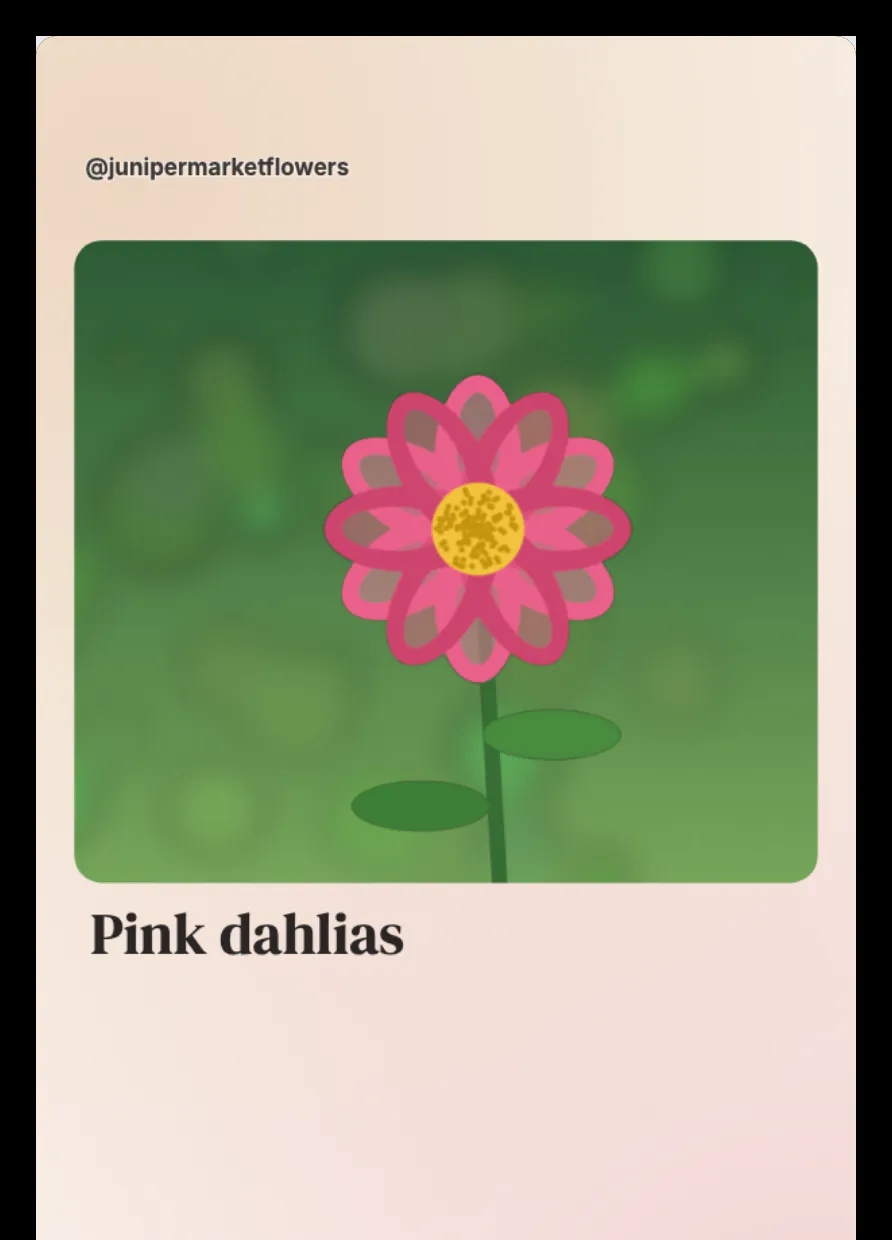
- Proof: one line per product or benefit, for example Orange zinnias, Pink dahlias, Sunflowers by the stem.
- Detail: the fact that removes doubt: picked Friday morning, handmade, free local delivery.
- Call to action: one action with a deadline if there is one: Order by Thursday, link in bio.
Avoid prices on screen unless they are fixed for the life of the post; a caption is easier to update. The same goes for dates that are not final. If the offer might change, keep the video evergreen, for example Fall bouquets are in, and put the specific date in the caption, where you can edit it after posting. Keep each line under about six words, because each scene is only on screen for a few seconds.
Also assume the sound is off. Many people watch feed videos muted, so every scene must make sense from the words and the picture alone; the music is a bonus. If a point needs a spoken explanation, it probably belongs in the caption or a longer video instead.
Build the promo video from a template with your photos
In the Template Studio, the Product showcase template has a title scene, three photo scenes and an end card. Announcement and Before / after are good alternatives for launches and makeovers.
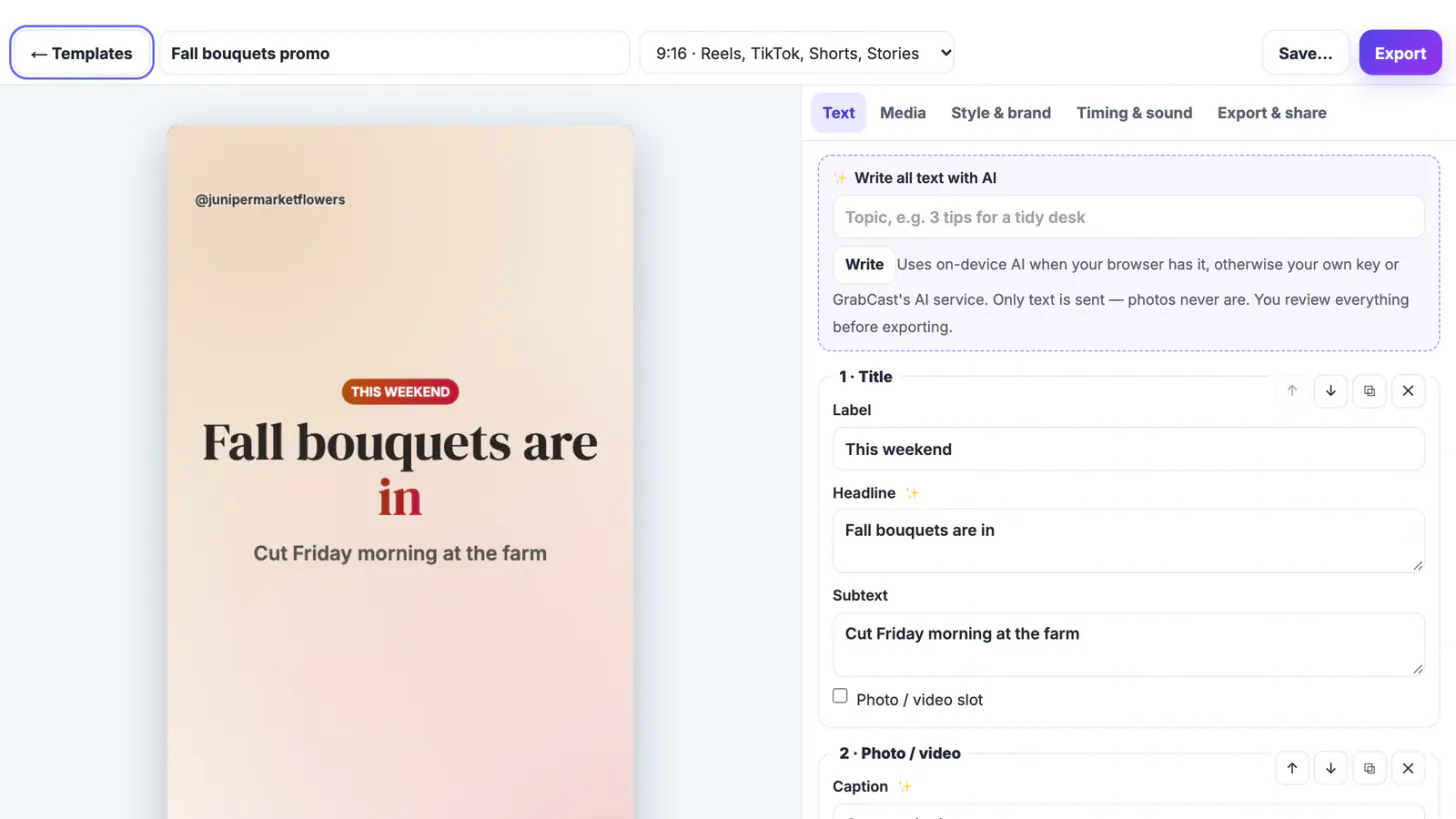
- In the Text tab, type the hook, one caption per photo scene and the call to action; rename the design so you can find it later.
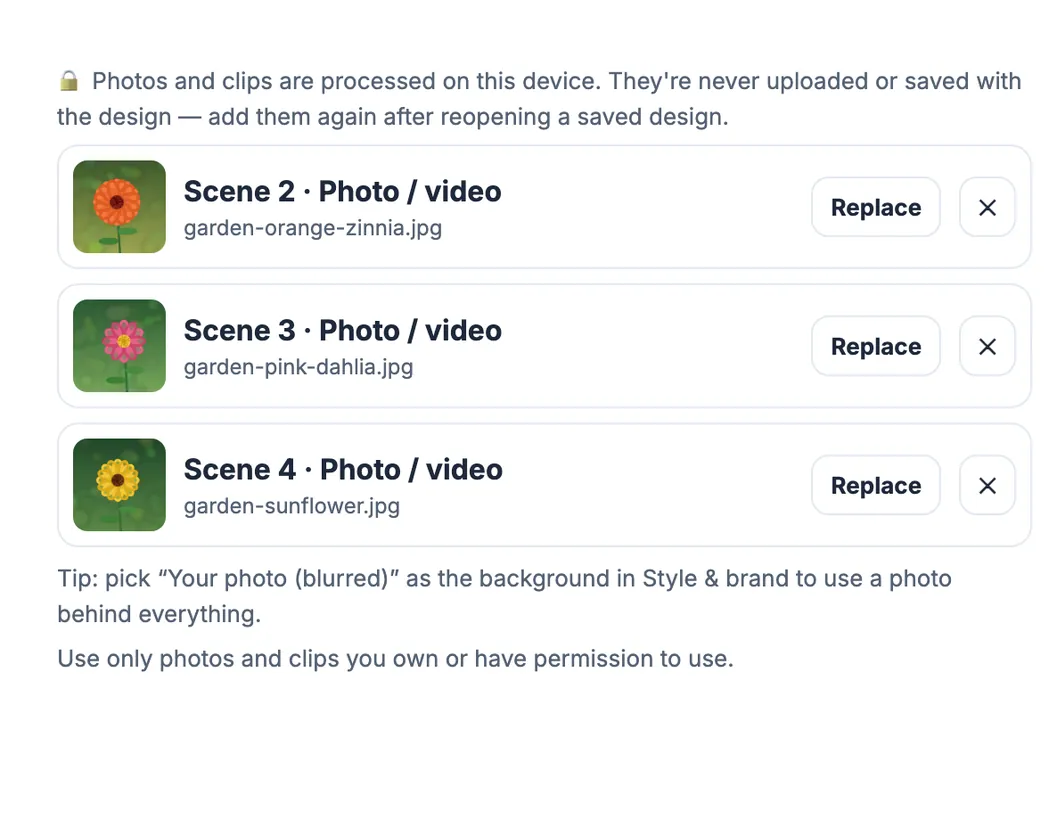
- In the Media tab, press Choose on each slot and pick a photo or a short clip. The files are processed on your device and never uploaded.
- Scrub the preview to each scene and check that the product is visible and the caption readable.
- In Style & brand, add your handle and logo, or apply a saved brand kit.
For the flower stall, the title read This weekend, Fall bouquets are in, Cut Friday morning at the farm; the three slots took photos of zinnias, dahlias and sunflowers; and the end card said Order by Thursday, link in bio, above @junipermarketflowers. Use only photos you took or have permission to use.
Add music, pick the length and export
In Timing & sound, set the length (a promo usually works at 12 to 20 seconds) and pick a music mood such as Corporate, Upbeat pop or Chill lo-fi. The music is generated on your device for each video, so there is no licensed track and nothing to clear.
- Export at 720p for a quick check and 1080p HD for the final file.
- The MP4 uses H.264 video and AAC audio in Chrome, Edge and Safari; Firefox exports WebM.
- There is no watermark and no end card added by the tool.
Change the size in the top bar to make square or 4:5 versions for the Facebook or Instagram feed without redoing the text; 16:9 works for a website header video.
Before exporting the final version, watch the whole preview once from start to end with the sound on and once with it off. Check that every photo shows the product clearly at phone size, that no caption covers the item itself, and that the last scene stays on screen long enough to read the call to action.
Post the promo video and measure it
Post the 9:16 version as a Reel, TikTok or Short, and the square or 4:5 version in feeds. Add as a draft on this device sends the video to GrabCast's free Social Media Scheduler so you can plan it with your other posts.
- Put the offer and deadline in the first line of the caption too.
- Pin the best-performing promo to the top of your profile while the offer runs.
- If the video links to a shop page, tag the link so you can see which post brought the visit.
- After a week, compare saves, shares and link clicks with your photo posts before deciding how often to make promo videos.
Need a vertical cut of an existing video instead? Shorts Maker reframes a horizontal clip to 9:16 in the browser.
Step-by-step
Common mistakes to avoid
Pro tips
Frequently asked questions
How long should a small business promo video be?
For social feeds, 12 to 20 seconds is a good range: long enough for a hook, a few products and a call to action.
Can I make a promo video for free without a watermark?
Yes. Template Studio renders the MP4 in your browser with no watermark and no sign-up.
Are my product photos uploaded?
No. Photos and clips are processed on your device and are not saved with the design or sent anywhere.
Can I use the video in ads?
Yes. The official templates may be used for commercial work, including ads, and the music is generated on your device.
What size should the promo video be?
9:16 vertical for Reels, TikTok and Shorts; 1:1 or 4:5 for feeds. Switch the size in the editor's top bar.
A small business promo video needs a hook, real product photos, one reassuring detail and one call to action. Put them into a template, add your brand, export an MP4 in your browser, and make a new one each time you have something to announce.
Related guides
Browse more: all business guides · Template Studio