Make an Instagram Reel From a Free Template (No Watermark)
A Reels template gives you the structure of a short video that already works: a hook, a few scenes that each carry one idea, and an ending that tells people what to do next. You change the words, the colours and the sound, and export a vertical video. This guide shows how to make an Instagram Reel from a free template with GrabCast's Template Studio, which renders the video in your browser with no watermark and no sign-up. The example is a 15-second countdown Reel for a fictional bakery, 3 ways to keep bread fresh longer, but the same steps work for tips, before-and-after clips, announcements and product showcases. The finished file also works on TikTok and YouTube Shorts.
🧩 Try Template Studio now — freeOpen →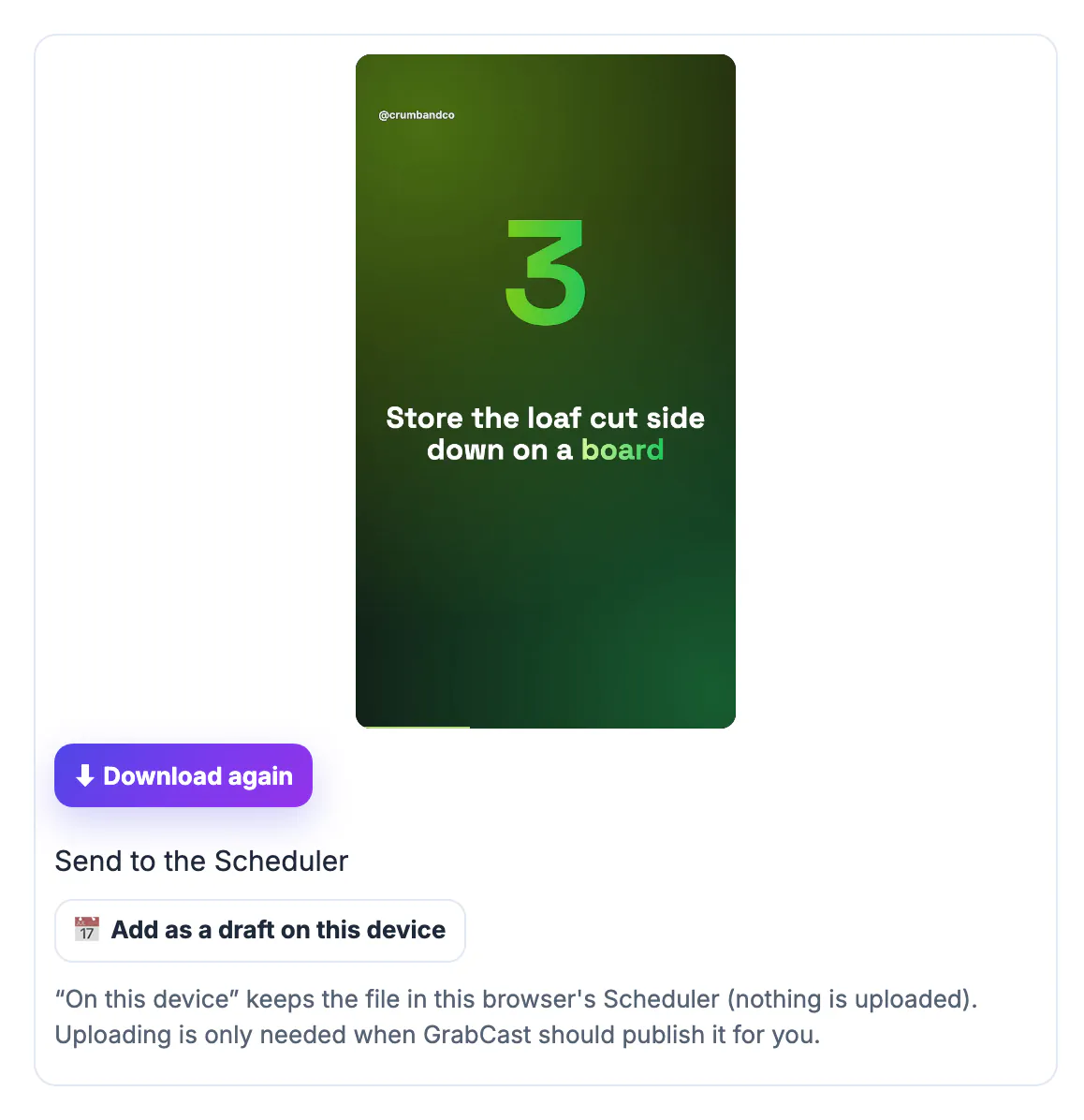
Most small accounts do not struggle with ideas; they struggle with turning an idea into a video every week. A template removes the decisions that take longest: how many scenes, how long each one stays on screen, where the text sits and how the scenes move. It also keeps a series consistent, so followers recognise your videos before they read the handle. The risk is looking like everyone else who used the same template. The fix is simple and covered below: your own words and examples, your brand colours, and where it fits, your own photos or clips.
Pick a Reels template that matches your idea
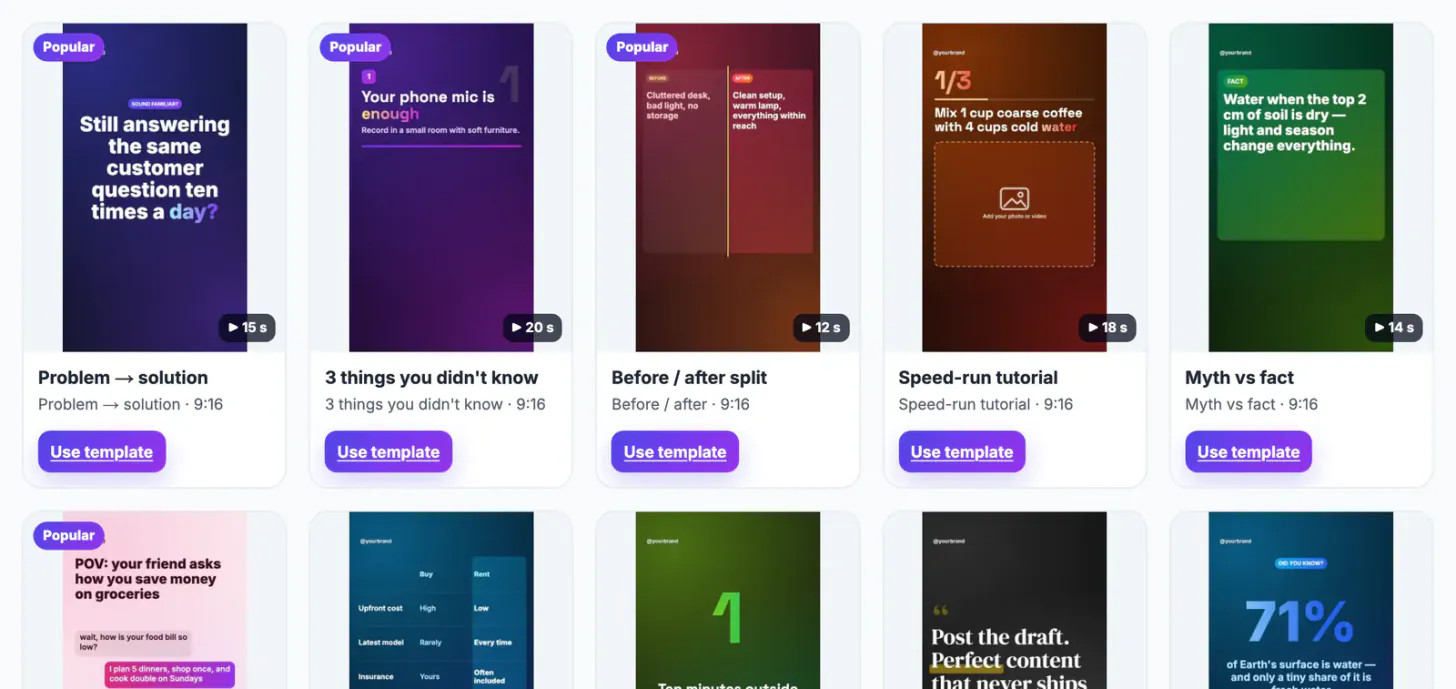
Choose the structure first, the look second. In the Template Studio, filter by Short videos and preview the cards; hovering a card plays it.
- Countdown listicle: three numbered points and a closing question, good for tips.
- 3 things you didn't know: three short facts on cards, good for myths and surprises.
- Before / after split: one change shown side by side.
- Speed-run tutorial: three steps with a photo or clip slot for each.
- Product showcase, Announcement and Quote of the day for shops, launches and single strong lines.
Every short-video template is 9:16 and between about 10 and 20 seconds long. The same gallery also has square and 4:5 feed videos if you want the Reel to fill more of the profile grid.
If you are not sure which structure to use, look at your last few posts that got saves or shares and ask what shape they had: a list, a comparison, a single strong line. Reuse that shape as a template first. You can change the size later from the top bar, so a structure you like in 9:16 can also become a square post.
Change the text, colours and brand of the Reel template
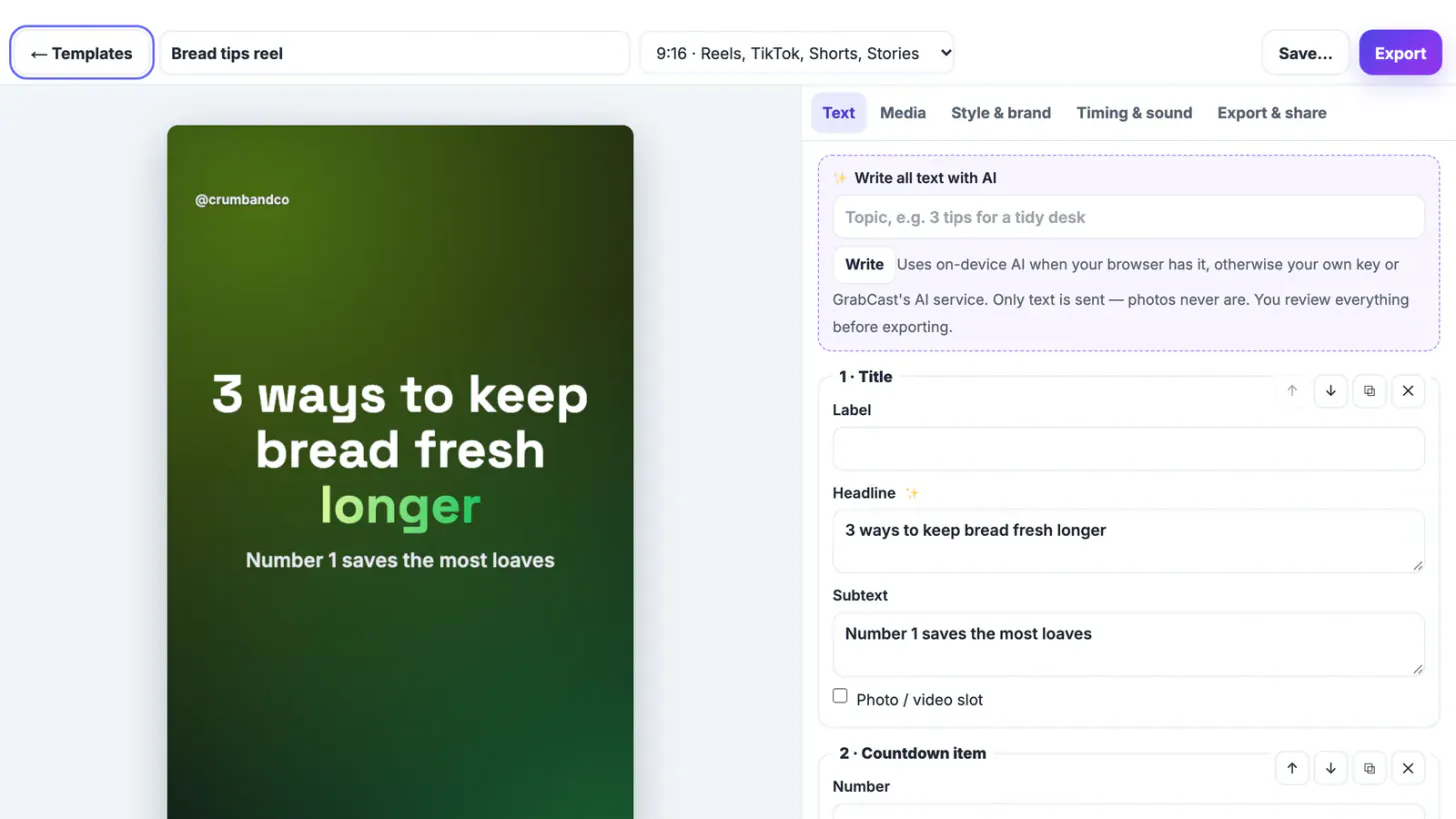
Press Use template and the editor opens with a live preview on the left.
- Text tab: every scene has its own fields (label, headline, subtext, numbers). Type over them; the preview updates as you type.
- Scenes: move, duplicate or delete scenes, or add a new one, up to ten.
- Style & brand: choose a palette or set six colours, a font, the background, the transition and the text animation, and add your handle and logo.
- Write all text with AI: type a topic and let AI draft every scene; review it before exporting, as AI can be wrong.
For the bakery Reel, the title became 3 ways to keep bread fresh longer, the three countdown items became three storage tips, and the end card asked Which tip will you try first? above the handle @crumbandco. Short lines read best: aim for under about eight words per scene.
Set the length and add music without copyright claims
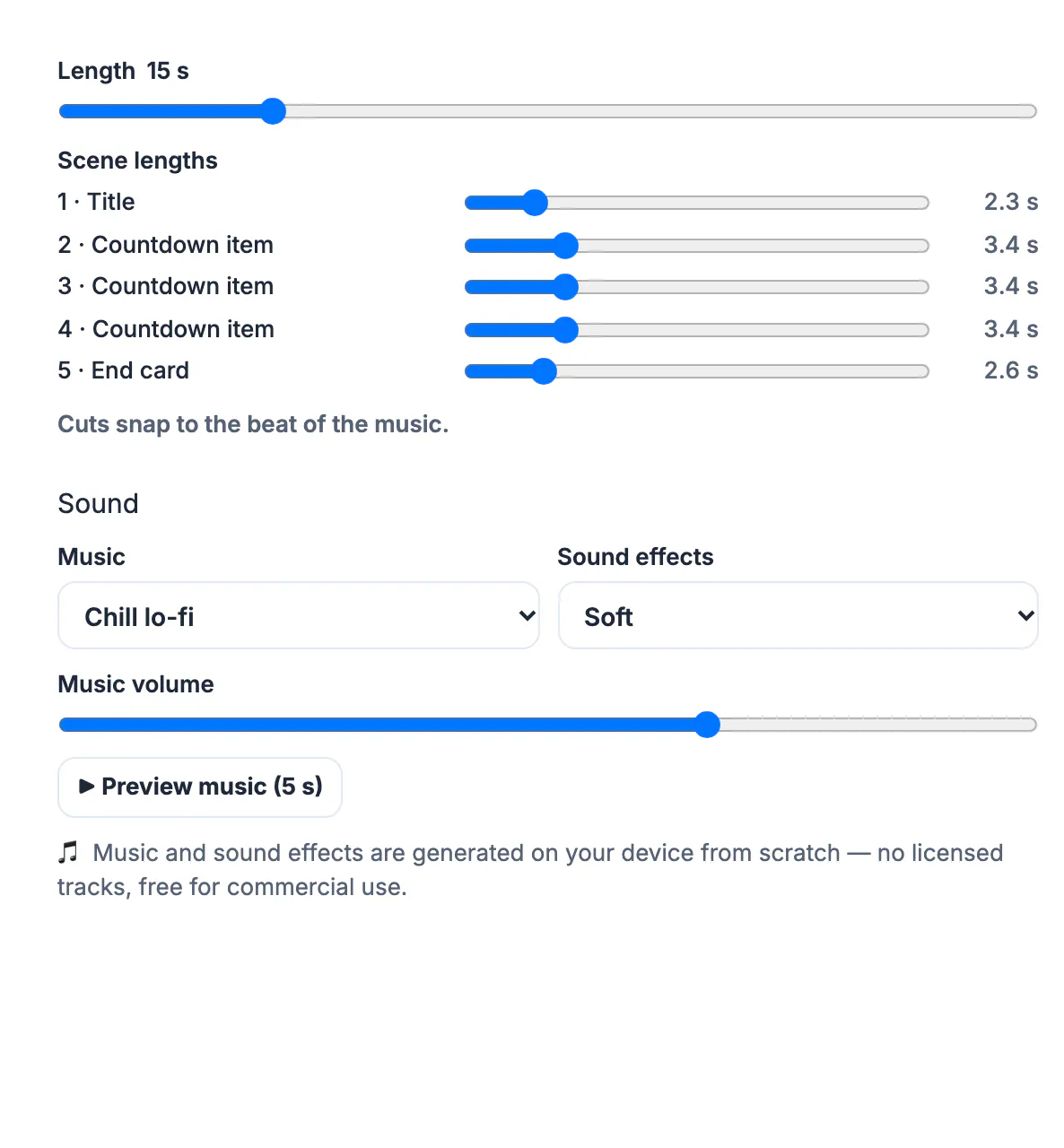
The Timing & sound tab controls the pace.
- Length: anything from 3 to 60 seconds; the bread tips Reel was set to 15.
- Scene lengths: a slider per scene, shown in seconds, so the title can be short and the tips longer.
- Music: Upbeat pop, Chill lo-fi, Corporate, Tech or Energetic hype, plus four sets of sound effects; cuts snap to the beat.
- Preview music plays five seconds before you commit.
The music is generated in your browser for each video rather than taken from a library, so there is no licensed track to trigger a copyright claim. If you would rather use a trending sound, export without music and add the sound in Instagram's editor.
Export the Reel and post it
In Export & share, choose 720p (faster, cooler on laptops) or 1080p HD and press Export video.
- The video is encoded on your device: MP4 with H.264 video and AAC audio in Chrome, Edge and Safari; Firefox makes WebM, which you should convert before posting to Instagram.
- No watermark, and nothing is uploaded; your photos and logo never leave the device.
- Add as a draft on this device puts the file into GrabCast's free Social Media Scheduler so you can plan the post.
At the time of writing, Instagram accepts Reels up to three minutes, and a 9:16 video at 1080 by 1920 fills the screen. Keep text away from the bottom fifth and the right edge, where the caption and buttons sit; the templates keep text inside those safe zones. For clips cut from a longer recording instead of a template, see fixing a video that is too long for Instagram.
Step-by-step
Common mistakes to avoid
Pro tips
Frequently asked questions
Are the Reels templates free for commercial use?
Yes. The official templates can be used for personal and commercial work, including client projects and ads. They may not be resold as a template pack.
Is there a watermark on the exported Reel?
No. The MP4 is rendered in your browser without a watermark or end card.
Can I use my own photos or clips?
Yes. Templates with a photo or video slot take your files in the Media tab. They are processed on your device and never uploaded.
Will the music get my Reel muted?
The music is generated in your browser for each video, so it is not a licensed track. You can also export without music and add a sound in Instagram.
Do I need an account?
No. A free account is only needed to save designs to My designs in the cloud; your latest draft is kept in the browser anyway.
A Reels template turns an idea into a finished vertical video in minutes: pick the structure, replace every word with your own, apply your colours, set the pace and music, and export an MP4 on your device. Keep text short and inside the safe zones, and the same file works on Reels, TikTok and Shorts.
Related guides
Browse more: all video and audio guides · Template Studio