Video Too Long for Instagram or X? Cut It to the Limit
When Instagram or X refuses a video as too long, the fix is to cut it to the platform's cap before you upload: 3 minutes for a Reel, 60 seconds per Story card, and 2 minutes 20 seconds for a post from a free X account. You can do that in a browser tab without installing an editor or adding a watermark. This guide lists the current caps, shows how to pick the strongest section rather than just chopping the end, explains the difference between a lossless and a frame-exact cut, and covers splitting one recording into several parts.
✂️ Try Video Trimmer & Subtitles now — freeOpen →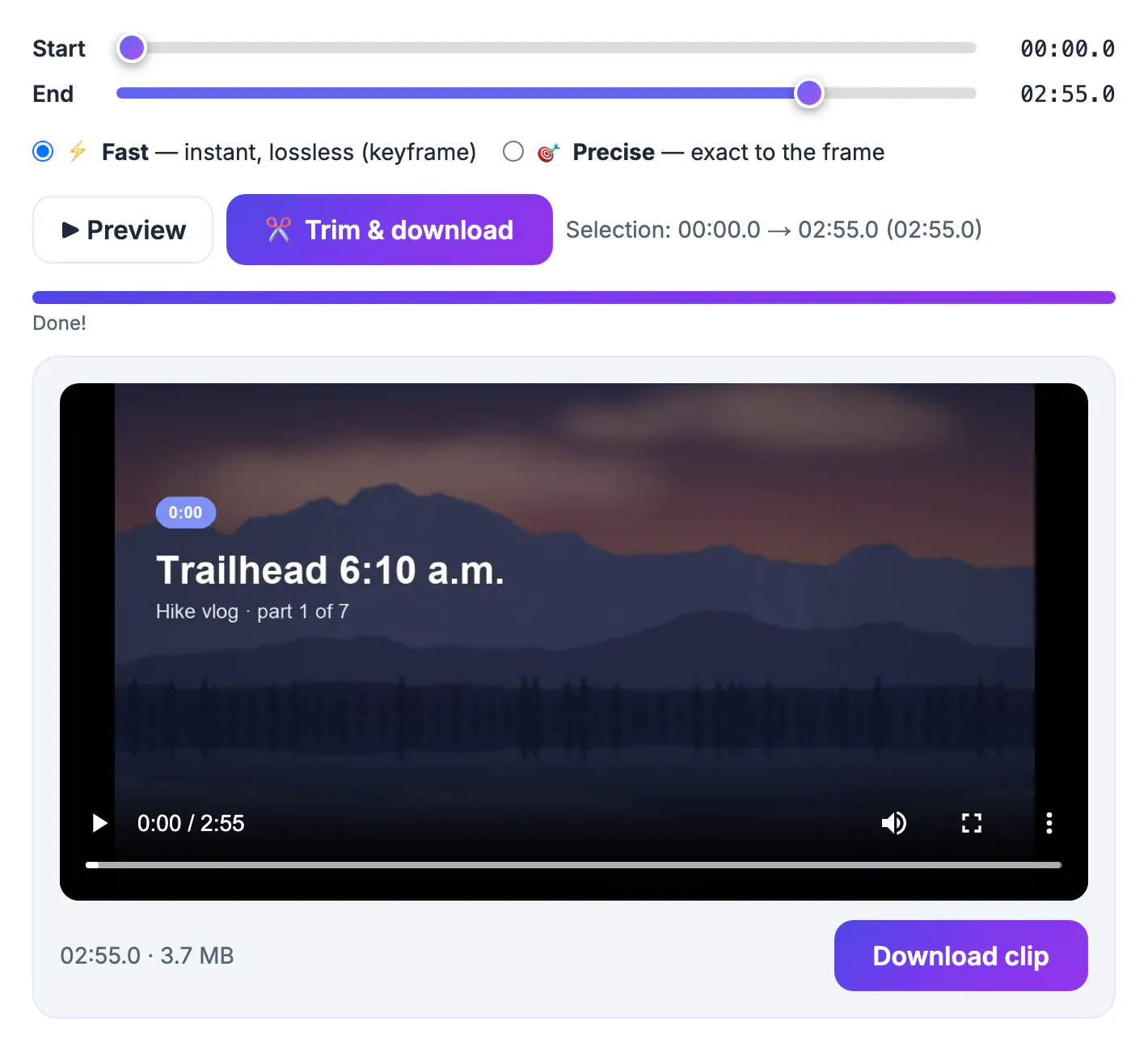
Each network sets its own ceiling on duration, and the rules differ by format and by account type, so a recording that posts fine to TikTok can bounce off X a minute later. Short-form feeds are tuned for completion rate, which means the apps would rather you post a tight 45 seconds than a rambling 4 minutes. Upload screens also tend to fail vaguely, with a generic error or a spinning bar, so it is easy to blame your connection when the real problem is length. Knowing the exact number for each format saves several failed attempts and a lot of guesswork.
The length caps on Instagram, X and friends
These numbers were accurate at the time of writing, but platforms change them often, so confirm in the app if a post still fails.
- Instagram Reels: up to 3 minutes, raised from 90 seconds in early 2025
- Instagram Stories: each card plays up to 60 seconds; longer uploads are split into separate cards
- X, free accounts: 2 minutes 20 seconds per post; paid Premium tiers allow much longer uploads
- Threads: up to 5 minutes per post
- TikTok: far more generous, with in-app recording up to 10 minutes and longer uploads for many accounts
File weight is a separate issue from duration. If the upload stalls on a short but heavy 4K clip, shrink it with the Video Compressor rather than cutting more.
Trim for the cap, then trim for the hook
Hitting the limit is the easy part; the better question is which 60 or 180 seconds deserve to survive. Viewers decide in the first two or three seconds, so start on motion, a face or a spoken payoff rather than a countdown, a logo or you adjusting the camera.
- Cut the dead air before the first word; it is usually 2 to 5 seconds on phone recordings
- Drop the wind-up and open with the result, then show how you got there
- End on the last strong line instead of the goodbye wave, which invites a replay
- Aim a few seconds under the cap, such as 2:55 for a Reel, so rounding never trips the check
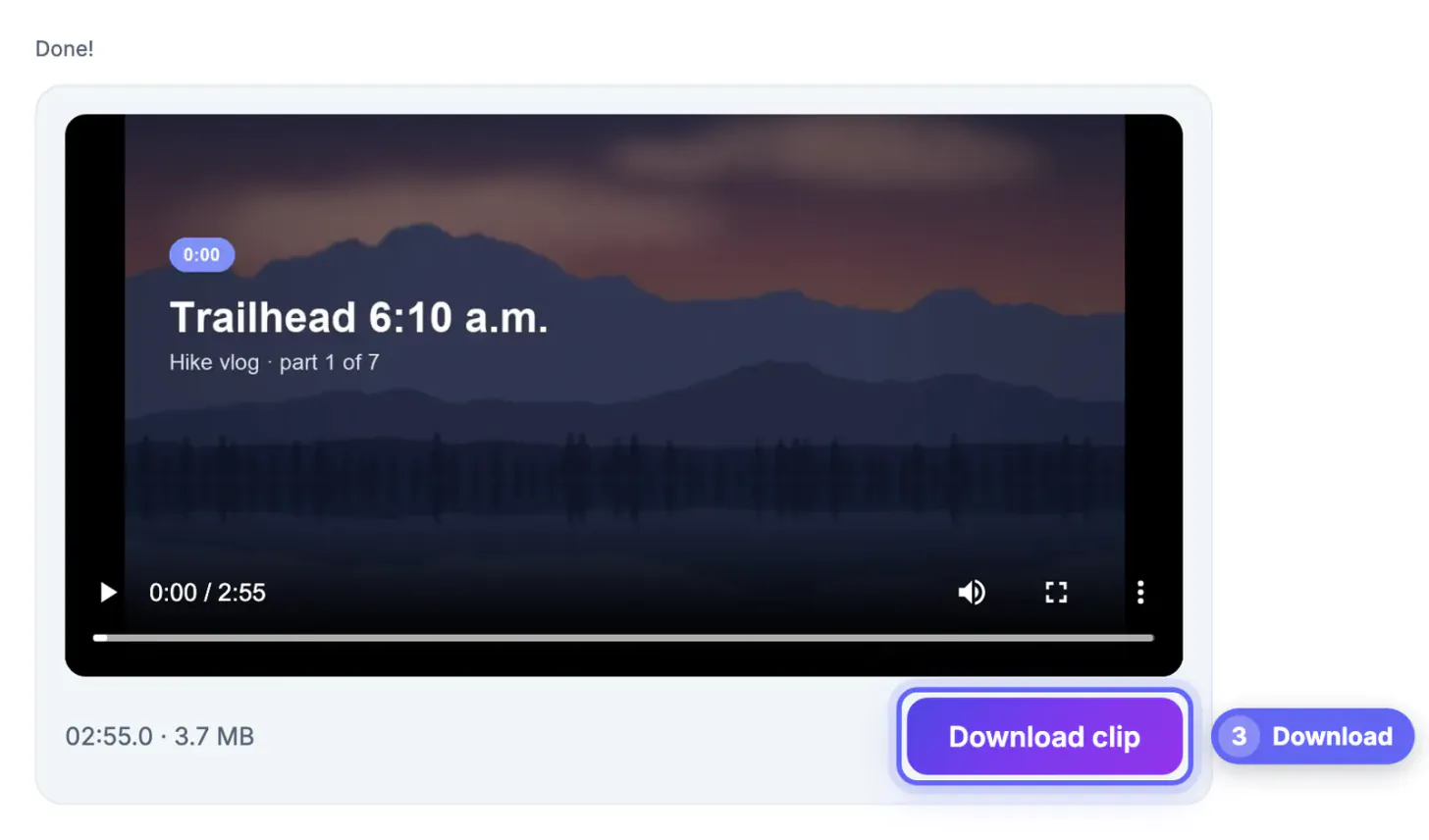
Watch your chosen range once with the Preview button before exporting. It is faster than re-uploading a clip that starts mid-sentence.
Fast or Precise: two ways to cut the clip
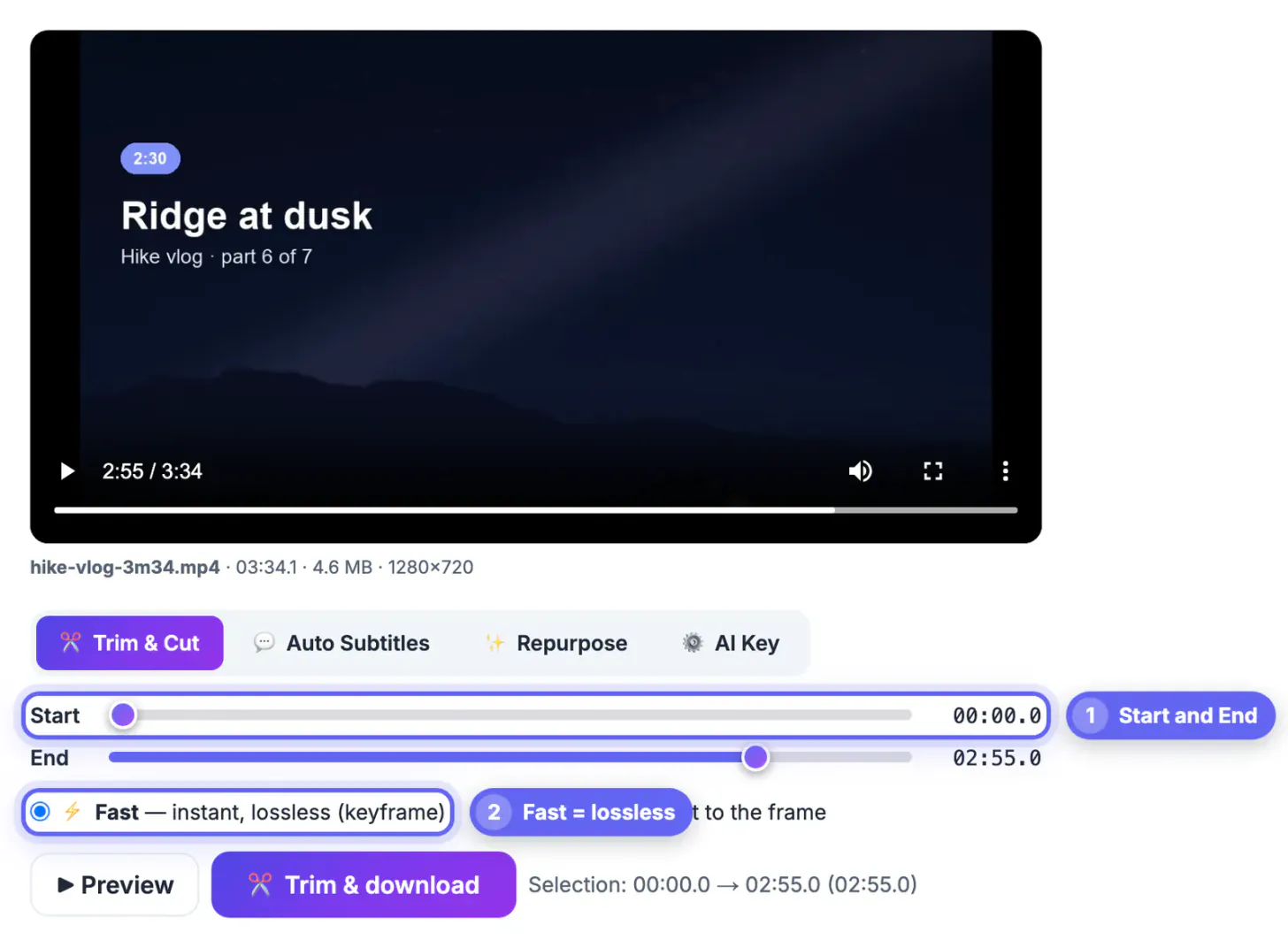
The GrabCast cutter offers two modes. Fast copies the audio and picture streams without re-encoding, so it is almost instant and loses no quality at all. The catch is that it has to begin on a keyframe, and phones typically place one every one to two seconds, so the cut may start slightly before the point you chose.
Precise re-encodes the footage so the in and out points land on the exact frame you picked. It takes longer, especially on a laptop without much memory, but it is the right choice when a line of dialogue starts a split second after your mark. Fast keeps your original container, so a MOV from an iPhone stays a MOV, while Precise always delivers an H.264 MP4 that every social app accepts.
- Fast suits most social cuts: removing a slow intro, ending before the goodbye, or grabbing a highlight
- Precise suits dialogue, music beats and tutorials where the first syllable matters
- Screen recordings often have sparse keyframes, so Precise gives cleaner starts on them
- If a Fast cut starts early, nudge the Start slider forward or switch modes and export again
Splitting one recording into several parts
For a 7-minute talk that you want as a Story series, cut it several times from the same file: 0:00 to 0:59, then 0:59 to 1:58, and so on, keeping one second of overlap so no word is lost at the seam. Each export is a separate file you can post in order.
Know the limits before you start. Each export covers one continuous range, so removing a stumble from the middle takes two cuts you join elsewhere. The page does not reframe horizontal footage to vertical 9:16, add music or transitions, and on phones very large files can run out of browser memory; a computer handles long 4K recordings far better. The first use downloads a roughly 32 MB processing engine, which is then cached so later sessions start quickly.
For a long recording that you want as several short posts, see how to make short clips from a long video.
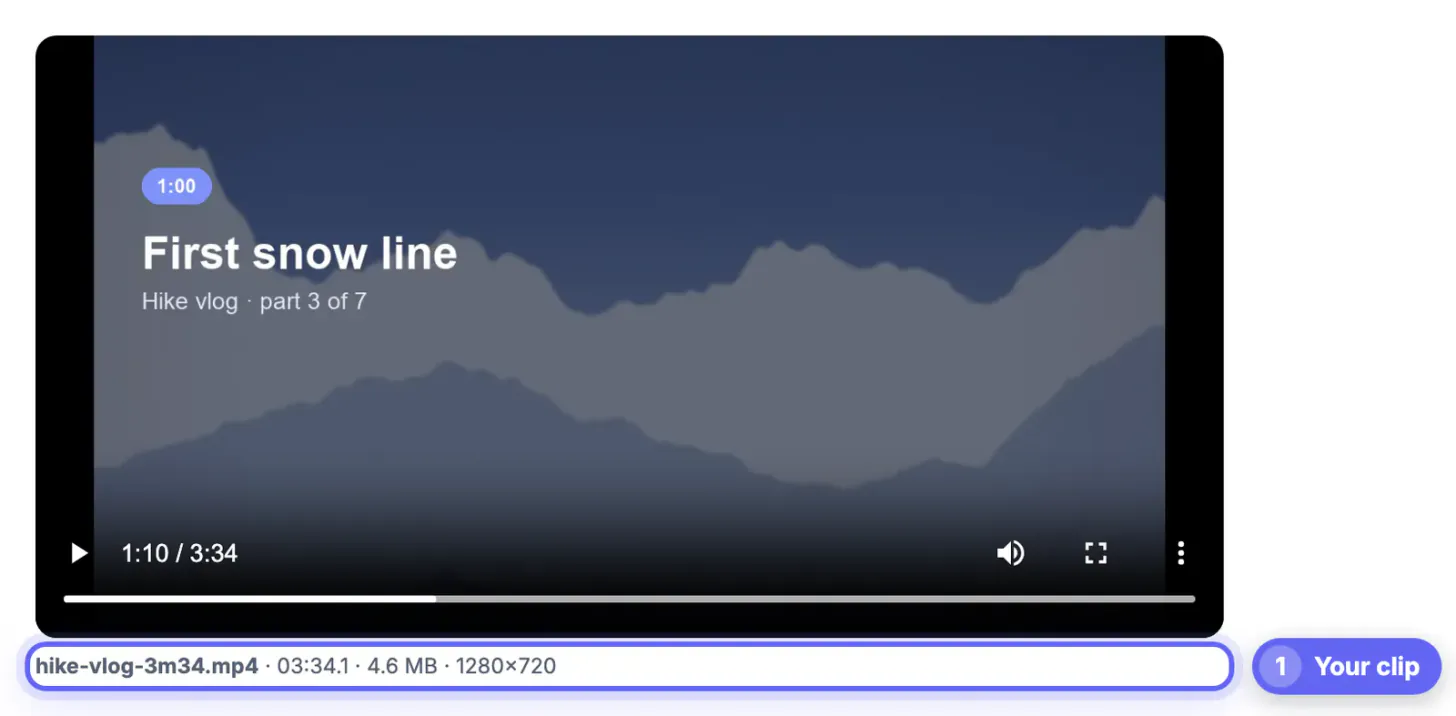
Step-by-step
Common mistakes to avoid
Pro tips
Frequently asked questions
How long can an Instagram Reel be?
Reels can run up to 3 minutes, a cap Instagram raised from 90 seconds in early 2025. Stories show up to 60 seconds per card, and longer Story uploads are divided into separate cards.
What is the video length limit on X?
Free accounts can post clips up to 2 minutes 20 seconds. Paid Premium subscribers can upload considerably longer videos, though the exact allowance depends on the tier and on whether you post from the web or the app.
Does trimming reduce video quality?
Fast mode copies the original streams without re-encoding, so quality is identical to the source. Precise mode re-encodes the clip to land on an exact frame, which is visually very close but not bit-for-bit identical.
Will the trimmed file have a watermark?
No. The Video Trimmer adds no watermark, logo or end card, and it does not need an account. The file you download contains only your footage, at the resolution and frame rate you recorded, ready to post to any platform without extra branding to crop out.
Can I trim a video on my phone this way?
Yes, in a current mobile browser, as long as the file is modest in size. Long 4K recordings can exceed the memory a phone browser allows, so use a computer for those or trim a shorter section first. Desktop Chrome, Edge, Firefox and Safari all handle typical phone clips comfortably.
Check the cap for the exact format you are posting, cut a few seconds under it, and spend those seconds on the strongest part of the clip. Use Fast for instant lossless cuts, Precise when timing is critical, and split long recordings into overlapping parts.
Related guides
Browse more: all video and audio guides · Video Trimmer & Subtitles