Auto Generate Subtitles From Any Video, Privately
To auto generate subtitles, open the GrabCast Video Trimmer, drop in an MP4, MOV or WebM file, and press Generate subtitles; speech recognition turns the audio into timed caption blocks you can edit and export as .srt or .vtt. It works with interviews, lectures, product demos and home recordings in English, Spanish, French, German, Portuguese, Japanese, Korean, Chinese and Vietnamese, or with language auto-detect. The recognition model is OpenAI Whisper running inside your browser, so the recording stays on your device. This guide explains what happens under the hood, what affects accuracy, how to fix timing, and when an optional API key or a larger model is worth it.
✂️ Try Video Trimmer & Subtitles now — freeOpen →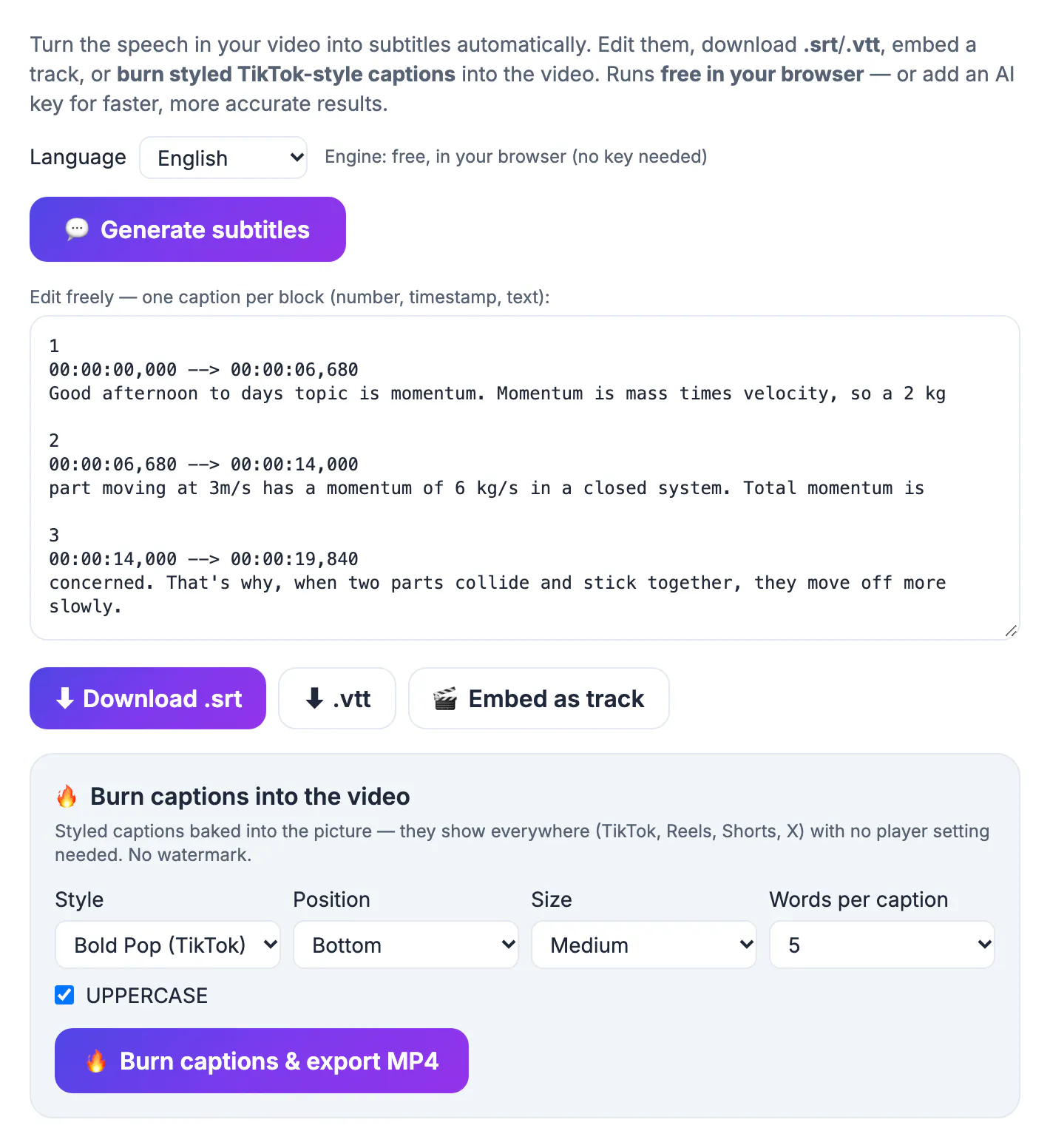
It helps to know the pipeline, because each stage explains a limit you might hit. First the tool extracts the audio track and converts it to 16 kHz mono, the format Whisper was trained on. On the first run it downloads a compact version of the Whisper model, then caches it, so later sessions start faster. The audio is processed in overlapping 30 second windows, and each recognized phrase gets a start and end time. Those phrases become numbered SRT blocks in an editor. Nothing about this requires a server, which is why it works for confidential meetings and unreleased content. The trade-off is that a phone or laptop is slower than a data center, and the small in-browser model makes more mistakes than the largest versions.
Choose the spoken language for better subtitles
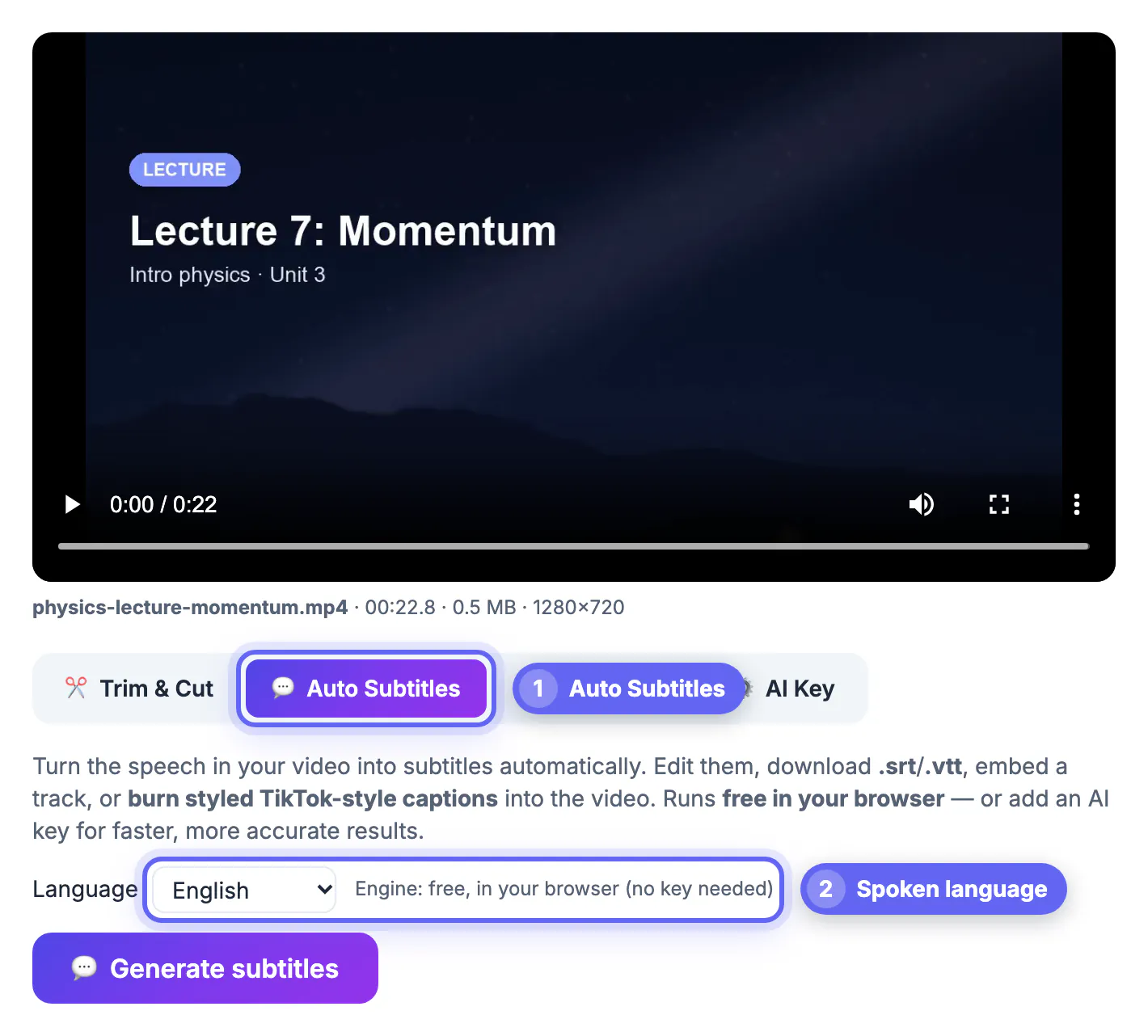
Auto-detect listens to the opening of the recording and guesses the language. It is usually right, but a short intro with music or a greeting in another language can send it the wrong way, producing a translation or gibberish. Picking the language yourself removes that risk.
- Set the language explicitly for recordings that open with music, silence or a jingle.
- For clips where people switch languages, pick the dominant one and fix the rest by hand.
- Whisper transcribes in the spoken language; for English captions on a Spanish clip, translate the finished .srt.
- Strong regional accents are handled well by Whisper, but uncommon names still need checking.
If your language is not in the list, auto-detect may still recognize it, since Whisper was trained on around a hundred languages, though accuracy varies widely. Widely spoken languages with lots of training audio, such as Spanish, German and Japanese, come out close to English quality, while smaller languages tend to need a heavier correction pass. Mixed-language recordings, like a Hindi interview with English technical terms, usually keep the loanwords but may spell them phonetically.
What decides accuracy, and how to improve it
Recognition quality depends far more on the recording than on the software. A clear lapel microphone in a quiet room can give near-perfect text, while a phone across a noisy cafe will produce gaps and guesses.
- Background music under speech is the biggest single cause of errors; lower it or use the voice-only take.
- Two people talking over each other merge into one confusing block.
- Very quiet or distant speech is often skipped entirely.
- Jargon, product codes and names are spelled phonetically, so plan a correction pass.
A quick test tells you what to expect: transcribe the first minute, count the errors, and multiply. If a minute contains more than five mistakes, clean the audio or switch engines before processing the whole recording. When accuracy really matters, such as legal, medical or research recordings, the separate AI Studio runs larger Whisper models in the browser, up to Large-v3 Turbo, which needs a capable GPU but is much more accurate.
Fix timing and line breaks in the editor
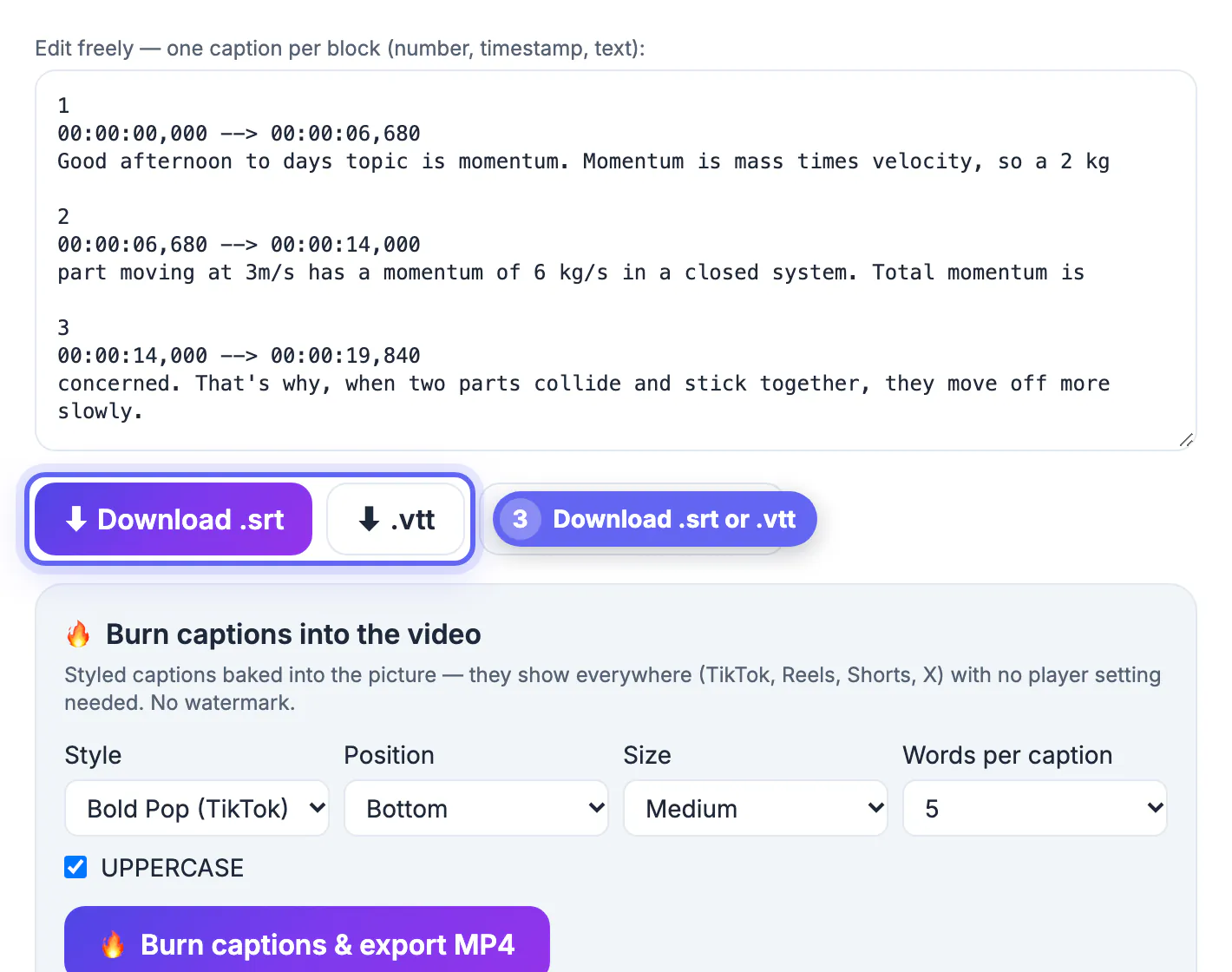
Generated blocks follow the speech, which is not always how people like to read. Each block in the editor shows a number, a time range in hours, minutes, seconds and milliseconds, and the text. You can edit all three.
- Split a long block at a natural pause and adjust the two time ranges so they do not overlap.
- Extend a block that disappears too fast; about one second per five words reads comfortably.
- Merge tiny fragments like yeah or okay into the neighboring block.
- Keep numbering sequential if you add blocks; most players tolerate gaps, some strict ones do not.
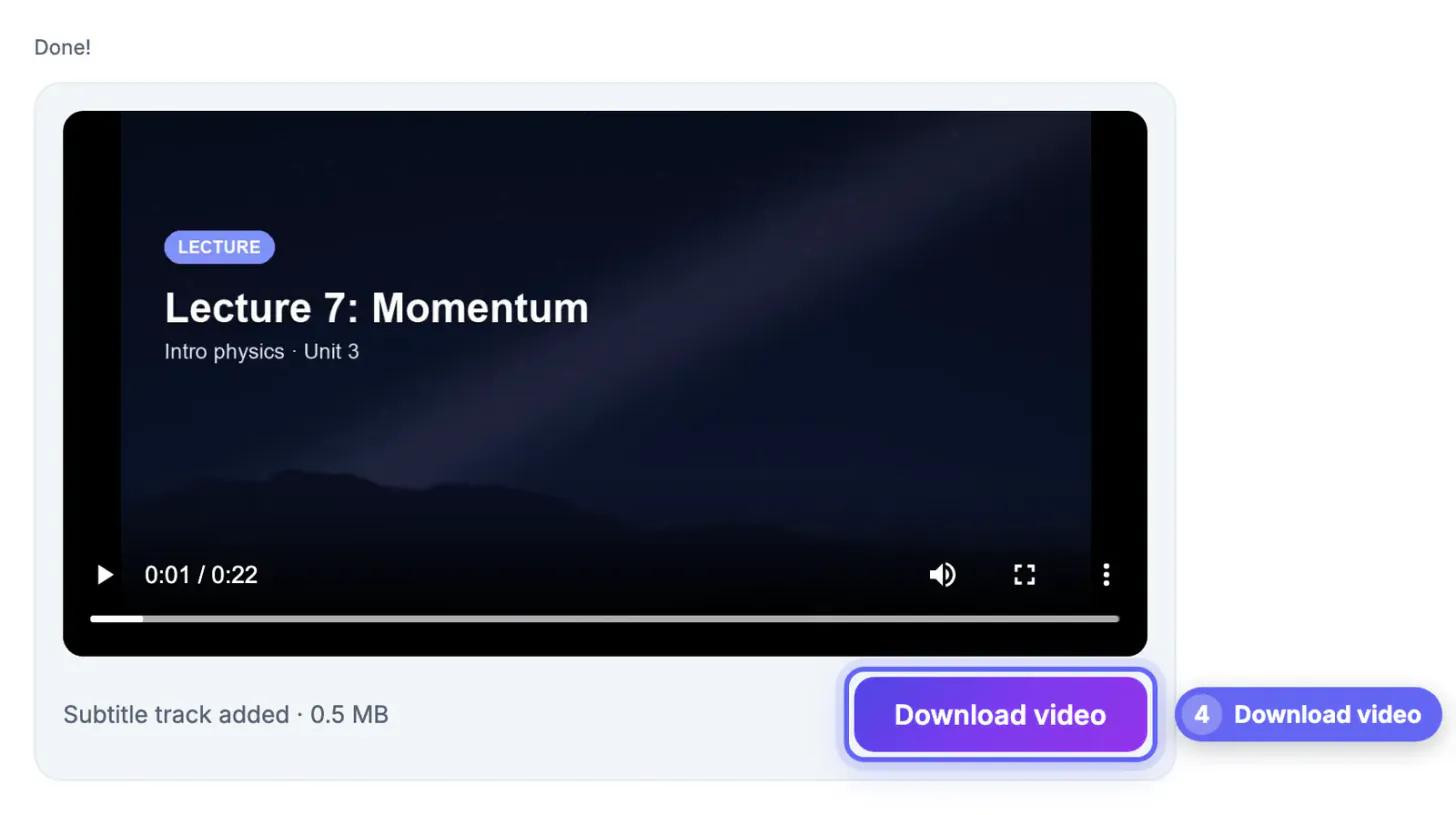
Once the text is clean, download .srt for YouTube and most editors, .vtt for web players, or burn the captions into the picture for social apps.
Speed, long files and the optional API key
On a recent laptop the in-browser model handles a 10 minute clip in a few minutes; older phones take noticeably longer, and very long files can run out of memory. Trim the section you need first when you only want part of a recording.
- Keep other heavy tabs closed while transcribing a long file.
- Phones are limited to roughly 250 MB per file, desktops to about 2 GB.
- In the AI Key tab you can add your own Groq or OpenAI key for much faster, larger-model results.
- With a key, the extracted audio is sent to that provider, so skip it for confidential material.
For foreign-language viewers, drop the finished .srt into the AI Translator, which handles 35 languages and keeps every timestamp. That step uses cloud AI, unlike the transcription itself.
Step-by-step
Common mistakes to avoid
Pro tips
Frequently asked questions
How do I auto generate subtitles for a video online?
Drop the file into the Video Trimmer, open Auto Subtitles, choose the language and press Generate. Edit the result and download .srt or .vtt, or burn the captions in.
Is my video uploaded to generate subtitles?
No. The free mode runs Whisper in your browser, so the file stays on your device. Only an optional API key you add sends the audio to that provider.
How accurate are the automatic subtitles?
Clear speech with little background noise comes out mostly correct. Music, crosstalk, distant voices and unusual names reduce accuracy, so always proofread.
Can it make English subtitles for a video in another language?
It transcribes the spoken language. Translate the finished .srt with the AI Translator, which keeps the timestamps, to get English or other languages.
Why is the first run slower than later ones?
The speech model downloads the first time and is then cached by your browser, so later runs skip that download.
Automatic subtitles are only as good as the audio and the language setting. Record clearly, pick the language when the opening is not clean speech, let Whisper do the first draft in your browser, then spend a few minutes fixing names and timing. Export the .srt as your master, and translate or burn it depending on where the video goes next.
Related guides
Browse more: all video and audio guides · Video Trimmer & Subtitles