Best Free Auto Subtitle Generator: A 10-Minute Test
The best free auto subtitle generator is the one that leaves you the fewest corrections on your own footage and exports a clean SRT or burned-in MP4 without a watermark. Marketing pages all quote 95 percent accuracy, so ignore them and run one 10-minute test instead. This guide gives you that test, a scoring sheet, the main categories of captioning tools in 2026, and an honest look at where GrabCast wins and where it does not.
✂️ Try Video Trimmer & Subtitles now — freeOpen →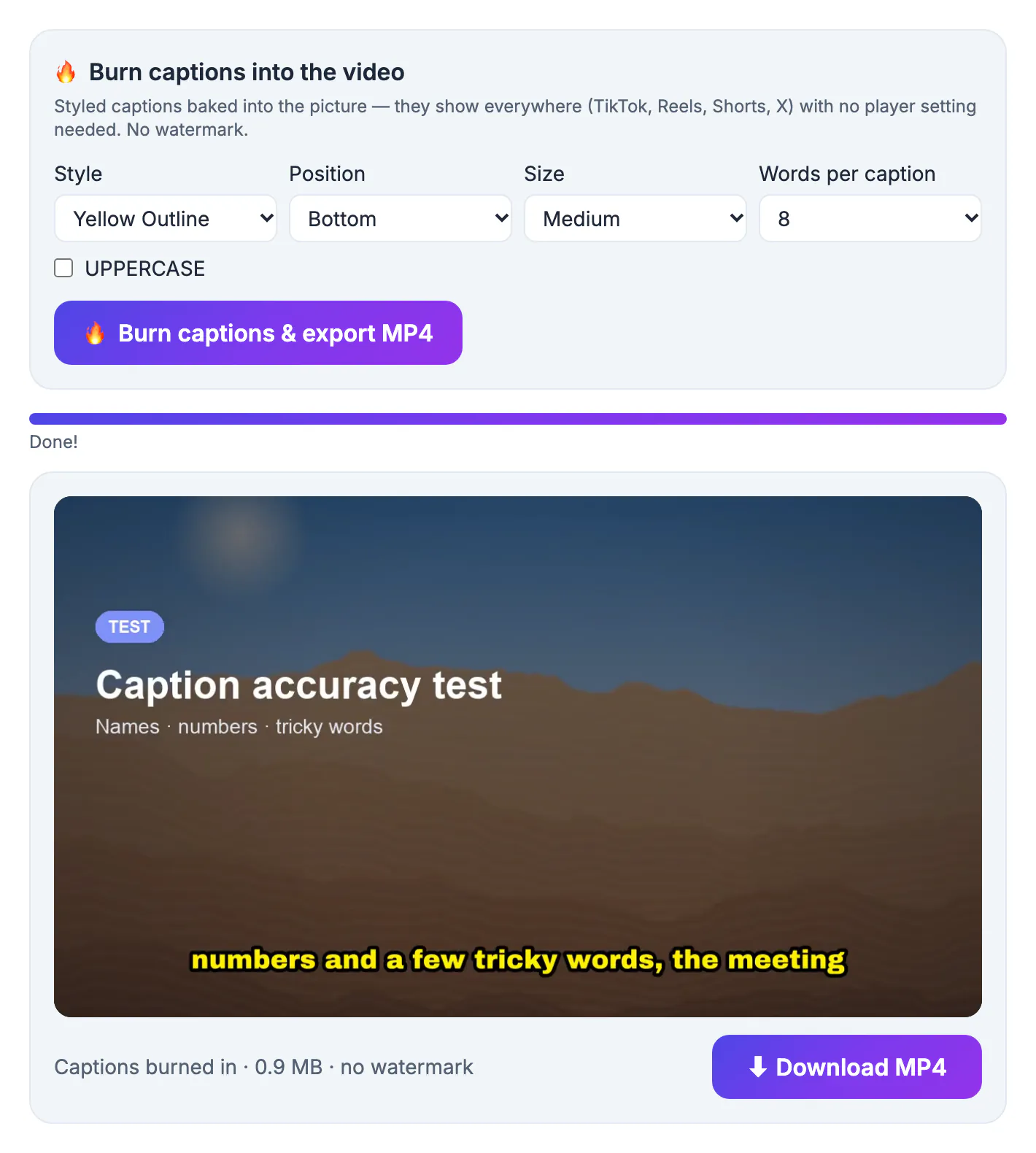
Speech recognition vendors measure accuracy on clean, studio-style benchmark audio. Your clip has a laptop mic, a ceiling fan, two people talking over each other and a product name no dictionary knows. On material like that, the same engine can swing from 3 errors per 100 words to 15. Word error rate also hides what matters to a viewer: one wrong brand name in a sponsor read is worse than ten dropped filler words. The only number worth trusting is the one you measure yourself: how many fixes a two-minute sample needs, and how long those fixes take inside that tool's editor. A quick way to keep yourself honest: write the tally on paper before you look at any tool's feature page, so a slick interface cannot nudge the score.
The 10-minute auto subtitle test
Pick one real two-minute clip that represents your usual work: same mic, same speakers, same jargon. Run it through every candidate and keep a simple tally.
- Minutes 0 to 3: generate the draft and note how long processing took, including any account creation
- Minutes 3 to 6: read along and count wrong words, missing words and misspelled names; divide by total words for a rough error rate
- Minutes 6 to 8: fix five errors, split one long caption and shift one timestamp, and note anything that felt clumsy
- Minutes 8 to 10: export an SRT and a burned-in MP4, then open both to check timing, styling and any watermark
Two minutes of normal speech is about 300 words, enough to expose a weak engine. Anything under 5 errors per 100 words is good for talking-head content; above 10, you will spend longer fixing than you would typing.
Five kinds of captioning tools and their catches
- Platform captions, such as YouTube Studio: automatic and free, but only after you upload, and only for that platform
- Phone editors such as CapCut: fast, stylish captions, but tied to an app and an account, with exports that live in their ecosystem
- Browser editors with free tiers: polished interfaces, though free plans often cap minutes per month or stamp a logo on exports
- Desktop Whisper apps: excellent accuracy with large models and fully offline, but you install software and need a capable computer
- GrabCast: a browser page with no account; the free engine runs on your own device, with an optional key for a stronger cloud engine
None of these is wrong. A daily YouTuber may live happily in Studio, while someone captioning client interviews needs offline privacy and a clean SRT for the editor down the line.
Whatever category you lean toward, run the same clip through at least three tools. Differences that look small on a spec sheet, such as whether an editor lets you nudge one caption by a tenth of a second, become large once you caption a 40-minute interview or a weekly show.
Where GrabCast wins and where it does not
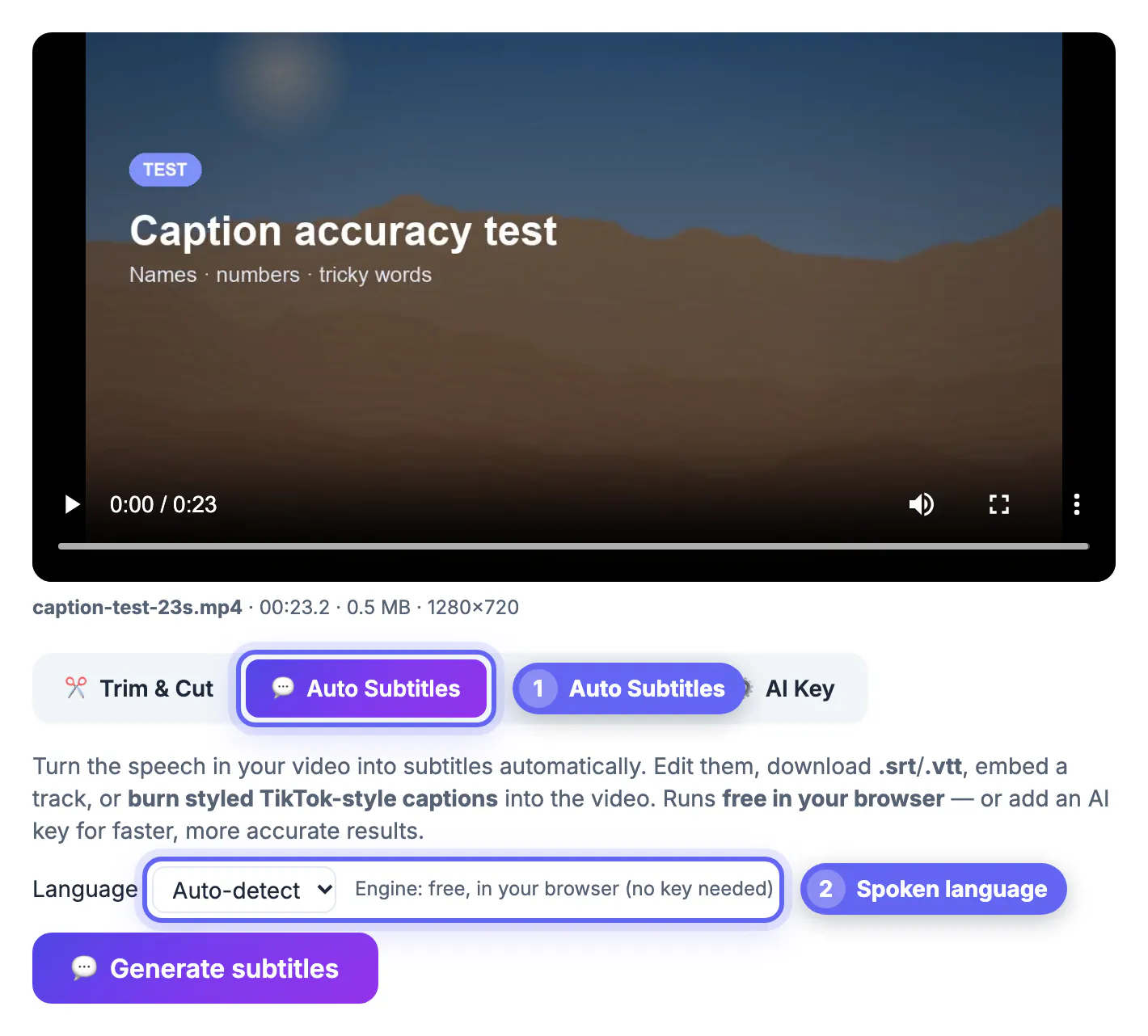
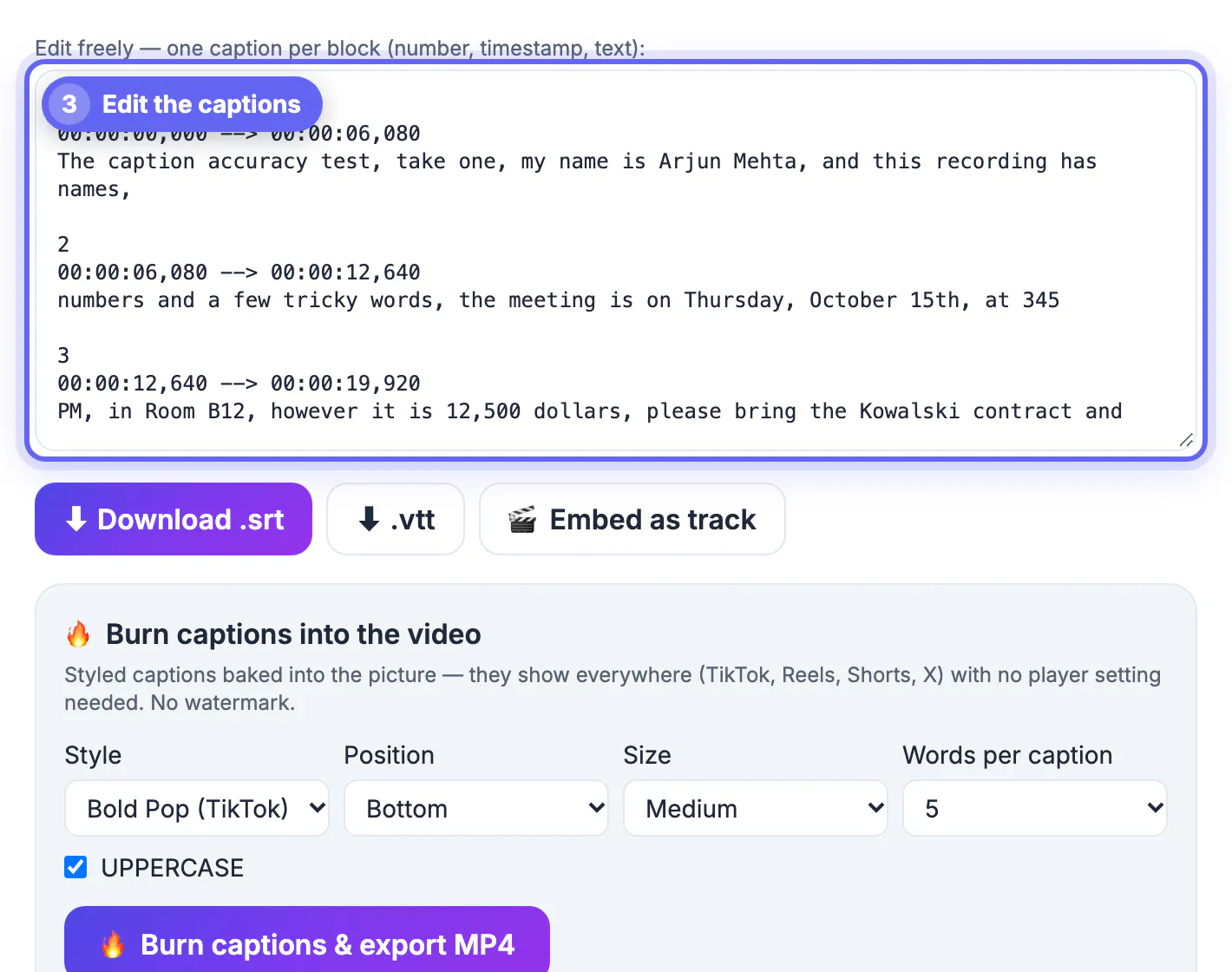
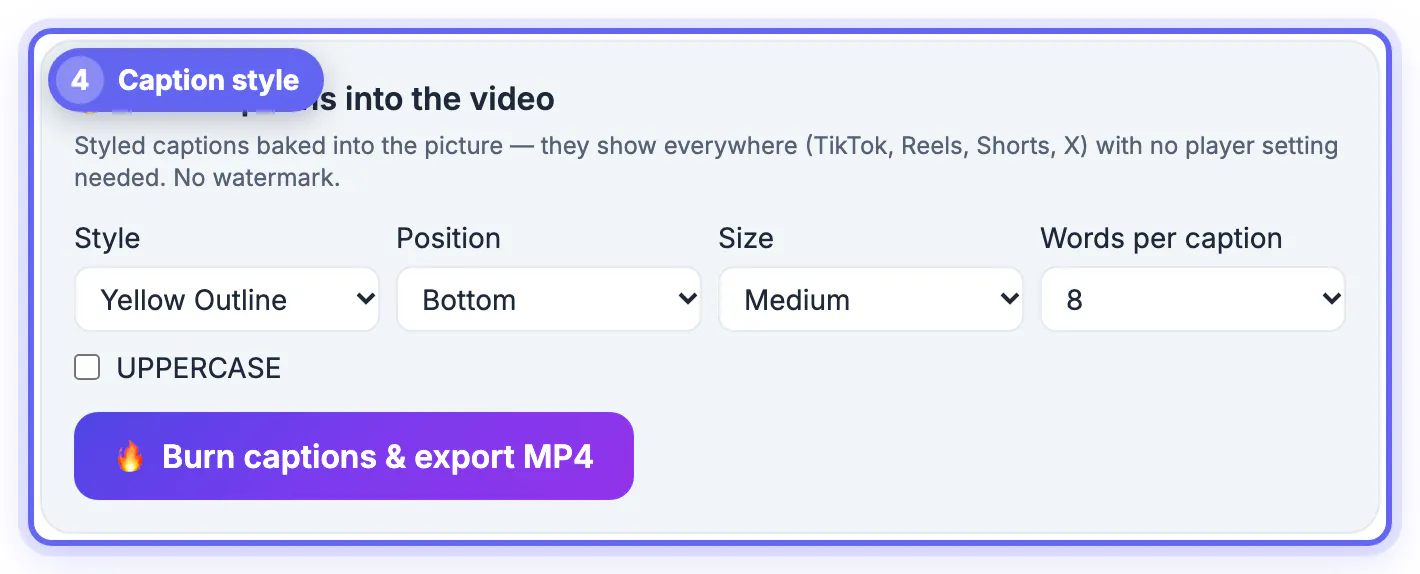
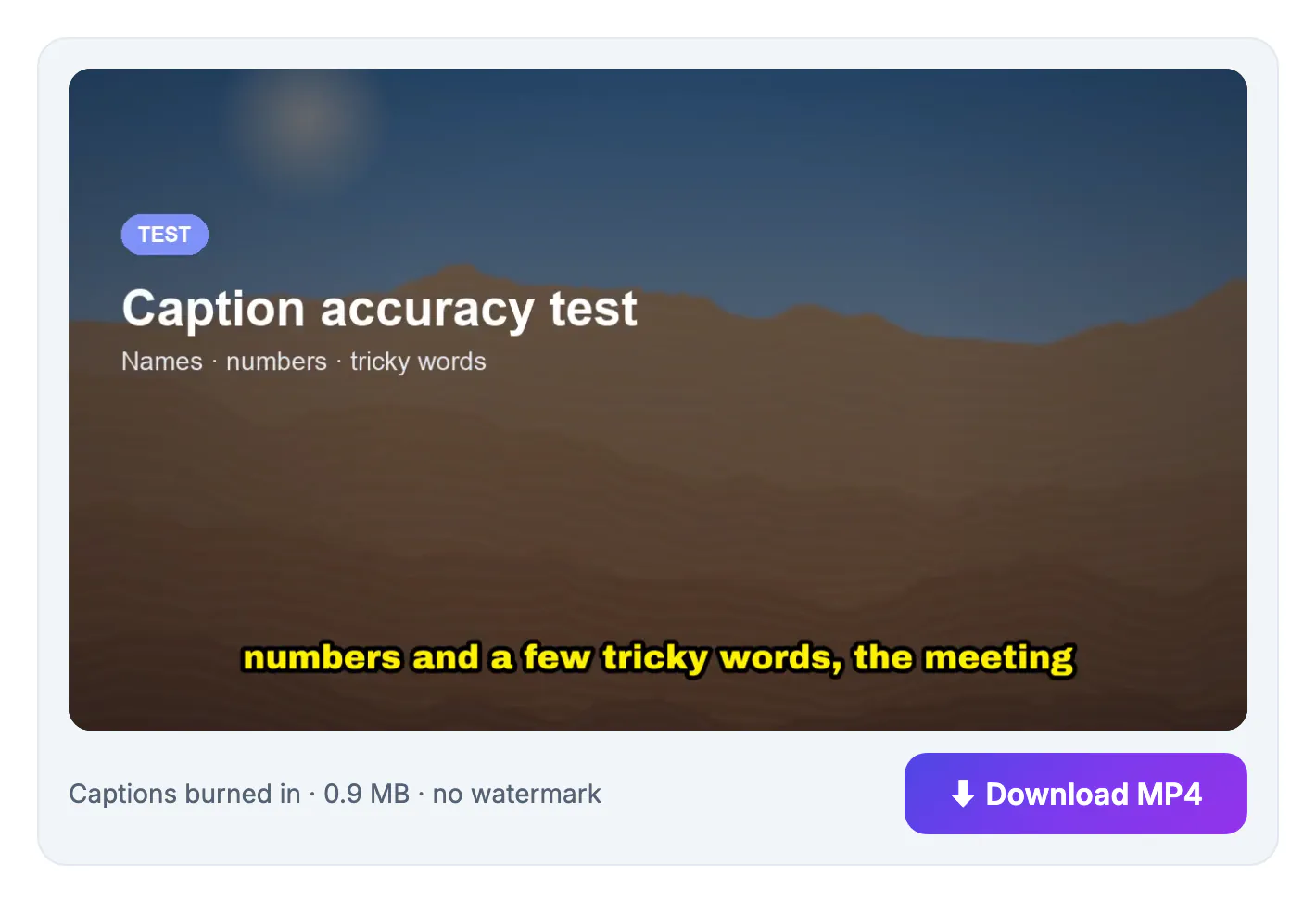
GrabCast opens the file in your browser, transcribes it with Whisper Tiny running on your device, and drops the result into an SRT editor: one block per caption with number, timestamps and text. From there you download .srt or .vtt, embed a soft track, or burn styled captions into an MP4 with no watermark.
The honest trade-off is the free engine size. Tiny is the smallest Whisper model, so it handles clear, single-speaker English well but slips on heavy accents, crosstalk and noisy rooms. If that hurts your score, paste a free Groq key (Whisper large-v3) or an OpenAI key in the AI Key tab. Accuracy jumps, but the audio then goes straight from your browser to that provider, so skip the key for confidential recordings.
Scoring sheet: weigh the export before the engine
- Error rate on your clip, 30 percent of the score: measured, never quoted
- Editing speed, 25 percent: how fast you fixed five mistakes and one timing slip
- Exports, 25 percent: SRT, VTT and burned-in video, all without a watermark
- Privacy and access, 20 percent: account required, upload required, or neither
Weighting exports that heavily sounds odd, but a great transcript trapped in a proprietary project file is useless to a client, a YouTube upload or a video editor who asked for a plain SRT.
If you need another language, the Multilingual Subtitles tool covers that, and this subtitles guide explains how to load them.
Step-by-step
Common mistakes to avoid
Pro tips
Frequently asked questions
Which free auto subtitle generator is most accurate?
It depends on your audio more than the brand. Tools built on large Whisper models, whether offline apps or cloud engines, usually lead on accents and noise. GrabCast free mode uses the small Tiny model, which is fine on clear speech; adding a free Groq key switches it to Whisper large-v3.
Is YouTube auto-captioning good enough?
For videos that live only on YouTube, often yes, and it costs nothing. The catch is that you must upload first, and you still need a separate file or burned-in text for TikTok, Reels, LinkedIn or a course platform.
Does GrabCast add a watermark to captioned videos?
No. SRT and VTT downloads, embedded tracks and burned-in MP4 exports are all clean, and there is no account or monthly cap to hit. Burned-in exports use a high-quality H.264 setting with AAC audio, so the picture does not visibly degrade either.
Is my audio uploaded when GrabCast generates captions?
Not in the default free mode: speech recognition runs in your browser on your own device. Only if you add your own Groq or OpenAI key does the audio go directly to that provider for transcription.
How long a video can I caption in the browser?
Short clips work best. Everything runs in your computer memory, so a 5 to 20 minute clip on a laptop is comfortable, while very large files over a few hundred megabytes can fail. Trim first, or caption long recordings in parts.
Stop trusting accuracy percentages and run a 10-minute test on your own audio. Score error rate, editing speed, exports and privacy, and the right auto subtitle generator for your work becomes obvious within one afternoon.
Related guides
Browse more: all video and audio guides · Video Trimmer & Subtitles