Short Clips From a Long Video: Find, Cut, Caption
To make short clips from a long video, work from the transcript rather than the timeline: read the text, mark three to five self-contained moments of 20 to 45 seconds, then cut each one so the first spoken line is the hook. A one-hour podcast or webinar usually holds that many usable moments, and finding them in text takes about ten minutes instead of an afternoon of scrubbing. This guide walks through the workflow a solo creator or a small marketing team can run each week with free browser tools, including where the AI helps and where your judgment still has to decide.
✂️ Try the AI Clip Finder now — freeOpen →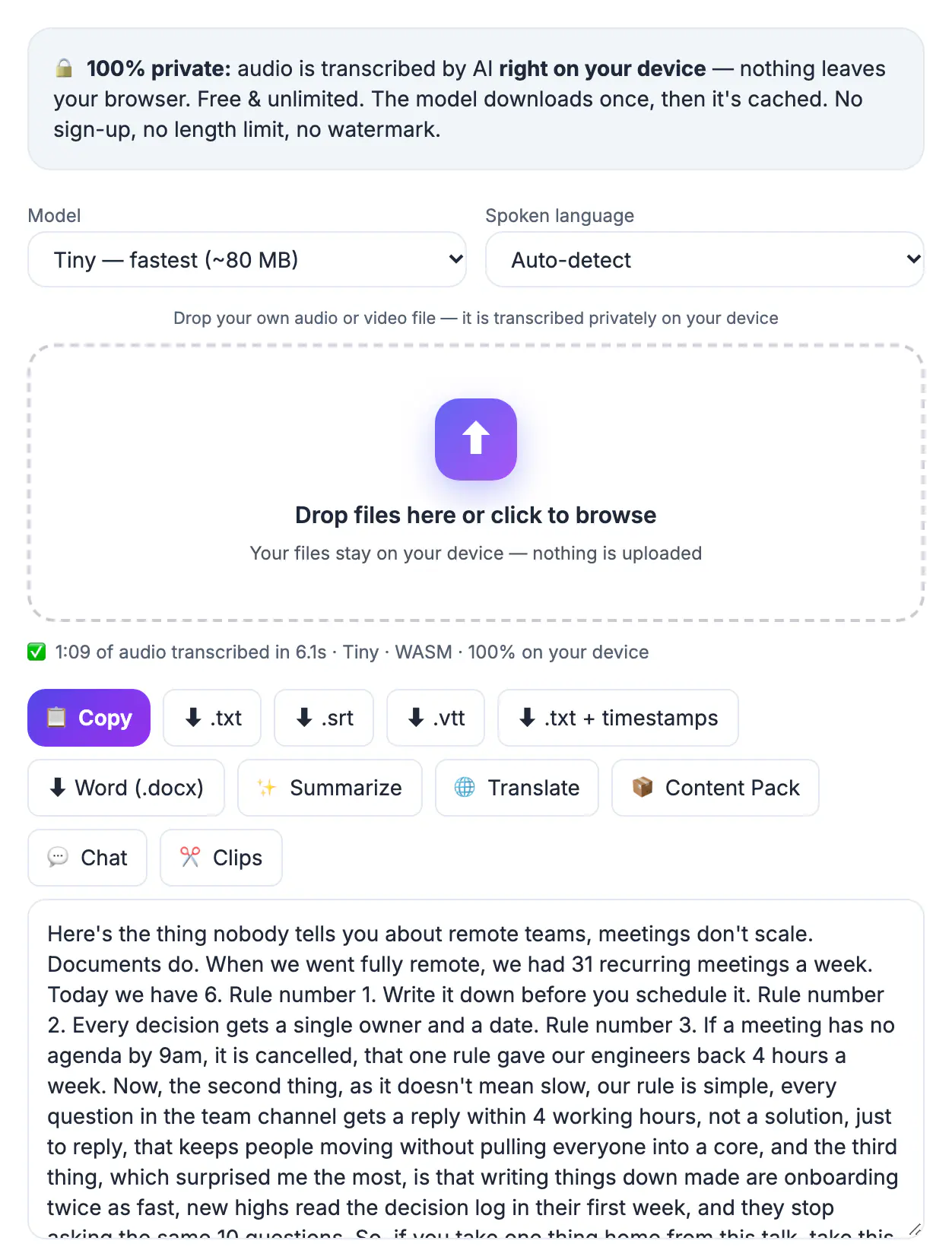
Long episodes build trust with people who already follow you; vertical cuts are how strangers discover you in the first place. TikTok, Instagram Reels and YouTube Shorts all reward a strong first two seconds and a high completion rate, and a 30-second excerpt is far easier to finish than a 58-minute interview. A single recording can feed a week of posts across three platforms, which spreads the effort of booking a guest or preparing a talk over many more impressions. Clipping is also cheap testing: if a moment about pricing outperforms one about hiring, that tells you what your next full episode should cover.
Scan the transcript for hooks, not the timeline
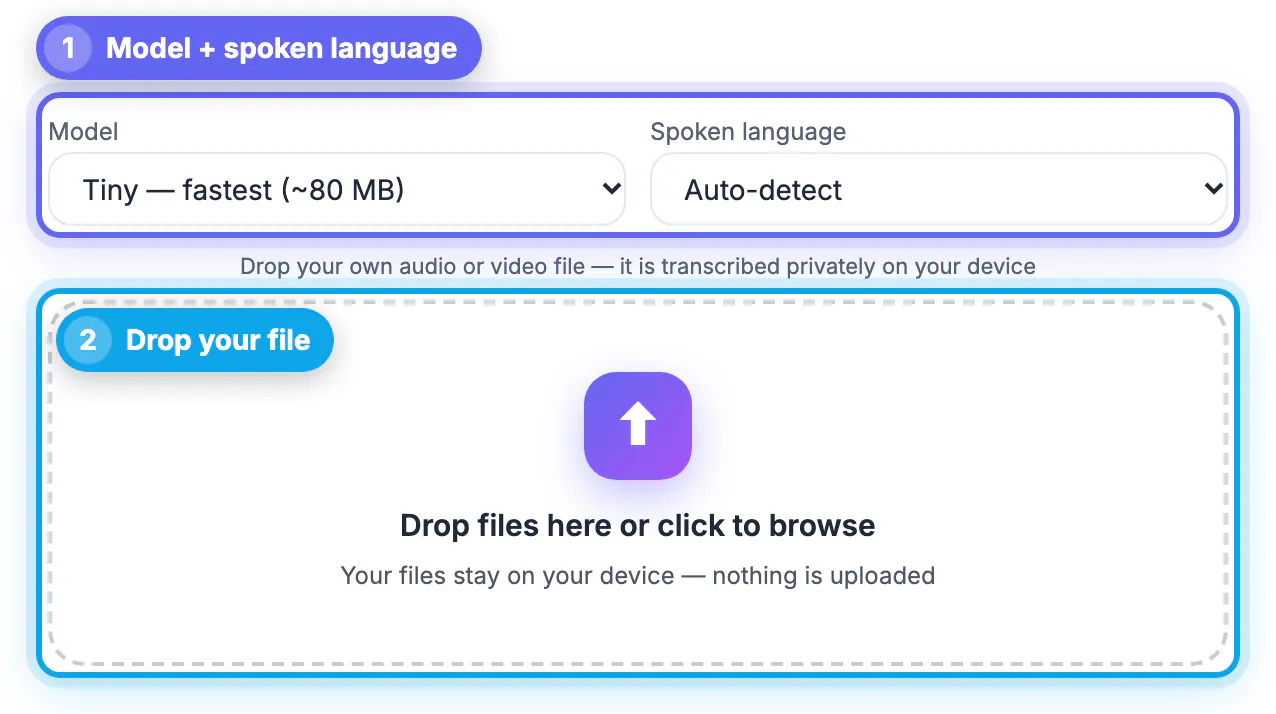
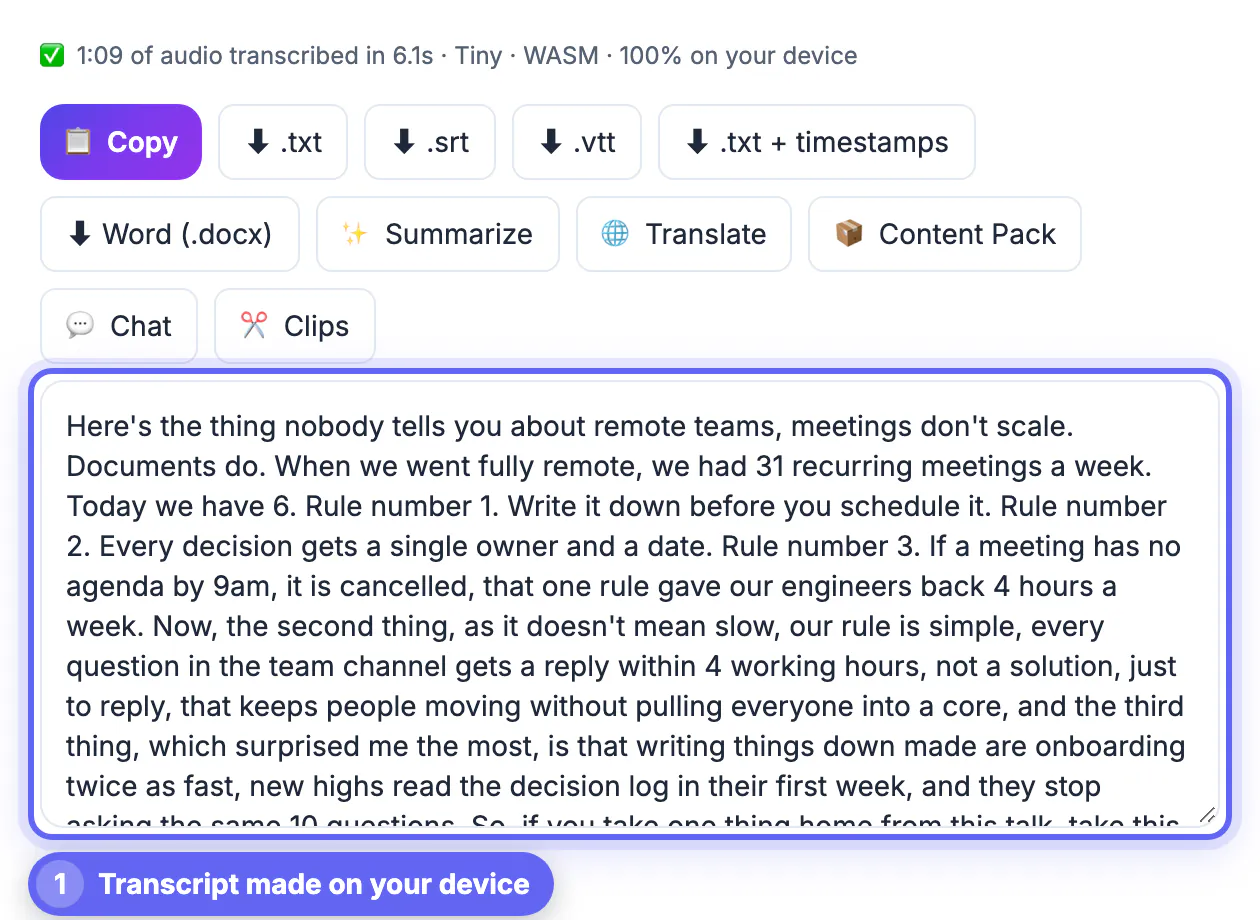
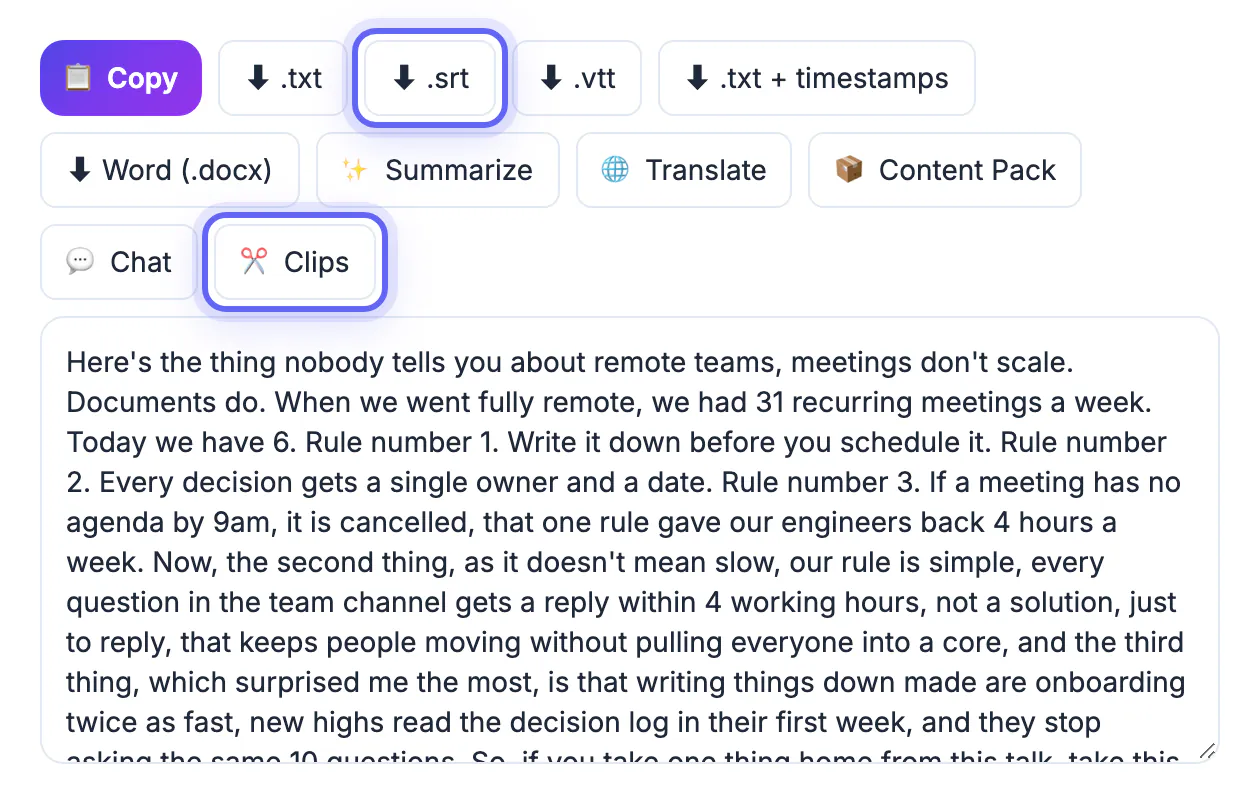
Scrubbing a 60-minute file at double speed still costs half an hour, and you tend to remember the last good moment rather than the best one. Text is faster to skim. Drop the recording into AI Studio, pick the Base model for a good balance of speed and accuracy, and export an SRT so every line carries its start and end time.
As you read, highlight lines that would make a stranger stop. The strongest candidates usually share a pattern:
- A specific number or result, such as we cut churn by 31 percent in one quarter
- A contrarian opinion stated plainly, for example stop posting every day
- A short story with a clear turn, where the speaker was wrong and explains why
- A question the audience already asks, answered in under half a minute
Skip moments that depend on something said ten minutes earlier. If a viewer needs context to follow it, the excerpt will lose them in the first three seconds.
Let the AI Clip Finder shortlist the best moments
The AI Clip Finder reads a pasted transcript, SRT or VTT and returns three to five moments sized for 20 to 45 seconds. For each one it gives a timestamp range when the input has timing, a short reason the moment may perform, an on-screen hook line and a caption with three hashtags. That turns a blank page into a ranked shortlist.
It handles a full episode in one go. Paste up to roughly 60,000 characters, which is about an hour of speech, and the tool reads the text in parts, noting the two or three strongest candidates in each, then combines those notes into a final pick of three to five clips for the whole recording. A progress line shows which part it is reading. Subtitle files are compacted to one [mm:ss] line per caption before analysis, so an SRT fits more minutes into the same space. Anything beyond the limit is skipped, and the output ends with a note saying so, which for a three-hour stream means running the second half separately.
- The Clips button in AI Studio passes your timed transcript straight to the Clip Finder, so you do not have to copy and paste it; the 60,000-character reading limit above still applies.
- The text goes to a cloud AI model, so do not paste confidential client calls or unreleased material; you can add your own API key if you prefer your own account.
- The model cannot see faces, laughter or a slide that makes a moment land, so watch every suggested range before you cut.
- If the free AI is busy at peak hours, wait a moment and run it again; your pasted text stays in the box.
Cut each clip tight in the Video Trimmer
Open the source file in the Video Trimmer, set Start and End with the sliders, and preview. Two trim modes matter here. Fast is instant and lossless but snaps to the nearest keyframe, so the cut can land a second early or late; Precise re-encodes and lands on the exact frame. Use Precise when the hook begins mid-sentence.
- Start on the first word of the hook, never on um, so or a breath
- End one beat after the payoff line; a trailing half-second feels natural, three seconds feels slow
- Aim for 20 to 45 seconds; under 15 rarely carries a full idea, over 60 tests patience
- Keep one idea per excerpt, even if the speaker makes two good points back to back
If the footage is horizontal 16:9, the subject will look small in a vertical feed. Record with the speaker centered next time, or reframe in a phone editor that supports 9:16 crops before you add captions.
Caption, export and post the vertical versions
Most feed viewing happens with the sound off, so captions do the work of the audio. In the Video Trimmer, the Auto Subtitles tab generates captions on your device, lets you fix any misheard names, and can burn styled TikTok-style captions into the picture with Bold Pop, Yellow Outline, Classic Box or Big Condensed styles, positioned top, middle or bottom, with no watermark.
Place captions in the middle third if the platform overlays buttons along the bottom and right edges. Put the hook line from the Clip Finder on screen for the first two seconds, then let the spoken captions take over.
- Name files clearly, for example ep42-pricing-hook-31s.mp4, so you can track which idea performed
- Post the same excerpt to Reels, Shorts and TikTok, but write a platform-specific first line for each caption
- Link the full episode in your profile or pinned comment, not in the caption itself
- After a week, check completion rate rather than views to decide which topic to clip next
For TikTok or Reels, crop each clip to 9:16 vertical before you add captions so nothing important lands outside the frame.
Step-by-step
Common mistakes to avoid
Pro tips
Frequently asked questions
How long should each clip be?
Most strong excerpts land between 20 and 45 seconds. That is long enough to set up and deliver one idea and short enough that most viewers finish it, which matters more to feed algorithms than raw length.
Does the AI Clip Finder watch my footage?
No. It only reads the text you paste, a plain transcript, an SRT or a VTT. It cannot see gestures, slides or reactions, so always watch its suggested ranges before cutting. It also uses a cloud AI model, so avoid pasting confidential material.
Can it handle an hour-long episode?
Yes. Up to roughly 60,000 characters, about an hour of speech, is read in parts and combined into one final shortlist. Longer inputs are cut off at that point, and the result says so, so run a very long stream in two halves.
Will burned-in captions look blurry?
Burned captions are rendered into the picture at the video's own resolution, so they look as sharp as the footage. If the source is low resolution, the text will match it; start with the best copy you have.
Can I clip someone else's podcast or stream?
Only with permission or a license. Clipping your own recordings, or those of guests and partners who agreed to it, is the safe route. Platforms remove reuploads and can penalize accounts that repost other creators' work.
Work in text first: transcribe the recording, paste the full SRT into the Clip Finder for a shortlist across the whole episode, confirm each moment by watching it, then trim to 20 to 45 seconds, burn captions and post the vertical version with a hook in the first two seconds.
Related guides
Browse more: all video and audio guides · the AI Clip Finder