Repurpose a YouTube Video as a Blog Post That Ranks
To repurpose a YouTube video as a blog post, get an accurate transcript, reshape it from spoken rambling to scannable written structure, add what the screen showed but the words did not, and publish it with the clip embedded near the top. A ten-minute talking-head upload usually holds 1,300 to 1,600 spoken words, which is already the length of a solid article. The work is editing, not writing from scratch. This guide walks through the full workflow for creators who publish their own material: where the transcript comes from, how spoken language differs from written, where AI drafting helps and where it hurts, and the on-page details that let the article bring search visitors back to your channel.
📝 Try AI Voice-to-Text Studio now — freeOpen →
Search engines cannot watch your upload, but they can read a well-structured page. A written version gives you a second way to be found for the same idea, especially for how-to and comparison queries where people prefer to skim. It also serves viewers who cannot play sound at work, readers who use screen readers, and people who want to copy a command or a recipe quantity instead of pausing and rewinding. Because the argument, examples, and research already exist, the article costs a fraction of a new one. The catch is that raw transcripts read badly. Spoken language is full of restarts, filler, and references to things on screen, so the value comes from a deliberate rewrite rather than pasting the text under the embed.
Get an accurate transcript of your own upload
Start from the cleanest source you have. Only repurpose content you created or have written permission to use.
- For your own channel, YouTube Studio > Subtitles lets you download the caption track the clip already has, and the Show transcript panel under the video displays it for reading. Both work only when captions exist, and auto-captions carry their own errors in names and jargon.
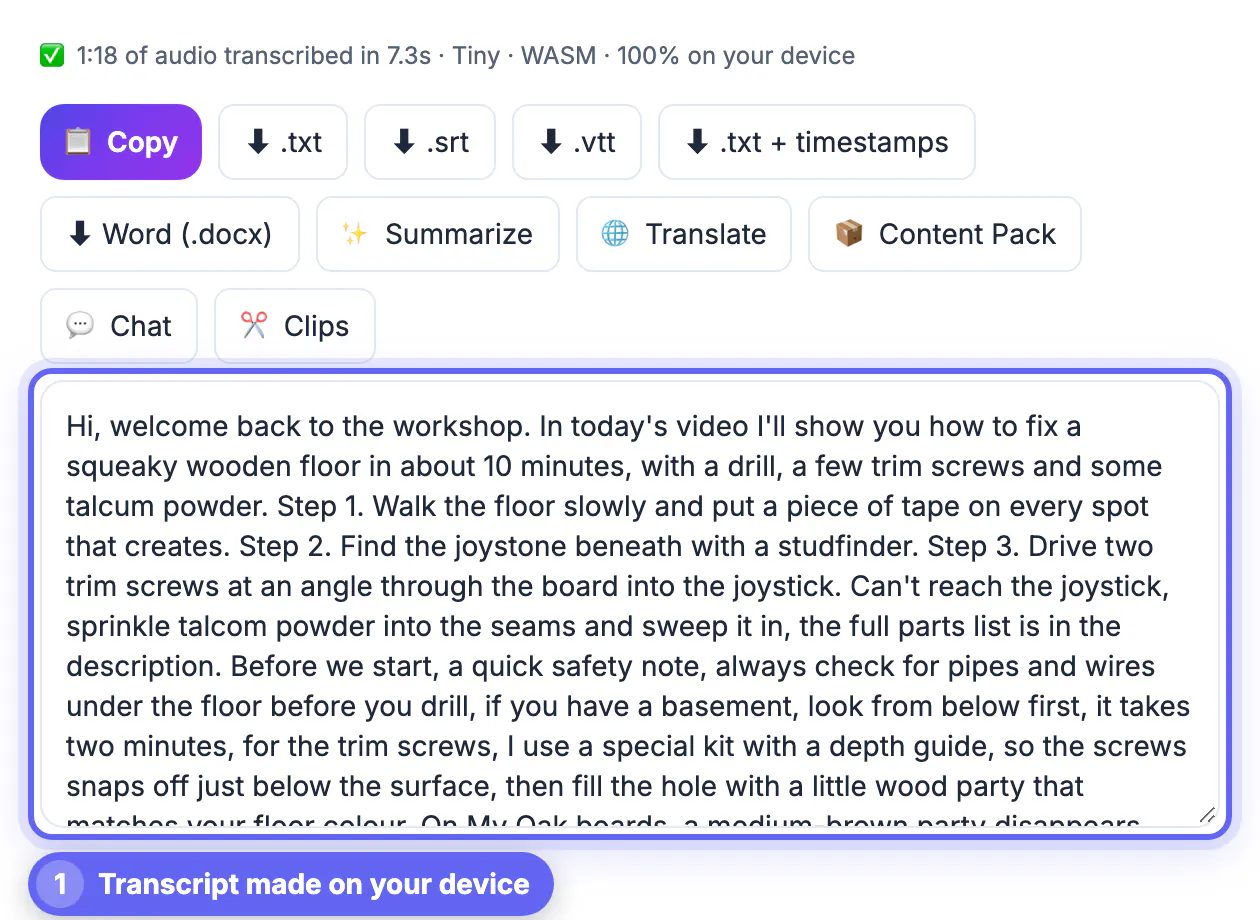
- Better accuracy usually comes from your original export or the file you can download from YouTube Studio for your own uploads. Drop it in AI Studio and Whisper transcribes it on your device, with nothing uploaded.
- Choose the Small model for a good balance, or Large-v3 Turbo for the best accuracy on a recent computer with a capable GPU.
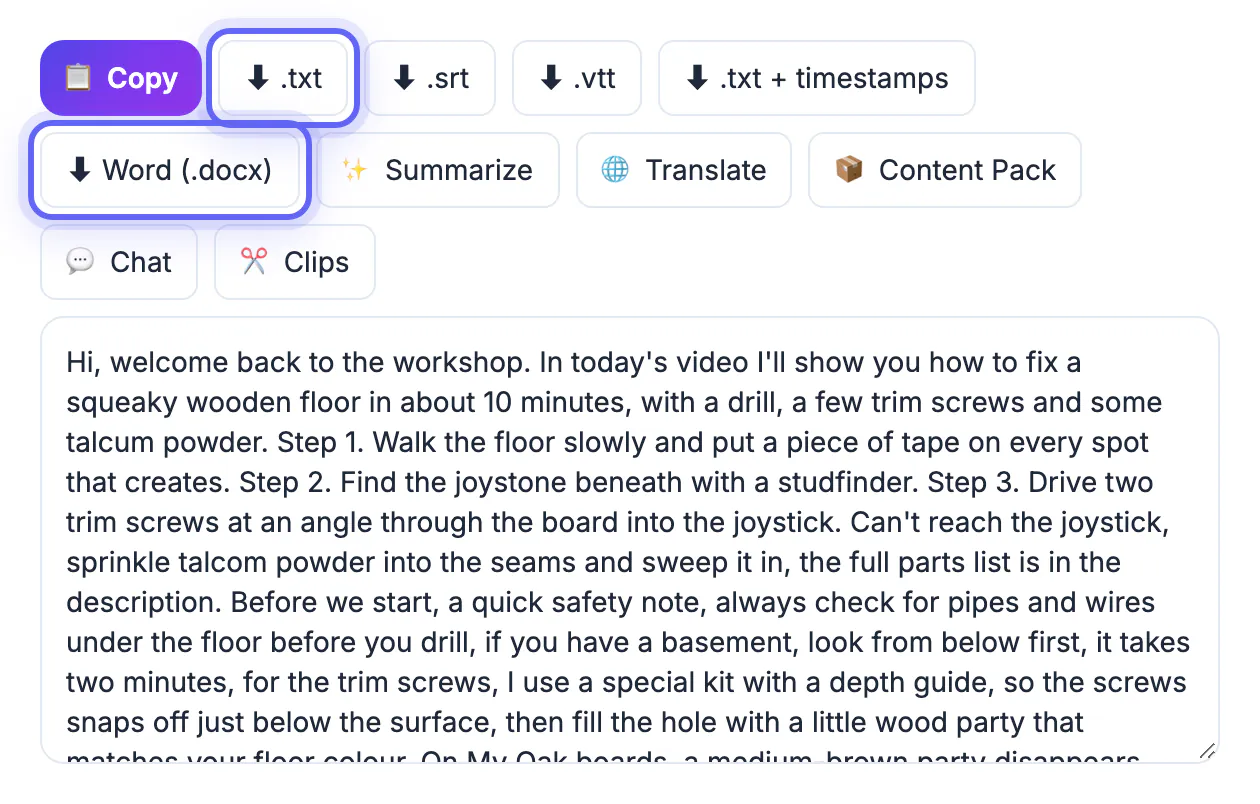
- Export the .txt for editing and the .txt with timestamps so you can link to exact moments later.
Turn spoken words into a readable blog structure
Readers scan; listeners follow. Rebuild the transcript around the questions your audience types, not the order you happened to say things.
- Write a new opening that answers the main question in two sentences. Spoken intros such as hey everyone, welcome back, do not belong in print.
- Promote each topic change to a subheading phrased as a question or task, for example How much flour for a 9-inch pan.
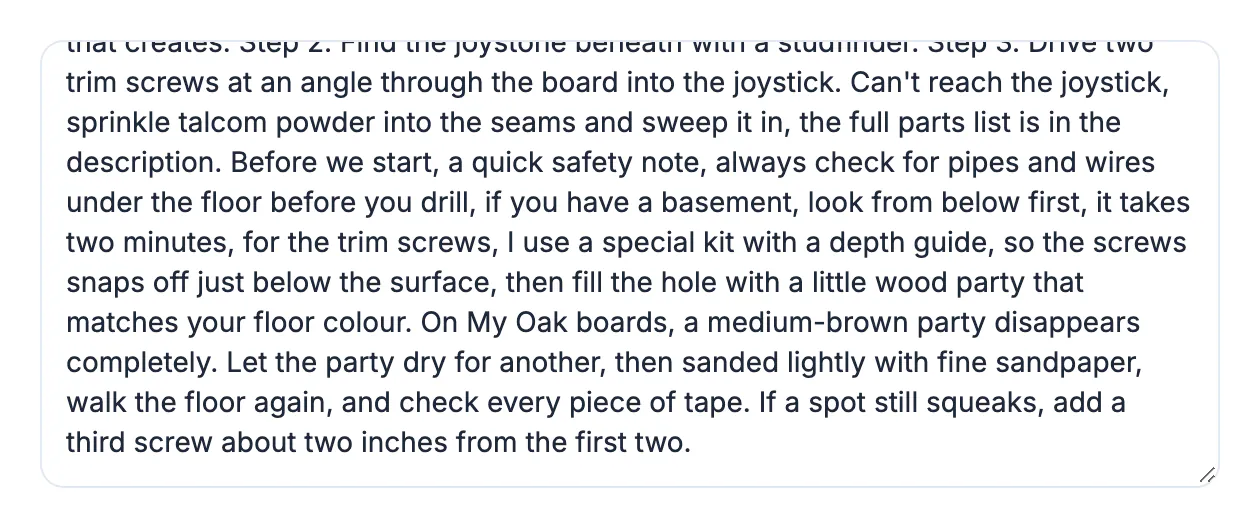
- Cut filler words, false starts, and repeated points; a 1,500-word transcript often edits down to 1,000 strong words.
- Replace on-screen references such as as you can see here with what the viewer actually saw: the setting name, the measurement, a screenshot, or a short table.
Where AI drafting helps, and where it hurts
An AI draft can save an hour of restructuring, as long as you stay the editor. GrabCast's AI Content Pack reads a transcript of up to about 60,000 characters, roughly an hour of speech, and produces a summary, key takeaways, chapters, social captions, and a blog draft in one run.
- Use the draft as scaffolding for headings and order, then rewrite the body in your own voice with your own examples.
- Check every claim, figure, and product name against what you actually said; AI can smooth over nuance or add details you never mentioned.
- The Content Pack is a cloud AI tool, so the transcript is sent to an AI service. Unlike the on-device transcription step, it is not private.
- Search engines reward pages that help readers, so a lightly edited machine draft is a weak foundation for ranking.
Publish the article so it ranks and sends viewers back
On-page details decide whether the written version earns traffic and feeds the channel.
- Embed the clip right after the opening paragraph, so readers who prefer watching can switch immediately.
- Write a title for searchers, which may differ from the thumbnail title built for clicks.
- Add timestamp links to key moments, and use the chapters list in the upload description as well.
- Add original images, such as stills from the recording or a finished-result photo, with descriptive alt text.
- Link from the upload description to the article and from the article to related uploads, so both formats reinforce each other.
If the same video also feeds your mailing list, you can turn it into a newsletter using the same transcript.
Step-by-step
Common mistakes to avoid
Pro tips
Frequently asked questions
Is it duplicate content to publish a transcript-based article?
A written article based on your own recording is generally treated as a separate page in a different format. Rewriting it for readers makes it more useful and more distinct than a raw transcript.
Do I need to download my own upload?
Not always. If the clip has captions, you can download that track from YouTube Studio > Subtitles. For better accuracy, use your original export or the download option YouTube Studio offers for your own uploads, and transcribe it on your device.
How long should the article be?
Let the content decide. A ten-minute tutorial usually becomes 800 to 1,200 words after filler is removed; do not pad it to hit a number. Readers and search engines both prefer a complete, tight answer over a long one stretched with repetition.
Can AI write the whole article?
It can produce a usable draft, but it should be edited heavily for accuracy and voice. Treat it as an outline, not the finished piece.
Is the transcription private?
Transcribing a file you drop in AI Studio happens on your device, and nothing is uploaded. The Content Pack sends text to a cloud AI, so remove anything confidential before you paste.
Every tutorial or explainer you have published already contains an article; the job is to get a clean transcript, rebuild it for skimming readers, and add what the screen showed. Transcribe your own files privately, use AI drafts only as scaffolding, embed the clip, and link both ways so each format keeps sending people to the other.
Related guides
Browse more: all video and audio guides · AI Voice-to-Text Studio