Turn a YouTube Video Into a Newsletter People Read
To turn a YouTube video into a newsletter, start from your original export or the copy of your own upload that YouTube Studio lets you download, transcribe it privately in AI Studio, and build a 250 to 400 word email around the single most useful idea. People who will never open a 15-minute upload on their phone will happily read three tight paragraphs, and a good issue sends a share of them back to watch.
📦 Try AI Content Pack now — freeOpen →
Platform reach is rented. The algorithm decides whether subscribers even see your next upload, while an email list is an audience you own and can reach on your schedule. Repurposing each release as an email issue doubles the value of the research and scripting you already did, keeps your list warm between product launches, and brings back viewers the recommendation feed forgot. It also serves people who prefer reading: many subscribers skim email on a commute or at a desk where playing sound is not an option. The goal is not a word-for-word copy but a different format for a different moment of attention.
Get a clean transcript to work from
Starting from text is much faster than rewatching yourself and taking notes, and it guarantees you quote your own points accurately.
- Start from the original export in your editor, or use the Download option on YouTube Studio's Content page to get your own upload back as an MP4; Audio Converter can extract a smaller audio track from it
- Only use material you own or have permission to reuse; repurposing someone else's work needs their consent
- Drop the video or audio file into AI Studio, which runs Whisper in your browser, and pick Base or Small for a clear solo voice
- Export TXT for writing and keep the SRT, since its timestamps let you deep-link to exact moments
- Skim once and bold the three strongest lines, stories or numbers
A 12-minute talking-head upload produces roughly 1,800 to 2,000 words of text. You will use perhaps 15 percent of it, and that is the point: the email is a distillation, not a recap.
Clean the text lightly before drafting: fix names and brand terms the model misheard, delete ums and false starts, and add paragraph breaks where you changed topics. Ten minutes here makes every later step faster.
Find the one idea worth sending
Readers give an email about 10 to 20 seconds before deciding to keep going. One focused idea survives that test; five loosely related points do not.
- Ask what a busy subscriber should remember if they read nothing else, and write that as a single sentence
- Pick one supporting story or example from the transcript that makes the idea concrete
- Keep one surprising number, quote or before-and-after result, since specifics earn trust
- Leave the rest for the full upload; incompleteness is what motivates the click
- If the source covers several big ideas, split them across several issues over a few weeks
A list post like 7 tips for better lighting can work too, but give each tip one line and send readers to the full walkthrough for the demonstrations.
Test the idea on yourself: if you cannot explain it in one sentence to a friend without mentioning the upload, the email will struggle too, and you should choose a narrower takeaway.
Write the newsletter for the inbox, not the page
Email is read on phones, in a narrow column, between other tasks. Formatting and tone need to match that reality.
- Subject lines around 30 to 50 characters display fully on most phones; promise the benefit, not the title of the upload
- Use preview text to extend the subject rather than repeating it
- Write short paragraphs of one to three sentences and speak directly to one reader
- Rewrite spoken filler and repeated phrases; what sounds natural on camera reads loose in text
- Keep the email lightweight: Gmail clips messages larger than about 102 KB, hiding your call to action
Most email clients cannot play embedded clips, so use a thumbnail image with a play icon that links to the upload instead of trying to embed a player.
Earn the click back to the full episode
The issue should feel complete on its own and still leave a clear reason to watch.
- Place one prominent button or link after the key idea, with a specific label such as Watch the 4-minute lighting demo
- Use a timestamp link, adding t= and the seconds to the URL, to drop readers at the exact moment you mention
- Tell readers what the full piece shows that text cannot: a demo, a before-and-after, a screen walkthrough
- Add a P.S. with a reply prompt; replies improve deliverability and give you ideas for future episodes
- Track clicks per issue in Substack, beehiiv, Kit or Mailchimp and keep the formats that perform
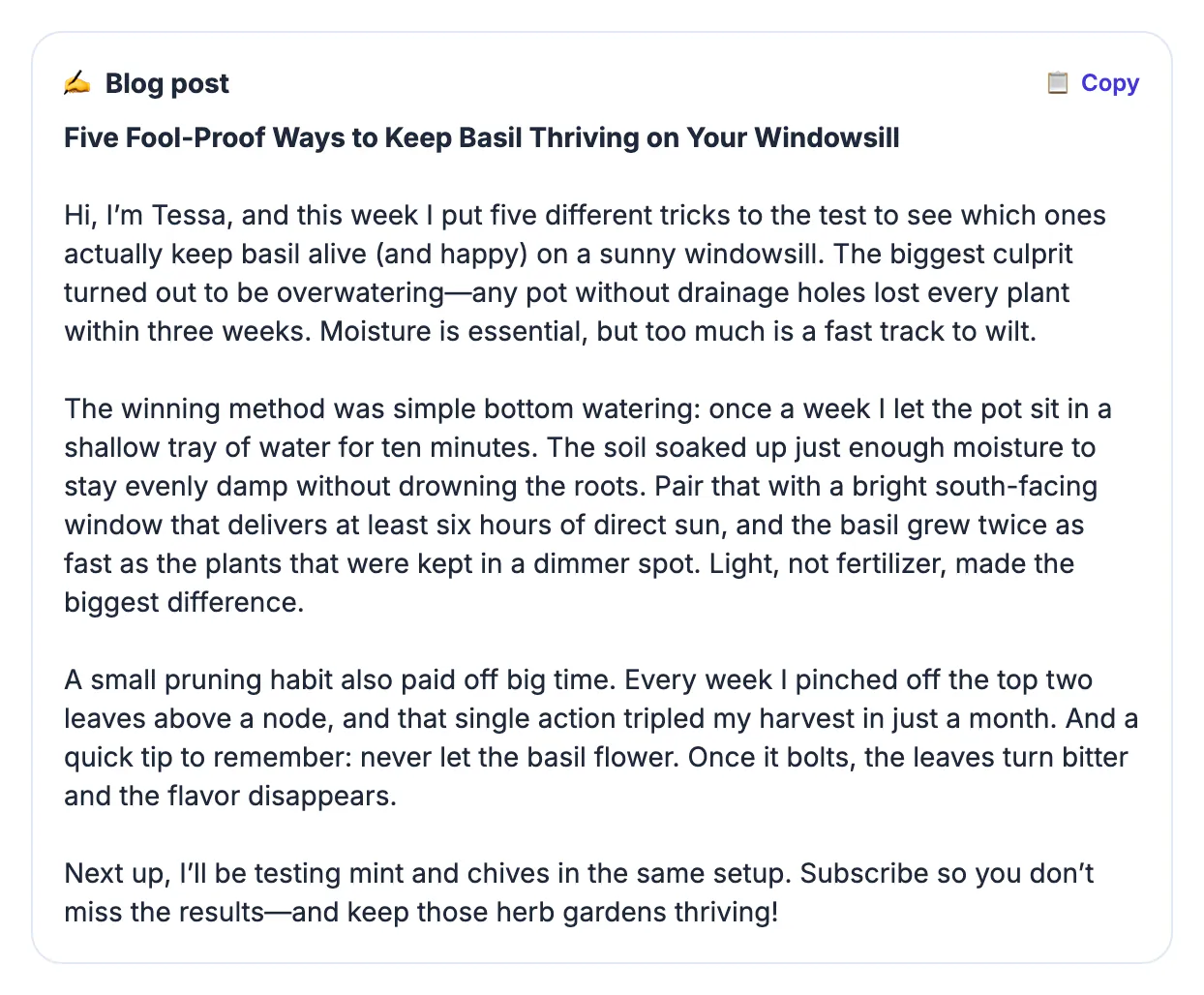
If you want a head start on wording, the AI Content Pack can propose key points, a summary and social captions from the transcript; it runs on a cloud AI service, so rewrite its draft in your own voice before sending.
Measure what matters over a month, not a single send. Open rates are noisy because of Apple Mail privacy protection, so watch click-through to the upload, replies and unsubscribes, and compare issues with the same structure.
Step-by-step
![Timestamped transcript of a windowsill basil video pasted into the AI Content Pack, from [00:00] to the [11:30] outro](img/steps/ai-content-pack/basil-newsletter-01.webp)
Common mistakes to avoid
Pro tips
Frequently asked questions
How long should an email issue based on an upload be?
Most creator emails that perform well land between 250 and 400 words: one idea, one example, one call to action. Longer deep dives work if your list expects them.
How do I get a transcript of my upload?
Use your original export or download your own upload from YouTube Studio, then transcribe it in AI Studio, which runs Whisper in your browser and exports TXT, SRT, VTT or DOCX.
Can I embed the clip in the email?
Usually not; Gmail, Outlook and Apple Mail generally do not play embedded clips. Use a linked thumbnail with a play icon instead.
Can I use AI to write the draft?
Yes, as a starting point. The AI Content Pack creates key points and a summary from your transcript using a cloud AI service. Edit the draft so it sounds like you.
Is it okay to repurpose someone else's upload?
Only with permission. Adapt only content you own or have rights to, and credit and link the original creator when you have their consent.
To turn a YouTube video into a newsletter, transcribe your own upload, pick the single idea worth an inbox slot, write a short personal email for phone readers, and link a thumbnail and timestamp back to the full piece.
Related guides
Browse more: all video and audio guides · AI Content Pack