Video Descriptions From a Transcript: Hook, Chapters, Links
To write a video description from a transcript, pull the first line from what the video promises, the chapters from where the topics change, and the keywords from the words you actually said, then assemble them in a fixed layout. A transcript with timestamps does most of the remembering for you, which matters because the blank box after upload is where good videos get one vague sentence. This guide uses YouTube's rules as the reference point, with notes for TikTok, Instagram and podcast platforms, and shows which GrabCast tools produce the timed text you need.
📦 Try AI Content Pack now — freeOpen →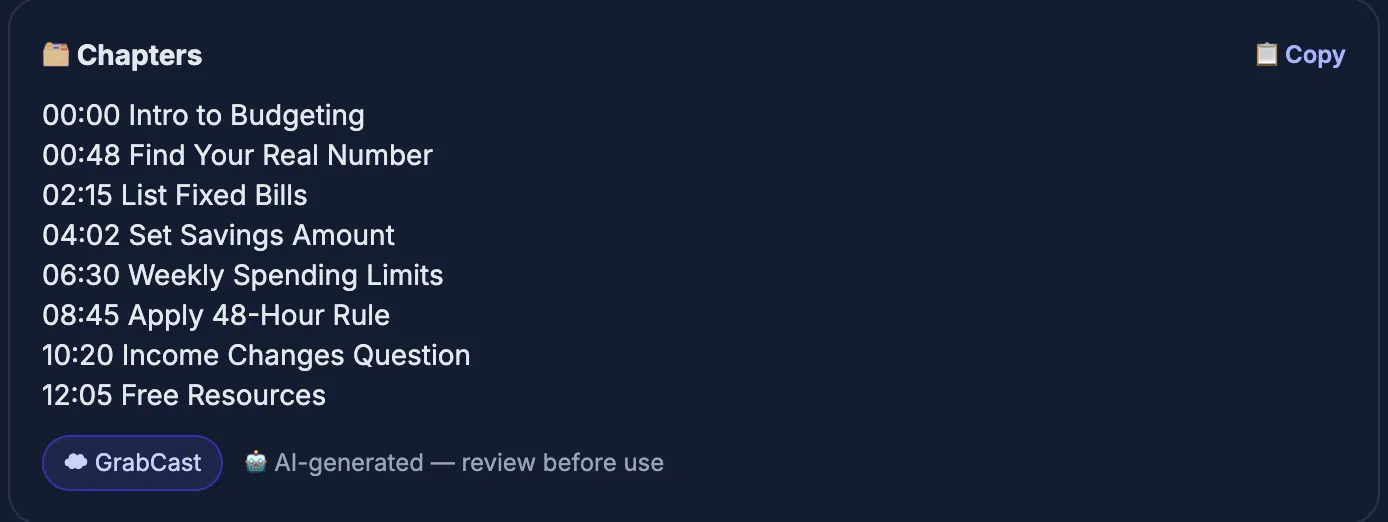
Search engines and recommendation systems read the title, description and captions to decide what a video is about. The phrases you naturally used on camera are usually the same phrases your audience types, and a transcript surfaces them without keyword stuffing. It also preserves structure. Every topic change has a timestamp, which becomes a chapter; every tool, book or person you mentioned becomes a link or a credit. Viewers benefit as well: a description that matches the content sets accurate expectations, and chapters let them jump to the part they came for, which tends to help watch time rather than hurt it.
Get timed text for your video
If you have the original file, drop it into AI Studio. It runs Whisper speech recognition inside your browser, so an unreleased video is not uploaded, and it exports TXT, TXT with timestamps, SRT, VTT and Word. The timestamped TXT is the most convenient format for this job, because every line starts with its time.
For a video that is already on your own YouTube channel, YouTube Studio > Subtitles lets you download the existing caption track as an SRT with timings, and the Download option on the Content page gives you the video file back to transcribe in AI Studio. Use these only for your own videos or ones you have permission to reuse. For Instagram, Facebook and TikTok, start from the original file on your phone or your account's data export.
- Own file: AI Studio, private, timestamped TXT
- Your YouTube upload: caption track from YouTube Studio
- Only your own videos or with permission
- Other platforms: original file or account export
Mine the text for hook, keywords and chapters
Read the timed text with three highlighters in mind. First, the promise: the sentence where you tell viewers what they will get, often in the first 30 seconds. Second, repeated phrases: terms you said three or more times are your natural keywords, for example sourdough starter or Lightroom masking. Third, transitions: lines like next, now let's look at, or the second mistake mark chapter boundaries.
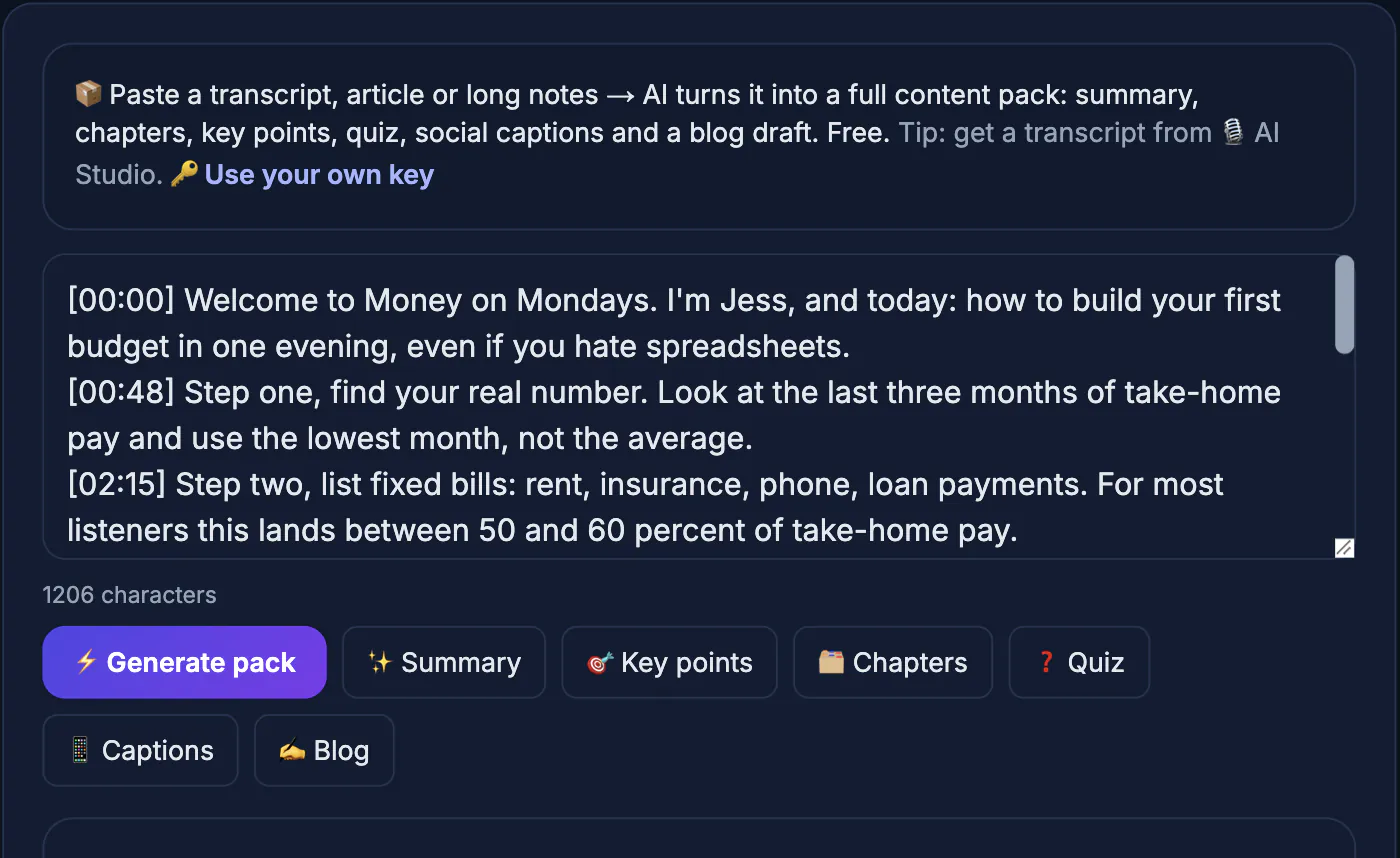
Write those findings as a rough list with times, such as 00:00 intro, 01:42 feeding schedule, 04:10 fixing a sluggish starter. Also note every named resource, product, guest or source you referenced, since those belong in links and credits. If you prefer a head start, GrabCast's Content Pack can suggest chapters and a summary from pasted text, but it is a cloud AI tool, so do not paste unreleased or confidential material.
- Promise line: usually in the first 30 seconds
- Repeated terms: the keywords viewers search
- Transitions: chapter boundaries with timestamps
- Named resources: links and credits
Write the video description in blocks
Use the same layout for every upload so viewers learn where to look. Block one is two sentences that restate the promise with the main keyword, because only the opening of the description, roughly the first 100 to 150 characters, shows before the more link. Block two is a three to five sentence summary in plain language. Block three is chapters. Block four is links: resources mentioned, related videos, your newsletter. Block five is credits, affiliate disclosures and hashtags.
For chapters on YouTube, the first timestamp must be 00:00, you need at least three, and each chapter must be at least ten seconds long; titles of two to five words work best. The whole field allows up to 5,000 characters. Put up to three relevant hashtags at the end, since YouTube shows the first three above the title and ignores all hashtags if a video uses more than 60.
- Opening lines: promise plus main keyword
- Summary in plain language
- Chapters: start at 00:00, three or more, 10 seconds minimum
- Links, credits, disclosures, then two or three hashtags
Adapt the text for other platforms
The same material can be trimmed for short-form platforms. Instagram captions allow 2,200 characters, and only the first line or two shows before more, so lead with the hook and put hashtags last. TikTok captions are also cut off early in the feed, so the opening line matters more than the length. Podcast show notes can reuse the summary and chapters almost directly, with timestamps that many podcast apps turn into tappable links.
Keep disclosures consistent everywhere. In the US, the FTC expects affiliate relationships and sponsorships to be disclosed clearly and close to the link, not buried below the fold. In the EU and UK, advertising rules are similar, and platforms have their own paid promotion toggles that you should switch on when a brand paid for the placement.
- Instagram: 2,200 characters, hook first
- TikTok: the first line carries the post
- Podcast notes: summary and chapters reuse well
- Sponsorship and affiliate disclosure on every platform
Add tagged links to your description so you can see which platform actually sends viewers; this guide on UTM parameters for social links shows a simple naming scheme.
Step-by-step
Common mistakes to avoid
Pro tips
Frequently asked questions
Why write the description from a transcript?
Because it holds the exact words and structure of your video. You get natural keywords, accurate chapters and a list of everything you mentioned without relying on memory.
Where do chapter timestamps come from?
From the timestamped transcript. Note the time each new topic starts, begin the list at 00:00, and keep each chapter at least ten seconds long.
How long should a YouTube description be?
Long enough to cover hook, summary, chapters and links, commonly 200 to 400 words. YouTube allows up to 5,000 characters.
Is my video uploaded when I transcribe it?
No. AI Studio transcribes the file inside your browser, so an unreleased video never leaves your computer. Only optional AI features such as the Content Pack send text to a cloud service.
Can AI write the whole description?
It can draft one, but review it closely. Keep your own promise line, verify chapter times, and avoid pasting confidential material into cloud AI tools.
Transcribe the video, mark the promise, keywords, topic changes and resources, then fill the same five blocks every time. The description ends up matching the content exactly, which is what viewers and search both reward.
Related guides
Browse more: all video and audio guides · AI Content Pack