Best AI Presentation Makers: Honest Picks Compared
The best AI presentation makers in 2026 are Gamma for fast prompt-to-deck drafts, PowerPoint with Copilot and Google Slides with Gemini for people already inside those office suites, Canva for design-heavy decks, and Beautiful.ai or Pitch for teams that want tidy, consistent layouts. Each turns a prompt or document into slides in minutes; they differ in design control, export quality and which subscription you already pay for. What none of them can do is decide what you want to say. That is why we also show a free step before the slides: turning your notes or a rehearsal recording into a clear outline with GrabCast's AI Content Pack. Disclosure: the Gamma link below is an affiliate link, so GrabCast may earn a commission at no cost to you. Plans and features change often, so we describe pricing qualitatively and suggest checking each vendor's site.
📑 Try the AI Content Pack tool now — freeOpen →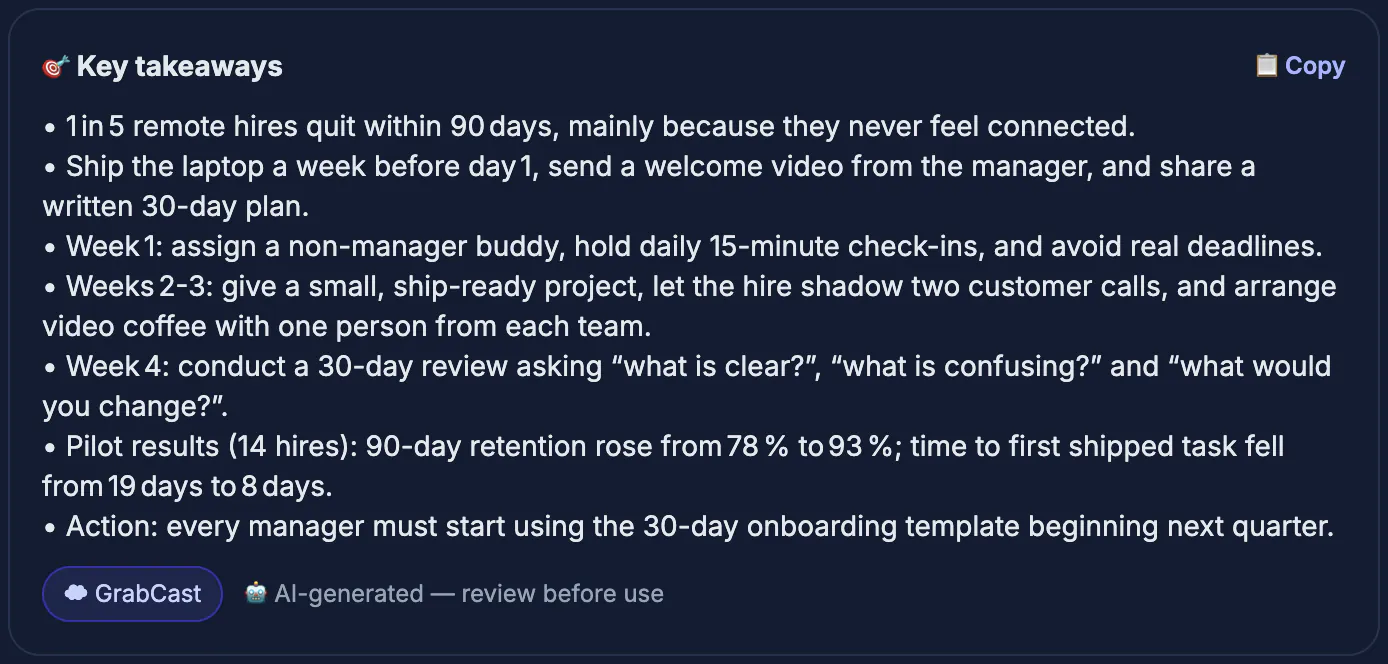
Every AI deck builder produces something that looks finished within a minute. The trap is that polished slides hide a weak argument: ten attractive pages with no clear order, no single takeaway per slide and a closing that repeats the opening. Audiences remember structure, not gradients. When you give a generator a focused outline, with one idea per slide and the evidence under each, the output improves dramatically and needs far less editing. So the smart workflow is two-stage: settle the story in plain text, then let a design tool dress it. Choosing between tools then becomes practical, based on where you edit, who collaborates and whether the export must open cleanly in PowerPoint on a conference-room laptop.
How we judged the best AI presentation makers
We looked at each product the way a busy presenter would, rather than chasing feature counts.
- Draft quality: does a one-paragraph prompt or a pasted document become a logical sequence, not just pretty pages?
- Editing: can you change a layout, reorder slides and fix wording without the design falling apart?
- Export: does the file open correctly as PowerPoint or PDF, with fonts and spacing intact?
- Collaboration and brand: shared editing, comments and brand colors or fonts for teams.
- Cost model: a usable free tier, or inclusion in a suite you may already pay for.
We avoid quoting prices because vendors adjust plans and AI credit limits frequently. Treat every free tier as a trial of the workflow rather than a permanent solution for heavy use.
The 2026 shortlist, tool by tool
These are real, widely used products. Each is strong in one situation and weaker in another.
- Gamma: generates decks, documents and simple web pages from a prompt or pasted text, with good-looking themes and PowerPoint and PDF export. It is fast for first drafts; fine-grained layout control is more limited than in traditional slide software. Try Gamma.
- Microsoft PowerPoint with Copilot: can draft a presentation from a prompt or an existing Word file inside the app you already present from. Best for Microsoft 365 users; it requires a plan that includes Copilot.
- Google Slides with Gemini: helps write slide text and generate images inside Slides, which suits teams on Google Workspace. Features depend on your Workspace or Google AI plan.
- Canva: strong templates, brand kits and an AI design assistant, with PowerPoint and PDF export. Great for visual decks; long, data-heavy decks take more manual work.
- Beautiful.ai: smart slides that rearrange themselves as you add content, which keeps company decks consistent. Mostly paid, with a trial.
- Pitch: collaborative deck building with AI generation and a free plan, popular with startups that share decks by link.
If your organization standardizes on Microsoft or Google, their built-in assistants avoid export problems entirely. If you present rarely and want the fastest attractive draft, a standalone generator is usually quicker.
Where GrabCast fits: the story before the slides
GrabCast does not design slides. Its free AI Content Pack is useful one step earlier, when your material is a messy transcript, meeting notes or a long article.
- Paste up to roughly 60,000 characters, about an hour of speech, and it reads long inputs in parts, showing progress as it goes.
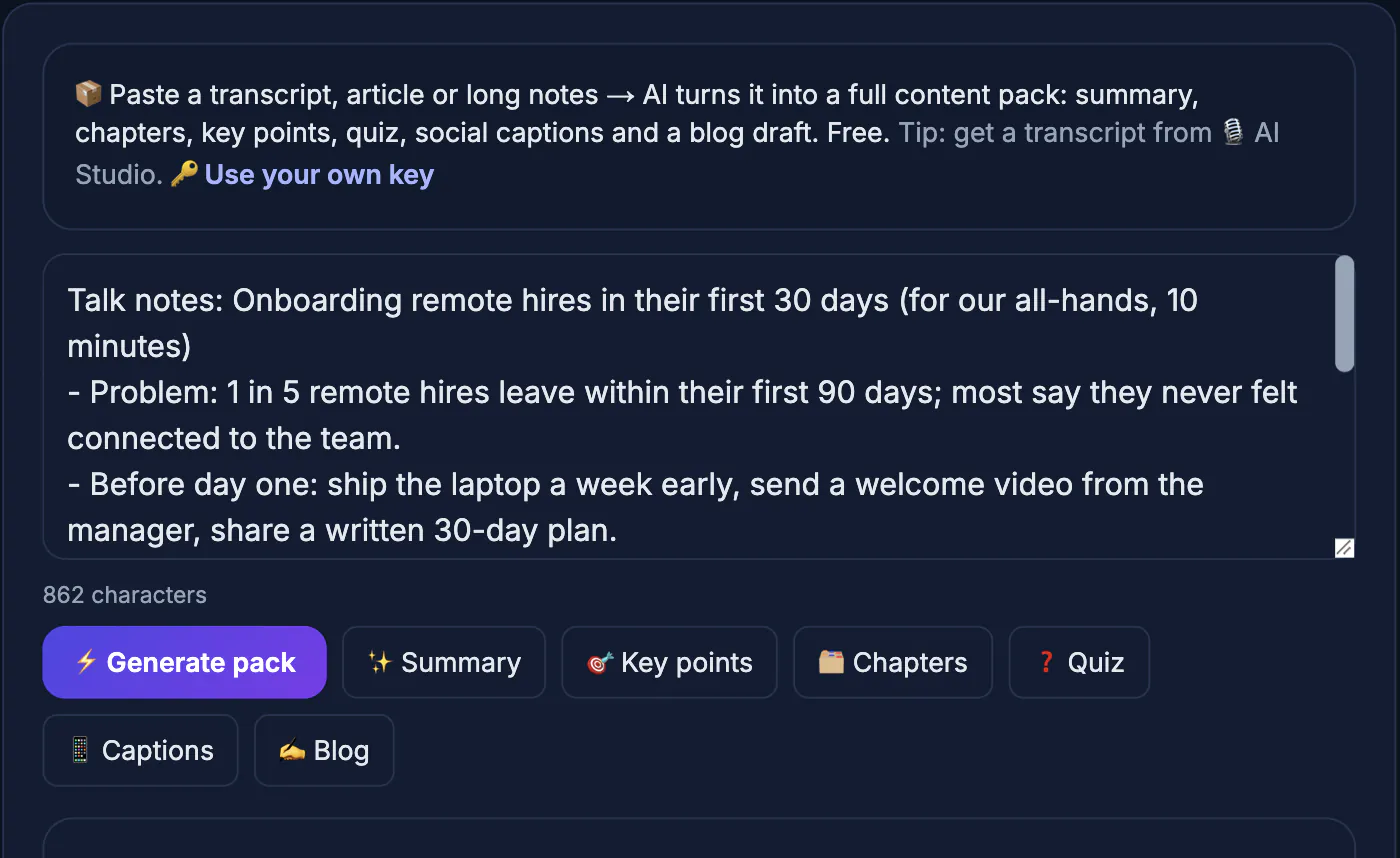
- The Chapters output gives a logical slide order; Key takeaways become slide headlines; the Summary works as your opening and closing slide.
- The Quiz section doubles as likely audience questions to rehearse, and Social captions help promote the talk afterward.
- Record a rehearsal and transcribe it in AI Studio first; that transcription runs in your browser, so the audio stays on your device.
Be clear on privacy: the Content Pack sends your text to a cloud AI to write the results, so do not paste confidential figures or client names. You can add your own AI key, and when the free service is busy you may need to retry. Copy each section with its button and paste it into the outline or import box of whichever deck builder you choose.
Choosing by situation
Match the tool to how you work rather than to the longest feature list.
- Weekly internal updates in a Microsoft shop: PowerPoint with Copilot, so files stay native.
- A sales or conference talk you want to look distinctive fast: Gamma or Canva, then check the exported PowerPoint.
- A startup sharing a fundraising deck by link with comments: Pitch.
- A company that must keep dozens of decks on brand: Beautiful.ai or Canva with a brand kit.
- A talk built from a recorded lecture or webinar: transcribe, outline with the Content Pack, then design in any of the above.
Whatever you pick, read every slide aloud before presenting. AI generators still invent statistics, over-stuff slides and choose images that do not match the point, and only a human pass catches that.
Step-by-step
Common mistakes to avoid
Pro tips
Frequently asked questions
What is the best free AI presentation maker in 2026?
Several tools, including Gamma, Canva and Pitch, offer free tiers with limits. The best choice depends on whether you value design speed, templates or collaboration; try your real deck in two of them.
Does GrabCast make slides?
No. The AI Content Pack produces an outline, takeaways, a summary, quiz questions, captions and a blog draft from your text, which you then paste into a slide tool.
Is the AI Content Pack private?
No. It sends your text to a cloud AI to generate results, so avoid confidential material. Transcribing audio in AI Studio happens in your browser, but the Content Pack step does not.
Will AI-generated decks open in PowerPoint?
Most tools export to PPTX or PDF, but complex layouts and custom fonts can shift. Always open the exported file on the presenting computer beforehand.
Do I still need to edit AI slides?
Yes. Generators give a fast first draft but can invent facts and overcrowd slides. Human editing for accuracy, audience and tone is what makes a deck persuasive.
Pick the deck builder that fits your ecosystem: Copilot or Gemini inside the office suites, Gamma or Canva for fast visual drafts, Beautiful.ai or Pitch for teams. Before any of them, settle the story in text; GrabCast's free AI Content Pack can turn a transcript into an outline, as long as you remember it uses cloud AI.
Related guides
Browse more: all AI guides · the AI Content Pack tool