Best AI Video Generators: Honest Picks by Use Case
The best AI video generators in 2026 fall into three groups, and choosing the right group matters more than choosing the brand: script-to-video tools such as Fliki assemble voiced, captioned videos from stock footage; avatar tools such as Synthesia and HeyGen put a digital presenter on screen; and cinematic generators such as Runway, Higgsfield, Pika, Luma and Google's Veo create new footage from a prompt or an image. This guide explains what each group is good at, where each tends to disappoint, and which free steps to do before spending credits. Plans, prices and model versions change often, so treat any detail here as a starting point and check each vendor's current plan page. Disclosure: some links below are affiliate links, and GrabCast may earn a commission at no extra cost to you.
🎬 Try the AI Studio tool now — freeOpen →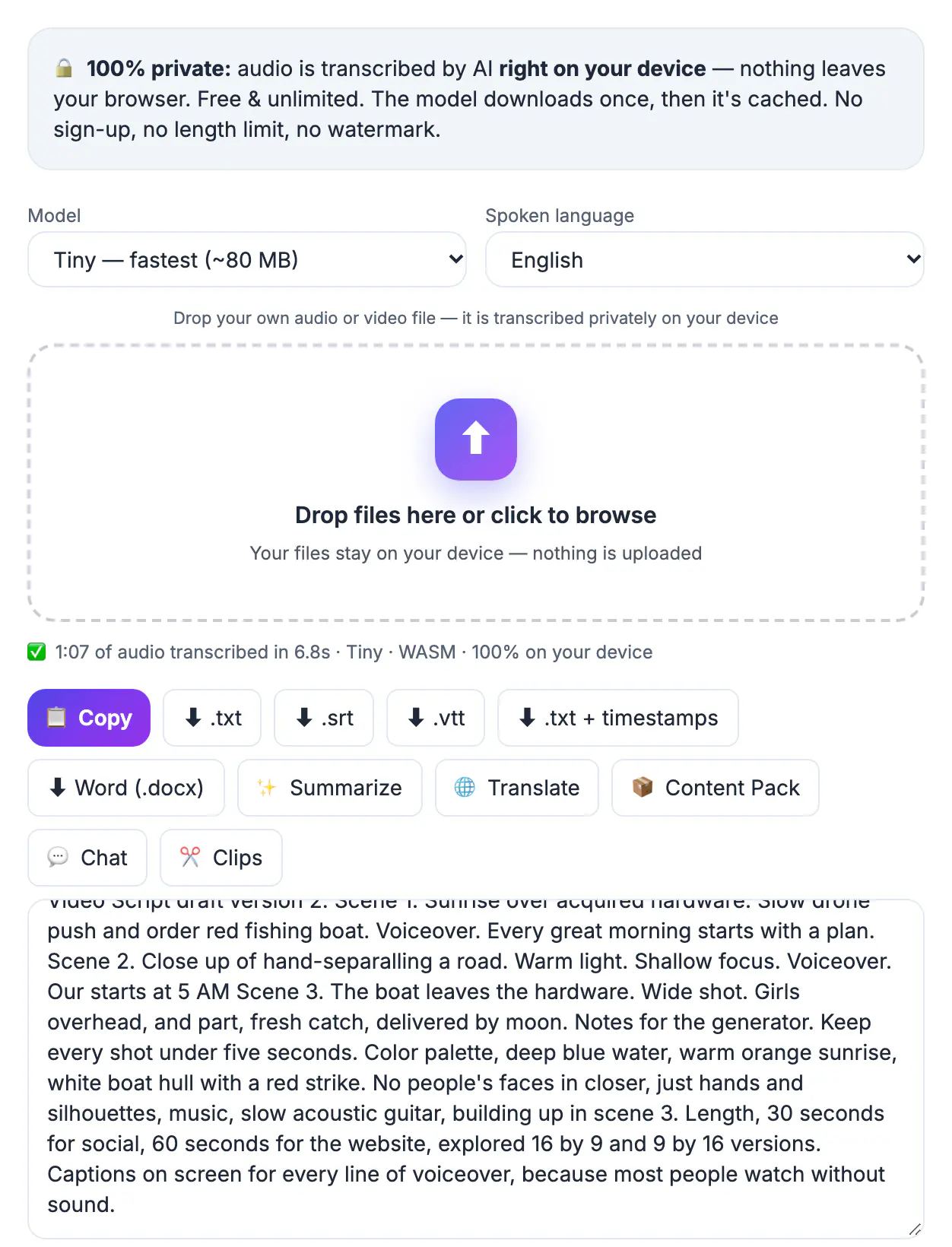
People often compare a cinematic generator with a script-to-video tool and conclude one is bad, when they simply do different jobs. A training team that needs twenty five-minute explainers wants consistency, voices and captions; a filmmaker who needs one striking eight-second shot wants motion quality and camera control; a faceless YouTube channel wants volume at a predictable cost. Credits are usually consumed per second of footage and per resolution, so testing the wrong kind of tool burns budget fast. The work that happens before generation, meanwhile, is often free: writing and timing the script, recording or cleaning a voiceover, transcribing existing footage and preparing captions. Doing those steps first means every paid credit goes toward footage you actually keep.
Script-to-video: Fliki, InVideo and Pictory
These tools turn a script, blog post or outline into a video made of stock clips, an AI voiceover and automatic captions. They are the most predictable option for explainers, listicles and faceless channels.
- Strengths: fast turnaround, consistent structure and many voices and languages in one place.
- Weak spots: stock footage can feel generic, and the same popular clips show up on many channels.
- Good fit: Fliki for voice-led short videos and quick social cuts; InVideo and Pictory for turning long articles into video drafts.
- Check before paying: export resolution, whether exports carry a watermark on your plan, monthly minute caps and the stock-media license terms.
Replace at least some stock shots with your own screen recordings or photos. Viewers notice when every scene looks like a stock library, and original material makes the video yours.
Avatar presenters: Synthesia and HeyGen
Avatar tools generate a person speaking your script to camera, either a stock avatar or, with consent and verification, a digital version of you. Companies use them for training, onboarding and product updates that change often.
- Strengths: updating a video means editing text, not reshooting, and one script can be produced in many languages.
- Weak spots: gestures and expressions still read as synthetic to many viewers, especially in longer videos.
- Good fit: internal training, compliance modules, help-center clips and localized product walkthroughs.
- Check before paying: custom-avatar rules, how voice and likeness data are stored, and seat-based versus minute-based pricing.
Never create an avatar or voice of someone without their written permission. Reputable vendors require consent checks, and using a person's likeness without it can create legal risk as well as trust problems.
Best AI video generators for cinematic shots
Text-to-video and image-to-video models create new footage from a prompt or a reference frame. They are the most impressive group and the least predictable, and clips are typically only a few seconds long per generation.
- Higgsfield: built around camera-motion presets such as dolly and crane moves, useful for dramatic product or social shots.
- Runway: a full creative suite with generation plus editing tools, popular with video editors who want everything in one workspace.
- Google Veo, Luma and Pika: strong options for realistic or stylized clips; availability, length limits and audio features differ by plan and region.
- Check before paying: commercial-use rights, credit cost per second at your target resolution, and whether outputs carry visible or invisible AI labels.
Expect to generate several takes for every keeper. Hands, text on signs and continuity between shots remain common failure points, so plan edits around short clips rather than long takes.
Free prep in GrabCast before you spend credits
GrabCast does not generate AI video, but several of its free browser tools handle the work around generation, and the transcription runs on your own device.
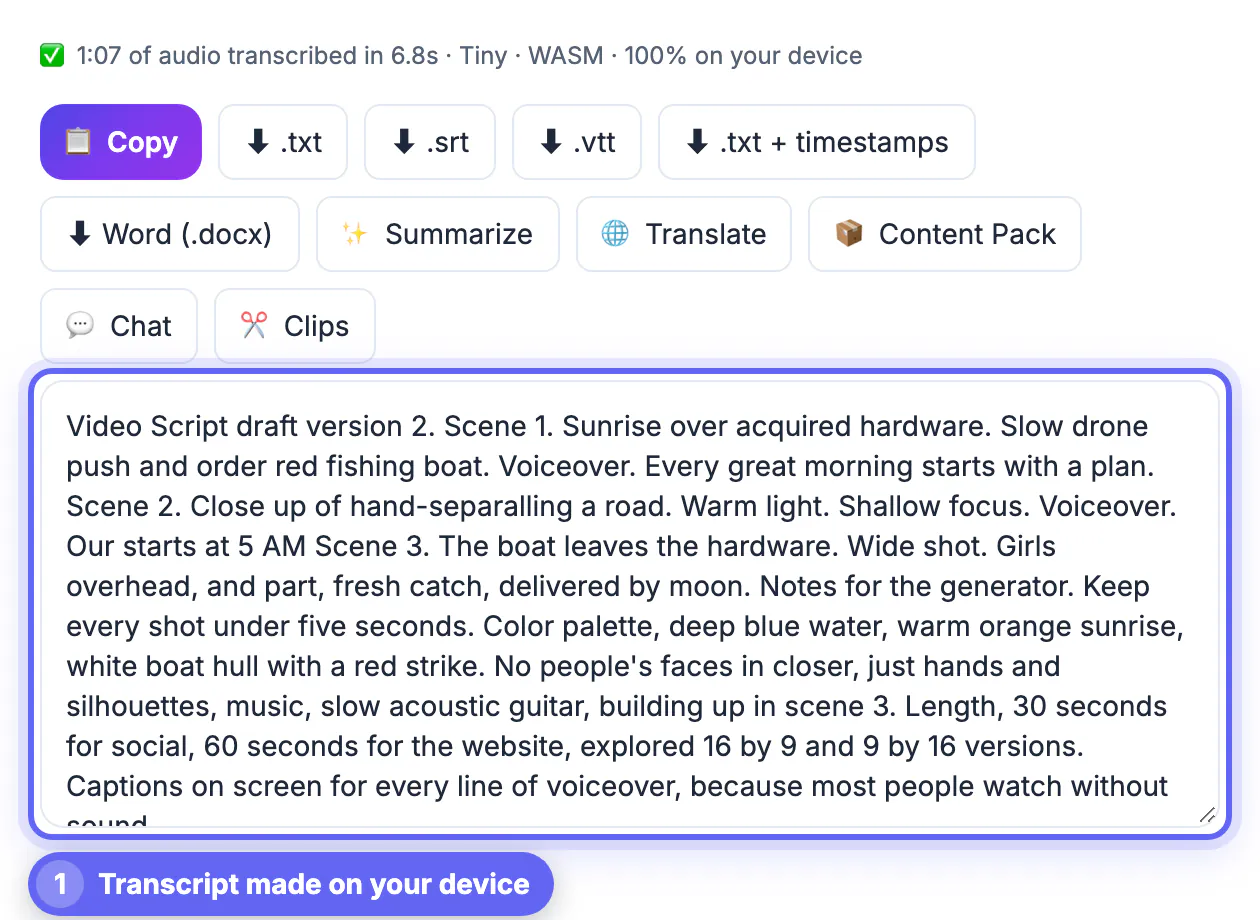
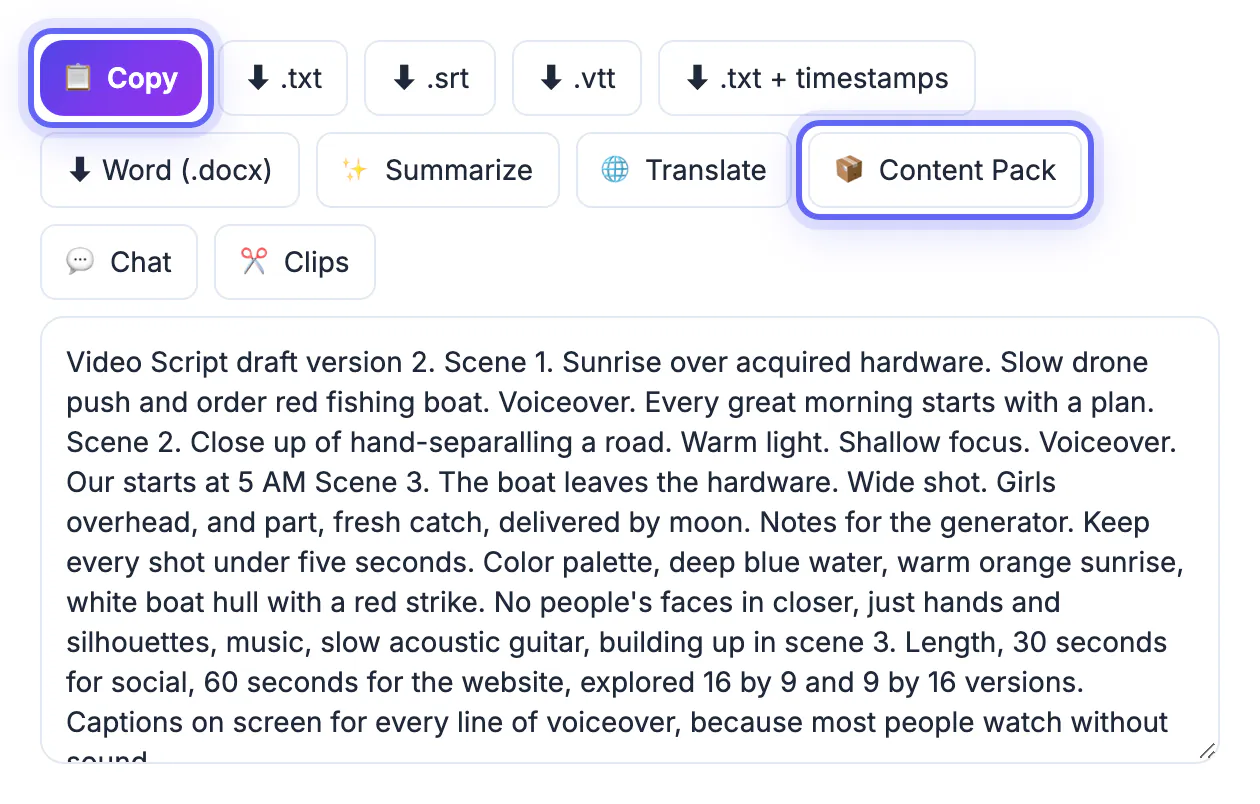
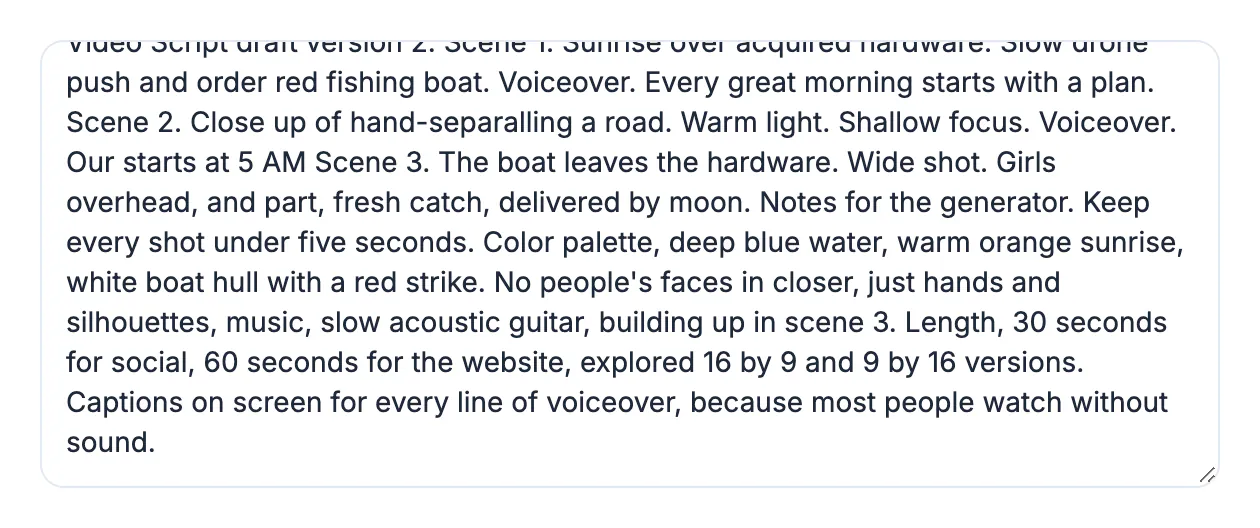
- AI Studio: transcribe a voice memo, webinar or old video into an editable script with Whisper in your browser, then export TXT, SRT or DOCX.
- Voice Recorder: record your own narration with noise reduction and export MP3 or WAV to use as the soundtrack.
- Video Trimmer and Subtitles: trim generated clips, then generate captions and burn them in or download an .srt, with no watermark.
- Disclosure labels: YouTube asks creators to disclose realistic altered or synthetic content, and TikTok and Meta label AI media too, so plan to tick those boxes.
A finished, timed script is the single biggest saver: most wasted credits come from regenerating scenes after the wording changes.
Step-by-step
Common mistakes to avoid
Pro tips
Frequently asked questions
What is the best AI video generator for beginners?
Script-to-video tools such as Fliki are the easiest start, because you paste a script and get a voiced, captioned draft. Cinematic generators need more prompting skill and more attempts.
Can I use AI-generated video commercially?
Often yes on paid plans, but terms differ by vendor and plan. Read the output license, the stock-media terms and any restrictions on likeness before using clips in ads.
Does GrabCast generate AI video?
No. GrabCast offers free browser tools for the surrounding work: transcribing scripts in AI Studio, recording narration, trimming clips and adding captions without a watermark.
Do I have to label AI-generated videos?
Major platforms, including YouTube, ask creators to disclose realistic synthetic content, and some apply labels automatically. Check each platform's current policy when you upload.
How do I keep costs under control?
Finish the script first, test short low-resolution clips, and watch the credit cost per second at your final resolution. Most overspending comes from regenerating scenes.
Pick the category before the brand: script-to-video tools for fast explainers, avatar presenters for training and localized updates, and cinematic generators for a few striking shots. Prepare the script, voiceover and captions free first, test short clips, read the license, and disclose synthetic footage where platforms ask.
Related guides
Browse more: all AI guides · the AI Studio tool