Best AI Voice Generators: Picks by Use Case
The best AI voice generator in 2026 depends on the job: ElevenLabs leads for lifelike cloning and multilingual dubbing, Murf AI and WellSaid Labs suit polished training narration, and the cloud APIs from Microsoft, Google and Amazon fit developers building apps. If you only need clean English narration saved as an MP3, a free option that runs inside your browser, such as GrabCast's Text to Speech, may cover it without an account. This guide sorts the field by use case instead of a single top-ten ranking, because a podcaster, an instructional designer and an app developer are really shopping for different products. We describe each service by what it is known for and deliberately avoid quoting prices, since plans and quotas change several times a year; confirm them on the vendor's pricing page before you commit a budget.
🔊 Try the Text to Speech tool now — freeOpen →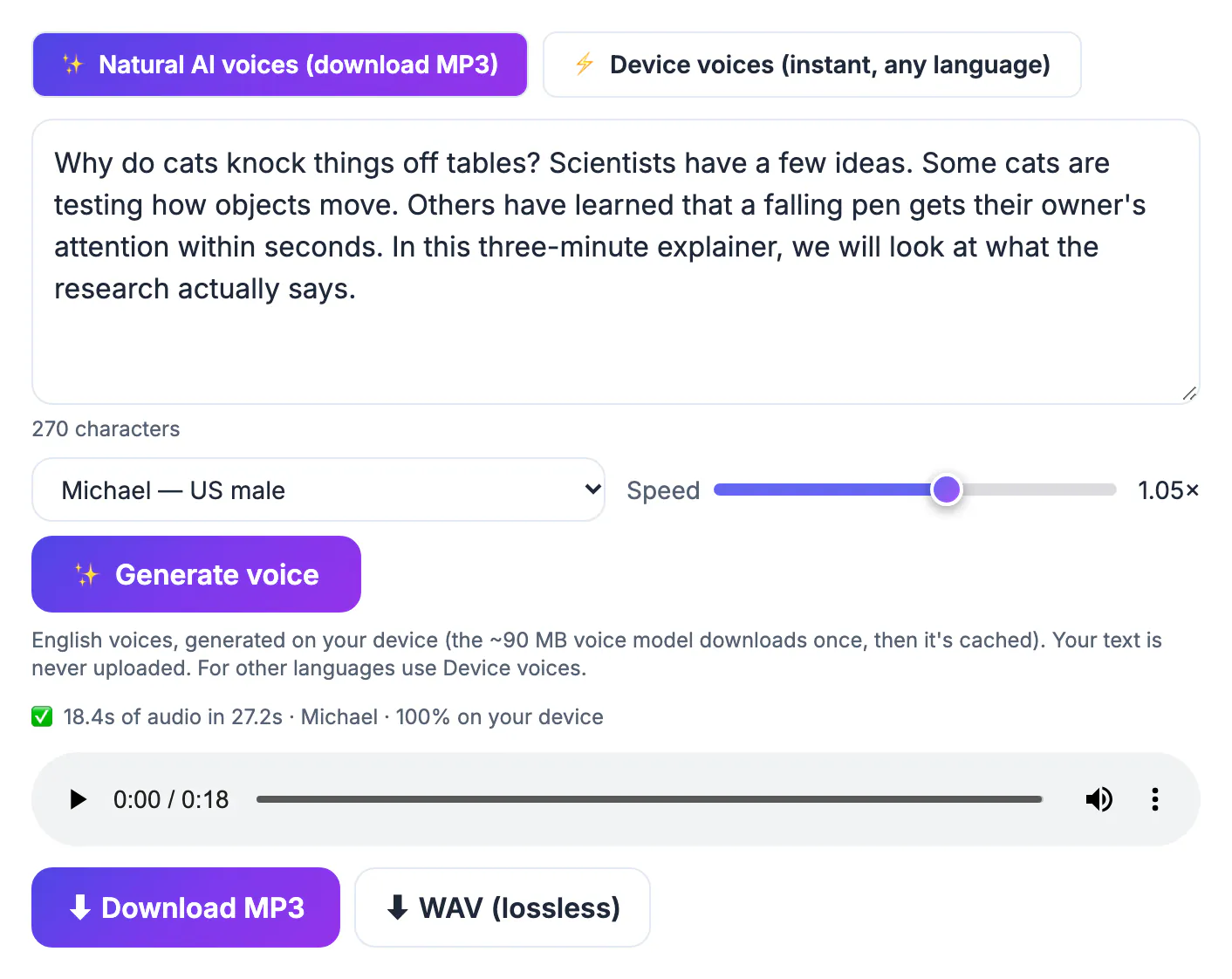
Synthetic narration products compete on six things that rarely line up in one product: realism, language coverage, control over delivery, licensing, volume pricing and privacy. A tool that clones your own timbre convincingly may still be the wrong buy for a teacher who needs a clear American read of a worksheet, and a developer API with hundreds of options is overkill for someone making one explainer. Licensing trips people up most often: many free tiers are for personal testing, while monetized YouTube channels, ads and paid courses need a commercial right that usually comes with a paid plan. Privacy matters too. Cloud services receive your script on their servers, which is fine for a product demo but worth a second thought for unreleased material or internal training. Deciding which of these six factors you care about before you open a pricing page saves money and a lot of re-rendering later.
Best free AI voice generator: one that runs on your device
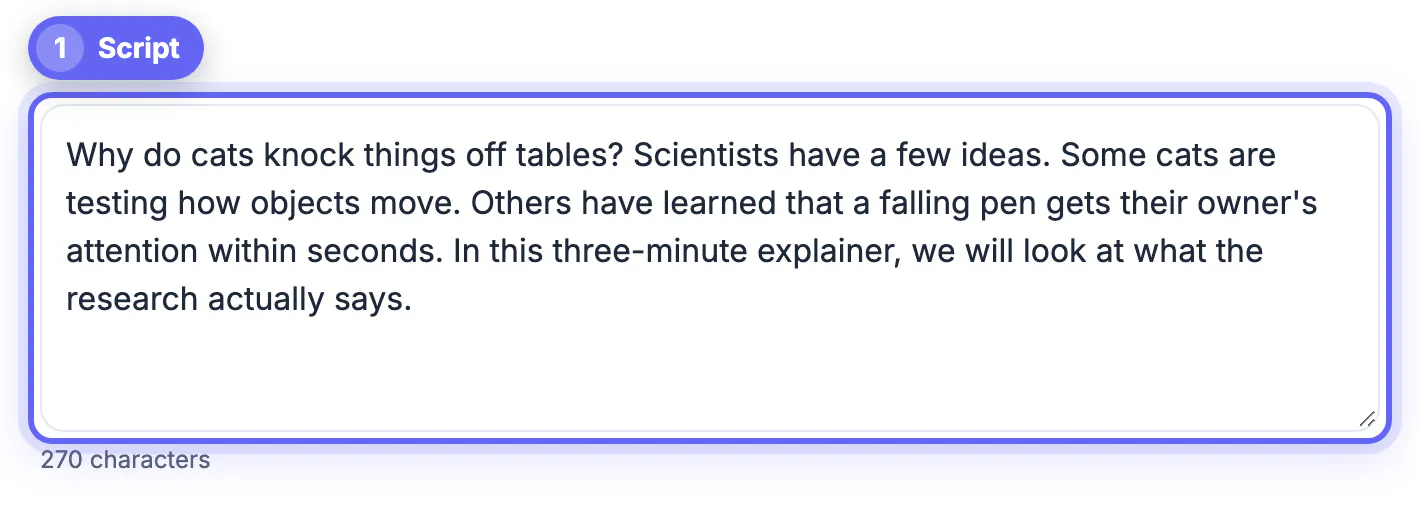
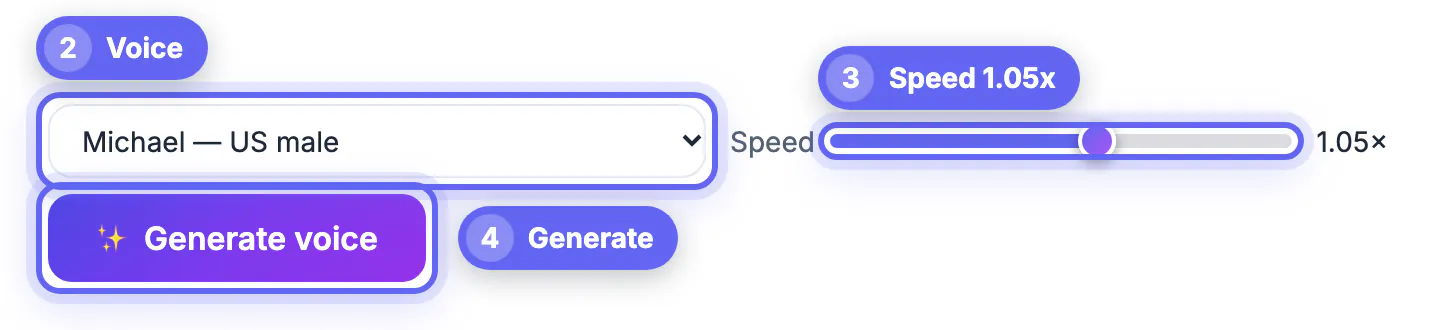
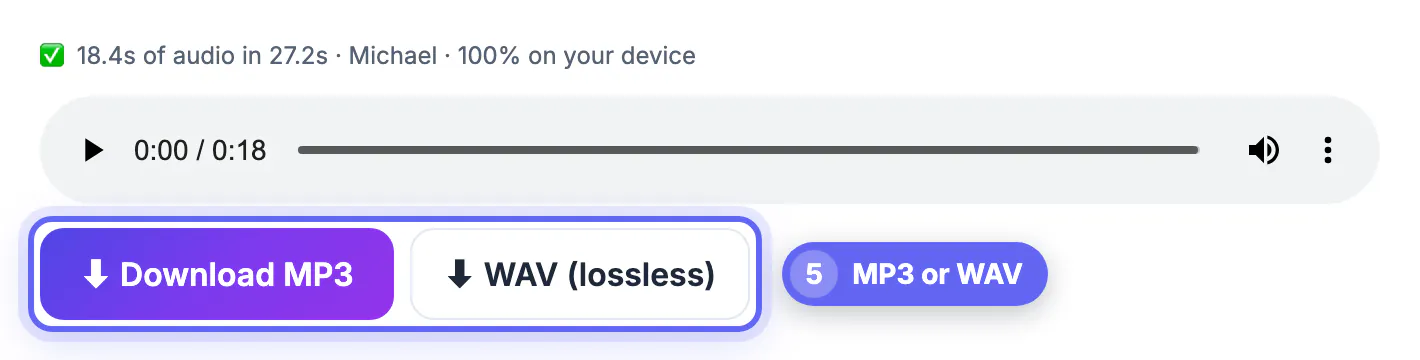
GrabCast's Text to Speech tool has two engines. The first, Natural AI voices, uses the open Kokoro-82M model (Apache-2.0 licensed) and generates narration locally in the browser, so your script is never uploaded. You choose one of 16 English presets, ten American and six British, set a speed between 0.7x and 1.3x, and paste up to 20,000 characters per run. The model is roughly 90 MB and downloads once, then stays cached, so the second session starts much faster than the first. Finished audio downloads as an MP3 or a lossless WAV.
The second engine uses the speakers built into your operating system. Those cover many more languages and start instantly, but the browser cannot record them, so they are for listening only. Be clear about what the free option does not do:
- No cloning, no custom timbres and no emotion or style tags; you get the 16 presets as they are.
- No SSML or per-word pronunciation editor, so unusual names may need phonetic respelling in the script.
- Downloadable narration is English only; other languages are play-only through system speakers.
- Generation runs on your hardware, so a long script on an older laptop can take several minutes.
Best for realism and cloning: ElevenLabs
ElevenLabs is the name most creators mention first, and for good reason. Its stock library is large, its reads handle emphasis and pacing convincingly, and it offers instant cloning from a short sample plus a professional tier trained on longer recordings. Dubbing features translate and re-voice video into many languages, and an API lets teams automate long jobs such as audiobook chapters.
The trade-offs are cost at volume and rights management. The free tier is a small monthly character allowance meant for trying the service; commercial use is tied to paid plans, so read the current license before publishing. Clone only your own speech or a performer who has given written consent, and expect the service to ask you to confirm those rights.
- Choose it for audiobooks, character work and multilingual versions of the same video.
- Budget for re-renders: expressive models vary between takes, and each retry uses characters.
- Keep the original recordings behind any clone in case you ever need to prove consent.
Best for training videos and slide narration: Murf AI and WellSaid Labs
Murf AI wraps its synthetic speakers in a studio-style editor. You split a script into blocks, adjust pitch, speed, pauses and emphasis on each one, and line the audio up against slides or video on a timeline. That workflow suits marketing explainers and internal training modules where a non-technical editor needs to fix one sentence without regenerating the whole file.
WellSaid Labs aims at larger organizations producing e-learning at scale, with consistent narrators across hundreds of modules, shared pronunciation settings and team features. Both are primarily paid products; they make sense when narration is a recurring line item rather than a one-off project.
- Pick Murf if one person edits scripts and timing together in a browser studio.
- Pick WellSaid if several teams need one consistent narrator and centralized controls.
- For a single short lesson, a free preset plus a careful script often sounds good enough.
Best for developers, and for listening rather than producing
Microsoft Azure AI Speech, Google Cloud Text-to-Speech and Amazon Polly sell synthesis as an API. They offer large catalogs across dozens of languages, SSML markup for pauses, pronunciation and speaking styles, and billing per character after a free usage allowance. Custom brand voices exist on these platforms but are gated behind applications and responsible-AI reviews. They are the right choice for apps, phone systems and automated pipelines, and the wrong one for someone who just wants a file this afternoon.
If your goal is to consume text by ear, not publish narration, a reading app such as Speechify or the Read Aloud feature in Microsoft Edge is a better fit than any generator on this list. They focus on playback speed, highlighting and syncing across devices rather than exporting audio you own.
- APIs: best for scale and control, but require code and a billing account.
- Reading apps: best for studying and accessibility, not for producing podcast or video audio.
- Free in-browser synthesis: best for quick English MP3s when privacy or budget matters most.
If you plan to dub a finished video, the AI Video Dubbing tool is worth a look, and you can turn a voiceover into a video for Reels or YouTube.
Step-by-step
Common mistakes to avoid
Pro tips
Frequently asked questions
Which AI voice generator sounds the most human in 2026?
ElevenLabs is widely regarded as the benchmark for expressive, lifelike delivery, especially with cloning. For clear, neutral English narration, free on-device presets such as those in GrabCast get surprisingly close, and the gap matters most for emotional or character-driven reads.
Is GrabCast's Text to Speech really free and private?
Yes. The Natural AI voices run on your device after a one-time download of about 90 MB, your text is not uploaded, and there is no sign-up or watermark. The limits are English-only downloads, 16 presets and no cloning.
Can I use AI narration on a monetized YouTube channel?
Usually, as long as the tool's license grants commercial use and the content itself follows platform policies. Many free tiers from paid vendors exclude commercial rights, so confirm the license for the plan you actually use.
Do I need SSML?
Only if you are building an app or need precise control of pauses and pronunciation at scale. For a single video, rewriting the script with punctuation and phonetic spellings is faster than learning markup.
What should I use for non-English narration?
Cloud services such as ElevenLabs, Azure, Google Cloud and Polly cover many languages with downloadable output. GrabCast's system-speaker mode can read other languages aloud, but that audio cannot be downloaded.
There is no single winner for 2026. Use ElevenLabs when realism or cloning is the product, Murf AI or WellSaid Labs when a team produces training content every month, and a cloud API when narration lives inside software. For quick, private English MP3s with no account, start with GrabCast's free Text to Speech, and upgrade only when a real project hits one of its clear limits.
Related guides
Browse more: all AI guides · the Text to Speech tool