Best AI Image Generators: Free and Paid Compared
The best AI image generator in 2026 depends on what you need most: Midjourney for polished art, ChatGPT and Gemini for conversational editing, Ideogram for lettering, Adobe Firefly for commercial comfort, and Stable Diffusion for full local control. For quick free drafts with no account, GrabCast's FLUX-based tool is a practical starting point with clear limits. This comparison covers quality, text rendering, editing, cost model and privacy for each, without inventing specs.
🎨 Try AI Image Generator now — freeOpen →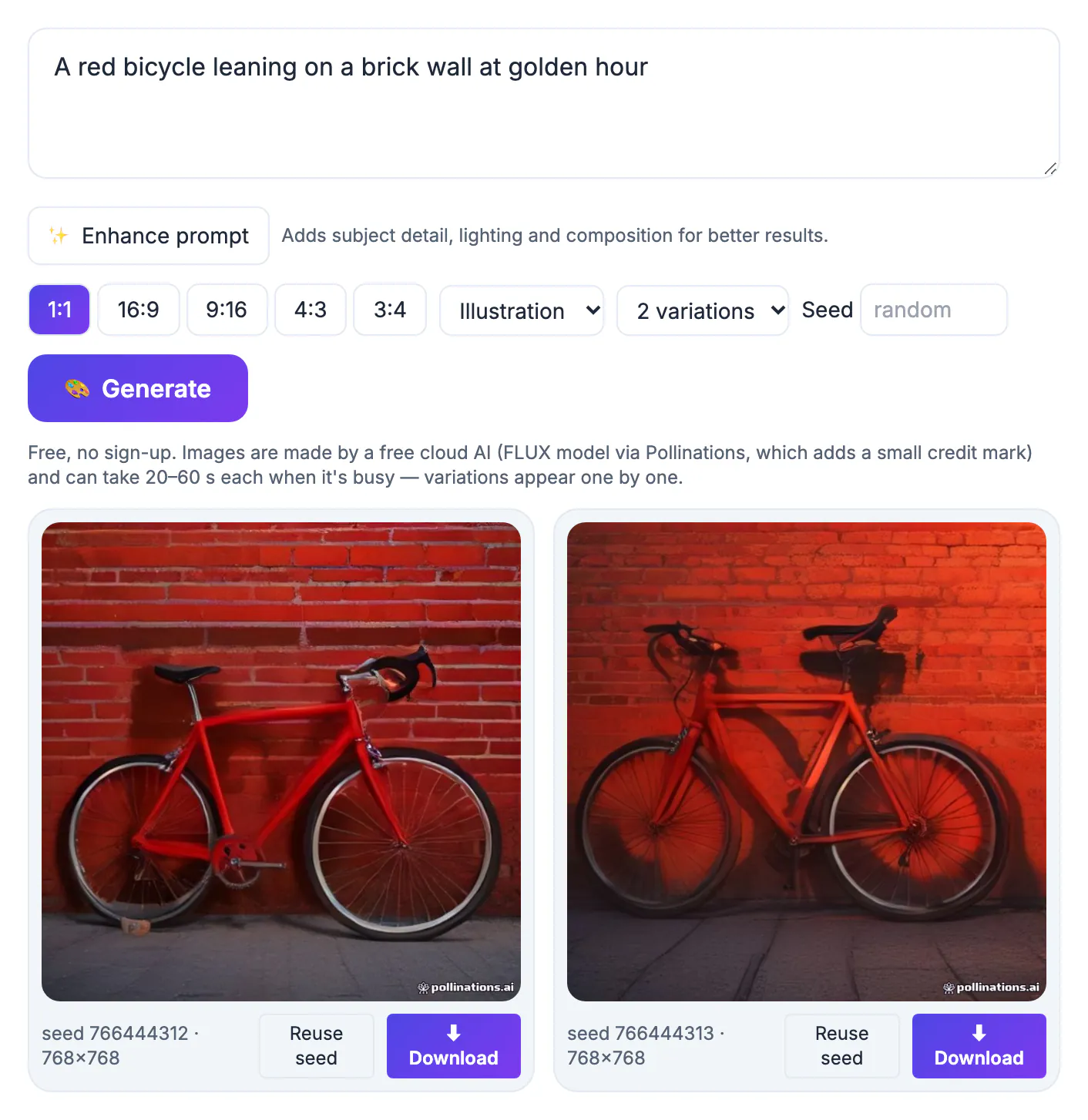
These products optimize for different jobs. Some chase aesthetics, some follow long instructions precisely, some are trained on licensed stock for commercial comfort, and some run on your own graphics card. Prices and free tiers change every few months, so judge by capabilities and the way each one charges, then confirm current terms on the vendor's site.
The leading AI image tools at a glance
Seven names cover most of what people actually use. Each is a real, well-known product; we describe strengths qualitatively rather than quoting prices that change often.
- Midjourney: widely regarded for striking, stylized aesthetics; paid subscription, used through its website or Discord
- ChatGPT from OpenAI: creates and edits pictures inside a conversation, follows detailed instructions well and handles short text; limited use on the free tier
- Google Gemini: built into the Gemini app with strong photo-style edits and conversational changes; free and paid tiers
- Adobe Firefly: trained on licensed and public-domain content, positioned for commercial use, tightly linked with Photoshop and Express; monthly generative credits
- Ideogram: known for reliable lettering in posters and logos; free and paid plans
- Stable Diffusion and open FLUX models: free to run on your own computer with a capable GPU, with huge community add-ons but a steep setup
- Microsoft Designer and Bing Image Creator: free with a Microsoft account, powered by OpenAI models
Design suites such as Canva also include built-in generation. It is convenient when you already build layouts there; quality depends on which underlying model the suite licenses.
How they compare on the tests that matter
We look at five practical tests rather than benchmark scores. Treat the notes as qualitative, since every vendor ships updates frequently and a leader in spring can be overtaken by fall.
- Prompt adherence, meaning it includes everything you asked for: ChatGPT and Gemini lead, with Ideogram and recent FLUX close behind
- Aesthetic quality out of the box: Midjourney remains the reference point for mood and polish
- Readable text in the picture: Ideogram and ChatGPT are the most dependable; others misspell more often
- Editing an existing picture: ChatGPT, Gemini and Firefly inside Photoshop allow targeted changes; many simple tools cannot
- Privacy: only locally run open models keep prompts on your machine; every cloud service sees your prompt
For commercial work, licensing matters as much as quality. Firefly's pitch is its training data; others place more responsibility on the user. Read each service's terms before using output in ads, packaging or merchandise, and avoid prompts that imitate living artists or trademarked characters.
Where GrabCast's free generator fits
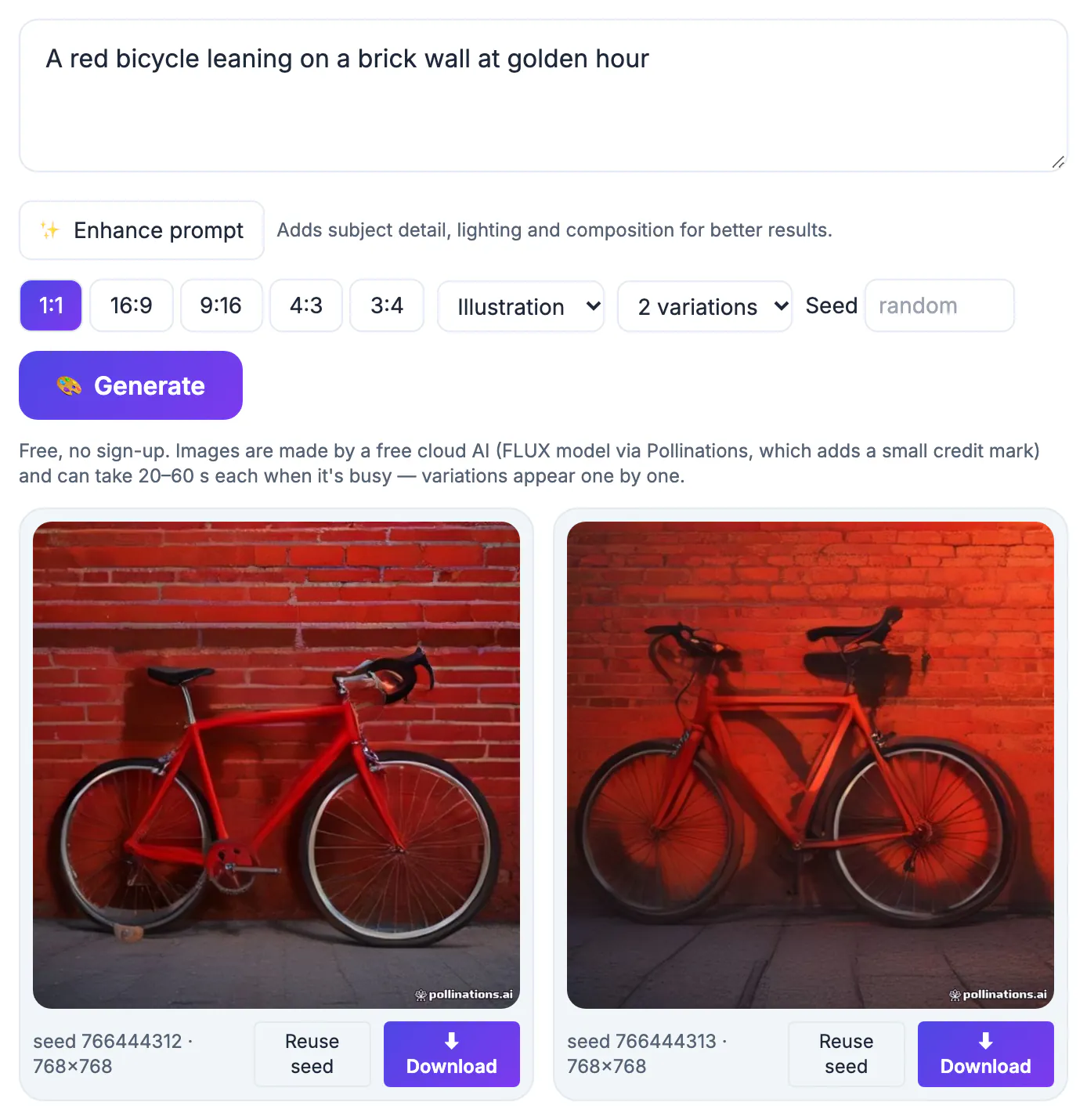
GrabCast's AI Image Generator is a no-account, no-install front end for the open FLUX model, served through the free Pollinations cloud. You type a prompt, optionally click Enhance prompt, choose one of five aspect ratios and one of eight style presets, and get one, two or four variations with visible seed numbers you can reuse for controlled tweaks.
The trade-offs are real. Renders run around one megapixel, for example 1024 by 1024 or 1344 by 768. They can take 20 to 60 seconds when the shared service is busy, the service may add a small credit mark, prompts are processed in the cloud, and there is no inpainting, reference upload or lettering specialty. It is a fast free sketchpad, not a replacement for a paid studio tool.
- Best for: blog headers, mood boards, social backdrops, quick concept drafts
- Not for: exact brand assets, product accuracy, legible lettering, print-size art
- Pairs with: a 2x upscaler for bigger output and an editor for adding words
Once you have an image you like, the AI Image Upscaler can enlarge it and the Remove Image Background tool can cut out the subject.
Picking the right one for your job
- Hobby art and moodboards: Midjourney if you will pay; GrabCast or Bing Image Creator if you will not
- Marketing visuals with a headline: Ideogram or ChatGPT, then proofread the spelling anyway
- Editing your own pictures with plain-language requests: Gemini or ChatGPT
- Brand and agency work where licensing is scrutinized: Adobe Firefly
- Privacy-sensitive or high-volume work: Stable Diffusion or FLUX run locally
Most people end up with two tools: one free option for fast drafts and one specialist that earns its subscription. Test the same three prompts in each shortlisted tool before paying, and judge at full size rather than in a small grid, where every result looks impressive.
A useful three-prompt test: a photo-style portrait in window light, a flat illustration for a blog header, and a poster with a four-word headline. Together they reveal realism, stylistic range and lettering in about ten minutes per tool.
Step-by-step
Common mistakes to avoid
Pro tips
Frequently asked questions
What is the best free AI image generator in 2026?
For no-account use, GrabCast's FLUX tool and Microsoft's Bing Image Creator are easy starting points. ChatGPT, Gemini and Ideogram also have free tiers with usage limits.
Which tool is best at text in pictures?
Ideogram and ChatGPT are the most reliable at spelling short headlines. Still proofread every letter before publishing.
Is Midjourney free?
Generally no. Midjourney is subscription-based; check its site for current plans and any trial offers.
Which option is safest for commercial use?
Adobe Firefly is marketed for commercial safety because of its training data. For any tool, read the current terms and avoid prompts that copy protected characters or artists.
Can I run an AI generator privately?
Yes, with open models such as Stable Diffusion or FLUX on your own computer, which needs a capable graphics card. Browser and cloud tools, including GrabCast's generator, send prompts to a server.
Pick by job, not hype: Midjourney for aesthetics, ChatGPT and Gemini for instruction-following edits, Ideogram for lettering, Firefly for licensing comfort, local open models for privacy. Use a free no-account tool like GrabCast for drafts, and verify current pricing and terms before committing.
Related guides
Browse more: all AI guides · AI Image Generator