Canva Alternatives: Free Design Tools Compared
The strongest Canva alternatives in 2026 are Adobe Express for template-driven social posts, Microsoft Designer for prompt-first layouts, Figma or Penpot for precise design work, and Photopea for layered photo editing. None of them is strictly better; each trades template depth, AI features, learning curve and free-plan limits differently. This roundup describes each fairly, flags what the free tiers hold back, and explains where GrabCast's free AI generator fits as a helper rather than a full editor.
🎨 Try AI Image Generator now — freeOpen →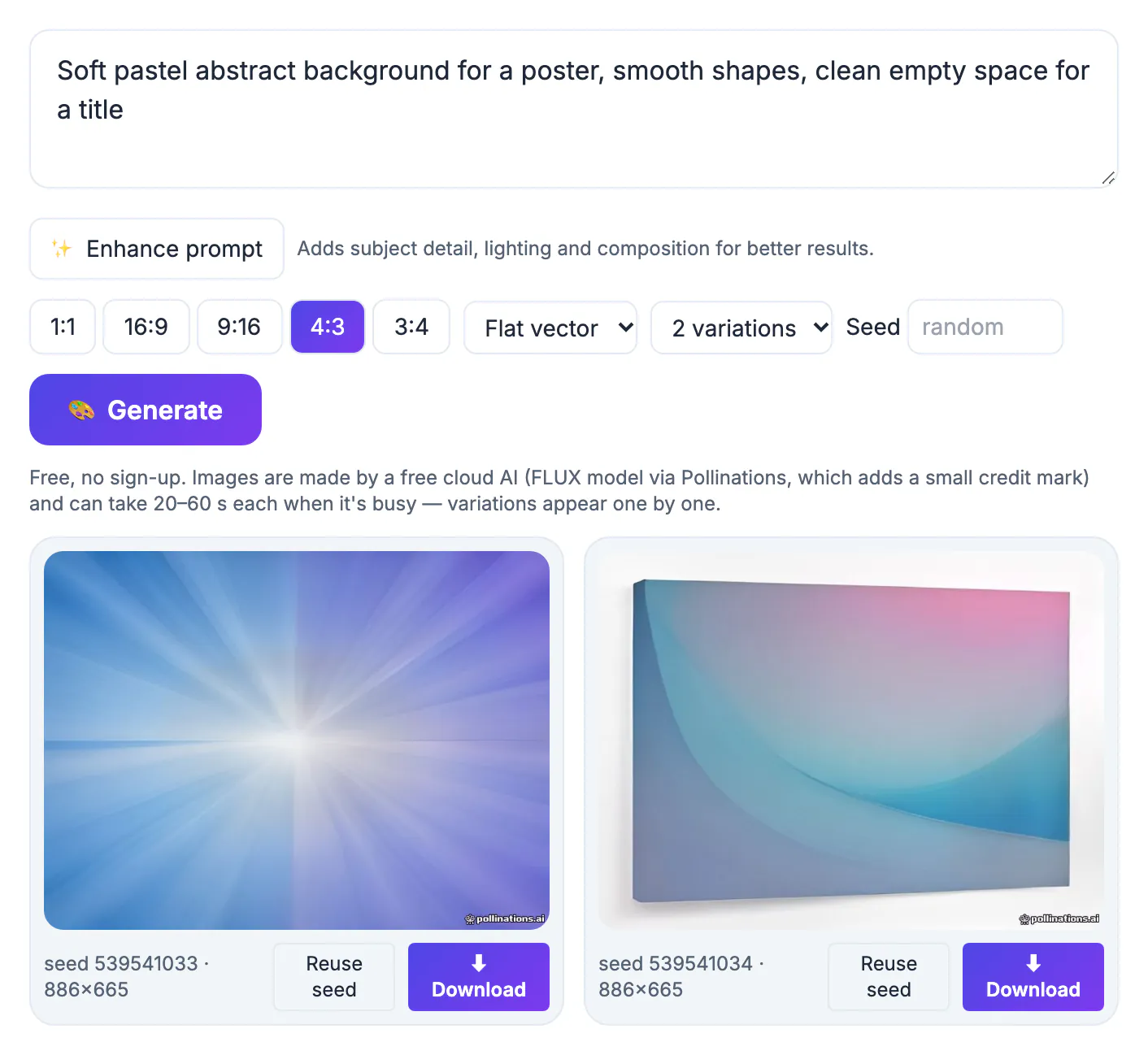
Canva's free plan is generous, so switching is rarely about price alone. The usual triggers are specific: a team already paying for Adobe or Microsoft 365 wants tools it owns, a designer needs pixel-level control and components, a freelancer wants to open a client's PSD file, or an open-source advocate prefers software that can be self-hosted. Knowing your trigger narrows a crowded field to two or three candidates worth testing with a real project, such as a week of social posts or a one-page event flyer.
Canva alternatives 2026 at a glance
Group the options by the job you do most often rather than by feature lists, which all look similar on marketing pages.
- Adobe Express: closest to the Canva experience, with a large template library, quick actions such as resizing and cutouts, and Adobe Firefly generative features that run on a monthly credit allowance on the free plan.
- Microsoft Designer: describe a flyer or post in a sentence and it proposes finished layouts; free with a Microsoft account, with AI usage limited by credits.
- Figma: professional interface design with components, auto layout and real-time collaboration; the free Starter plan suits individuals but has a steeper learning curve for simple posts.
- Penpot: open-source, browser-based and Figma-like, and it can be self-hosted by teams that need control over where files live.
- Photopea: a free, ad-supported browser editor with layers that opens PSD, XCF and Sketch files, best for photo work rather than templates.
Template tools versus real design tools
Template tools like Adobe Express, Microsoft Designer, VistaCreate and Kittl get a presentable result in minutes. Kittl leans toward typography and illustration for merch, logos and posters, while VistaCreate focuses on social and print templates. The trade-off is sameness: a popular template shows up in thousands of feeds.
Design tools like Figma, Penpot and the desktop open-source pair of GIMP and Inkscape start from a blank canvas. They reward an hour of learning with precise spacing, reusable components and vector output that stays sharp at any size. If you produce a recurring series, such as a weekly podcast cover or a menu that changes monthly, that upfront effort pays back quickly.
Where GrabCast's free AI generator fits
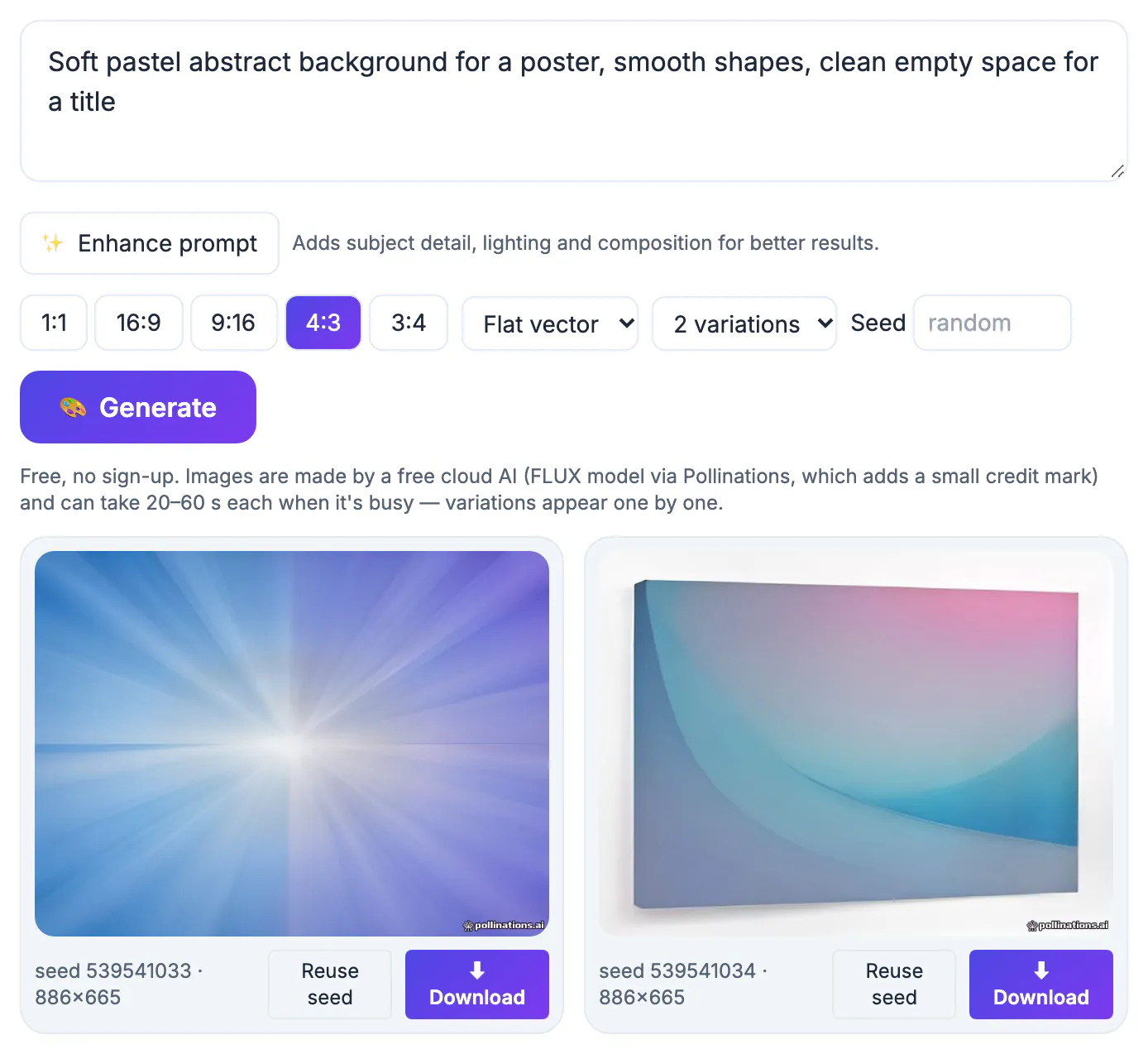
GrabCast is not a layout editor, and it would be misleading to rank it against the tools above as one. Its AI Image Generator creates standalone pictures from a text prompt using the FLUX model through the Pollinations service, which runs in the cloud, so your prompt is sent there. It offers a prompt enhancer, a style menu with eight looks such as Photo, Cinematic, Watercolor and Flat vector, five aspect ratios including 1:1 at 1024 by 1024 and 9:16 at 768 by 1344, up to four variations and reusable seeds.
- Use it to create backgrounds, illustrations and mood shots, then place them in whichever editor you pick.
- Expect 20 to 60 seconds per picture when the free service is busy, and a small credit mark may appear.
- Do not rely on it for readable lettering; add headlines in your editor instead.
Testing an alternative with one real project
Pick a job you already do, for example five Instagram posts at 1080 by 1350 plus one 1920 by 1080 slide. Build it in two candidates and time yourself. Note how many clicks brand colors and fonts take, whether exports come out as PNG, JPG, PDF or SVG, and which features stop at a paywall or credit limit on the free plan.
Also check portability. Figma and Penpot export SVG and PDF cleanly, Photopea saves layered PSD files, while template tools mostly export flattened results. If you may switch again later, favor tools whose files other programs can open.
Finally, involve whoever reviews your work. A tool that lets a manager leave comments on a shared link, or lets a client approve a draft on a phone without installing anything, often matters more day to day than one extra filter or font pairing.
Whichever tool you test, the social media image sizes cheat sheet gives you the dimensions to design for, and the Add Text to Image tool covers quick captions.
Step-by-step
Common mistakes to avoid
Pro tips
Frequently asked questions
What is the closest free alternative to Canva?
Adobe Express is the most similar experience: a large template library, drag-and-drop editing, quick resizing and built-in AI features on a free plan with monthly credits. Microsoft Designer is a close second if you prefer describing a layout in words.
Is Figma a good Canva replacement for social posts?
It can be, especially for recurring series, because components and auto layout keep posts consistent. The learning curve is steeper, so it suits people willing to invest a few hours rather than someone who needs one flyer today.
Can GrabCast replace Canva completely?
No. GrabCast offers single-purpose tools such as an AI image generator, background remover, resizer and watermark tool. Pair them with a layout editor for multi-element designs, text layouts and brand kits.
Are there open-source Canva alternatives?
Yes. Penpot runs in the browser and can be self-hosted, while GIMP handles raster editing and Inkscape handles vector work on desktop. All three are free, though none has a big template library.
Can I use AI-generated pictures commercially?
It depends on the service's terms and on what you depict. Read the current terms of the generator you use, avoid prompts that copy trademarks, logos or real people, and keep records of your prompts and seeds.
The best Canva alternative in 2026 depends on your most common job: Adobe Express or Microsoft Designer for fast templates, Figma or Penpot for precise, repeatable design, and Photopea for layered photo edits. Test two on a real project, keep portable master files, and use free helpers like GrabCast's AI generator for the pictures your editor cannot make.
Related guides
Browse more: all AI guides · AI Image Generator