Turn a Podcast Into Show Notes Free, With Timestamps
To turn a podcast into show notes without scrubbing through the audio, transcribe the episode in GrabCast's AI Studio, use the SRT timestamps to mark topic changes, then write a two-sentence hook, a chapter list and the links you mentioned. The transcription runs on your own computer, and a 45-minute episode yields a searchable script in minutes.
🎙️ Try AI Studio now — freeOpen →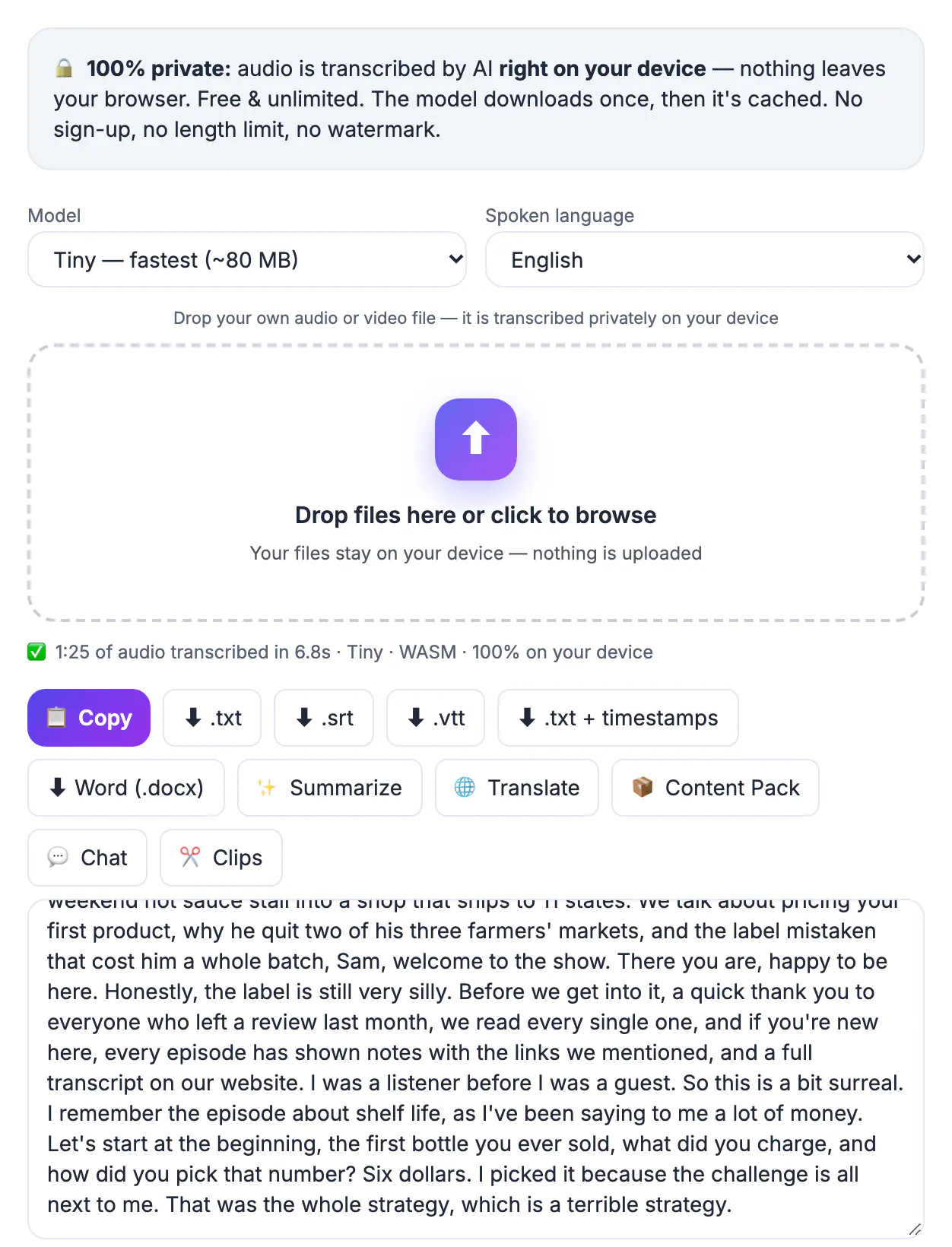
Audio is invisible to search engines. Google, Apple and Spotify index the words on the episode page, so a one-line description gives them almost nothing to rank. Detailed write-ups fix that: they carry the names, places, products and questions your guest talked about, which are exactly the long-tail phrases listeners type. They also help people who already found you. A clear chapter list lets a commuter skip to the segment they care about, sponsors get a visible link, and guests have something worth sharing with their own audience. Creators who publish full descriptions and transcripts often see more search traffic to their websites over time, because every episode becomes a page with real content.
Anatomy of podcast show notes people actually use
Good descriptions follow a predictable shape, which makes them faster to write and easier to skim.
- A hook of one or two sentences that states the problem the episode solves or the story it tells
- Guest bio in one line with a link to their site or profile, plus the main topics as short phrases
- Timestamped chapters, usually 5 to 10 for a 45-minute episode, each labeled with a plain, descriptive title
- Resources mentioned: books, tools, studies and past episodes, each linked
- A single call to action, such as subscribing, leaving a review or joining the newsletter
Apple Podcasts allows up to 4,000 characters in the episode description, so put the hook and the first chapters near the top where the preview is cut off.
Keep the full transcript on your website episode page rather than stuffing it in the feed description; the site is where it earns search traffic.
Get timestamps without scrubbing the audio
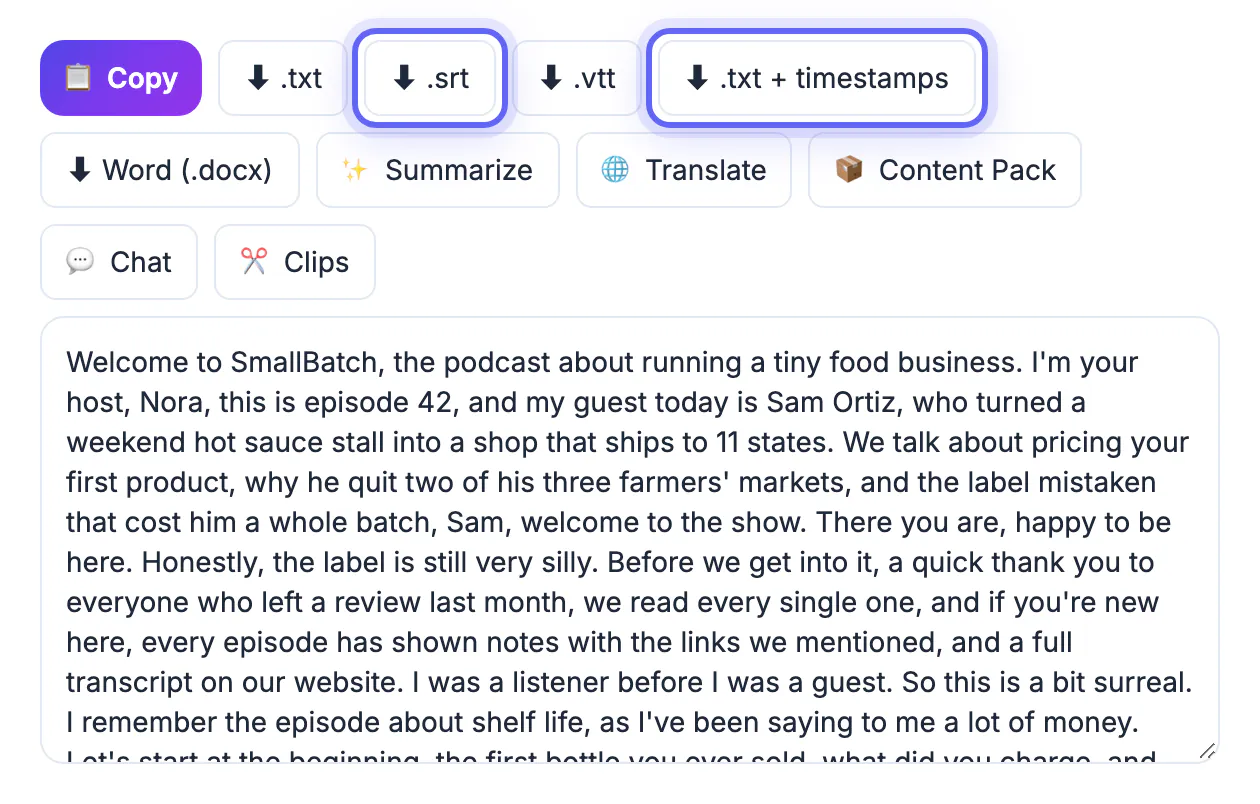
The transcript already knows when every sentence was spoken. Exporting it as SRT gives you a text file where each line carries a start time, which you scan in minutes rather than replaying the whole hour.
- Export the finished episode as MP3 or WAV, or use the video file if you record on camera
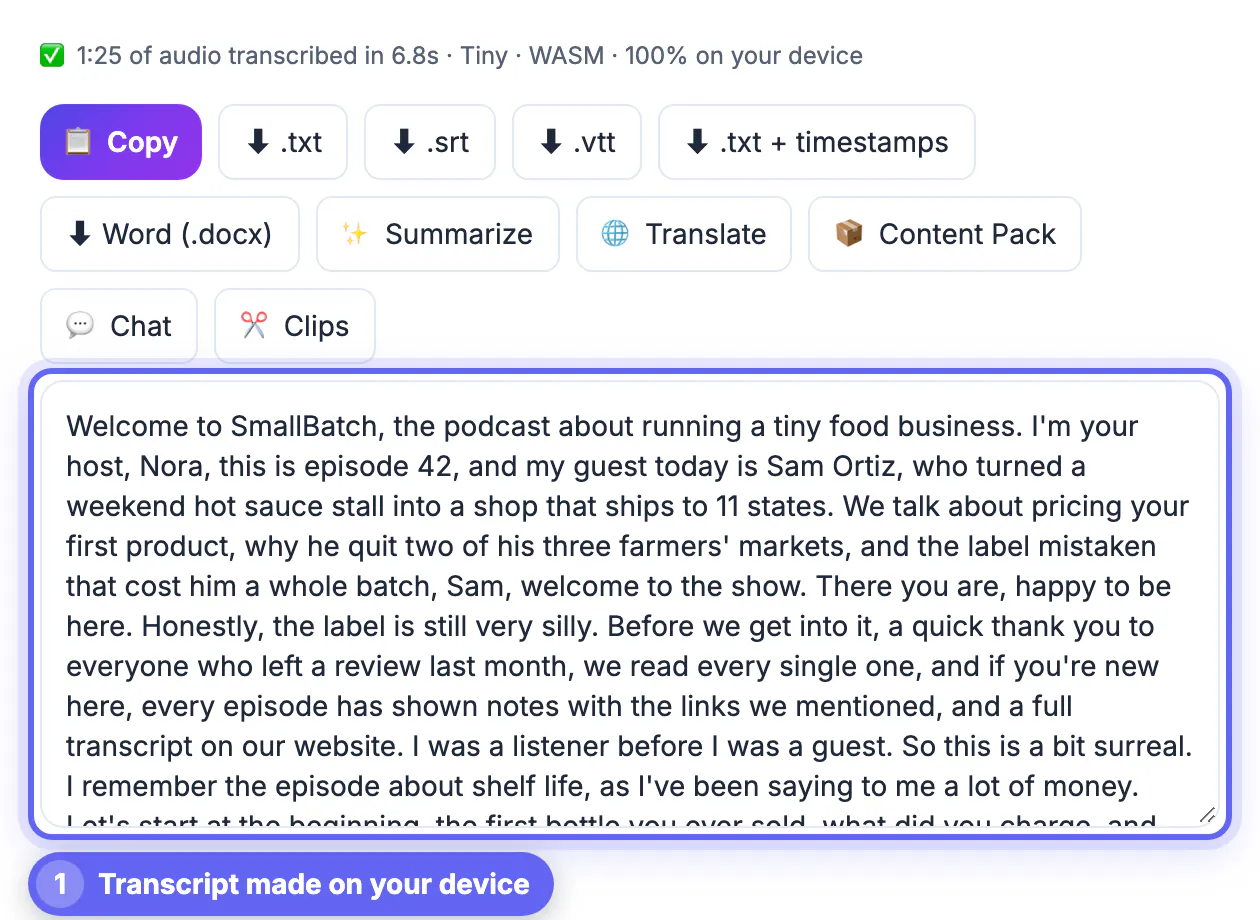
- Drop it into AI Studio, choose Base or Small for a clear two-voice conversation, or Large-v3 Turbo for heavy accents
- Export both TXT for reading and SRT for timing; DOCX is handy if a co-host edits in Word
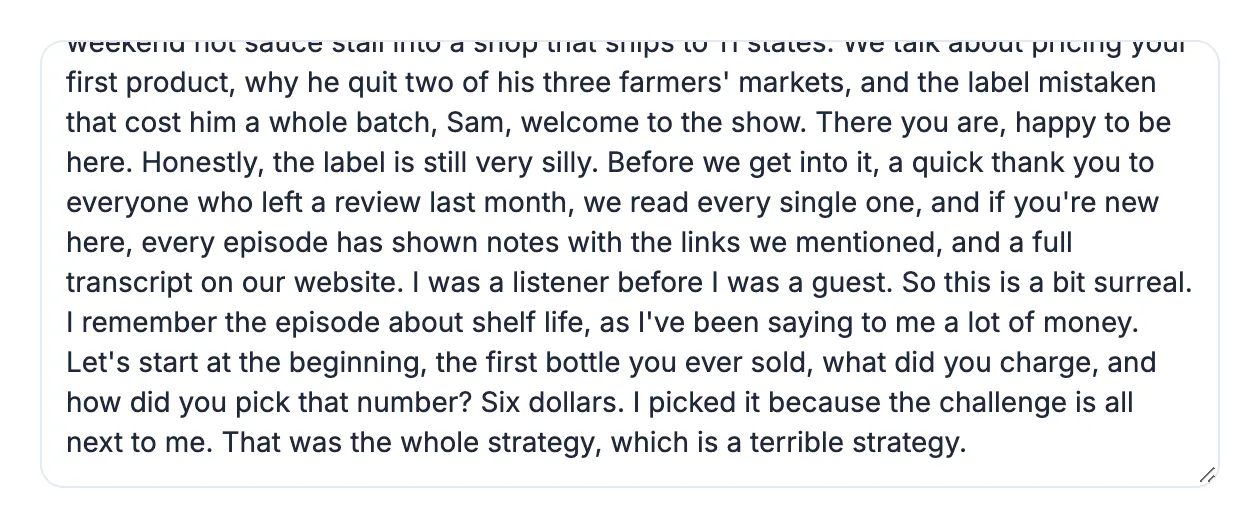
- Skim the TXT and highlight each spot where the conversation clearly changes direction
- Search the SRT for the first words of each highlighted spot and copy its start time, trimmed to minutes and seconds
On YouTube, timestamps in a description become clickable chapters when the list starts at 0:00, has at least three entries, and each chapter lasts at least 10 seconds. Spotify reads timestamps in descriptions on many shows too.
Because transcription runs locally, unreleased episodes and guest interviews under embargo never leave your machine.
Write the hook, summary and chapter titles
The transcript gives you raw material; your job is to decide what a stranger needs to hear in ten seconds.
- Write the hook last, after you know the three strongest moments in the conversation
- Name chapters after what the listener gets, such as Pricing your first course, not Segment three
- Quote one vivid line from the guest; a real sentence beats any adjective you could write
- Use the words people search, like the exact product or city names that came up
- Keep the full recap under about 300 words; the transcript page can hold the long version
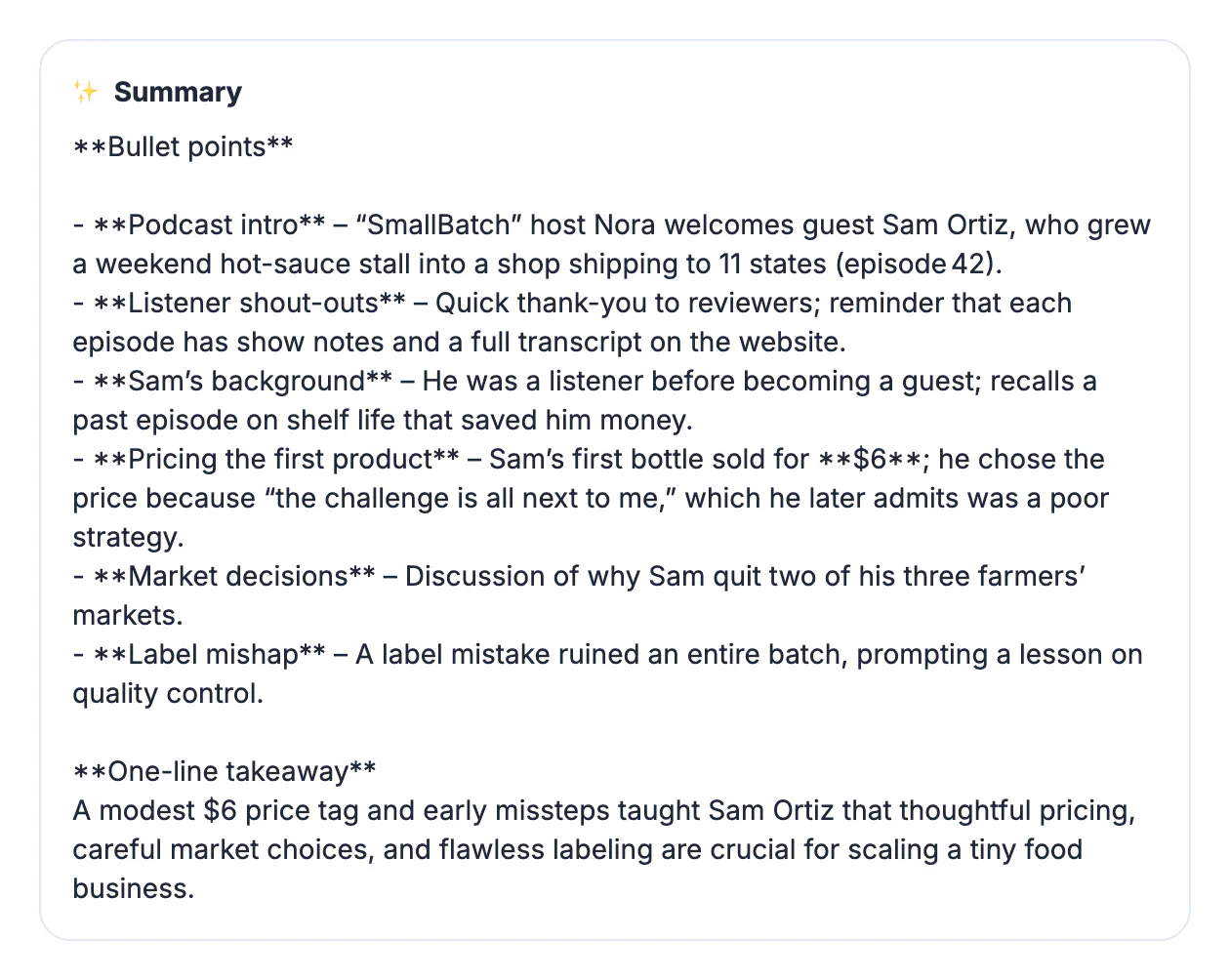
For a quick first draft, paste the cleaned transcript into the AI Content Pack, which proposes a summary, chapters and key takeaways. It uses a cloud AI service, so do this only with episodes that are cleared for sharing, and always rewrite its output in your own voice.
Read your chapter list aloud once. If a title only makes sense to someone who already heard the episode, rewrite it so a first-time listener understands what they will get from that segment.
Publish and repurpose the write-up
Once the text exists, the same material feeds several channels with very little extra work.
- Paste the description and chapter list into your hosting platform, such as Buzzsprout, Libsyn or Spotify for Creators
- Publish a web page per episode with the full transcript for accessibility and search
- Upload the SRT to the YouTube version so viewers get accurate captions instead of auto-captions
- Turn the best quote into a 30-second waveform clip for Reels, Shorts and TikTok
- Send the recap and top chapter to your email list the morning the episode drops
Consistency beats perfection: a clear template reused every week is more valuable to listeners and search engines than a beautiful one-off that you never repeat.
Want a short teaser for social media? You can turn a clip into an audiogram video and link back to the full show notes.
Step-by-step
Common mistakes to avoid
Pro tips
Frequently asked questions
What should podcast show notes include?
A short hook, a one-line guest intro, timestamped chapters, links to everything mentioned, and one clear call to action. The full transcript is a bonus that belongs on your website.
How do I get timestamps without listening to the whole episode?
Transcribe it in AI Studio and export an SRT file. Each subtitle line has a start time, so you can find topic changes by reading and searching instead of scrubbing.
Is my unreleased episode uploaded during transcription?
No. AI Studio runs Whisper in your browser, so the audio stays on your computer. Only the optional AI Content Pack step sends text to a cloud AI service.
How many chapters should an episode have?
For a 30 to 60 minute episode, 5 to 10 chapters is typical. Each should mark a real change of topic and last long enough to be worth jumping to.
Do timestamps work on Apple Podcasts?
Apple shows timestamps as text, but clickable chapters in Apple Podcasts come from chapter markers embedded in the audio file, which many hosting platforms can add.
To turn a podcast into show notes quickly, transcribe the episode locally, use the SRT to grab chapter times, write a sharp hook with descriptive chapter titles and links, and publish the full transcript on your site for search.
Related guides
Browse more: all video and audio guides · AI Studio