Webinar Lead Magnet: Repackage a Recording as a Guide
To turn a webinar into a lead magnet, transcribe the recording, cut the transcript down to the parts that solve one problem, rebuild those parts as a short guide or checklist, and offer it behind a simple email form. A typical 60-minute webinar produces roughly 8,000 to 9,000 spoken words, which is more raw material than most ebooks. This playbook is for marketers and consultants who already ran the session: it covers getting an accurate transcript with GrabCast, drafting with AI while knowing what is private and what is not, designing the gated asset, and the consent rules that apply in the US and EU.
🎙️ Try AI Voice-to-Text Studio now — freeOpen →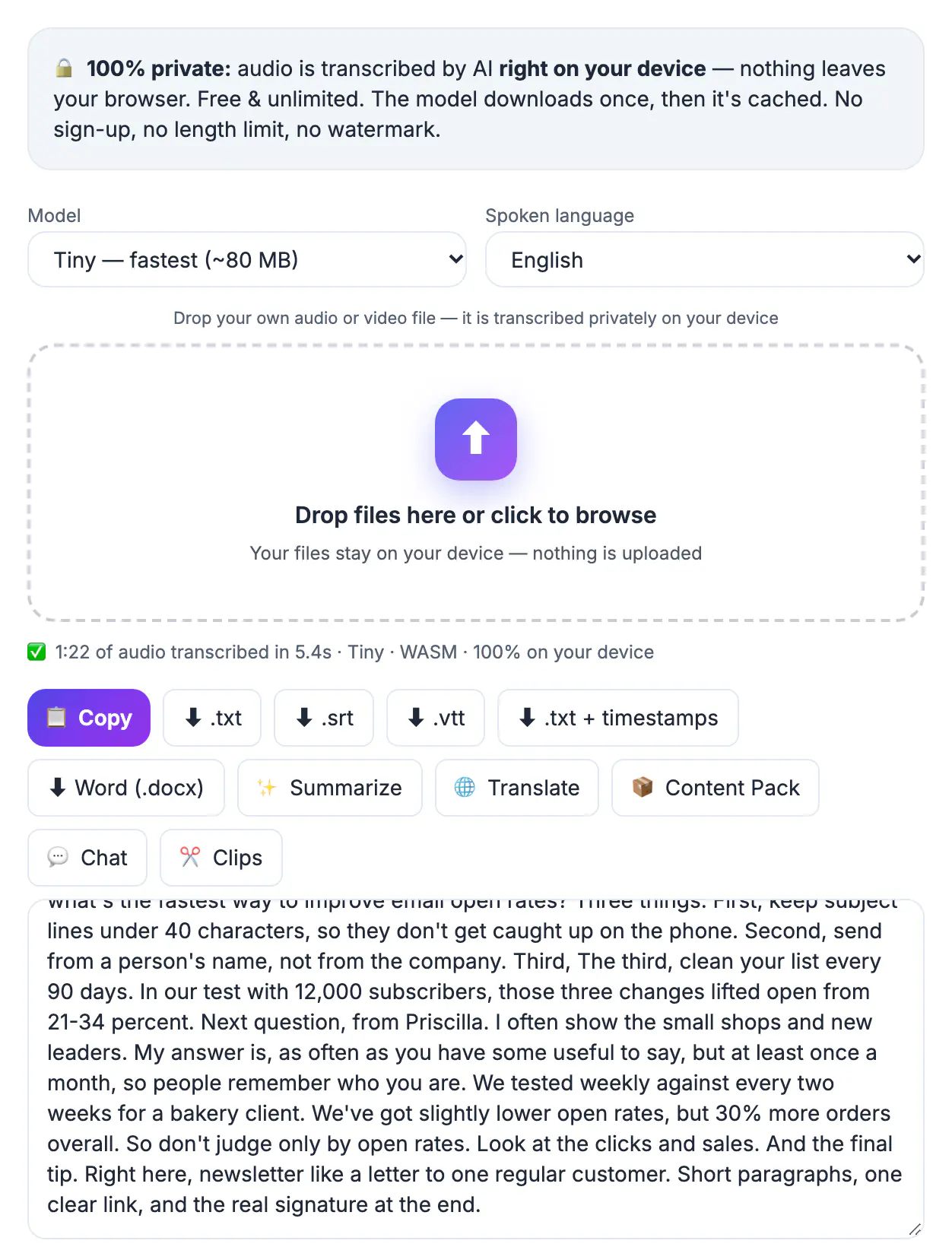
The live audience is the smallest audience a webinar will ever have. Registrations often convert to attendance at well under half, and everyone who finds your topic next quarter missed it entirely. A written asset built from the session keeps working: it can sit on your site, run behind a paid social ad, and go out in a partner newsletter, trading real value for a contact each time. The research, examples and audience questions are already captured on the recording, so the remaining work is editing rather than creating, which is why this is one of the cheapest acquisition assets a small team can produce.
Get an accurate webinar transcript
Start with the original recording file rather than a screen capture. Zoom, Microsoft Teams and Google Meet all let the host download recordings, usually as MP4, and many webinar platforms offer an audio-only file that is smaller and just as good for this job. If you streamed the session to your own YouTube channel, open YouTube Studio, find the stream on the Content page and use its Download option to get the MP4, or open Subtitles to download the caption track YouTube already made. Audio Converter can shrink the video to a small audio file before you transcribe it.
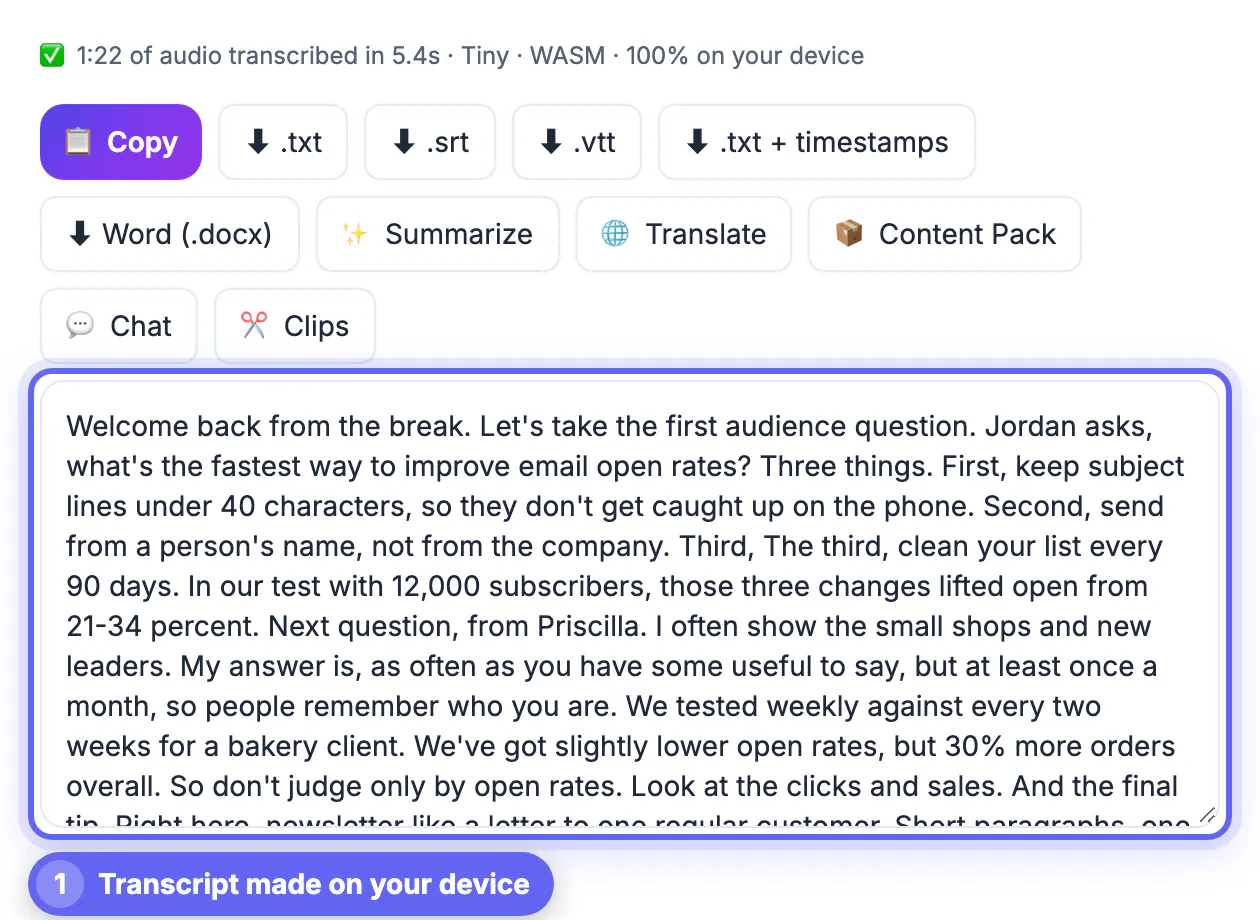
Whichever file you start from, transcribe it in AI Studio, which matters most when the recording includes client names or unreleased numbers. It runs the Whisper speech model inside your browser, so the audio never leaves your computer. Base is the default model; Small or Large-v3 Turbo give better accuracy on accents and jargon at the cost of a bigger one-time download (about 300 MB and 560 MB). Export a plain TXT for editing and an SRT if you also want captioned promo clips.
- Use the host's original file, not a re-recording
- Every session, private or not: AI Studio, on your device
- Your own YouTube stream: download it from YouTube Studio first
- Keep the SRT for clips; the TXT is for writing
Find the one problem the guide will solve
A lead magnet is not the webinar in print. Read the transcript with a highlighter and look for the segment that delivered the most concrete value: a framework with numbered steps, a before-and-after teardown, a template you walked through. The Q and A is often the richest part, because it shows exactly what your audience was confused about.
Pick one outcome and title the guide after it, for example The 5-Step Onboarding Email Checklist rather than Our Webinar on Retention. Aim for 6 to 12 pages or a one-page checklist; people download far more than they read, and a short, practical asset gets finished and remembered. Anything that does not serve that single outcome goes into a follow-up email instead.
- Frameworks and numbered methods make the best spine
- Audience questions reveal the real pain points
- Title the asset by outcome, not by event name
- Short and specific beats long and complete
Draft faster with AI, knowing where text goes
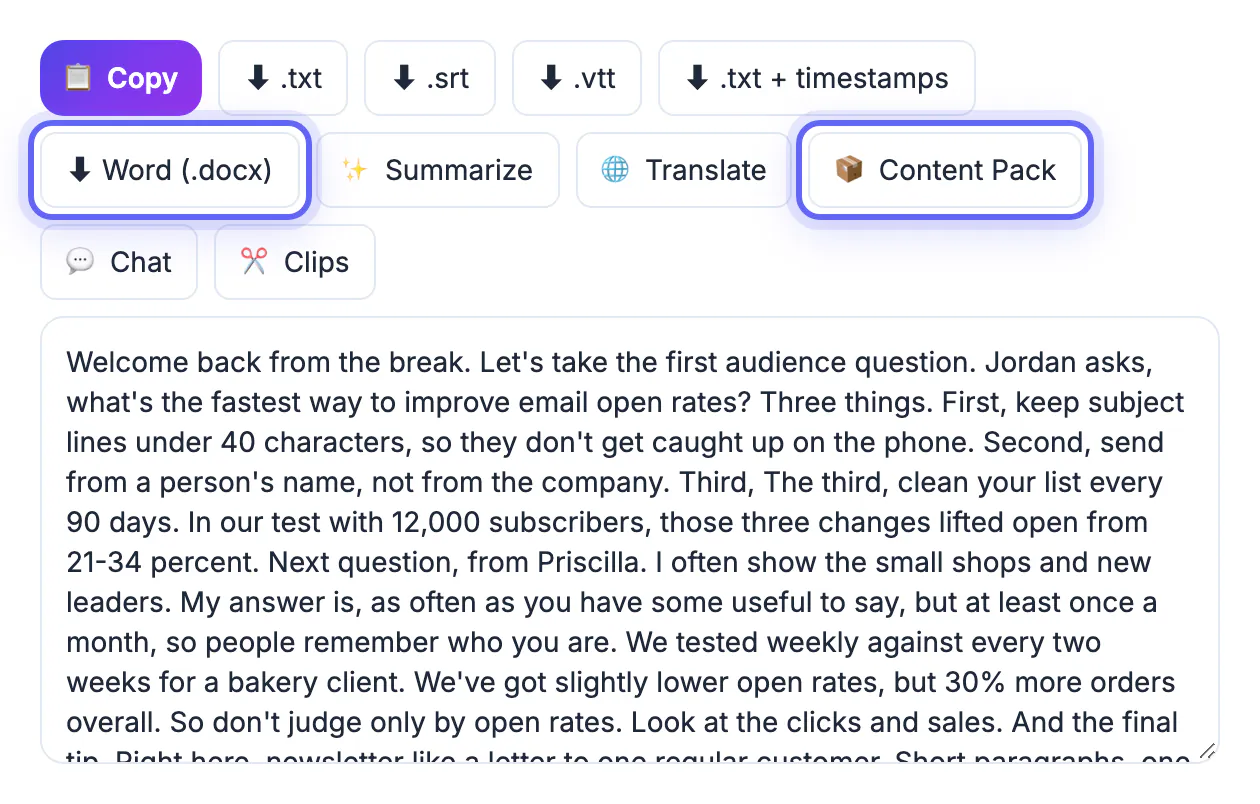
GrabCast's AI Content Pack accepts a pasted transcript and writes a summary, key takeaways, a chapter outline, social captions, a quiz and a blog draft. Long inputs up to about 60,000 characters, roughly an hour of speech, are read in parts and combined. The AI Clip Finder does something similar for short video, suggesting 20 to 45 second moments with timestamps and hook captions for promotion.
Both are cloud AI tools, so your text is sent to an external AI service and is not private in the way AI Studio transcription is. Remove client names, revenue figures and anything under NDA before pasting. Treat the output as a first draft: check every statistic against the recording, keep your own examples, and rewrite the voice so it sounds like your brand rather than a generic summary.
- Content Pack: outline, takeaways and a draft to reshape
- Clip Finder: short promo moments with timestamps
- Both send text to a cloud AI; redact sensitive details first
- Verify every number and quote against the source
Gate it with a form people will actually fill
Design the guide in whatever you already use, such as Google Docs, Canva or Word, and export it as a PDF. Keep it under a few megabytes so it opens instantly on a phone. Host the form in your email platform, whether that is Mailchimp, Kit, HubSpot or similar, and ask for first name and email only; each extra field lowers completion, so save company size or role for later progressive profiling.
Follow the rules where your subscribers live. In the EU and UK, GDPR requires clear consent for marketing emails, with no pre-ticked boxes and a plain statement of what people will receive. In the US, CAN-SPAM requires an honest subject line, a physical postal address and a working unsubscribe link in commercial email. Also confirm that any guest presenters are happy for their material to appear in the guide.
- Two fields: first name and email
- Deliver the PDF instantly by email and on the thank-you page
- EU and UK: explicit, unticked marketing consent
- Guest speakers: get permission to reuse their content
Step-by-step
Common mistakes to avoid
Pro tips
Frequently asked questions
Should I gate the full webinar replay instead?
You can offer both, but the replay is a heavy ask. A short guide that delivers one result converts better and is easier to promote; link the replay inside it.
Is my webinar recording uploaded when I transcribe it?
No. AI Studio runs Whisper in your browser and the audio stays on your device. Only optional AI tools like Content Pack send the transcript text to a cloud AI, so redact sensitive details before using them.
How long should the lead magnet be?
Long enough to deliver one clear outcome. A one-page checklist or a 6 to 12 page guide is typical for B2B audiences.
How many form fields should I use?
Two, first name and email, for a free guide. Gather other details later through follow-up emails or a booking form.
When should the first follow-up email go out?
Immediately, with the download link, then a useful second email within two or three days while the topic is fresh.
Transcribe the recording, pick the single most useful outcome, rebuild it as a short guide, and gate it with a two-field form that respects consent rules. Keep sensitive material out of cloud AI, and let one live session keep generating qualified leads long after it ends.
Related guides
Browse more: all video and audio guides · AI Voice-to-Text Studio