Google Meet Recording to Text: Drive, Download, Done
To transcribe a Google Meet recording, open the organizer's Google Drive, find the file in the Meet Recordings folder, download it, and drop it into a transcriber such as GrabCast's AI Studio, which runs in your browser without uploading anything. Unlike Zoom, Meet never saves a copy to your computer, so the real hurdles are account permissions and file access rather than the transcription. This guide covers who gets the recording, what to do when the download option is missing, why converting the MP4 to a small audio file first helps, and how to handle consent. It is written for the person tasked with producing notes from a call they may not have organized, such as an assistant, a project coordinator, or a student group lead.
🎥 Try AI Studio now — freeOpen →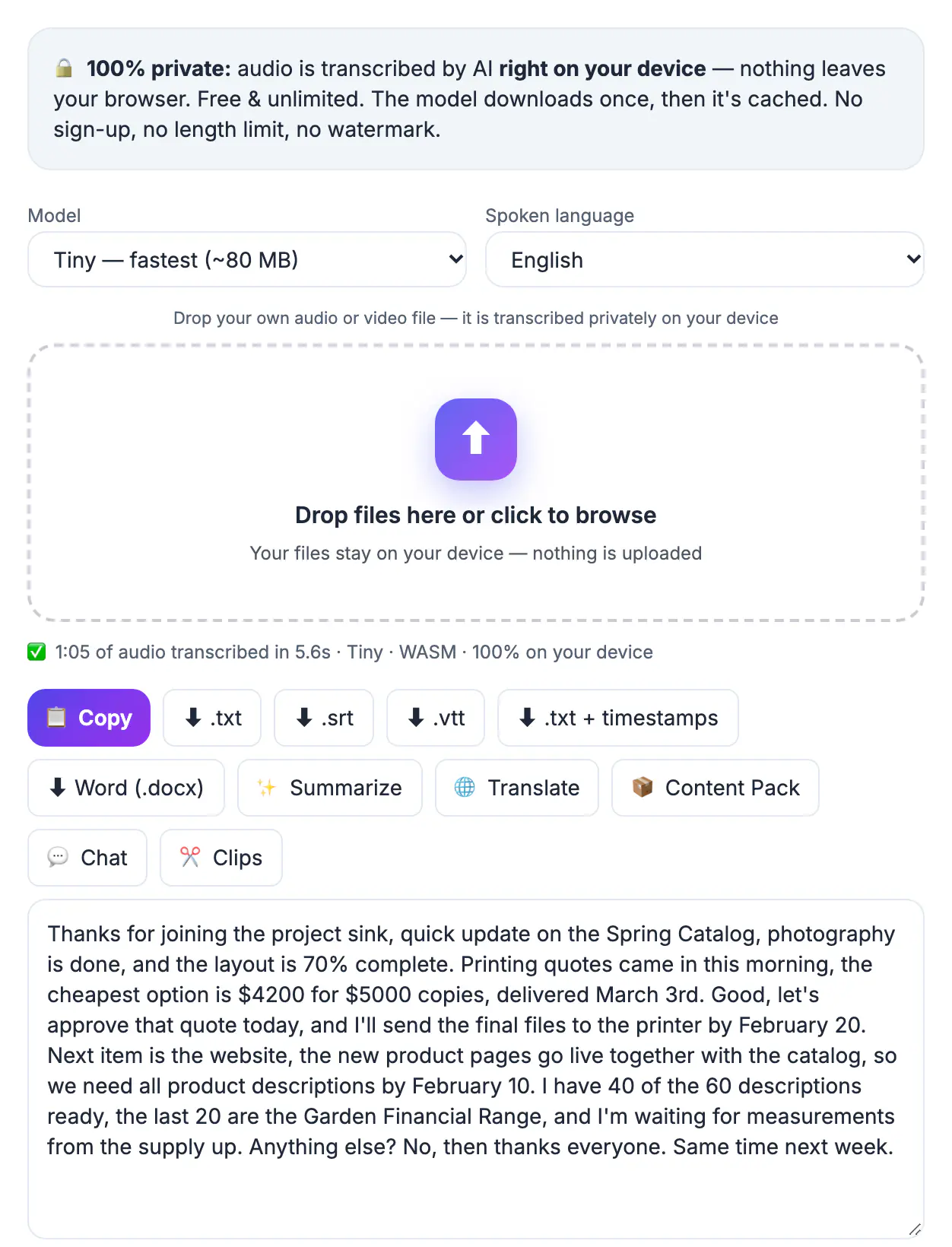
Meet is built around Google Drive. When someone records a call, Google processes it in the cloud and saves an MP4 to the organizer's Drive, then emails a link to the organizer and to the person who started the recording. Everyone else sees the file only if it is shared with them. That design is convenient for storage but adds steps for transcription: you may need to request access, the owner or an administrator may have disabled downloads, and a long call recorded with camera video can be a large file. Recording itself is available only on certain Google Workspace editions and account types, so if the button is missing, the cause is usually the plan or an admin setting rather than your browser. Knowing that in advance saves a round of confused messages with IT, and it tells you exactly whom to ask: the organizer for the file, the administrator for policy questions.
Find the Google Meet recording in Drive
Recordings take a while to process after the call ends, sometimes longer than the session itself. Wait for the email before searching.
- The file lands in the organizer's My Drive, in a folder called Meet Recordings, named after the event title with the date and time.
- The organizer and the person who pressed record receive an email with a link once processing is done.
- Calendar events often get the file attached, so guests in the same organization may find it there.
- Some Workspace editions also offer built-in transcripts saved as a Google Doc. If one exists, you may not need to transcribe at all, though accuracy varies.
Get download permission for the recording
If you can watch the file but not download it, it is a permissions issue, not a bug.
- Drive lets owners stop viewers and commenters from downloading, printing, or copying. Ask the owner to grant you editor access or to download and send the file.
- Workspace administrators can restrict sharing outside the organization; external guests often cannot get the file at all.
- Do not work around restrictions by screen-recording the playback. The owner restricted it for a reason, and it may break company policy.
- Capturing and transcribing people carries consent obligations. US rules vary by state, with some requiring every participant's agreement, and EU privacy law generally requires telling people and having a lawful basis. This is not legal advice; when unsure, ask participants or your legal team.
Shrink the MP4 to audio before transcribing
A camera-heavy hour can be a large file, and the transcriber only needs the voices. Converting first makes the whole process lighter.
- Open GrabCast's Audio Converter, drop the MP4, and export an M4A or MP3 at 64 kbps, the voice preset, set to mono. An hour of speech at 64 kbps is about 29 MB.
- The converter runs in your browser with ffmpeg.wasm, so the recording stays on your device during this step as well.
- Trim silent waiting time before the call started using the start and end fields, so the transcript begins with the first real sentence.
- Keep the original MP4 in Drive; the audio file is a working copy.
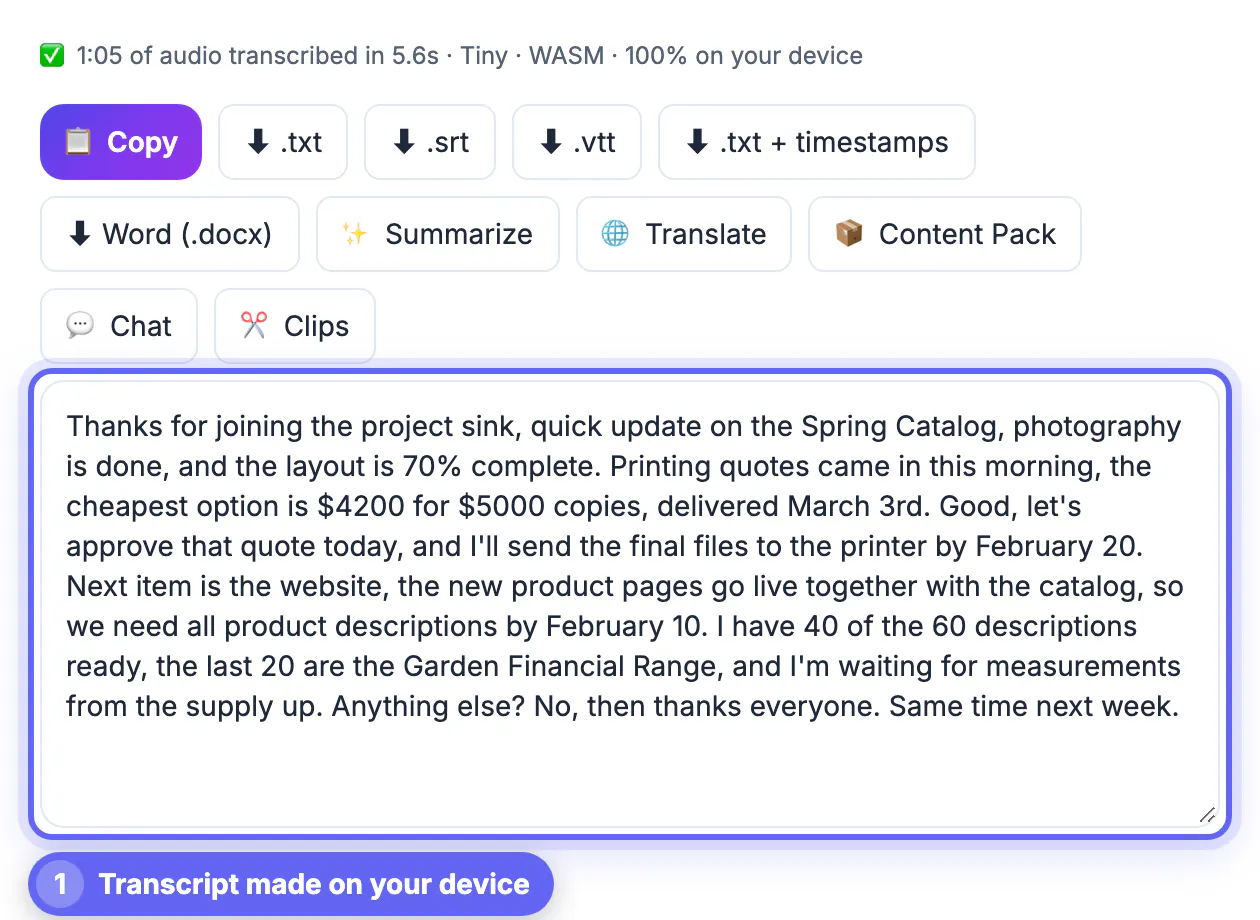
Transcribe the recording in AI Studio
With the audio ready, the transcription itself is straightforward and private, and it works the same on Windows, Mac, Linux, and Chromebooks with a current browser.
- Choose a Whisper model: Base is the default, Small is more accurate for accents and crosstalk, and Large-v3 Turbo gives the best accuracy on recent Chrome or Edge with WebGPU.
- Set the spoken language when you know it; for bilingual calls, transcribe with auto-detect and review the switch points.
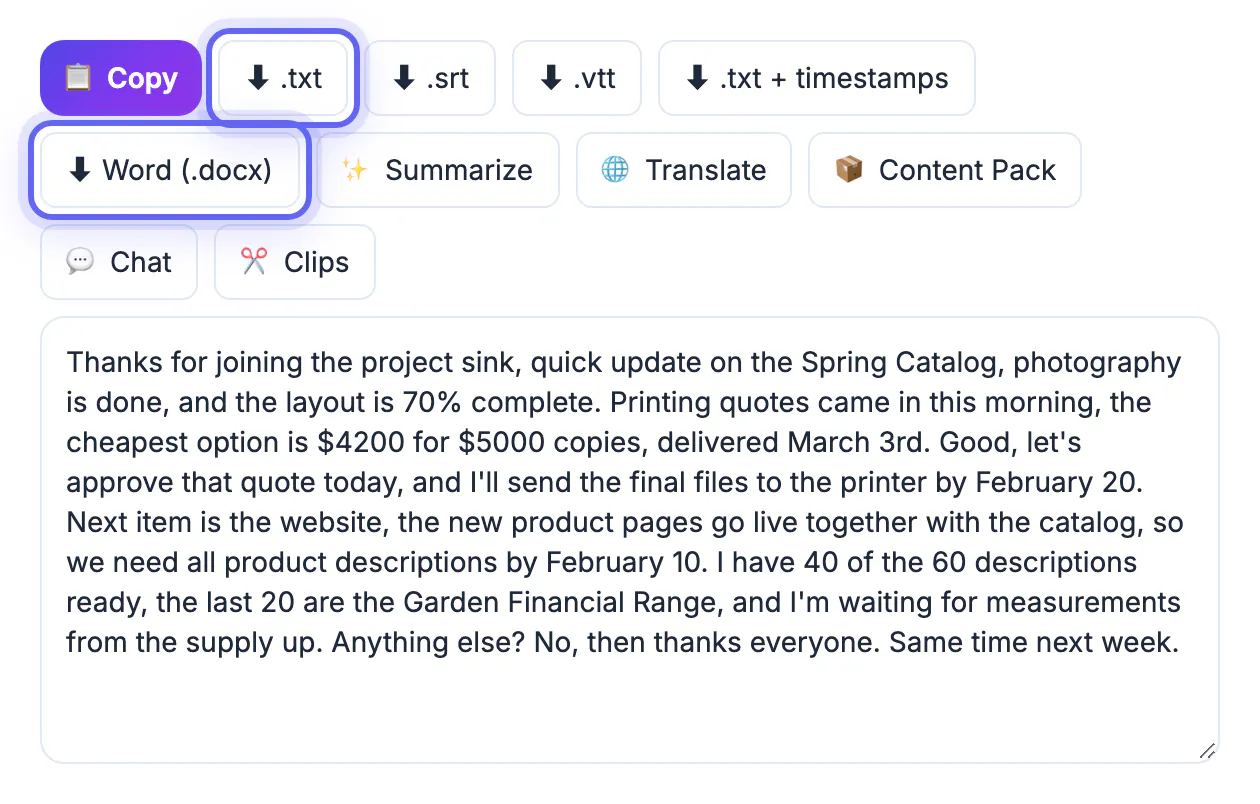
- Export TXT for notes, DOCX to share with people who live in Word or Google Docs, or SRT if the call will be published with captions.
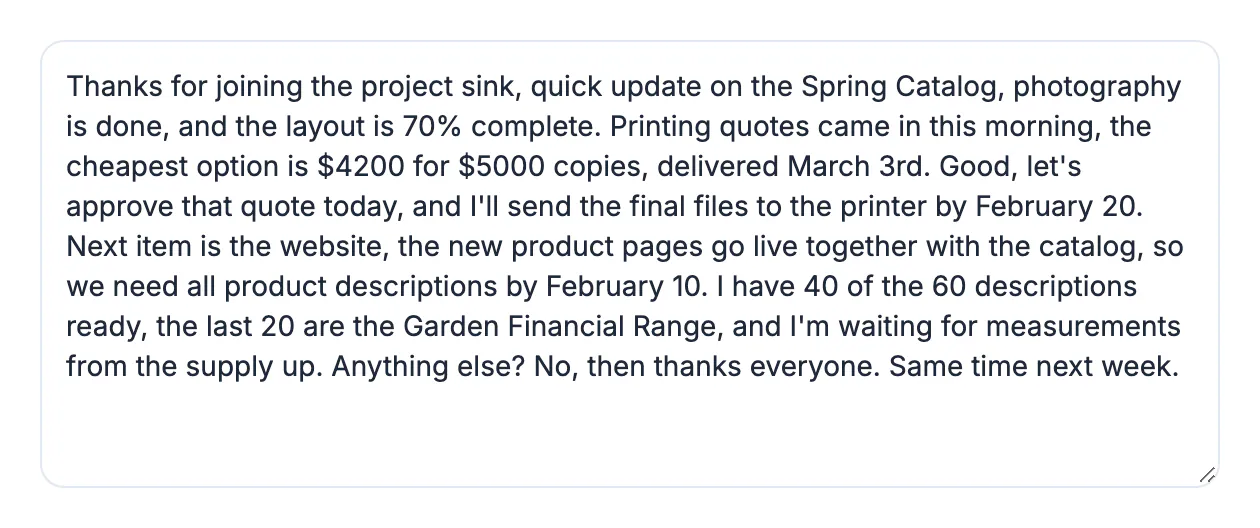
- Speaker names are not detected, so mark who said what for decisions and action items.
Once the text is ready, you can clean out filler words to make the meeting notes easier to read.
Step-by-step
Common mistakes to avoid
Pro tips
Frequently asked questions
Where are Google Meet recordings saved?
In the organizer's Google Drive, in a folder called Meet Recordings. The organizer and the person who started the recording get an email link when it is ready. If you cannot find it, search Drive for the event title, since the file carries that name plus the date.
Why can I not download the recording?
The owner or your Workspace administrator may have disabled downloads, or the file is not shared with you. Ask the owner for access or a copy.
Why is there no record button in Meet?
Recording depends on your Google Workspace edition and admin settings, and it may not be available on personal accounts. If you need a record of a call on an account without recording, take notes live or ask a participant with access to capture it, with everyone informed.
Is the transcript private?
Yes, for AI Studio and Audio Converter. Both process the file in your browser, so the recording is not uploaded to GrabCast. Optional extras such as AI summaries in the Content Pack are different: they send the text to a cloud AI service, so keep confidential calls out of them.
Can it label speakers?
No. You get the words and timestamps, but you need to add speaker names yourself. For a typical team call, marking the speaker only on decisions and action items is usually enough.
A Google Meet recording lives in the organizer's Drive, so the first job is access: find the Meet Recordings folder or ask the owner for a copy. Convert the MP4 to a small audio file, transcribe it privately in AI Studio, respect consent rules and sharing settings, and you get searchable notes without the recording ever leaving your device.
Related guides
Browse more: all video and audio guides · AI Studio