Sermon Transcription: Share Sunday's Message as Text
To transcribe a sermon, take the audio from your soundboard or livestream recording, drop it into GrabCast AI Studio, and let Whisper convert the message to text right in your browser. A 35 to 45 minute sermon becomes an editable transcript you can clean up, check against scripture and share as a blog post, captions or a printed handout.
🎙️ Try AI Studio now — freeOpen →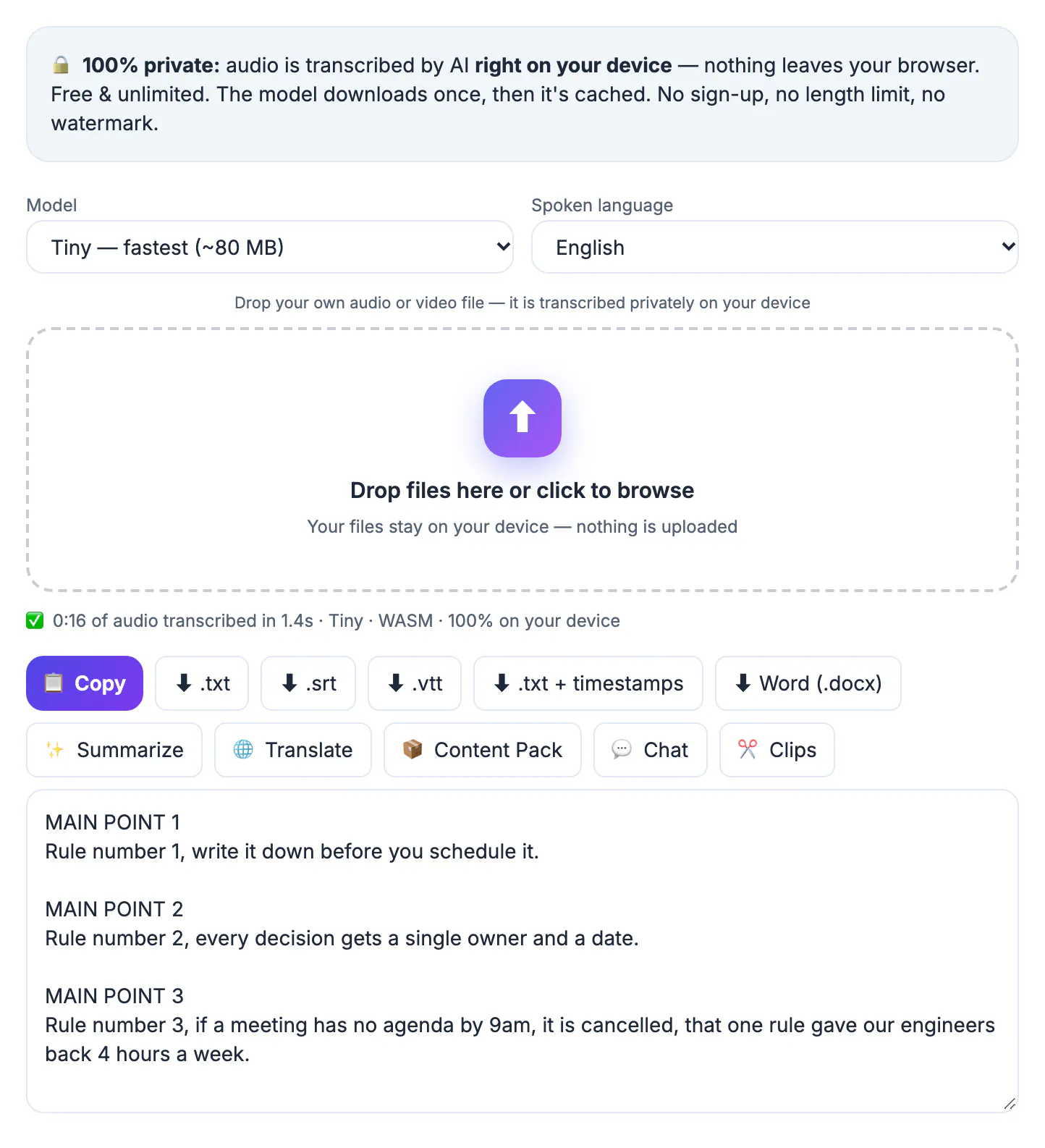
A sermon reaches the people in the room and the livestream viewers, then mostly disappears. A written version reaches everyone else: members who missed Sunday, people who are deaf or hard of hearing, visitors who search online for a passage before choosing a church, and small groups who want to discuss the message midweek. Text is also searchable. A transcript posted on your website can surface when someone looks up a question about grief, forgiveness or a specific book of the Bible. For volunteer-run media teams, AI transcription removes the hours of manual typing that used to make this impractical every single week. Written messages also give preachers a record of what they have taught, which helps when planning future series and avoiding repetition. Even a short weekly summary with the main passage and three takeaways can serve members who prefer reading over listening.
Getting clean audio for sermon transcription
The best source is usually a direct feed from the sound desk, not a phone in the pews. Board recordings capture the preacher’s microphone and leave out most of the room noise.
- Record from the mixer’s USB or record output to a laptop or recorder
- Livestream archives from YouTube or Facebook work if you can export the file
- Trim worship songs and announcements so only the message is transcribed
- An MP3 at 128 kbps is plenty for speech and keeps files small
If the church only has a phone recording, place the phone near a speaker cabinet rather than in the congregation. Room echo, children and applause are the most common reasons for misheard words, and a closer source reduces all three.
Transcribing privately on your own computer
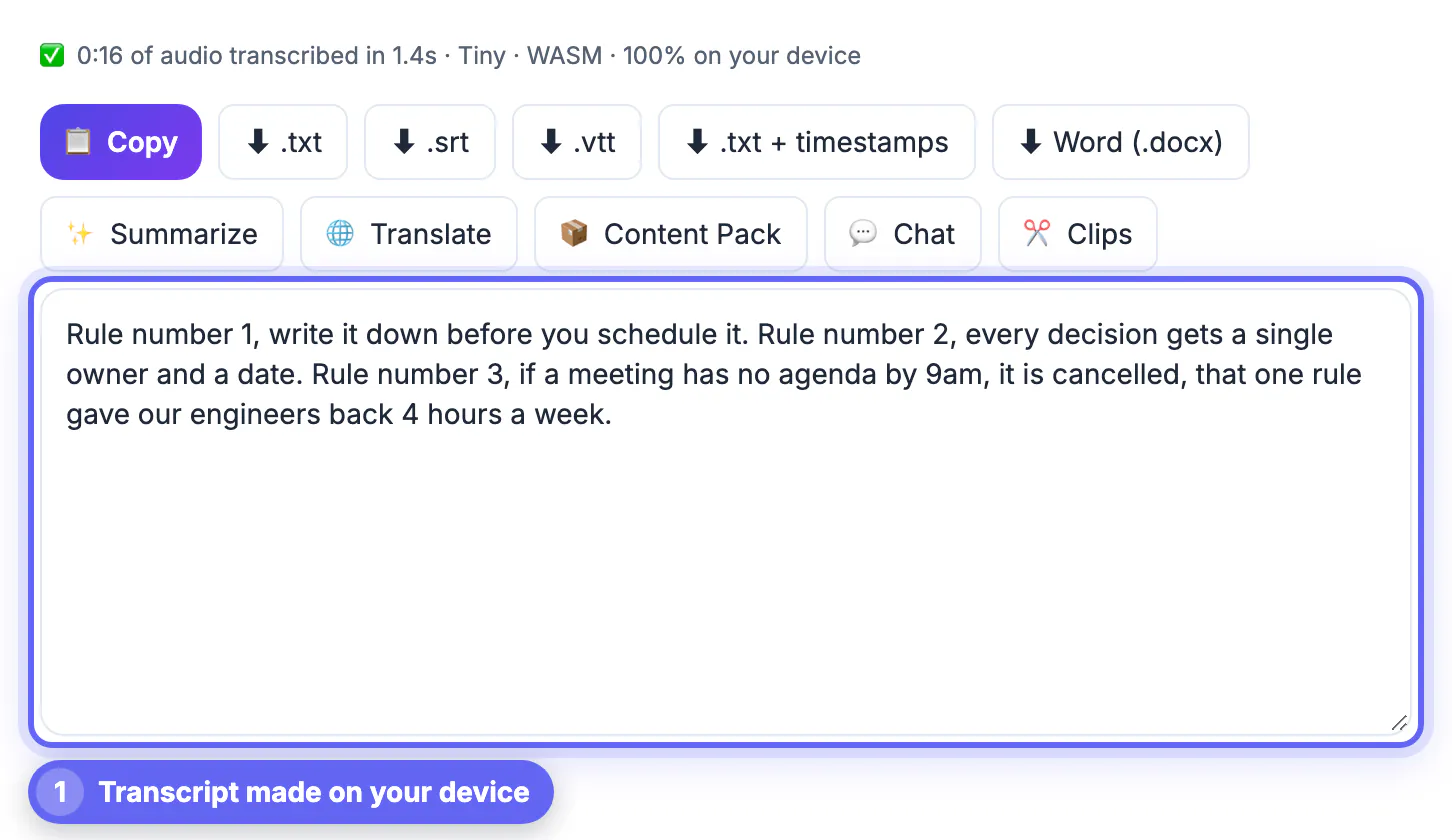
AI Studio runs Whisper in your browser. After a one-time model download, the audio is processed on the church office computer, which matters when a message includes personal stories or pastoral details.
- Base handles most clear preaching well
- Small does better with accents, fast delivery and names from Scripture
- Large-v3 Turbo gives the best accuracy on a recent GPU with WebGPU support
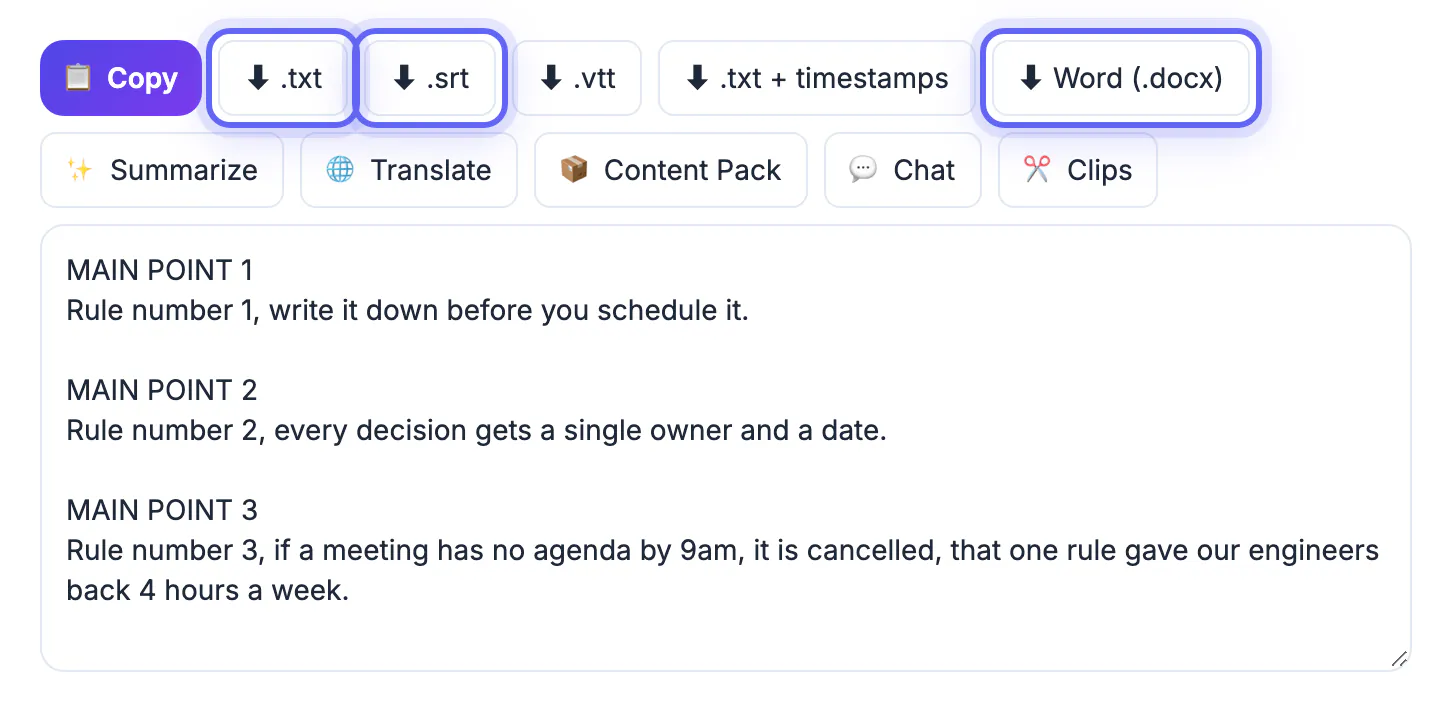
- Export TXT, SRT, VTT or a Word document when it finishes
Leave the language on auto-detect for most messages. For bilingual services that switch between English and Spanish or Korean, choose the main language manually and review the other sections by hand.
Editing the text so it reads well
Spoken preaching and written prose differ. The transcript captures every repeat, aside and call-and-response, which is powerful live but can feel loose on a page.
- Check every scripture reference, such as Habakkuk 2:4 or 1 Corinthians 13, against your preferred translation
- Fix biblical names that speech models often mishear, like Nebuchadnezzar or Zerubbabel
- Remove prayer requests and names of people mentioned during pastoral moments
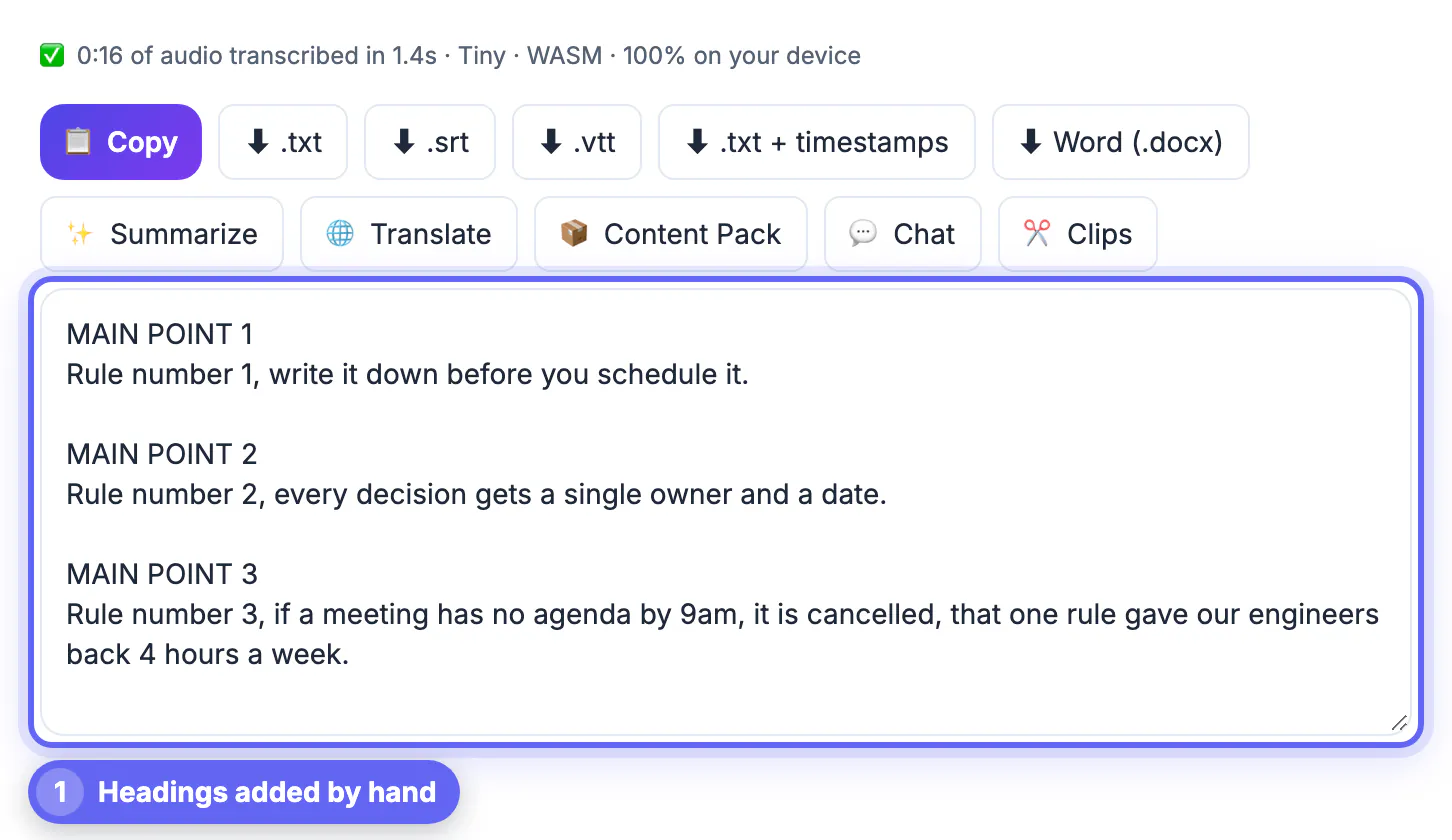
- Add headings for each main point so readers can scan the structure
Decide on a house style once, such as whether to keep phrases like amen, can I get a witness, or rhetorical repetition, and apply it every week so posted messages feel consistent across preachers.
Ways to share the message during the week
Once the text is clean, one sermon can serve several ministries without extra recording or editing work.
- Post it on the church website as a blog with the video embedded
- Upload the SRT captions to YouTube so the livestream archive is accessible
- Translate it with the AI Translator for multilingual congregations; that step uses cloud AI
- Turn key points into small group discussion questions for midweek studies
A small volunteer team can split the work: one person runs the transcription on Monday, another edits on Tuesday, and the communications lead publishes by Wednesday, well ahead of midweek groups.
If the service also goes up on YouTube, add chapters from the transcript so people can jump to the part they want.
Step-by-step
Common mistakes to avoid
Pro tips
Frequently asked questions
Is the sermon audio uploaded anywhere?
No. AI Studio runs Whisper inside your browser, so the recording stays on your computer. Only optional steps like Translate, Summarize or Content Pack send text to a cloud AI service. That makes it suitable for messages that include sensitive pastoral stories, as long as those are edited before posting.
How accurate is AI transcription for preaching?
With clean soundboard audio, Base and Small models get the large majority of words right. Expect to fix biblical names, references and some quick asides during editing. A guest speaker with a strong accent may benefit from the Small model instead of Base.
Can we add captions to our YouTube sermon video?
Yes. Download the SRT file after transcription and upload it in YouTube Studio under Subtitles. It is far more accurate than auto-captions once you have checked it. Checked captions also help viewers who watch with the sound off in waiting rooms, on commutes or at work, and they make clips easier to share on social media.
How long does a 40-minute sermon take?
On a modern computer with WebGPU, Base often finishes faster than real time. Older machines or larger models take longer, so start it and edit other material meanwhile. The model downloads once and is cached, so later weeks start faster on the same computer. A church office desktop from the last few years is usually more than capable.
Can we translate the sermon for other language groups?
Yes. The AI Translator handles 35 languages and can translate the SRT file while keeping timestamps. Have a fluent member review theological terms before publishing. Captions in a second language also help families where grandparents and grandchildren prefer different languages. Printed handouts in a second language are a simple, welcoming gesture for visitors who are still learning English.
Transcribe a sermon from clean soundboard audio, edit it with care for scripture and privacy, and one Sunday message becomes a blog post, captions and study material. Build a simple weekly routine, and the archive of shared messages grows on its own. Keep the unedited transcript on file too, so a quote can always be checked against what was actually preached.
Related guides
Browse more: all video and audio guides · AI Studio