Best Transcription Software: Free, Private and Paid
The best transcription software in 2026 depends on one question more than any other: where your audio is allowed to go. For private one-off files, on-device tools built on OpenAI's Whisper model, such as GrabCast AI Studio in the browser or MacWhisper on a Mac, are hard to beat on price. For recurring meetings, assistants like Otter.ai add speaker labels and searchable archives; for editing, Descript lets you cut media by editing text; and when accuracy must be near perfect, Rev still sells human transcription. We make GrabCast, so read our entry with that in mind; we have tried to state its limits as plainly as everyone else's, and we avoid quoting competitor prices, which change often, so check each vendor's current plans.
🎙️ Try GrabCast's free AI Studio transcriber now — freeOpen →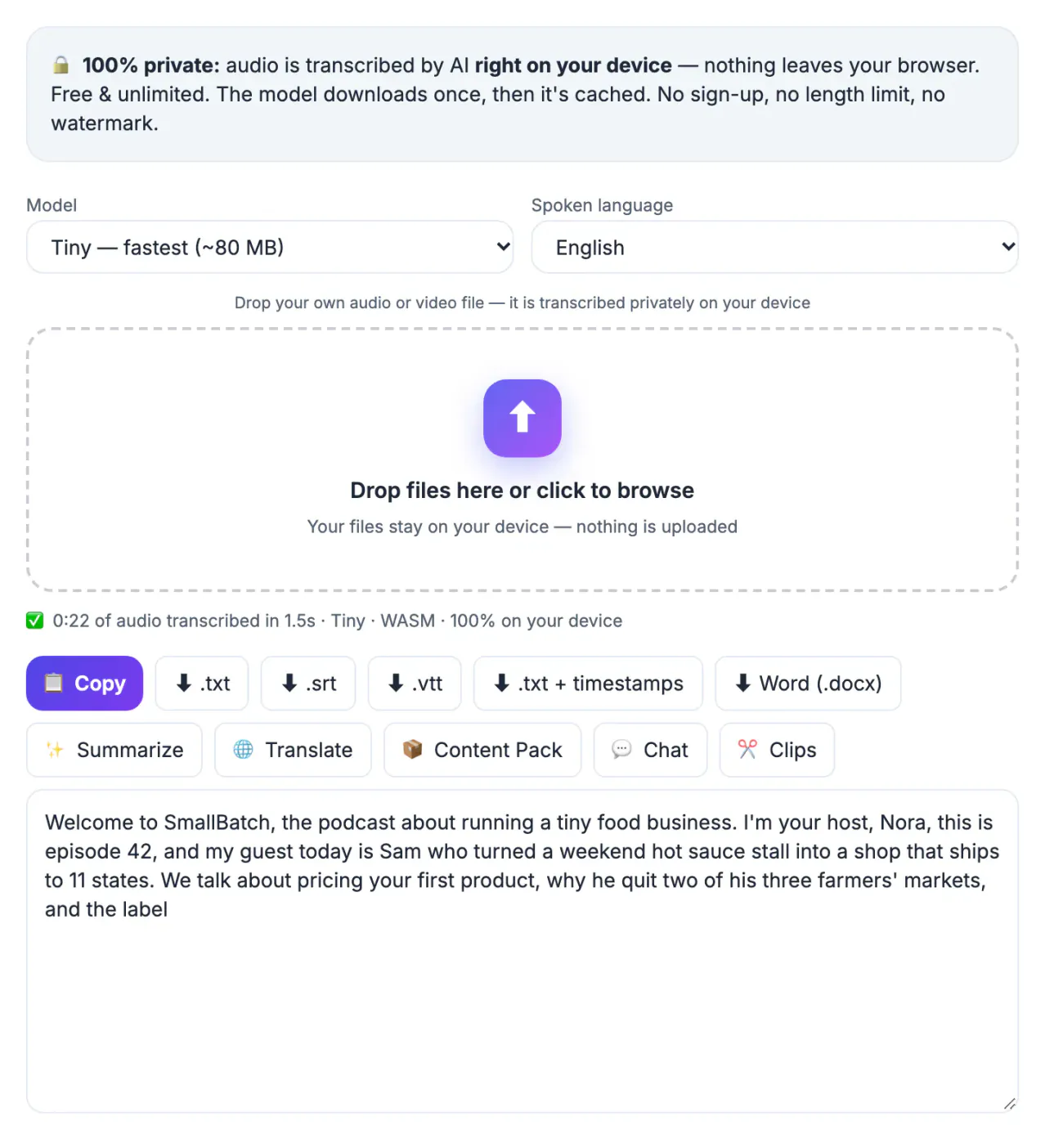
Every vendor claims high accuracy, and on clean single-speaker audio most modern systems are close. Differences show up on crosstalk, accents, jargon and poor microphones, so the only reliable test is your own recording. Beyond accuracy we looked at four practical factors. Privacy: does audio stay on your device or get uploaded and stored? Limits: are there monthly minute caps, file-length caps or export restrictions on the free tier? Output: plain text only, or timed SRT and VTT for captions, and Word for documents? Workflow: speaker identification, live meeting capture, collaboration and editing. No single product wins all five, which is why the list is organized by the job rather than a single ranking.
Best free and private transcription software
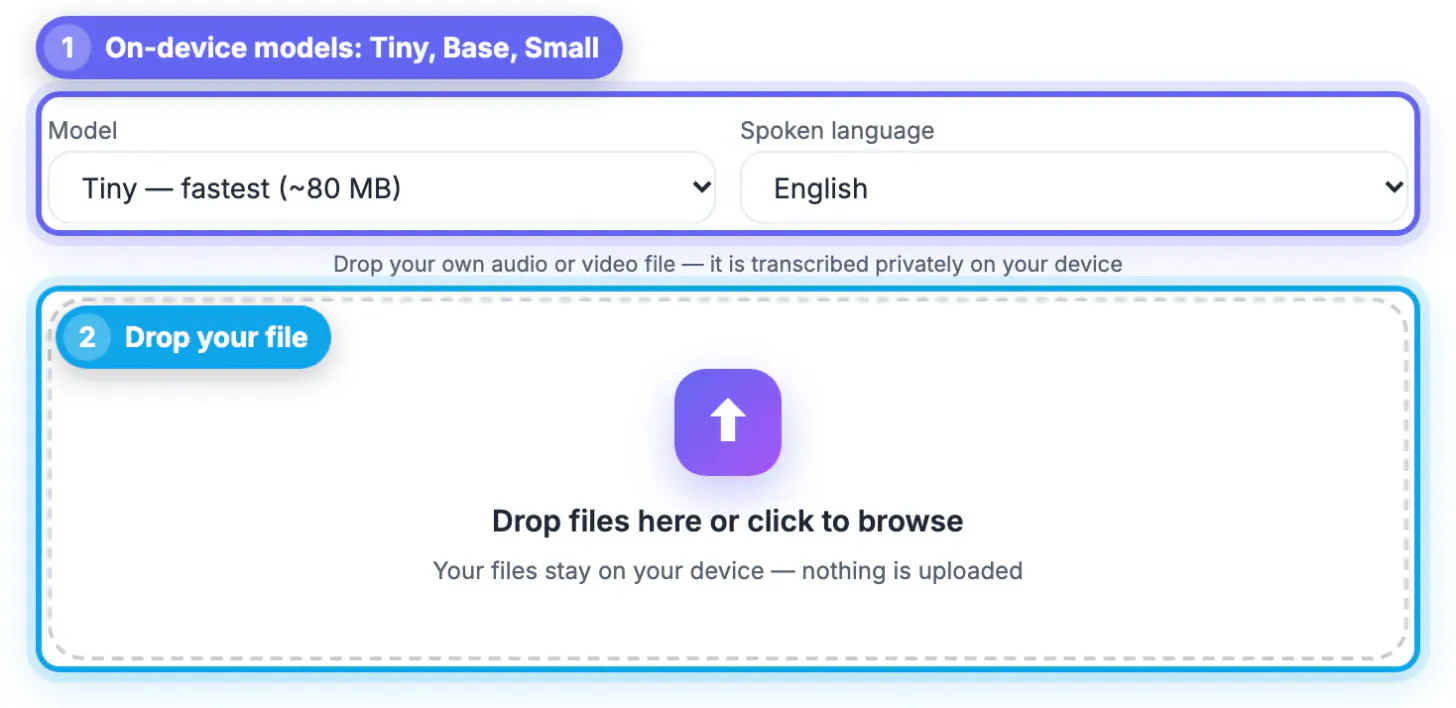
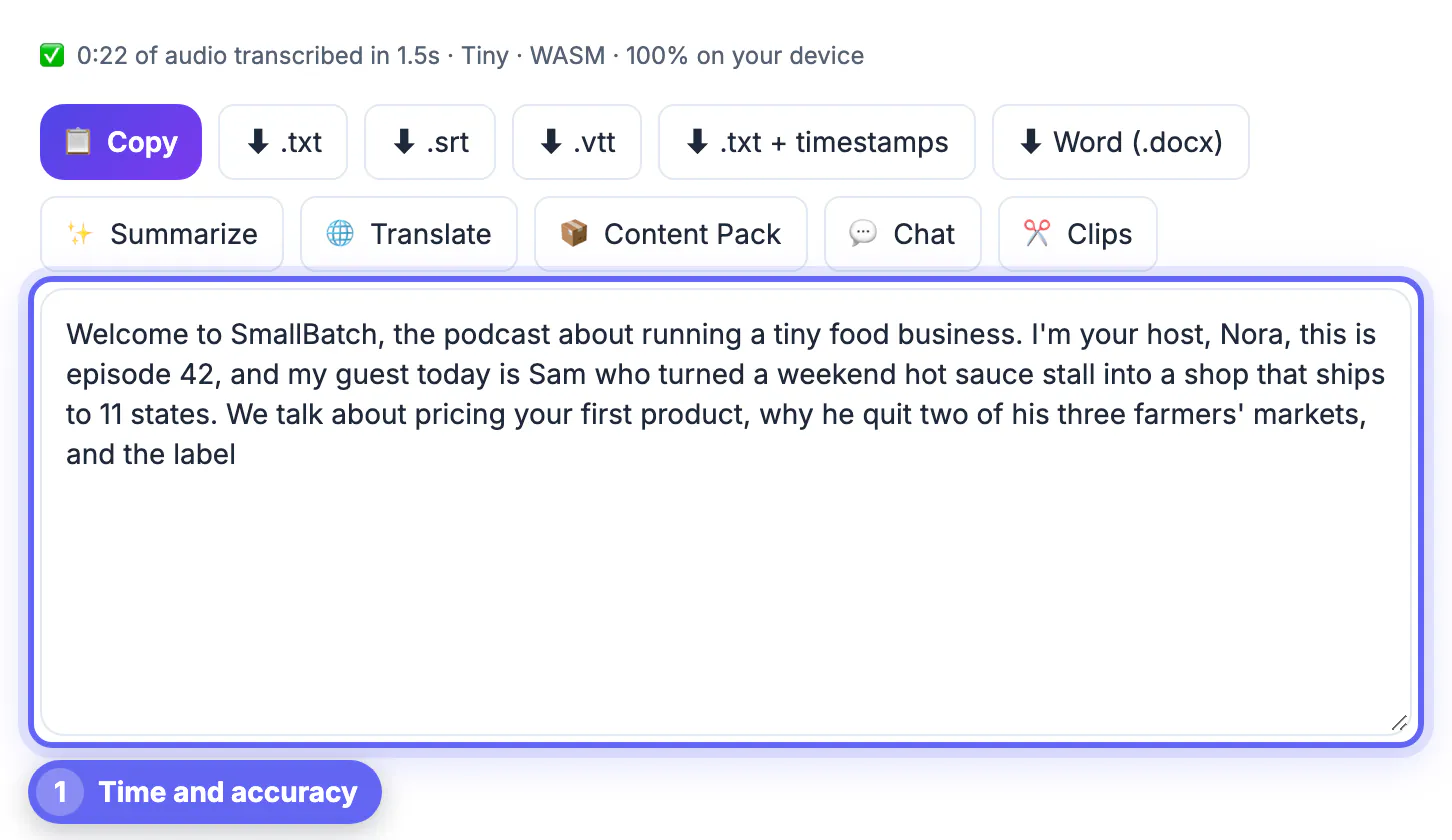
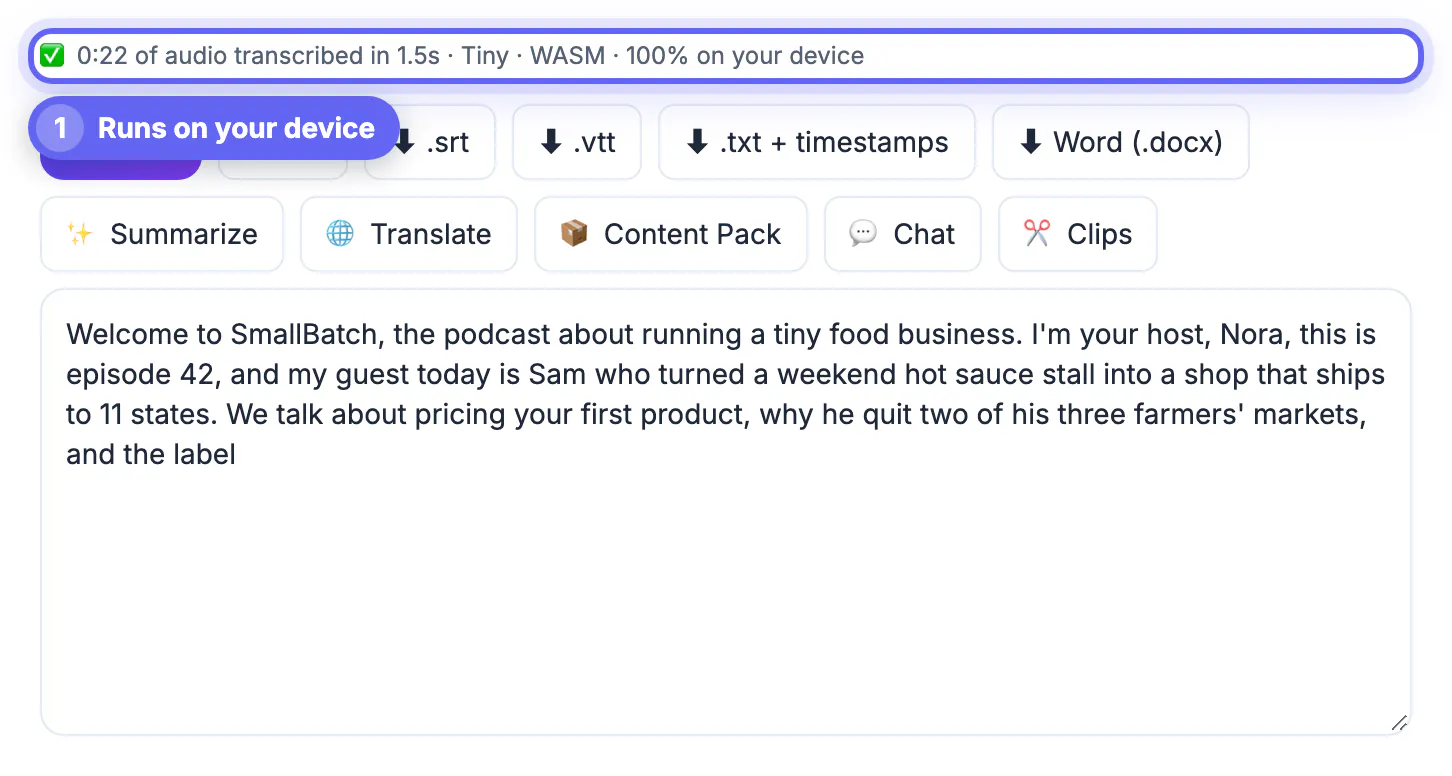
GrabCast AI Studio runs Whisper inside your browser with a choice of four models, from Tiny at about 80 MB to Large-v3 Turbo at about 560 MB, which needs WebGPU on a recent Chrome or Edge. The recording is never uploaded, there is no account and no length cap, and results export as TXT, TXT with timestamps, SRT, VTT or Word. The honest limits: speed depends on your hardware, older laptops are slow with the larger models, it does not label speakers, and it does not capture live meetings.
MacWhisper is a popular Mac app that also runs Whisper locally, with a free version and a paid upgrade that unlocks larger models and extra features; it suits Mac users who transcribe often and want a native app. Developers can run the open-source Whisper model or the whisper.cpp port directly, free and fully offline, but setup happens on the command line and there is no friendly editor.
- GrabCast AI Studio: browser, private, free, no speaker labels
- MacWhisper: native Mac app, local processing, free and paid tiers
- Whisper or whisper.cpp: free and offline, technical setup
- Best for interviews, lectures and confidential recordings
Best for meetings and teams
Otter.ai is built around meetings: it can join Zoom, Microsoft Teams and Google Meet calls, transcribe live, identify speakers and produce summaries and action items in a shared workspace. Its free Basic plan has monthly minute and per-conversation limits, with paid plans for heavier use. Audio and transcripts are processed and stored in the cloud, which matters for legal, HR or medical conversations.
Before buying anything, check what you already pay for. Zoom, Microsoft Teams and Google Meet all offer built-in transcripts on eligible plans, and Microsoft 365 subscribers can use Transcribe in Word for the web to process uploaded recordings, subject to monthly limits. Recent iPhone and Mac versions can also show transcripts for Voice Memos recordings in supported languages. These are convenient but tied to their platforms and usually offer fewer export options.
- Otter.ai: live capture, speaker labels, shared notes; cloud
- Zoom, Teams and Meet: transcripts on eligible plans
- Word for the web: Transcribe for Microsoft 365 users
- Voice Memos: built-in transcripts on recent Apple devices
Best for editing and for guaranteed accuracy
Descript turns a recording into an editable document: delete a sentence from the text and the matching audio and video disappear too. It also removes filler words, handles multitrack podcasts and exports captions. It is a production tool rather than a pure transcriber, with a limited free plan and paid tiers that raise usage allowances and add features; media is uploaded to its cloud.
Rev offers both fast AI transcription and human transcription, where professional transcribers produce a reviewed transcript with a stated high accuracy target. Human service costs considerably more per minute and takes longer, but for court filings, published research quotes or poor recordings with heavy crosstalk, a human pass is still the safest route. Sonix, Trint and TurboScribe are other established cloud services worth trialing if you need collaboration or bulk uploads.
- Descript: edit media by editing text; cloud
- Rev: AI or human transcription; human costs more, takes longer
- Sonix, Trint, TurboScribe: cloud alternatives to trial
- Human review for legal, medical and published quotes
How to choose in ten minutes
Take a real three to five minute clip that represents your usual audio, ideally with the hardest parts: two voices, a name, some jargon. Run it through two or three candidates and count errors per 100 words on the same passage. Note how long each took, what export formats you got, and whether speaker labels were correct. That short test will tell you more than any comparison table, including this one.
Then match the result to your constraints. If recordings are confidential or covered by client agreements, prefer on-device tools or confirm the vendor's data retention and training policies in writing. If you transcribe a few files a month, a free private option is usually enough. If you run daily meetings with a team, a meeting assistant's workflow features can justify a subscription. And if a mistake could cause legal or medical harm, pay for human review.
- Test your own audio, not a demo clip
- Count errors per 100 words on the same passage
- Confidential audio: on-device, or a written data policy
- Low volume: free; team meetings: assistant; high stakes: human
Whichever tool you pick, a transcript still reads better after you remove the filler words. If your source is a video, extract its audio first.
Step-by-step
Common mistakes to avoid
Pro tips
Frequently asked questions
What is the best free transcription software?
For private files, on-device Whisper tools such as GrabCast AI Studio in a browser or the free tier of MacWhisper on a Mac. For meetings, Otter.ai's free plan works within its monthly limits.
Which option is the most private?
Tools that process audio on your own device, such as AI Studio, MacWhisper or open-source Whisper. Cloud services upload and usually store your recordings.
Is AI transcription accurate enough to skip editing?
Rarely for anything published. Expect to fix names, numbers and a few misheard words. For legal or medical use, add a human review.
Which export formats matter?
TXT for reading, DOCX for documents, and SRT or VTT for captions. Timestamped formats are worth keeping even if you only need text today.
Does GrabCast AI Studio identify speakers?
No. It produces timestamped text; you add speaker names while editing. If automatic speaker labels are essential, a meeting assistant or a service like Rev fits better.
Choose by job and by where your audio may go: on-device Whisper tools for private and occasional files, a meeting assistant for recurring team calls, Descript for editing, and human transcription when errors are costly. Test your own sample before paying for anything.
Related guides
Browse more: all video and audio guides · GrabCast's free AI Studio transcriber