Remove Filler Words From a Transcript: Um, Uh, Like
To remove filler words from a transcript, first decide how much editing the text needs: clean verbatim drops um, uh, false starts and stutters while keeping every meaningful word. Then delete the obvious sounds with find and replace, judge context-dependent words such as like and you know by hand, and compare before and after so nothing important went missing. This guide is for podcasters publishing show notes, marketers turning interviews into quotes, and students cleaning up recorded notes. It also explains when you should keep every filler, because in some work the hesitations are the evidence.
🎧 Try the AI Studio tool now — freeOpen →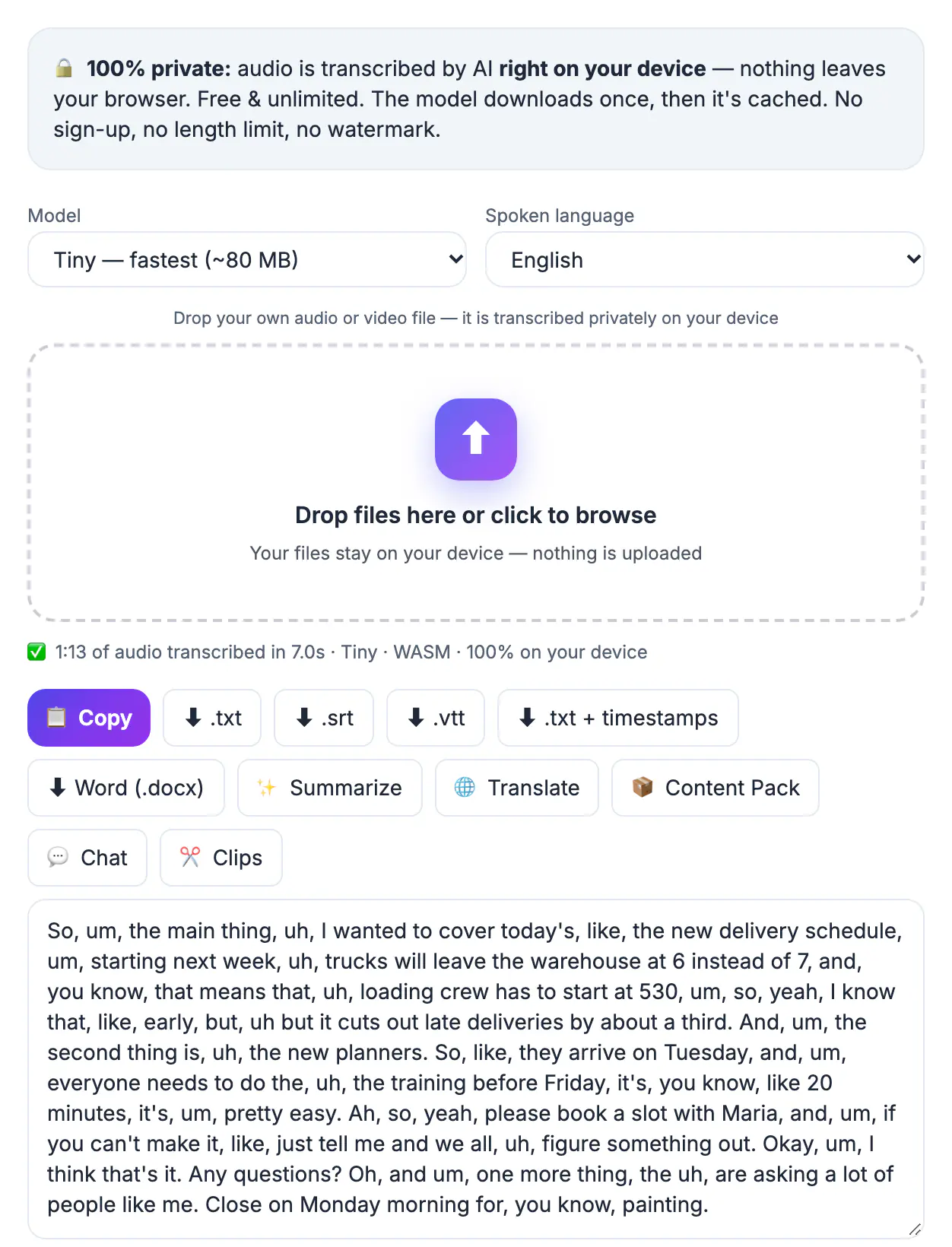
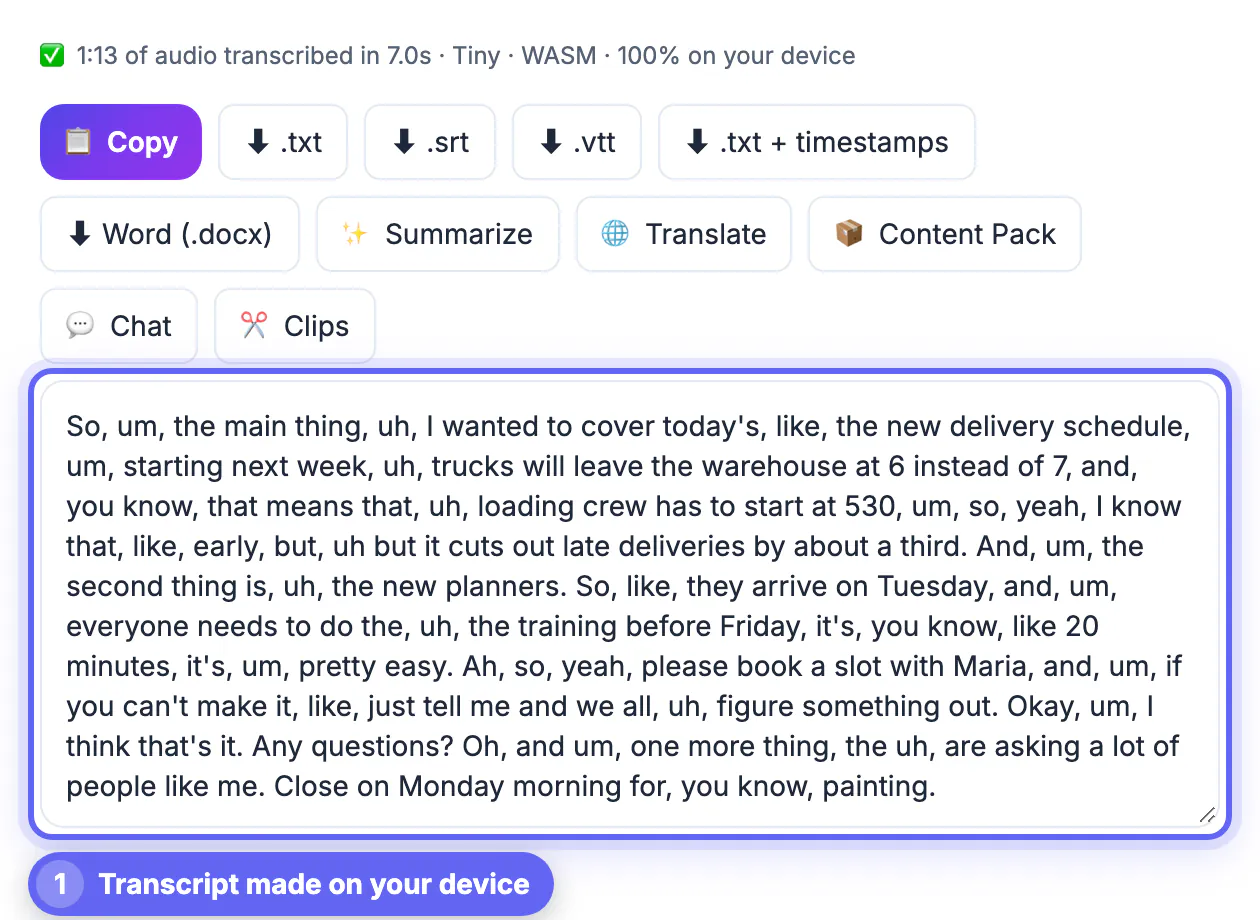
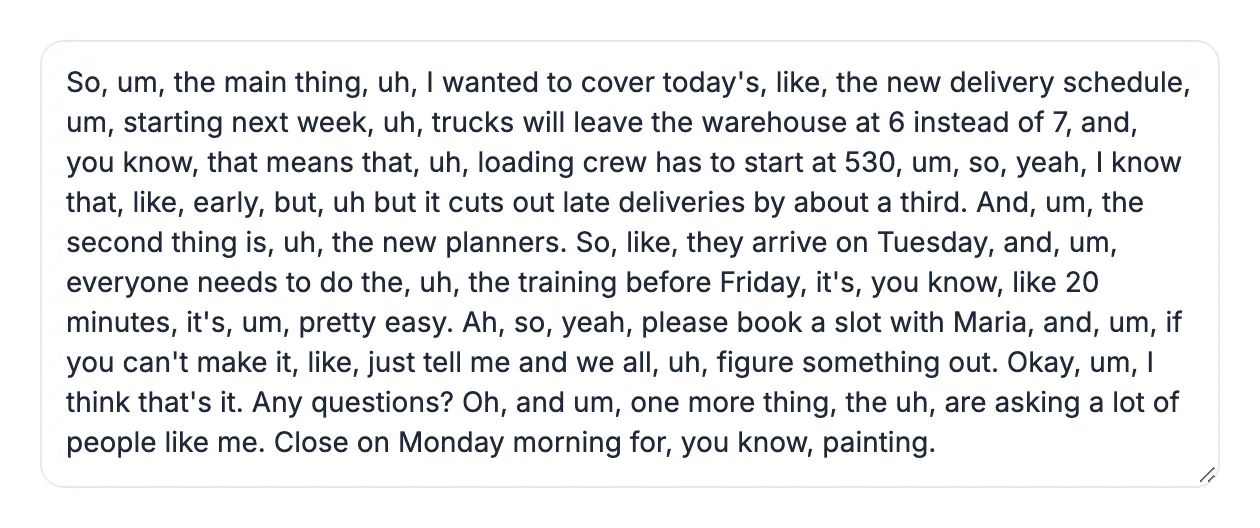
Spoken language is full of pauses and restarts that listeners barely notice, but on the page they turn a clear point into a stumble. A quote such as um, so, I, I think the, the main issue is cost reads as uncertain, while the same thought cleaned up, I think the main issue is cost, sounds exactly as confident as the speaker did in the room. Clean transcripts are shorter and easier to scan, which matters for show notes, articles, captions and meeting minutes. The goal is not to put words in anyone's mouth; it is to remove noise while keeping the meaning.
Choose clean verbatim or true verbatim
Transcription professionals use a few standard styles. Pick one before you start editing, and apply it consistently across the whole document.
- True verbatim: every um, uh, stutter, false start and laugh is kept, often with pauses marked
- Clean verbatim: fillers, stutters and false starts go, but wording and grammar stay as spoken
- Edited: grammar is lightly corrected and sentences may be tightened for publication
- For quotes attributed to a real person, stay at clean verbatim unless they approve edits
Keep true verbatim for legal depositions, police interviews, linguistic research and some qualitative studies, where a pause or a self-correction can carry meaning. For podcasts, marketing and meeting notes, clean verbatim is the usual standard.
Start with a cleaner draft in AI Studio
The Whisper models in AI Studio tend to leave out many ums and uhs on their own and add punctuation, so the draft is often closer to clean verbatim than to true verbatim. That saves time, but it also means the output is not a reliable record of hesitations if you need them.
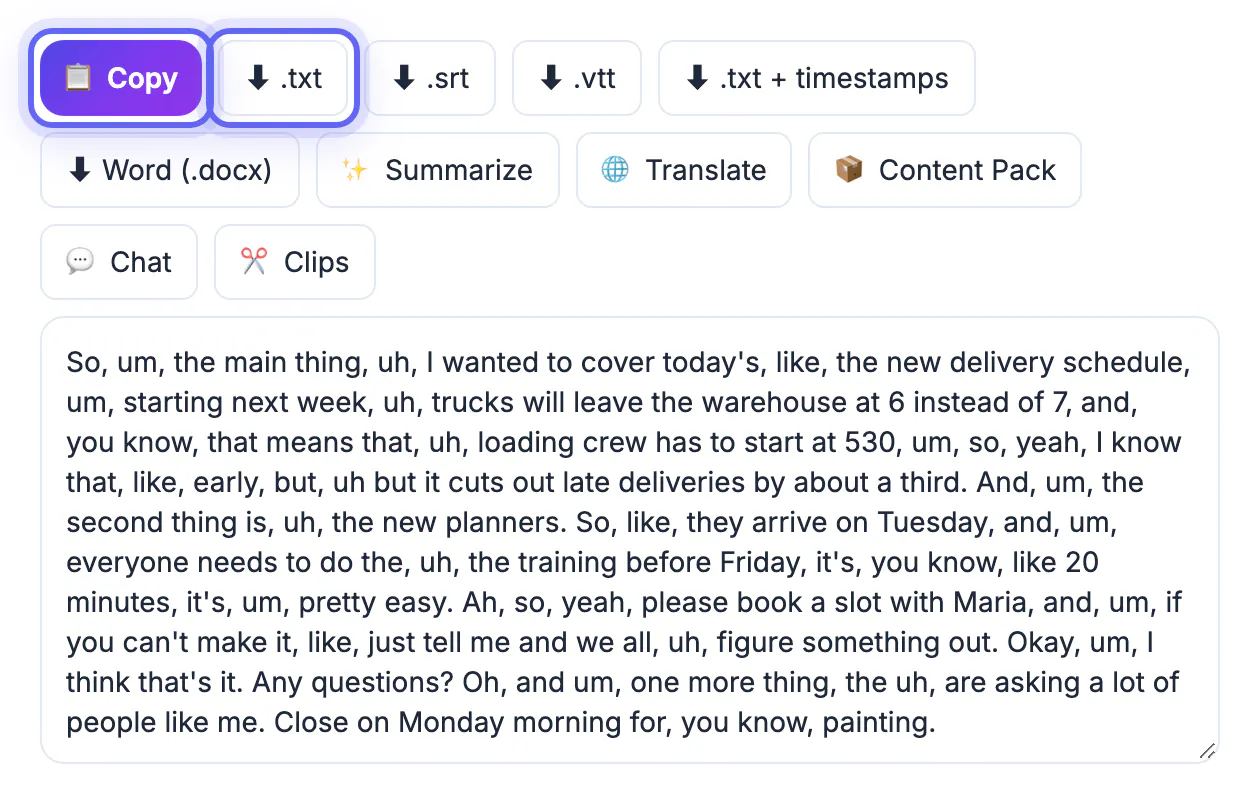
Transcribe on your device, then export TXT for editing in Word or Google Docs, or SRT if the cleaned text will become captions. With SRT files, edit only the words inside each cue and leave the numbers and timestamps untouched; the captions will stay in sync because the timing belongs to the cue, not to individual words.
Paste the raw text into the Word Counter before you start. Knowing the original count lets you see how much the cleanup removed, which is a useful sanity check: if a 5,000-word interview drops to 3,500, you have probably cut real content, not just fillers.
Strip the obvious fillers with find and replace
Pure sounds such as um, uh, er, erm and hmm almost never carry meaning, so they are safe to delete in bulk. In Word, press Ctrl+H or Cmd+H, tick Find whole words only, and replace each with nothing. In Google Docs, open Find and replace, tick Match using regular expressions, and use a single pattern.
A pattern that works in Google Docs and most editors is \b(um|uh|er|erm|hmm)\b,? followed by a space. It catches the word, an optional comma and the trailing space, so you are not left with double spaces or stray commas. Run it once, then search for two spaces in a row and replace them with one.
- Check the start of sentences afterwards; removing Um, can leave a lowercase first word
- Search for doubled words such as the the and I I, which come from stutters
- Cut false starts like we went, we drove only when the second version is clearly the intended one
- Keep a list of the patterns you use so the next transcript takes seconds
Judge the context-dependent words by hand
Some terms are fillers in one sentence and meaning in the next. Deleting them in bulk changes what people said, so review each one:
- Like: I like the plan must stay; it was, like, huge can lose the filler
- You know, I mean, sort of and kind of: cut when they are padding, keep when they hedge a claim
- So, well, okay and right at the start of an answer: usually safe to drop
- Actually, basically and literally: keep when they change emphasis or correct something
When you finish, paste the raw and cleaned versions into the Text Diff tool. It highlights every change, so you can scan for anything you did not mean to remove. If you want AI to smooth the text further, the AI Writer’s Improve and fix grammar mode can help, but it sends text to a cloud AI and may reword sentences, so diff the result again and keep it away from confidential material.
Step-by-step
Common mistakes to avoid
Pro tips
Frequently asked questions
Does AI Studio remove filler words automatically?
Not as a separate feature, but the Whisper models it uses tend to skip many ums and uhs and add punctuation. The draft is usually close to clean verbatim, and you finish the job with find and replace and a quick review.
Is it honest to remove filler words from quotes?
Removing ums, uhs and stutters is standard practice in journalism and publishing, as long as the meaning does not change. Changing actual words or reordering sentences is different and needs the speaker's approval.
Will removing fillers break my subtitles?
No, as long as you only edit the text inside each cue and leave the numbers and timestamps alone. The timing belongs to the cue, so it stays in sync.
Which words are safe to remove in bulk?
Pure sounds such as um, uh, er, erm and hmm. Words such as like, so and you know need judgment because they sometimes carry meaning.
Can AI clean the whole transcript for me?
The AI Writer's Improve and fix grammar mode can smooth text, but it uses a cloud AI and may reword sentences. Compare the output with the Text Diff tool and avoid it for confidential material.
Pick clean verbatim unless the record needs every hesitation, remove pure sounds in bulk, judge like and you know by hand, leave SRT timings alone, and diff the result so the cleaned transcript still says exactly what the speaker meant.
Related guides
Browse more: all video and audio guides · the AI Studio tool