Edit a Podcast With AI: A Transcript-First Workflow
To edit a podcast with AI, transcribe the raw episode first, make your cut decisions on the text, then apply them in an audio editor. GrabCast AI Studio produces that transcript for free on your own computer, with timestamps you can jump to; it does not cut audio itself, so the final splice still happens in Audacity, Descript, Reaper or whatever DAW you already use. That split is the honest shape of AI-assisted production today: software is excellent at listening, spotting filler and proposing clips, while pacing and story remain your call. The workflow below assumes a 30 to 90 minute interview show recorded on one or two tracks, and it typically replaces a full real-time listen-through with a 15 minute read.
🎧 Try the AI Studio tool now — freeOpen →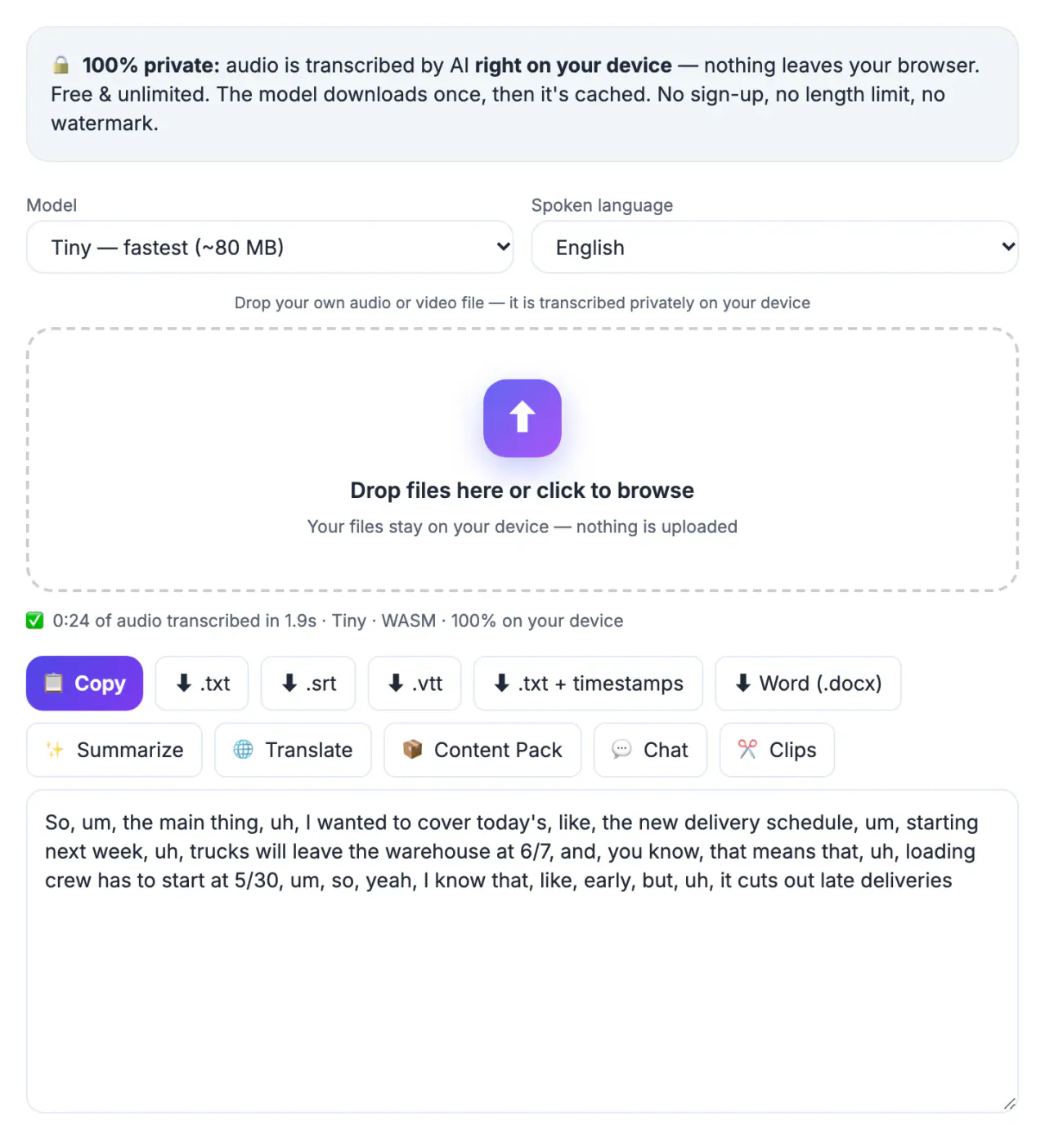
Most people read around 250 words per minute but can only listen at the speed the conversation happened, roughly 150. On a 60 minute interview that is the difference between a 40 minute skim and an hour of headphones before a single decision is made. Text also shows structure a waveform hides: a four minute tangent about parking looks like one long paragraph, a guest who restarts a sentence three times looks like three near-identical lines, and a sponsor read you flubbed twice is obvious at a glance. Search helps too. Type a product name and you find every mention in seconds instead of hunting by ear. The result is fewer passes, faster approvals from co-hosts, and an edit list you can hand to a freelancer.
Transcribe the raw session in AI Studio
Export a rough mix of the whole session, even before cleanup, and drop it into AI Studio. Whisper runs inside the browser tab, so unreleased audio stays on your machine, and the model you pick sets the speed and accuracy trade-off.
- Base (about 210 MB) is fine for two clear studio mics and fast on most laptops.
- Small (about 300 MB) copes better with accents, crosstalk and remote guests on laptop microphones.
- Large-v3 Turbo (about 560 MB) gives the best accuracy but needs WebGPU with 16-bit float support, meaning a recent Chrome or Edge on a modern GPU.
- Set the spoken language by hand for bilingual guests; auto-detect guesses from the first seconds and can pick wrong.
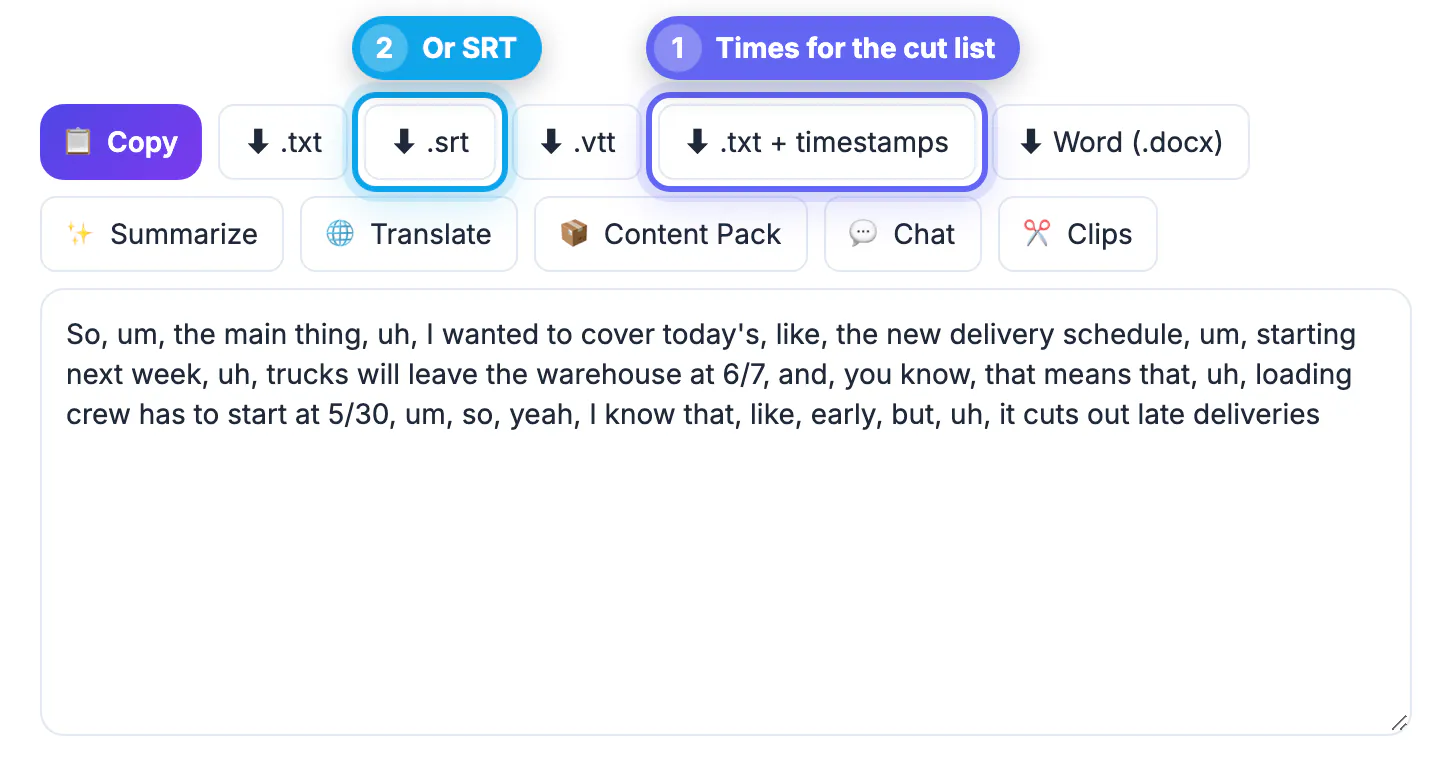
- Download the TXT with timestamps for your cut list, and the Word file if a producer marks changes with comments.
Pick podcast cuts on the page, not the waveform
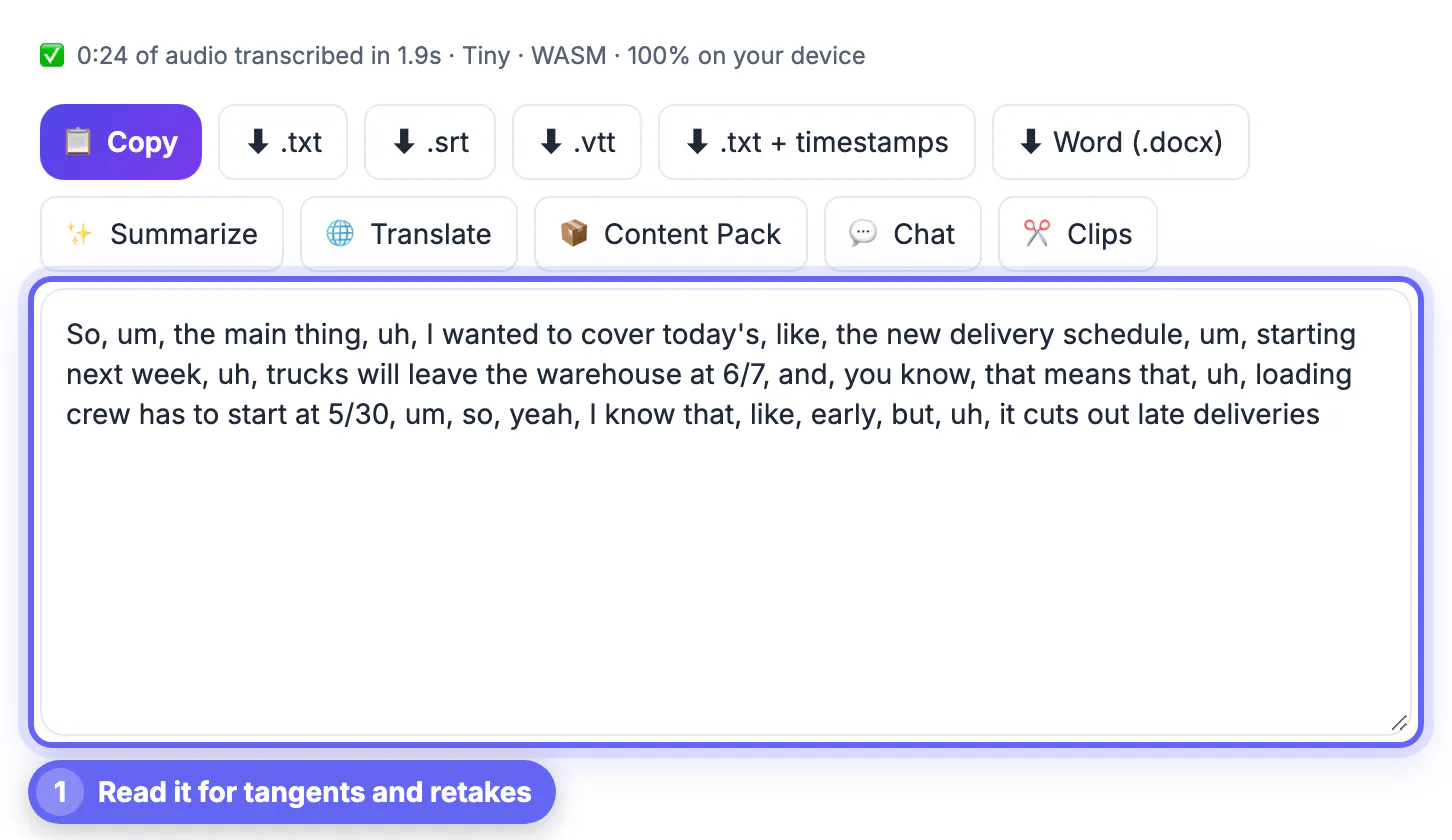
Read the transcript once with a highlighter mindset. You are looking for four things: tangents that do not serve the episode, false starts, repeated answers, and moments strong enough to become clips.
- Write each cut as a range, for example 00:14:32 to 00:15:10, tangent about parking, so anyone can apply it.
- Leave some ums and breaths in; removing every one makes guests sound robotic and rushed.
- Flag retakes of ad reads and intros so only the clean take survives.
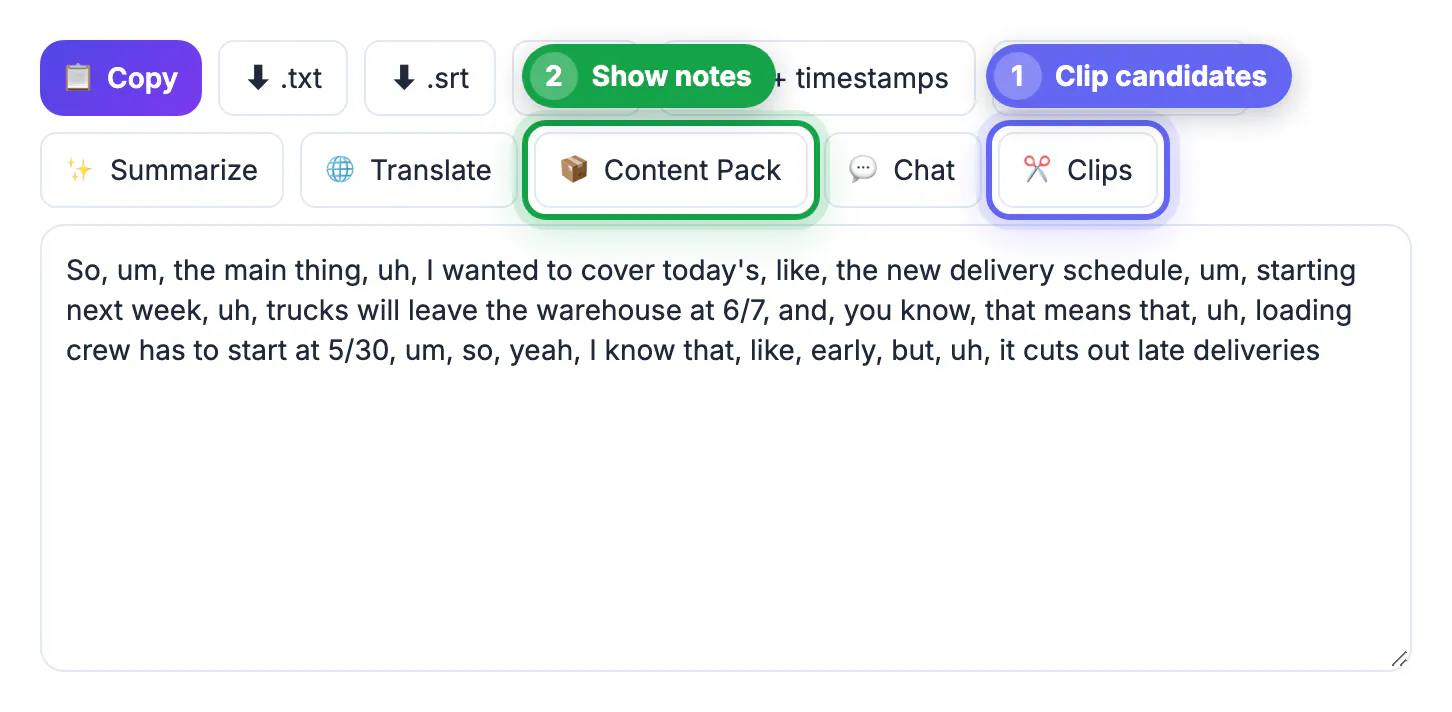
- Mark two or three quotable lines of 20 to 45 seconds as clip candidates while the context is fresh.
- Note names and jargon Whisper misheard, since they will matter again for show notes.
Apply the cuts in a real audio editor
GrabCast has no multitrack timeline, so this step belongs in dedicated software. Pick based on how you like to work rather than on AI buzzwords.
- Audacity is free and can import a plain text label file, so a cut list converted to seconds lands as markers on the timeline.
- Descript edits by deleting words from its own cloud transcript and includes filler removal; it suits people who prefer never to see a waveform.
- Reaper, Logic or Hindenburg give the finest control for music beds, room tone and crossfades.
- Aim for about minus 16 LUFS integrated for stereo shows, a common target that matches Apple Podcasts guidance.
- Record any pickup lines with GrabCast Voice Recorder, which offers noise reduction, trim and normalize with MP3 or WAV export; keep the same mic and distance.
Turn the final mix into notes, chapters and clips
Once the master is exported, transcribe it again. Every cut shifted the timestamps, and chapters or quotes built on the raw session would point to the wrong second.
- YouTube chapters need the first marker at 00:00, at least three chapters, and each one ten seconds or longer.
- Content Pack drafts a summary, chapters and key points from the transcript; it uses a cloud AI service, so the text leaves your device for that step.
- AI Clip Finder reads the transcript or an SRT and suggests 20 to 45 second moments with hook captions.
- Audio to Waveform Video renders those clips as MP4 audiograms in 9:16, 1:1 or 16:9 with cover art and a title.
- Paste the corrected transcript on the episode page so listeners and search engines can find what was said.
Step-by-step
Common mistakes to avoid
Pro tips
Frequently asked questions
Does AI Studio cut or clean the audio for me?
No. It turns speech into text with timestamps and offers exports such as TXT, SRT, VTT and Word. The actual splicing, noise cleanup and loudness work happen in an audio editor like Audacity, Descript or your DAW.
Can it tell the host and guest apart?
Not automatically; there are no speaker labels. The easy fix is to record each person on a separate track and transcribe the tracks one at a time, or to add labels during your read-through.
Is my unreleased episode uploaded anywhere?
Transcription runs locally in your browser, so the audio stays on your device. Optional follow-ups such as Summarize, Content Pack or Clip Finder send the transcript text to a cloud AI service, so skip those if the episode is under embargo.
How long does a one hour episode take to transcribe?
It depends on the model and hardware. On a recent laptop with WebGPU, Base is usually much faster than real time; on older machines running the WASM fallback it can take a good share of the episode length, so start with Tiny or Base there.
Is text-based editing good enough for music-heavy shows?
For talk content, yes. For shows with scored transitions, sound design or tight musical timing, use the transcript to decide what goes and a waveform editor to execute it.
AI makes podcast editing faster by moving decisions from your ears to a page you can read at twice the speed. Transcribe the raw session privately in AI Studio, cut in the audio editor you trust, then transcribe the final mix to build chapters, notes and clips that point to the right second.
Related guides
Browse more: all video and audio guides · the AI Studio tool