TXT vs SRT: Which Transcript Format Fits Your Job?
Choose TXT when people will read, edit, search, or quote the transcript, and choose SRT when the words must appear on screen in sync with a clip as captions. The single difference is timing: an SRT file stores a start and end time for every caption, while a TXT file is just the words. Everything else follows from that. This guide shows what each file looks like inside, which apps expect which transcript format, where the middle-ground options such as timestamped text and VTT fit, and what goes wrong when you pick the wrong one. The examples cover a podcaster writing show notes, a teacher captioning a lecture, a marketer cutting social clips, and a researcher quoting interviews.
🎙️ Try AI Studio now — freeOpen →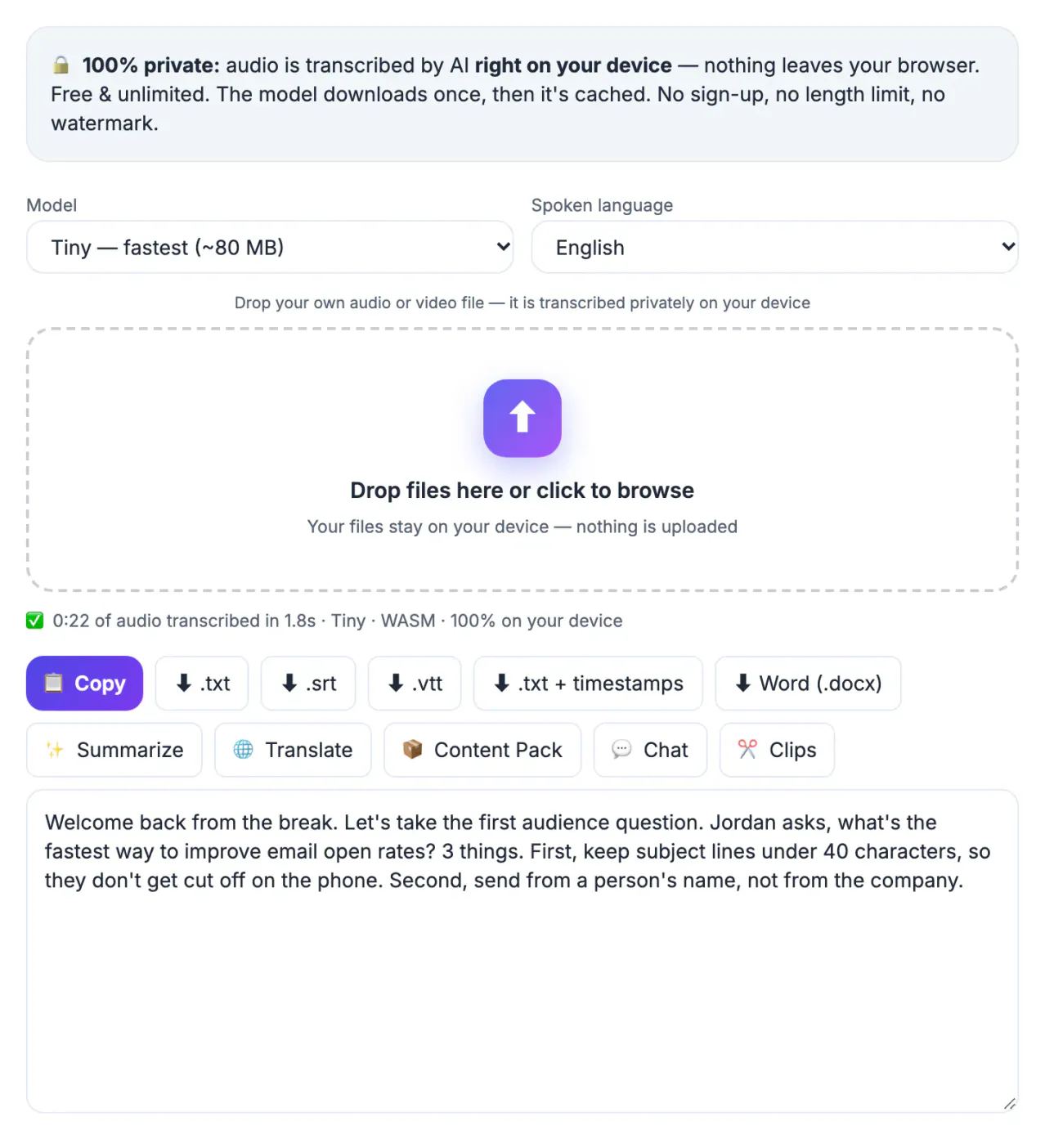
Picking the wrong export costs time later. A plain text file cannot be turned into captions without re-timing every line against the audio, which in practice means transcribing again. Going the other way is easy but messy: an SRT opened in a word processor is cluttered with sequence numbers and arrows that you have to strip before anyone can read it comfortably. Caption files also carry expectations about line length and timing that reading text does not, so a transcript that reads beautifully can still make poor captions. Deciding up front, or simply exporting both from the same transcription run, avoids all of that. It takes one extra click at export time and saves an afternoon of reformatting.
What each transcript format looks like inside
Open the files in a basic text editor and the difference is obvious.
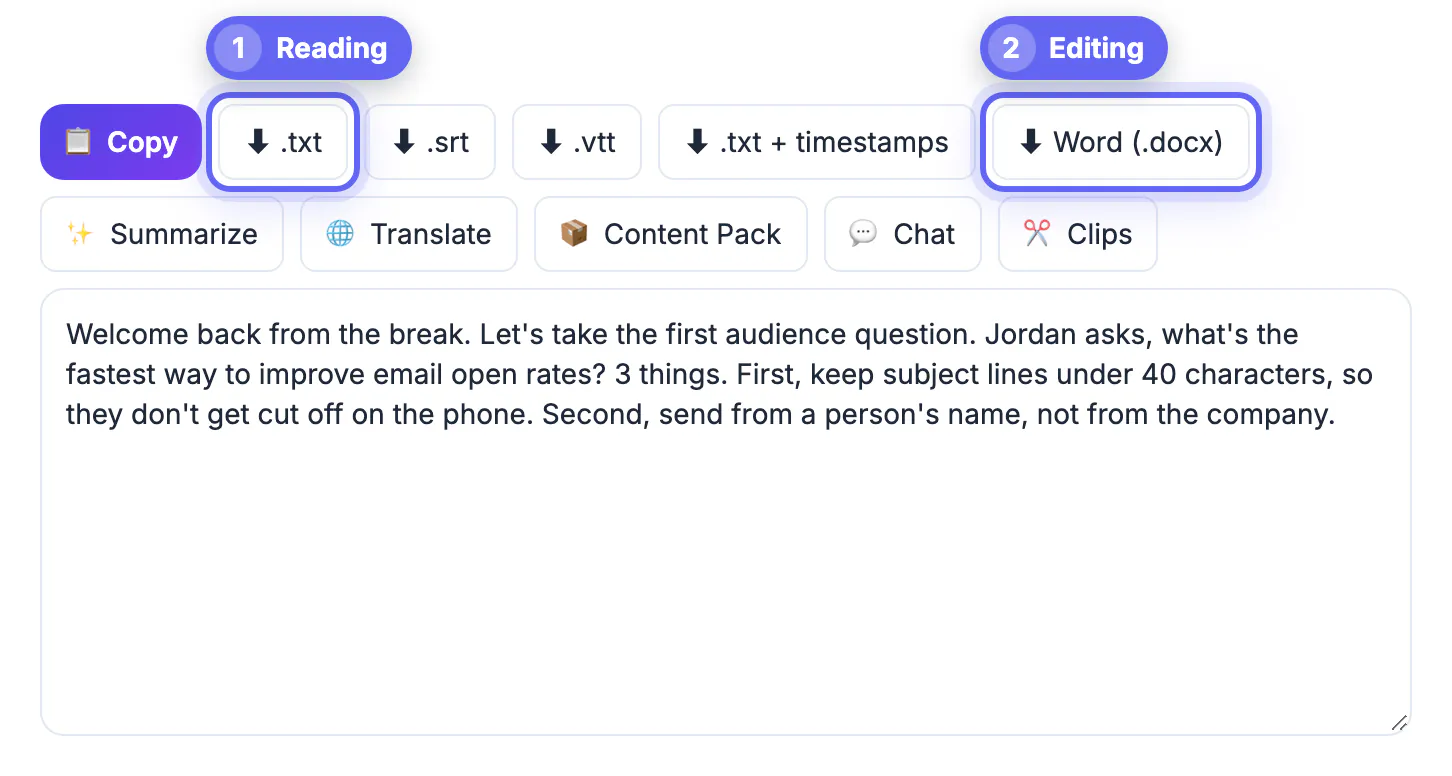
- TXT is just words, paragraph after paragraph, with no numbers or timing. Any device and any app can open it.
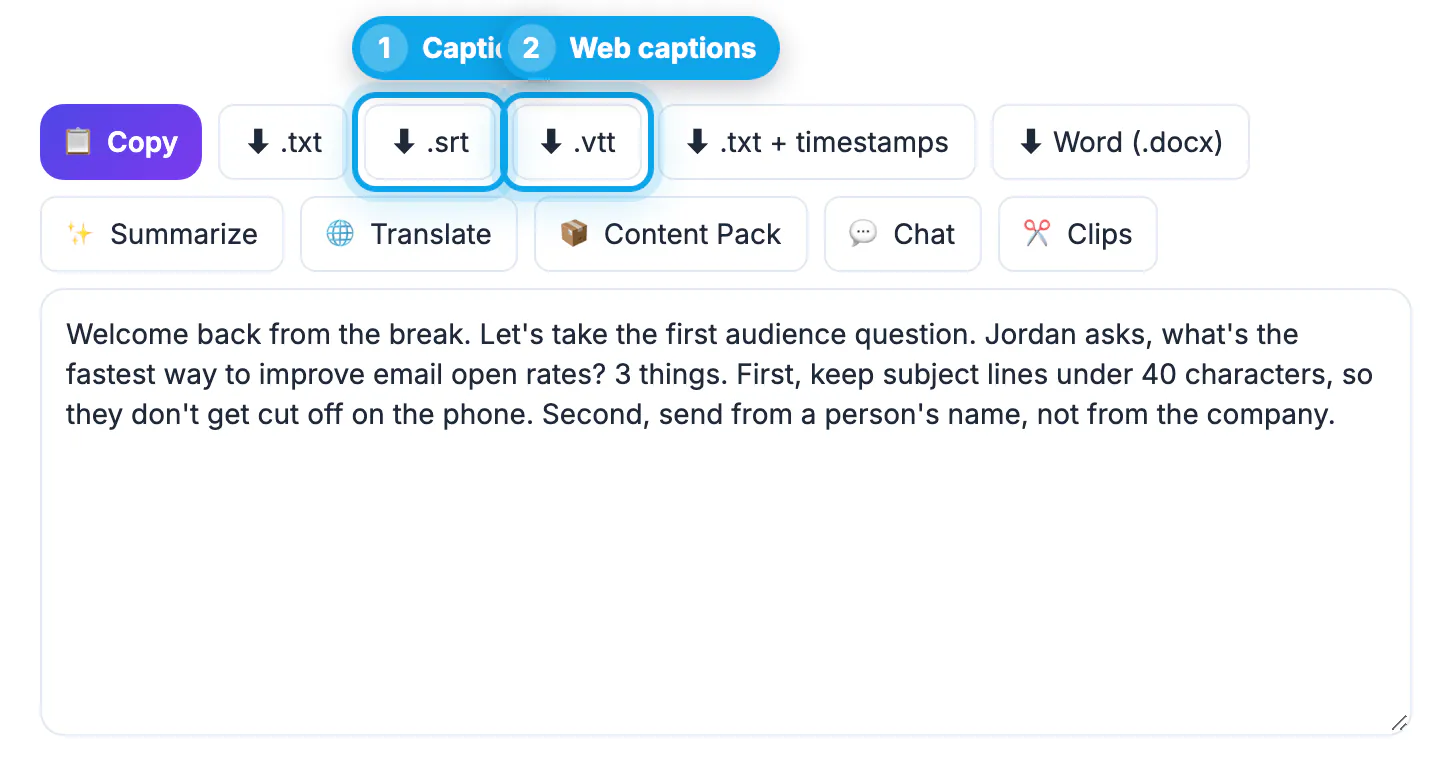
- SRT, the SubRip format, is a list of numbered cues. Each cue has a number, a timing line such as 00:01:02,500 --> 00:01:05,000 with a comma before the milliseconds, one or two lines of text, and a blank line.
- VTT, or WebVTT, starts with the word WEBVTT, uses a period instead of a comma in timestamps, and supports extras such as positioning. It is the format web browsers use for the HTML track element.
- Timestamped text puts a marker such as [12:40] at the start of each line: readable like prose, but you can still jump to a moment in the recording.
- DOCX is a Word document, handy for reviewers who want to comment and track changes.
When plain text is the right choice
If the transcript's job ends on a page, plain text wins. It is compact, searchable, and easy to paste anywhere.
- A podcaster drafting show notes, pull quotes, and a newsletter from an episode.
- A researcher coding interview responses or quoting participants in a paper.
- A student turning a lecture into study notes or flashcards.
- Anyone feeding the words to an AI tool for summaries or chapters, where timing codes just add noise. Use the timestamped variant when you need to cite where a quote came from.
When you need SRT or VTT captions
If the words must appear on screen in sync with the picture, you need a timed caption file.
- Uploading captions to YouTube or Vimeo, both of which accept SRT and VTT files.
- Importing captions into editors such as Premiere Pro or DaVinci Resolve to style and burn them in.
- Adding captions to a web page with the HTML track element, which expects VTT.
- Playing a local file in VLC with a matching sidecar caption file.
- Handing a clip to a translator: GrabCast's AI Translator translates SRT, VTT, and TXT files while keeping the timestamps, though its AI engine runs in the cloud rather than on your device.
Burning captions into a clip for social media? This guide shows how to auto-generate subtitles from a video first.
Export both formats from AI Studio in one run
You rarely have to choose. When you transcribe a file in GrabCast AI Studio, Whisper runs on your device and you can download several versions from the same transcript.
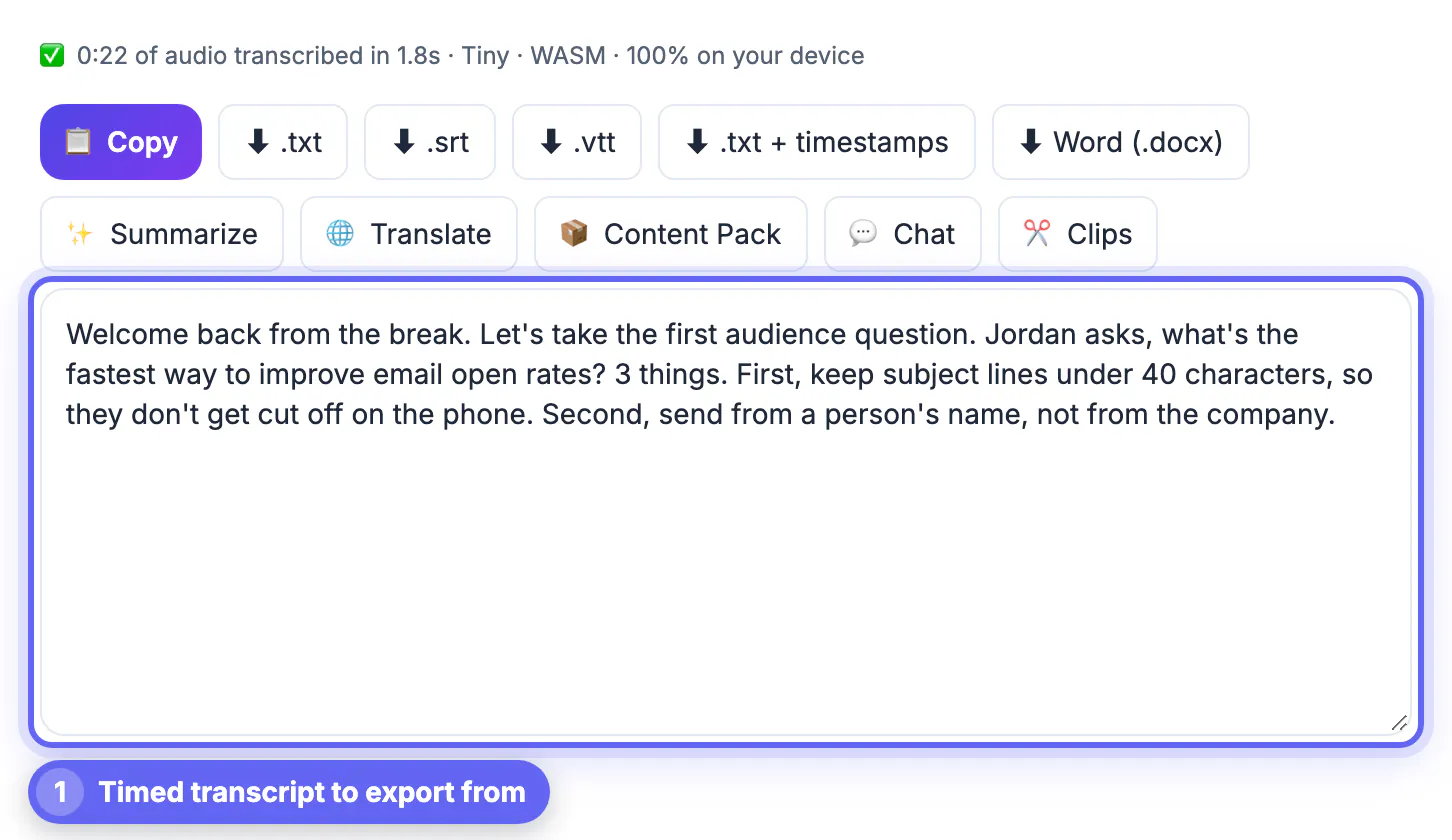
- Buttons offer plain text, SRT, VTT, text with timestamps, and a Word document, so the podcaster and the video editor can each take what they need.
- If your video is already on your own YouTube channel, YouTube Studio > Subtitles can download its existing caption track as SRT or VTT; transcribe the original file in AI Studio when you want fresh, more accurate timing.
- Whisper cues can run longer than broadcast guidelines, which commonly suggest around 42 characters per line and no more than two lines, so split long cues in your editor before publishing.
- Save caption files as UTF-8 if you edit them, so accented names and non-Latin scripts display correctly.
Step-by-step
Common mistakes to avoid
Pro tips
Frequently asked questions
What is the main difference between TXT and SRT?
Timing. SRT stores a start and end time for every caption so it can play in sync with a clip; TXT contains only the words.
Can I convert TXT to SRT?
Not reliably by hand, because the timing has to be matched against the audio. It is easier to transcribe the file again and export SRT directly.
Can I convert SRT to TXT?
Yes. Remove the cue numbers, timing lines, and blank lines and join the text, or simply export plain text from the same transcription run in AI Studio.
SRT or VTT for YouTube?
Both are accepted. SRT is the most widely supported across editors and players, while VTT is the standard for captions on web pages. If a platform you use is not listed here, check its help pages, since supported caption types vary and change over time.
Is the transcription private?
When you drop a file in AI Studio, Whisper runs in your browser and the audio is not uploaded. Only optional extras such as AI translation send text to an online service.
The choice comes down to one question: will the words be read, or shown on screen in sync with a clip? Read means TXT, DOCX, or timestamped text; shown means SRT or VTT. Transcribe once in AI Studio, export every format you might need, and you will never have to redo a transcript because the first file was the wrong kind.
Related guides
Browse more: all video and audio guides · AI Studio