Audiograms for Podcasters: A Weekly Waveform Clip Plan
Audiograms for podcasters work best as a steady habit rather than a one-off promo: cut three short waveform clips from every episode, give them one recognizable look, post them across the week, and review which clip types bring listeners. Social feeds are built for video and your show is audio, so an audiogram wraps a moment in cover art, a title and a moving waveform that TikTok, Reels, Shorts, LinkedIn and YouTube will play. GrabCast's Audio to Waveform Video tool renders those MP4s free in your browser, in 9:16, 1:1 or 16:9, with four waveform styles. This guide is about the plan around the tool: which moments earn follows, how to brand a series, a realistic weekly schedule for a small team, and what to measure after two months.
🎵 Try the Audio to Waveform Video tool now — freeOpen →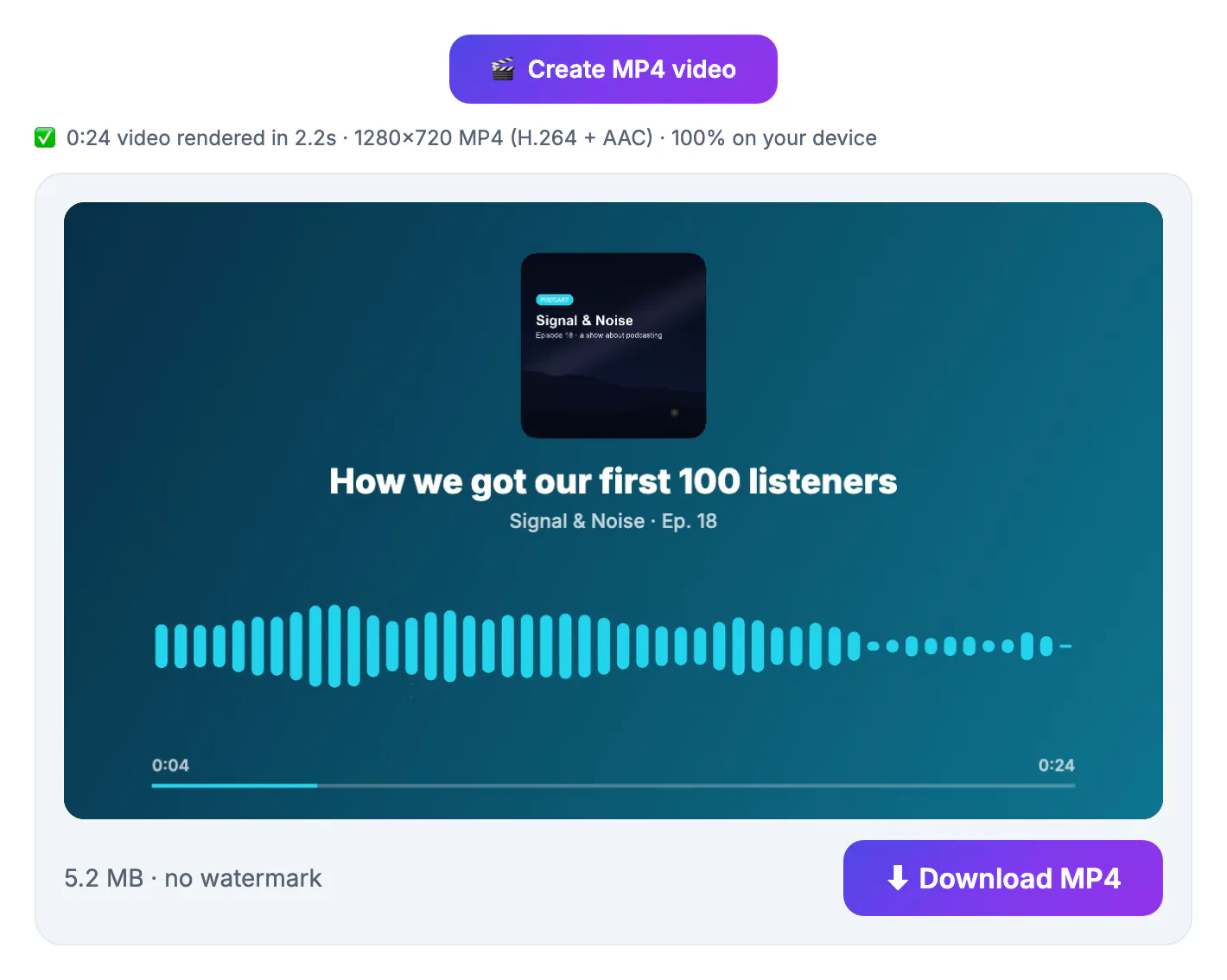
Podcast apps mostly surface shows people already know about, so independent podcasts rarely get discovered inside Apple Podcasts or Spotify alone. New listeners usually arrive from somewhere else: a clip a friend shared, a guest's post, a search result. Social platforms favor native video, and a still image with sound often cannot be posted at all. An audiogram turns each episode into several chances to reach people who have never heard your voice. Repetition matters as much as quality: when every clip uses the same colors, waveform and title layout, viewers begin to recognize the show before the audio even starts. For a two-person team without a video budget, that makes audiograms the most practical marketing channel available.
Three clip types that bring new listeners
The waveform is packaging; the audio sells the show. Across episodes, rotate three kinds of moments so your feed does not feel repetitive.
- The hot take: a clear opinion someone could disagree with, stated in the first five seconds. These drive comments and shares.
- The useful tip: a specific, practical answer, such as a number, a method or a mistake to avoid. These get saved.
- The human moment: a story, a laugh or an unexpected confession. These build attachment to the hosts.
- Skip intros, sponsor reads, inside jokes and anything that needs the previous ten minutes to make sense.
Most clips land between 30 and 60 seconds for TikTok and Reels; LinkedIn audiences often tolerate up to 90 seconds for a professional tip. If you have a transcript, the AI Clip Finder suggests candidate moments with timestamps; it sends the text to a cloud AI, so leave out unreleased guest material you have promised to keep private.
Brand audiograms for podcasters so feeds recognize you
Decide the look once, write it down, and reuse it on every clip. Consistency is what turns separate posts into a recognizable series.
- One style: pick Bars, Mirror bars, Smooth wave or Circle and stick with it; Circle suits shows with strong square cover art, which sits inside the ring.
- Two colors: a background and a wave color taken from your cover, noted as hex codes so every team member uses the same ones.
- Title formula: the hook as the title and the episode number as the subtitle, for example Ep. 142 in the subtitle field.
- Captions: one caption style and position from the Video Trimmer's burn panel for every clip, since muted viewers read before they listen.
Use high-contrast cover art with a large face or wordmark that still reads at thumbnail size. Normalize loudness before rendering, for example with the Audio Converter's Podcast preset at -16 LUFS, so clips are not quieter than the videos around them.
A weekly three-clip schedule for a small team
A routine you can keep for three months beats a perfect clip once. This schedule assumes one episode a week and about an hour of clip work.
- Release day: post the hot take in 9:16 on TikTok, Reels and Shorts, with the episode link in bio or a pinned comment.
- Two days later: post the useful tip, in 1:1 for LinkedIn and the Instagram feed if your audience is professional.
- Four days later: post the human moment, and send the guest their clip with a short note asking them to share it.
- Batch it: render all three right after the edit, while the timestamps are fresh, then schedule them.
The renders run on your own computer and are usually faster than real time on a current browser with WebCodecs support, so the bottleneck is choosing moments, not waiting for exports. Keep a simple sheet with the episode, timestamp, clip type and platform for every post.
What to measure after eight weeks
Views alone are misleading, because a clip can travel widely without sending anyone to the show. After roughly 24 clips you have enough data to see patterns.
- Completion rate: the share of viewers who reach the end; low completion usually means a slow start.
- Saves and shares: stronger signals than likes that the moment had value.
- Profile visits and link clicks: the closest proxy for new listeners.
- Downloads in the week after posting, from your podcast host's statistics, compared with weeks without clips.
Double down on the clip type and format that win, drop the one that consistently trails, and keep the branding fixed while you test so the comparison stays fair.
Step-by-step
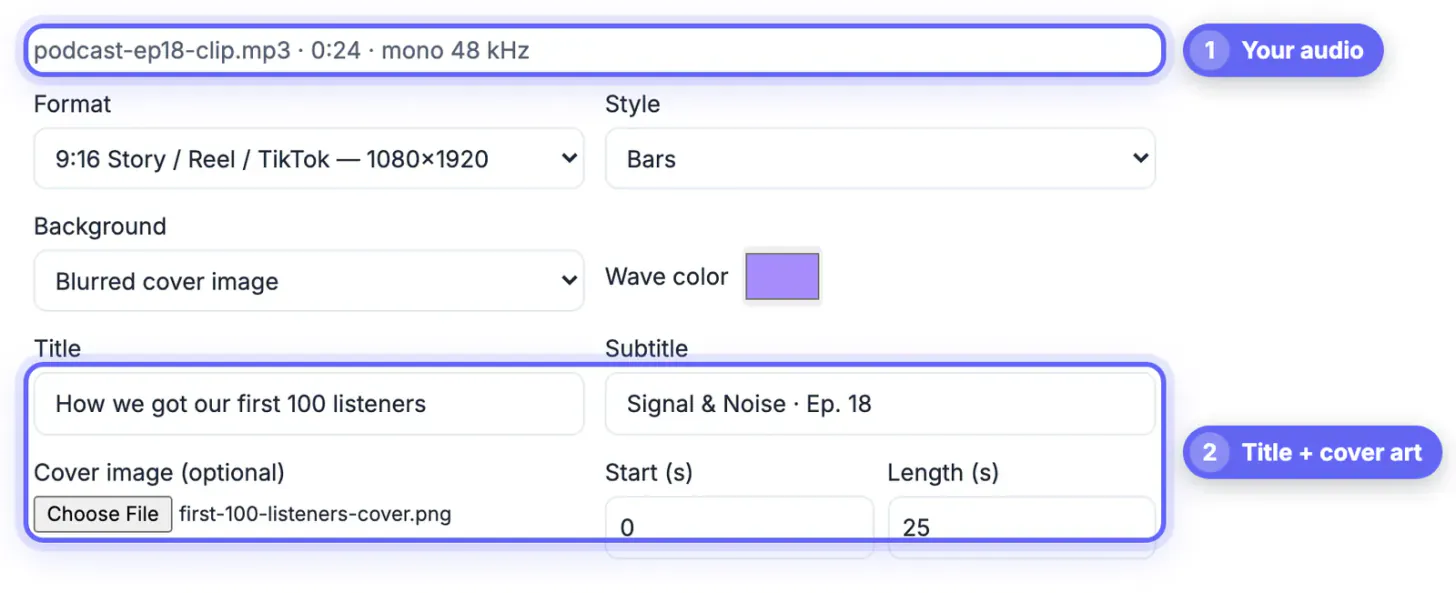
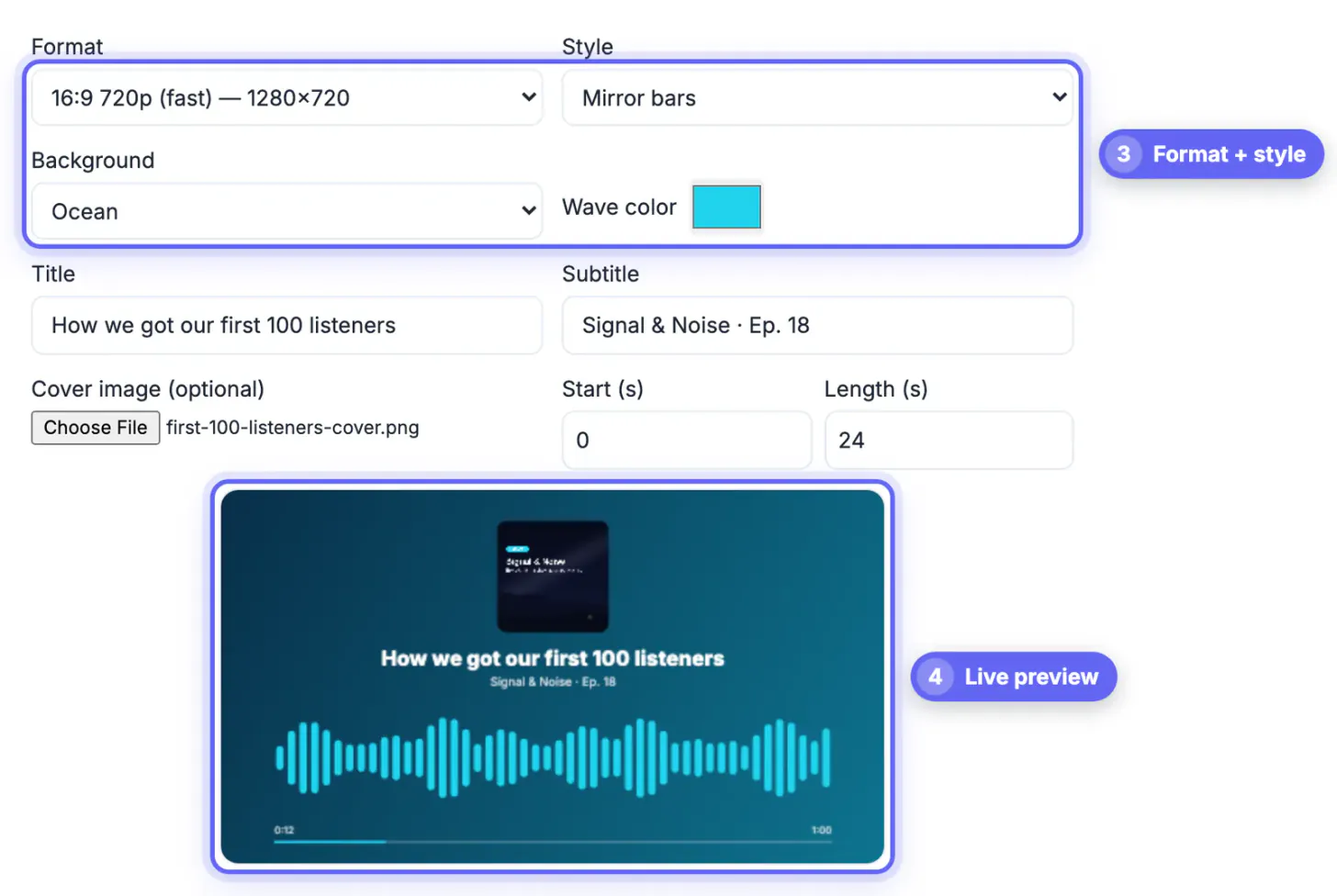
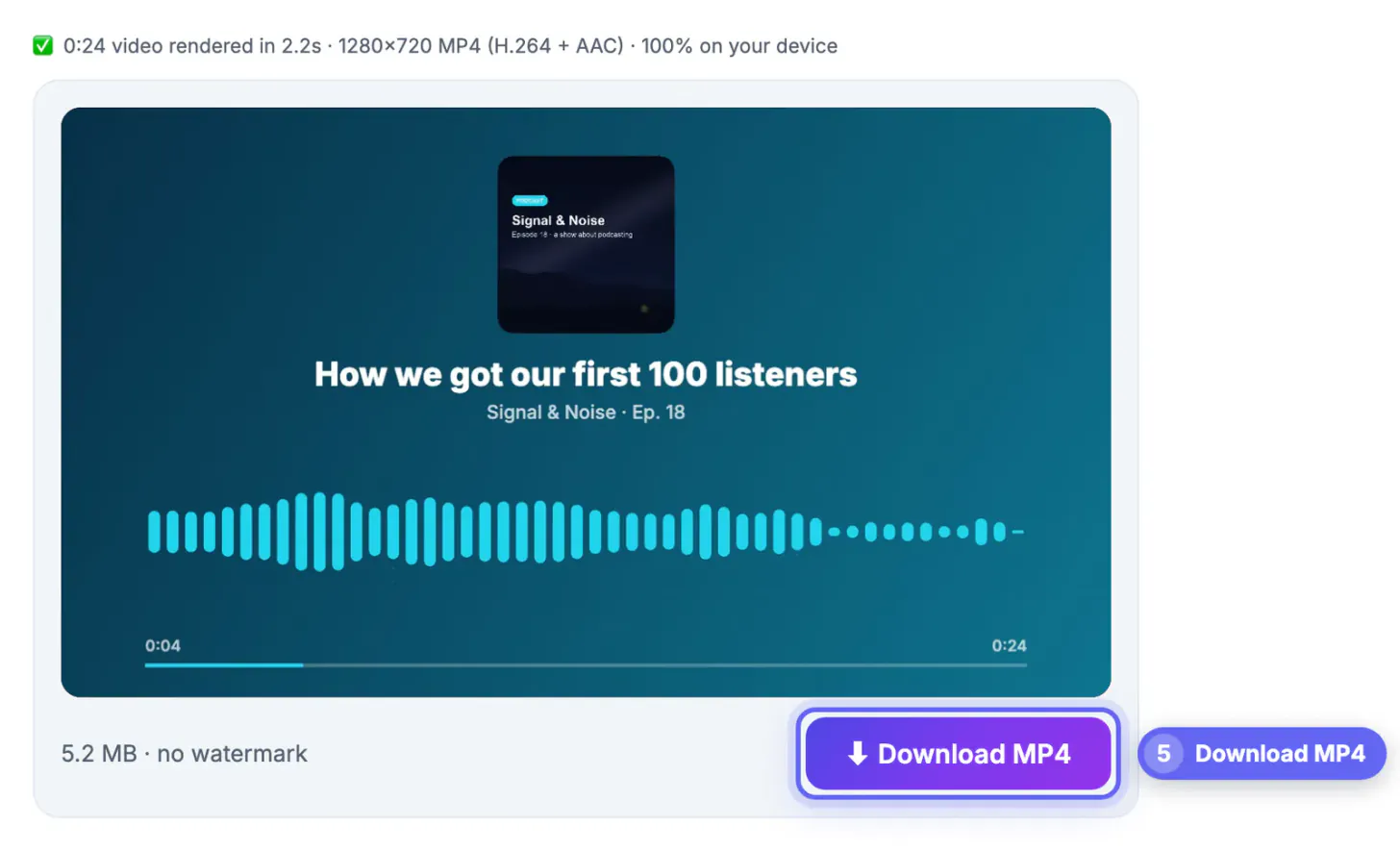
Common mistakes to avoid
Pro tips
Frequently asked questions
Do audiograms really grow a podcast?
They help most as a steady habit. Several clips per episode over months builds recognition and gives new people many chances to find the show; a single clip rarely changes much.
How many audiograms should I post per episode?
Three is a practical target for a small team: a hot take, a useful tip and a human moment, spread across the week.
Is my podcast audio uploaded?
No. The Audio to Waveform Video tool decodes and renders the MP4 in your browser, so your audio and cover art stay on your device.
Which formats can I export?
MP4 in 9:16 at 1080 by 1920, 1:1 at 1080 by 1080, 16:9 at 1920 by 1080, or a faster 16:9 at 720p, covering TikTok, Reels, Shorts, feeds, LinkedIn and YouTube.
Is there a watermark or an account?
No. The tool is free, needs no sign-up and adds no watermark to the exported video.
Treat audiograms as a weekly habit: three standalone moments per episode, one fixed look for waveform, colors and captions, a release-day-plus-two schedule, and a review of saves, profile visits and downloads after eight weeks. The rendering is free and private in your browser; the growth comes from choosing good moments and showing up consistently.
Related guides
Browse more: all video and audio guides · the Audio to Waveform Video tool