Merge Video Clips Without Re-Encoding: Lossless Join
You can merge video clips without re-encoding when every clip was recorded the same way: same codec, same resolution, same frame rate and the same audio format, as is typical for several takes from one phone. The frames are then copied end to end into one MP4, which takes seconds and keeps every pixel exactly as recorded. GrabCast's Merge Videos checks this for you and says Lossless fast join when the clips qualify. In the example below, three 3-second clips from the same camera become one 9-second MP4. You will also see which settings quietly switch the job to a full re-encode, and what that costs. Disclosure: some links below are affiliate links, and GrabCast may earn a commission at no extra cost to you.
🎞️ Try Merge Videos now — freeOpen →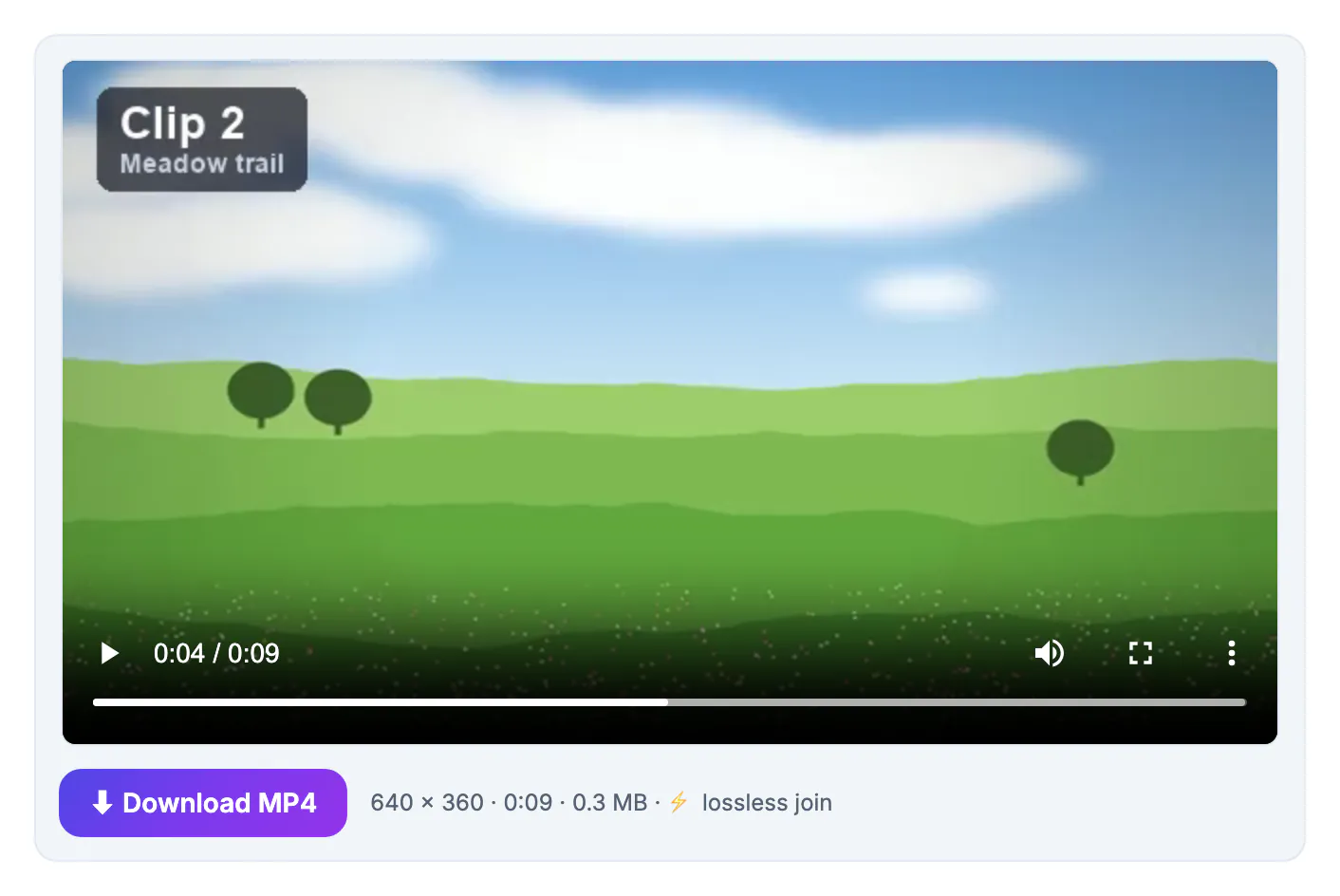
Most online joiners decode every clip and compress the whole sequence again, even when the clips could be stitched as they are. That second round of lossy compression softens fine detail, adds banding in skies and shadows, and can take longer than the recording itself on a slow machine. It also forces an upload of every file to someone else's server and a download of the result. When the clips share identical encoding settings, none of that is necessary: the compressed video and audio can be concatenated directly, so the merged file is exactly as sharp as the originals and roughly the sum of their sizes. The catch is that identical really means identical. Two clips that look the same can differ in frame rate, color tagging or the encoder's internal parameters, and a join that ignores those differences produces stutters, frozen frames or audio drifting out of sync. A tool that checks before copying avoids those broken files.
What makes clips eligible for a lossless join
Merge Videos compares the clips after reading them and only offers the fast path when they truly match.
- The video codec must be H.264 or HEVC, and the same one in every clip.
- Resolution, frame rate, pixel format, profile, time base and rotation must be identical.
- The encoder configuration stored in each MP4 or MOV must match byte for byte, which is usually true for clips from one device and one recording mode.
- Audio must be AAC or MP3 with the same sample rate and channel count, or absent in every clip.
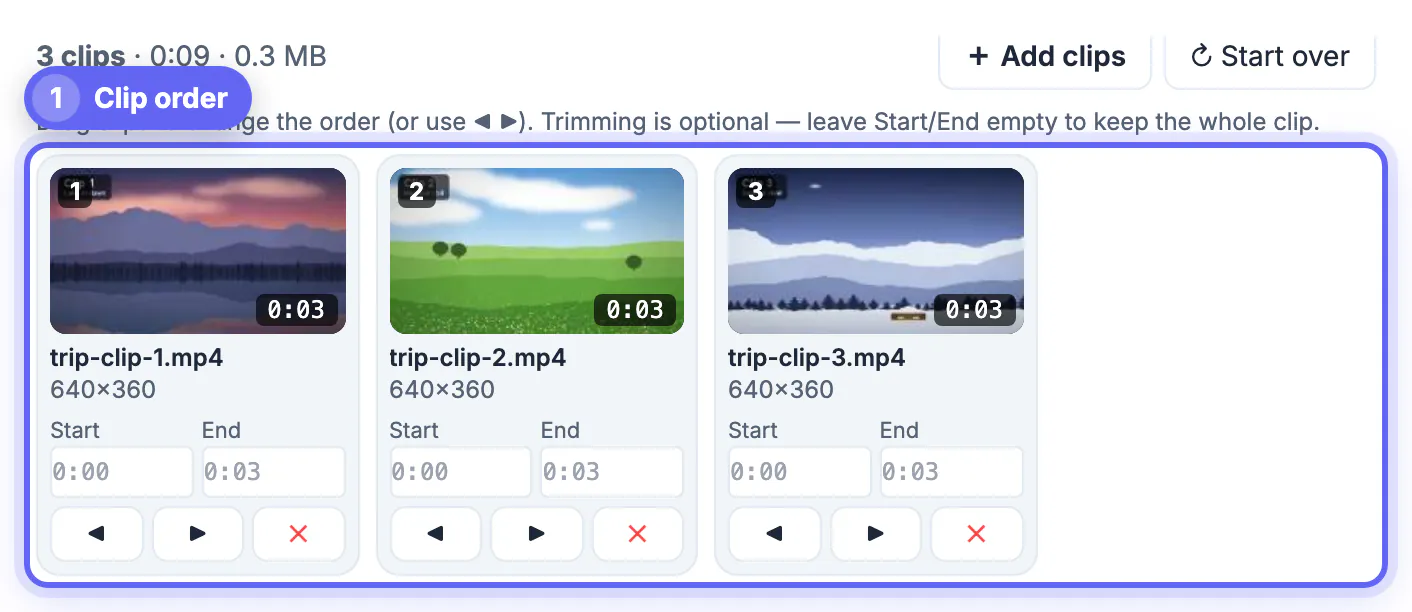
- In the example, trip-clip-1, 2 and 3 are each 640 × 360, 30 fps H.264 with AAC, so the summary reads Lossless fast join.
Clips recorded on the same phone in the same session almost always match. Clips edited or exported by different apps usually do not, even when they share a resolution.
Movavi Video Editor is a paid desktop editor for Windows and Mac. If your merge turns into a real project with transitions, titles, music and many clips on a timeline, a desktop editor is the next step. A lossless join in the free GrabCast merger covers matching clips, so start there and check Movavi's current price and trial limits before paying.
See Movavi plans →Settings that keep the merge lossless
Even with perfectly matched clips, some choices require new frames to be drawn, so they switch the job to re-encoding.
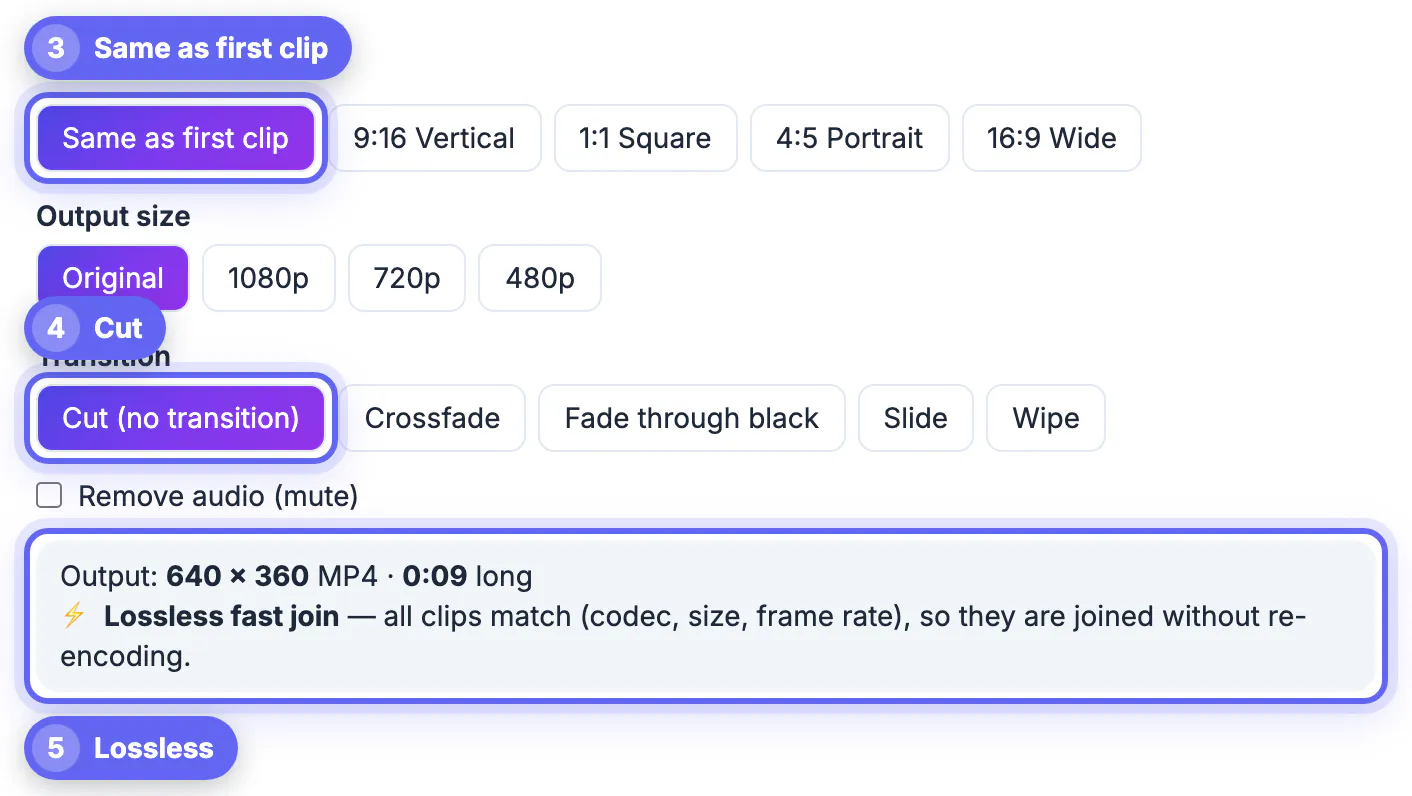
- Keep Canvas on Same as first clip; picking 9:16, 1:1, 4:5 or 16:9 means scaling every frame.
- Keep Output size on Original, because 1080p, 720p or 480p also rescale.
- Keep Transition on Cut; crossfades, fades through black, slides and wipes blend two clips into new frames.
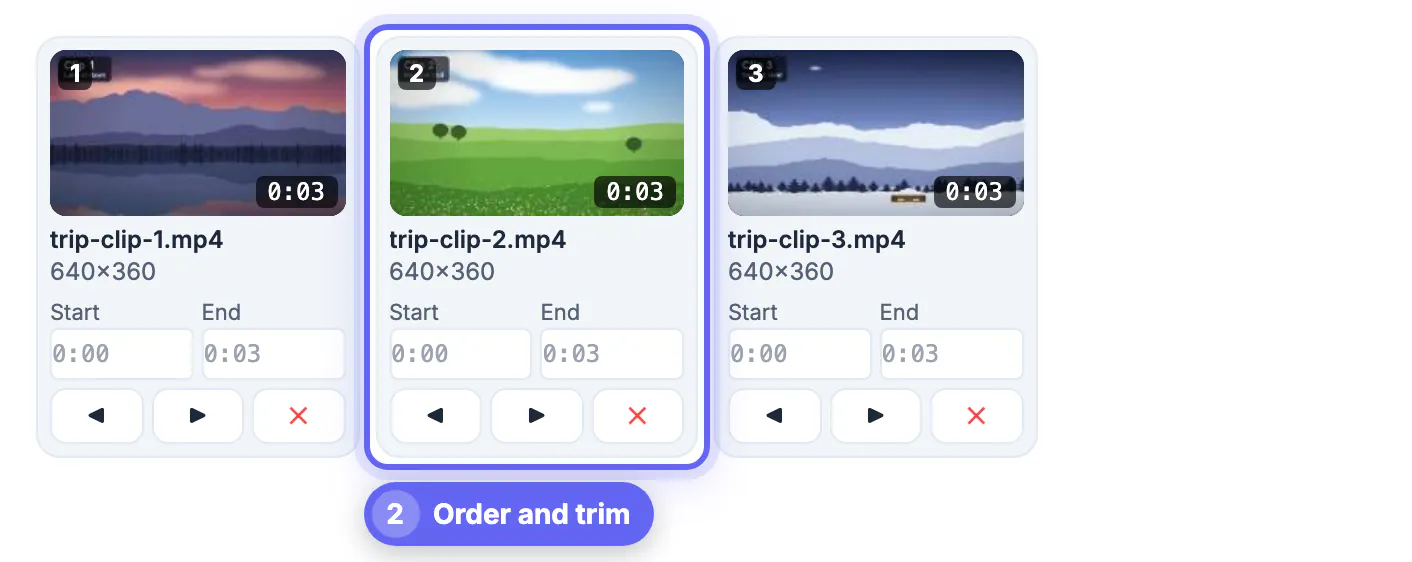
- Leave every Start and End box empty, since trimming inside a clip requires a re-encode here.
- When clips match but a setting breaks the fast path, the summary shows a tip telling you which choices to restore.
The summary updates the moment you change a setting, so you can experiment freely and switch back if the lossless message disappears.
What happens when the clips don't match
Mixed sources still merge fine; the tool just re-encodes and tells you so before you start.
- The summary switches to Clips will be re-encoded to H.264 + AAC at the output size and the first clip's frame rate.
- Every clip is scaled to the canvas, and clips of a different shape are fitted with a blurred background, black bars or a fill crop.
- Clips without sound get a silent track of the right length so the audio of the others stays in sync.
- The re-encoded file uses H.264 at quality level CRF 23 with AAC audio at 128 kbps.
- Re-encoding runs on your own processor, so 720p or 480p output is much faster than 1080p for long jobs.
Ordering and checking the merged video
A lossless join is only as good as its order, and the tool makes the sequence easy to see before anything is written.
- Each clip appears as a numbered thumbnail with its file name, size and length, for example 640×360 and 0:03.
- Drag a card to a new position, or use the ◀ and ▶ buttons under it; ✕ removes a clip.
- The header shows the running totals, such as 3 clips · 0:09 · 0.3 MB.
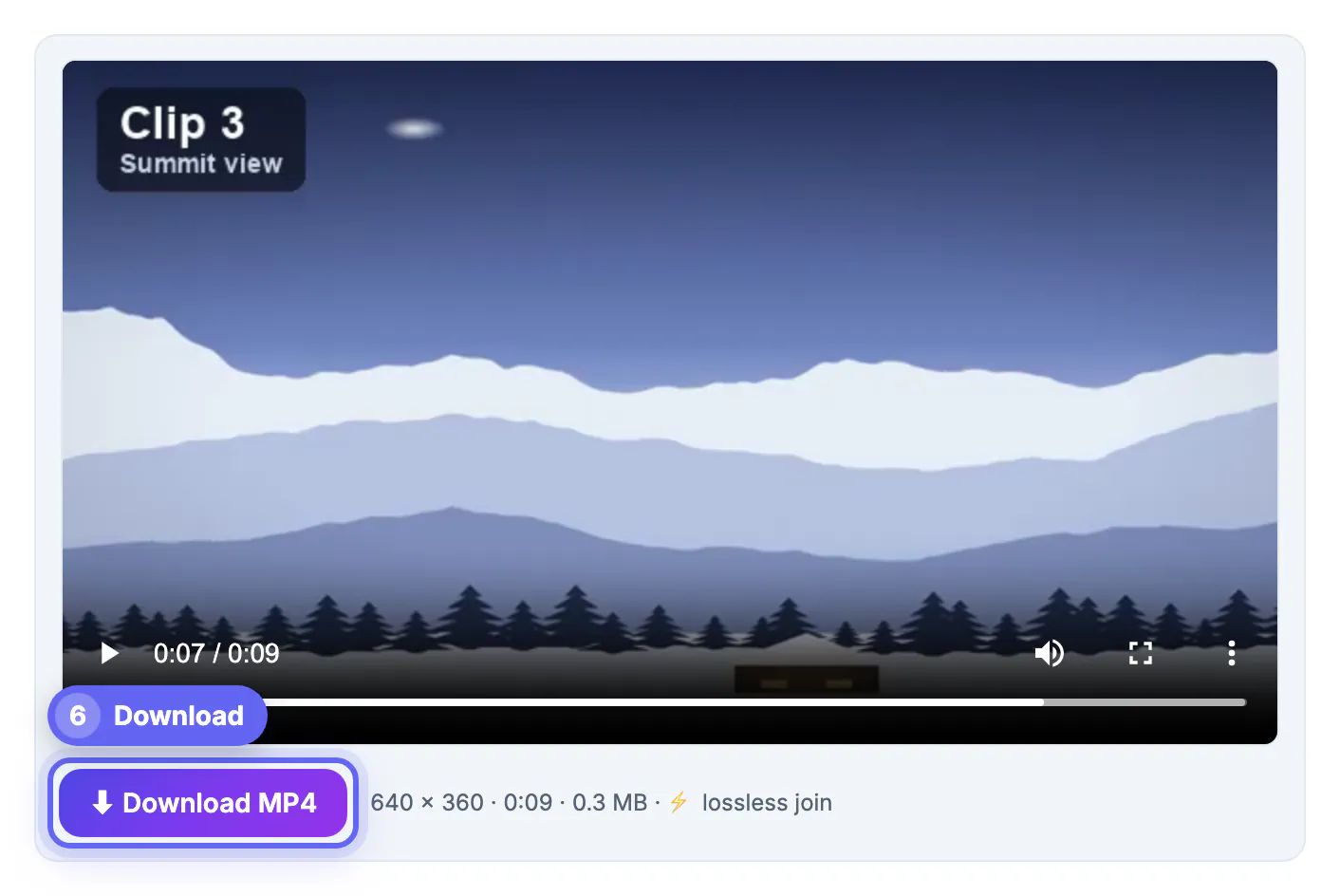
- The result card lists the output size, length and file size, and adds lossless join when no re-encode took place.
- The downloaded file is named after the first clip with -merged added, so it sorts next to the originals.
If the combined file is too big to share, the Video Compressor shrinks it, and Add Music to Video lays a soundtrack over it.
Step-by-step
Common mistakes to avoid
Pro tips
Frequently asked questions
Can I merge videos without losing quality?
Yes, when the clips match in codec, size, frame rate and audio format and you keep Same as first clip, Original size and Cut with no trims. The summary then says Lossless fast join and the streams are copied without re-encoding.
Why does the tool say my clips will be re-encoded?
At least one clip differs, or a setting such as a transition, a trim, a new canvas or a new output size needs new frames. If the clips do match, the summary shows a tip naming the settings to restore.
How long does a lossless join take?
Usually seconds, because nothing is decoded or compressed; the time depends mostly on how fast your device can read the files.
Is there a limit on the number of clips or file size?
There is no fixed clip limit. Everything is processed in browser memory, so the tool warns above about 700 MB in total on a computer or 150 MB on a phone.
Are my clips uploaded?
No. They are read and joined on your device by ffmpeg compiled to WebAssembly, which is downloaded once and then cached.
Clips from the same camera can be merged without re-encoding, keeping every original frame. Load them in order, leave canvas, size and transition untouched, confirm the Lossless fast join message and the merge is done in seconds, with no quality loss and nothing uploaded.
Related guides
Browse more: all video and audio guides · Merge Videos