Save a YouTube Video for Offline Viewing: Legal Options
To save a YouTube video for offline viewing, tap Download under the player in the YouTube app; with a YouTube Premium membership the clip is stored inside the app and plays without a connection for up to 29 days before it needs to reconnect. If you uploaded it yourself, YouTube Studio or Google Takeout gives you a real MP4 file you can copy to any device. For anyone else's work, the lawful route is the creator's permission or an official download option. This guide walks through each method, the limits YouTube documents, a storage estimate for long trips, and how to shrink your own files with GrabCast's free, in-browser Video Compressor.
🗜️ Try Video Compressor now — freeOpen →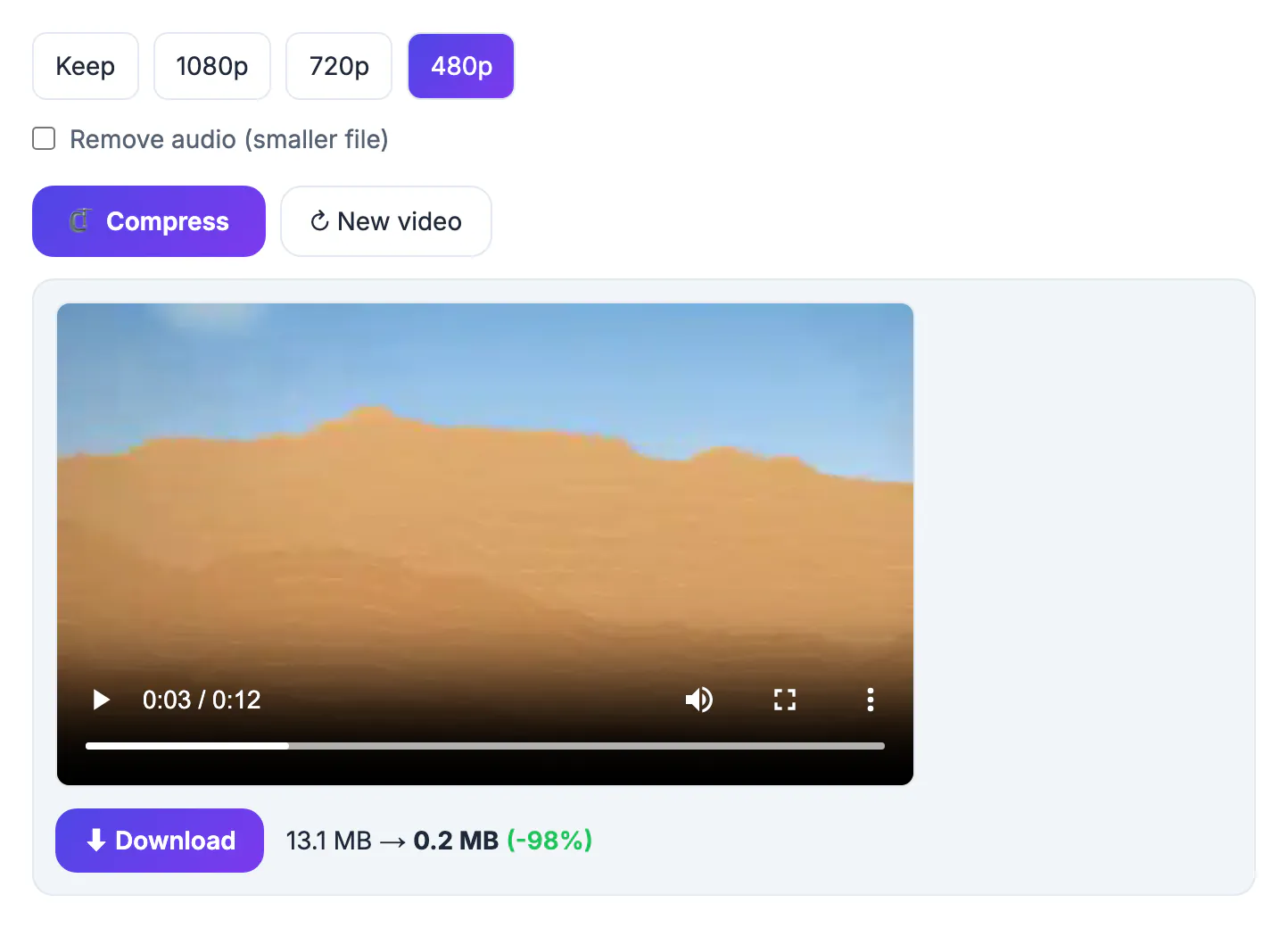
YouTube's Terms of Service say you may not download content unless YouTube provides a download button or link for it, or the rights holder gives permission. That single rule sorts every situation. A Premium download is YouTube's own feature, so it is allowed, but the file stays locked inside the app. Your own uploads are yours, and Studio and Takeout hand you ordinary files. Everything else needs the creator's say-so. Third-party ripping sites sit outside all three, and they also tend to carry aggressive ads and fake download buttons. Planning offline viewing around ownership keeps you within the rules and usually gives better results: Premium picks sensible quality automatically, and a Studio export is a clean copy with no re-encoding artifacts.
Save a YouTube video for offline viewing with Premium downloads
Premium downloads are the everyday answer for creators' content you do not own. In the iPhone, iPad or Android app, open the clip, tap Download under the player and choose a quality; higher settings look better on a tablet and take more space. Finished downloads live under You, then Downloads.
- They play only inside the YouTube app on that device; there is no MP4 to copy into another player, a laptop or a USB stick.
- YouTube Help says downloads keep working offline for up to 29 days, after which the app must go online briefly to recheck them.
- Some uploads show no Download option because the rights holder has restricted it, and availability can vary by country.
- Premium members can also download in a desktop browser at youtube.com in supported browsers; those copies stay inside the site, too.
Smart downloads, a Premium setting, can fill the Downloads tab with recommended clips automatically when you are on Wi-Fi, which is handy for a commute but uses storage you might want for a planned trip. In a few countries YouTube has offered limited downloads without Premium, with a shorter offline window; if the button asks you to subscribe, that option is not available where you are. Plans change, so check which plan includes downloads before you buy.
Your own uploads: YouTube Studio and Google Takeout
If you are the channel owner, you can get a genuine file that plays anywhere.
- One upload: sign in to YouTube Studio on a computer, open Content, hover over the clip, open the three-dot Options menu and choose Download. YouTube Help says the result is an MP4, typically in 720p or 360p depending on the upload.
- A whole channel: go to takeout.google.com, deselect everything, select YouTube and YouTube Music, and make sure videos are included. Takeout emails a link when the archive is ready, which can take hours or days for large channels.
- Archive size: Takeout splits large exports into parts, with sizes from 1 GB up to 50 GB, so choose one that suits your storage before you start.
- Brand accounts: if the channel belongs to a brand account, switch to that account before starting, since an export covers the account you are signed in as.
Studio copies are made for convenience rather than archival quality, so keep your original project files or camera footage as the true master. For teachers and trainers who post lessons, a Studio download is the quickest way to put last term's recordings on a laptop for a classroom where the network blocks streaming sites.
Someone else's clip: permission and official alternatives
When you do not own it and a Premium download is not practical, ask. Many creators will share a file for a classroom, a conference talk or a training session if you explain the use and the audience.
- Send a short message through the creator's listed business email or website, say where and when it will be shown, and offer credit on screen.
- Keep the reply with the file so you can show permission later if a venue or employer asks.
- Creative Commons licensing lets you reuse and remix under its terms, but you still need an official copy, such as one the creator supplies.
- If a live connection will be available at the venue, an embedded player or a plain link needs no permission and always shows the current version.
Watch Later and playlists are not offline features; they are bookmarks that still stream. Screen recording a clip you do not own runs into the same Terms of Service problem as a ripping site, so it is not a workaround. For a talk where Wi-Fi is uncertain, a few screenshots on slides plus a link for later viewing is a respectable fallback.
Shrink your own MP4 with the Video Compressor before a trip
Studio and Takeout files can be larger than a phone needs. GrabCast's Video Compressor makes them smaller entirely in your browser using ffmpeg compiled to WebAssembly, so the file is never uploaded; the first run downloads the roughly 32 MB engine, which is then cached.
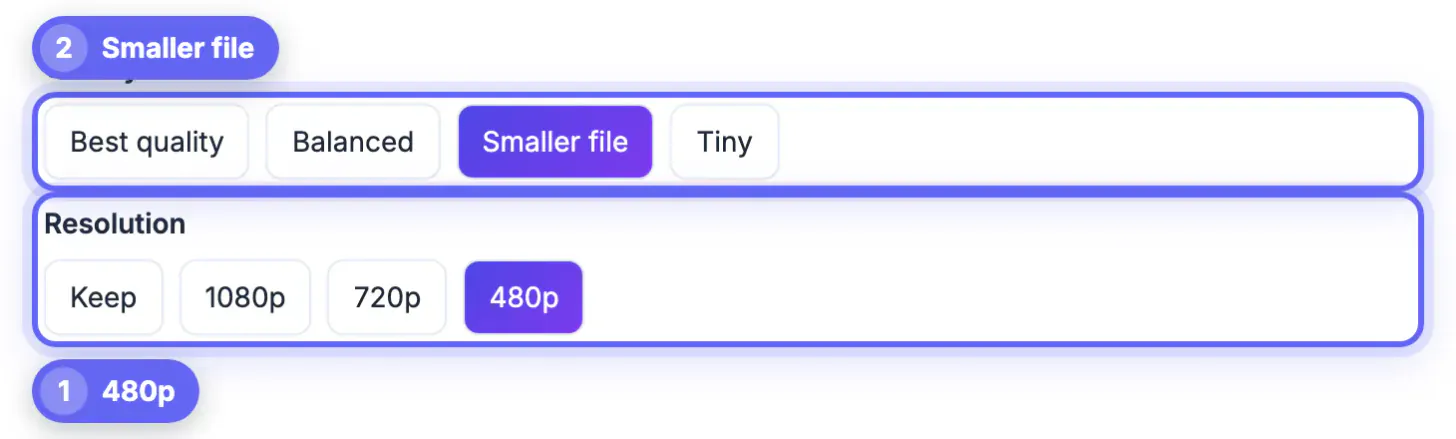
- Pick a Resolution of Keep, 1080p, 720p or 480p; 720p looks sharp on phones, and 480p is fine for a children's show on a small screen.
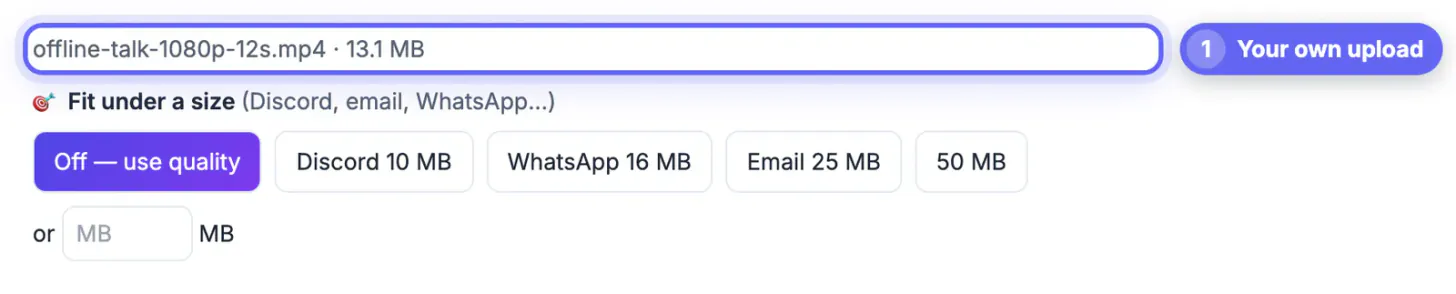
- Or use Fit under a size, with presets such as WhatsApp 16 MB and Email 25 MB, or a custom MB target for a USB stick or SD card.
- Tick Remove audio for silent screen demos to save a little more space.
- The result is an H.264 MP4 with AAC audio that plays on iPhone, Android, Windows and Mac.
For planning, file size in megabytes is roughly bitrate in megabits per second times seconds, divided by 8. A one-hour clip at about 2.5 Mbps, typical for 720p, lands near 1.1 GB; at about 1 Mbps for 480p, it is around 450 MB. Encoding happens on your own processor, so a long 1080p file can take several minutes; keep the tab in front until it finishes, and keep the original as a backup.
Only need the sound? You can pull the audio out of your own video. If your player wants another file type, the Video Converter can switch the format.
Step-by-step
Common mistakes to avoid
Pro tips
Frequently asked questions
Can I watch YouTube offline for free?
In most countries, downloads are a Premium feature. Your own uploads can always be downloaded free from YouTube Studio, and some regions have offered limited free downloads.
How long do YouTube Premium downloads last?
YouTube Help says they play offline for up to 29 days. After that, connect briefly so the app can recheck them, and they continue working.
Can I move a Premium download to my laptop or a USB stick?
No. It stays inside the YouTube app or site where it was downloaded. Only Studio or Takeout copies of your own uploads become regular MP4 files.
How do I download my own YouTube uploads?
In YouTube Studio, open Content, use the three-dot Options menu on the clip and choose Download. Google Takeout exports every upload at once.
How do I make my own file smaller for a phone?
Open the GrabCast Video Compressor, add the MP4, and choose 720p, 480p or a target size. Processing happens in your browser, and the file stays on your device.
Premium downloads cover other creators' uploads inside the YouTube app, Studio and Takeout give you real files of your own work, and permission covers the rest. Shrink your own copies to fit the device, download at home rather than at the gate, and test every item in airplane mode before you leave.
Related guides
Browse more: all video and audio guides · Video Compressor