Compress a Video for Email: Fit Gmail and Outlook Limits
To compress a video for email, aim for a file of about 18 MB, set that as a custom size target in a compressor, and let it calculate the bitrate from the clip's length. Most personal mail services cap attachments at around 20 to 25 MB at the time of writing, and because attachments grow by roughly a third when they are encoded for sending, a file right at 25 MB often bounces. Clips of a few minutes fit at 720p; longer videos are better shared as a link.
🗜️ Try Video Compressor now — freeOpen →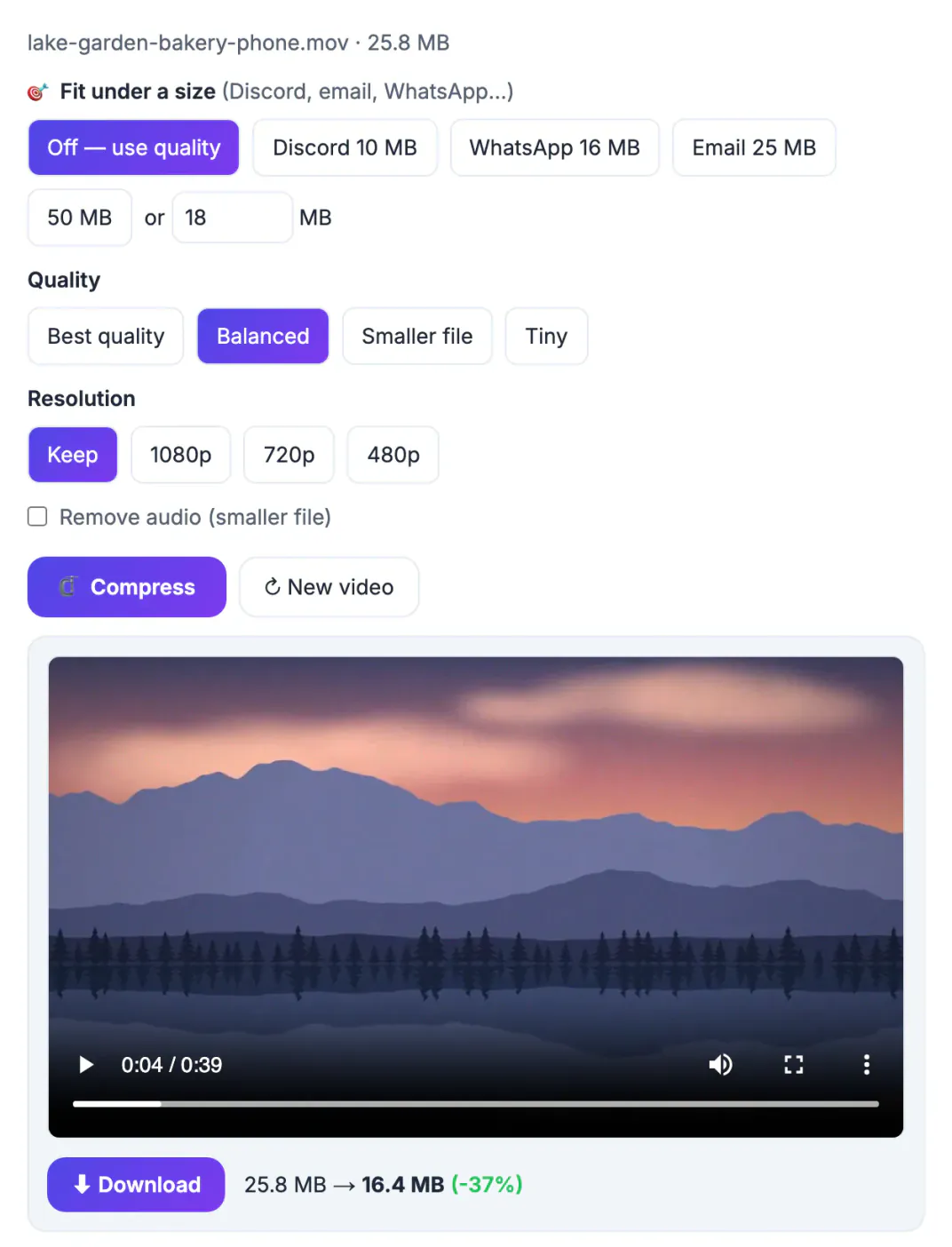
A phone records 1080p or 4K at high bitrates, so one minute can weigh 100 MB or more. Email limits were set for documents, not footage. A little arithmetic first tells you whether a clip can fit at a watchable quality at all.
Email attachment limits and the one-third encoding overhead
Limits change, so check your provider's help page, but at the time of writing these are typical:
- Gmail and Yahoo Mail: about 25 MB per message. Larger files are offered as a cloud link instead.
- Outlook.com and many work Microsoft 365 accounts: commonly about 20 MB, though administrators can set other limits.
- iCloud Mail: about 20 MB, with Mail Drop offering a link for larger files.
- The receiving server matters too and may accept less than yours.
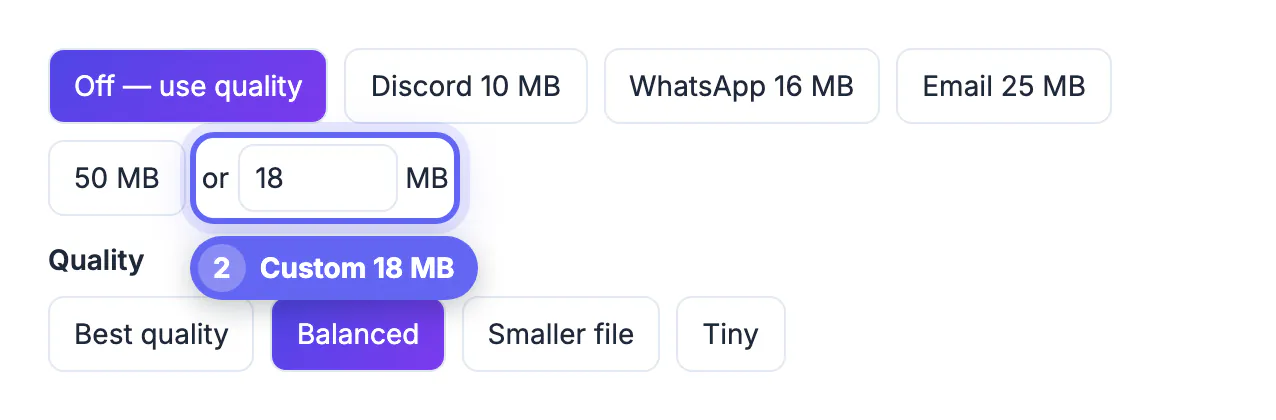
Attachments are encoded as text (Base64) for sending, which adds about 33 percent, so a 25 MB file travels as roughly 33 MB. Target about 18 MB for a 25 MB cap and about 14 MB for a 20 MB cap.
The bitrate math to compress a video for email
File size depends on bitrate and length, not resolution directly: MB = kbps × seconds ÷ 8000. Turn it around to find the budget: kbps = MB × 8000 ÷ seconds.
- 1-minute clip, 18 MB target: 18 × 8000 ÷ 60 = 2,400 kbps total. After about 96 kbps of audio, video gets around 2,300 kbps, which looks good at 1080p.
- 3-minute clip, 18 MB: 800 kbps total, roughly 700 for video. That suits 720p for talking heads and slow scenes.
- 10-minute clip, 18 MB: 240 kbps total, leaving under 150 kbps for picture. That is small-thumbnail quality; send a link instead.
Fast motion, water and grainy low-light footage need more bitrate than a screen recording.
Set up the Video Compressor for an email-sized file
GrabCast's Video Compressor runs ffmpeg in your browser, so the clip never leaves your device. The first run downloads the engine, about 32 MB, which is then cached.
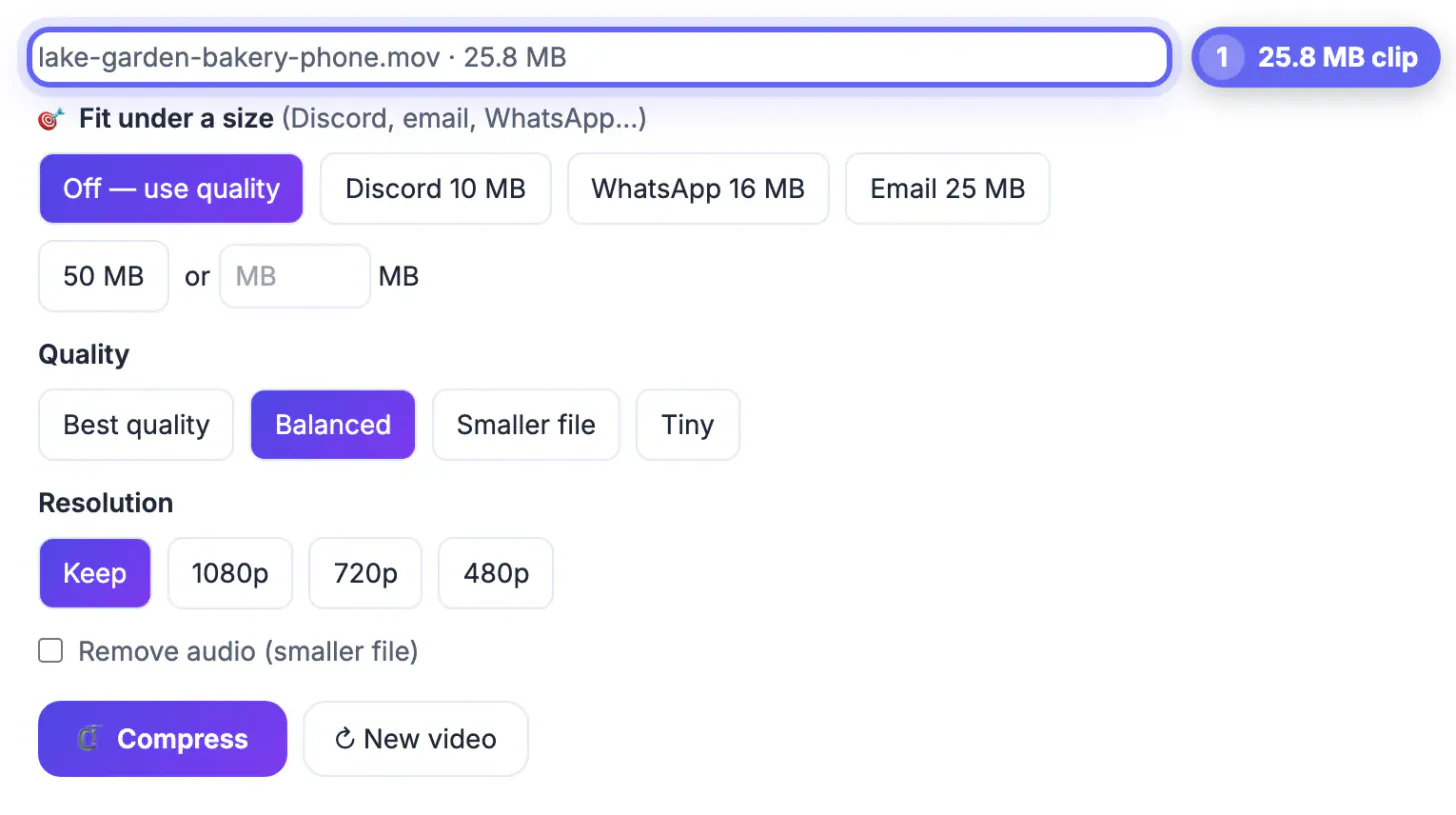
- Fit under a size: presets are Discord 10 MB, WhatsApp 16 MB, Email 25 MB and 50 MB, plus a custom MB box. For email, type 18 or 14 rather than using the 25 MB preset.
- Two-pass encode: it calculates the bitrate from the duration, keeps a small safety margin and lands just under the target.
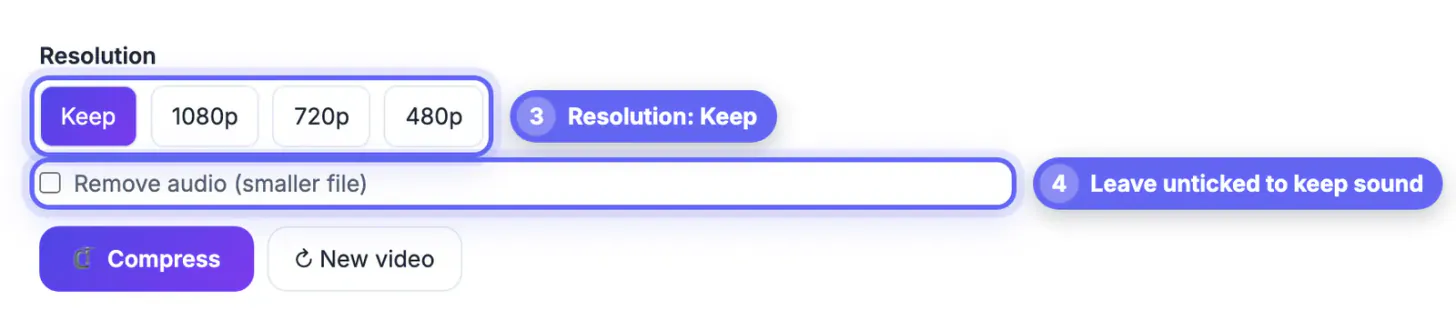
- Automatic resolution: with Resolution on Keep, it picks 1080p above about 1,200 kbps of video, 720p from 500, 480p from 250 and 360p below that.
- Remove audio: gives every kilobit to the picture for silent screen captures.
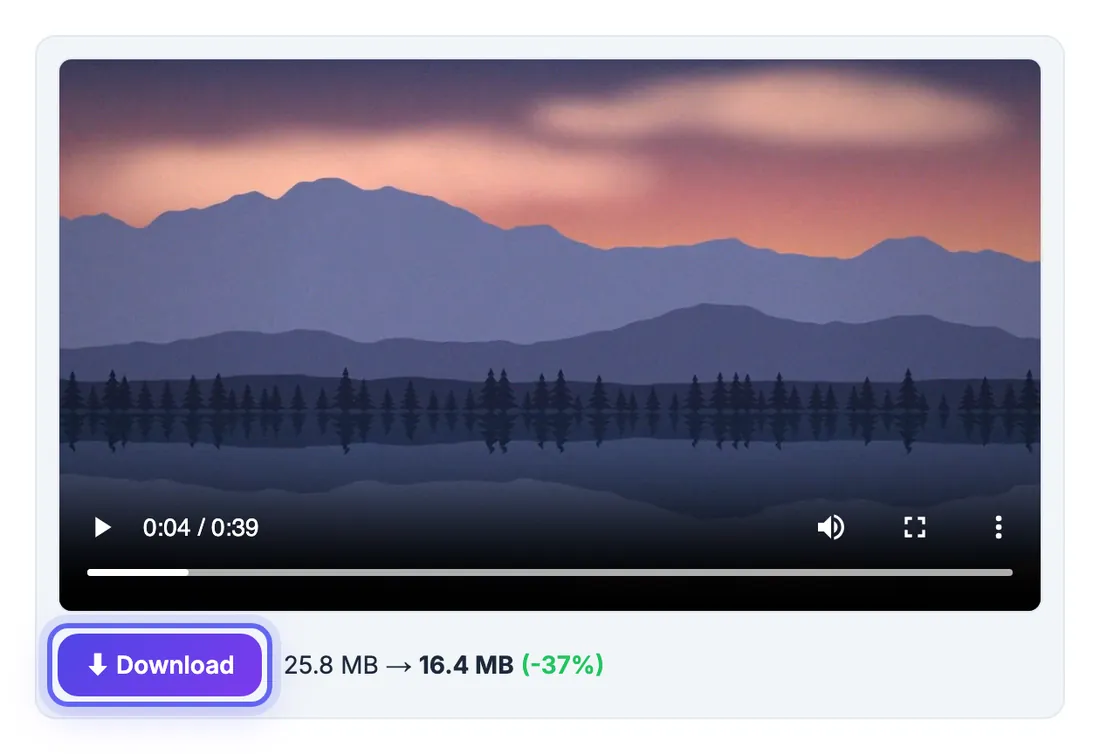
The result is an MP4 with H.264 video and AAC audio that plays almost anywhere, with the before and after size shown.
When to share a link instead of an attachment
If the math says less than about 500 kbps of video, a link will look far better than an attachment.
- Long recordings, such as a 20-minute presentation, or anything over a few minutes with fast motion.
- Footage someone needs to edit or archive: send the original via a link.
- Recipients on strict corporate servers that block video attachments.
Gmail, Outlook and iCloud offer cloud links for oversized files. Compressing first still speeds up the upload.
Trimming and cropping before you compress
The cheapest way to shrink a video is to remove the parts nobody needs. Cut dead air at the start and end, and cut the section where nothing important happens. A 90-second clip trimmed to 60 seconds is already a third smaller before any compression.
- Trim first, then compress, so the encoder spends bits only on useful footage.
- Lower the resolution to 720p for screen recordings and talking heads; 1080p adds little on a phone.
- Reduce the frame rate to 24 or 30 if the source is 60.
- Check the audio: speech needs far less bitrate than music.
For a faster cut, trimming video without losing quality explains the fast and precise modes, and compressing a PDF for email is useful for attachments that accompany the clip.
Check playback before you send
Open the compressed file on a phone and a computer. Make sure the audio is in sync, text on screen is readable and the file size is comfortably below the limit, remembering that email encoding adds roughly a third. If the quality is poor, try a slightly higher bitrate with a shorter clip or share a link instead.
Alternatives when the file is still too large
If compression cannot bring the video under the limit without hurting quality, upload it to cloud storage and share a link, or split it into two short clips. A link also lets the recipient watch at full quality and avoids filling their mailbox. Set sharing permissions carefully and add an expiry date for private recordings.
Step-by-step
Common mistakes to avoid
Pro tips
Frequently asked questions
What is the maximum video size for email?
At the time of writing, Gmail and Yahoo allow about 25 MB per message and Outlook.com and iCloud about 20 MB. Because of encoding overhead, keep the actual file nearer 18 MB or 14 MB.
How long a video can I email?
At 18 MB, about 1 minute at good 1080p quality or about 3 minutes at 720p. Beyond roughly 5 minutes the picture gets soft, so a link is usually better.
Is my video uploaded when I compress it?
No. The compressor runs in your browser with ffmpeg compiled to WebAssembly; your video stays on your device.
Why is the Email 25 MB preset sometimes too big?
Encoding adds about a third in transit, so a 25 MB file can exceed a 25 MB limit. Type 18 instead.
What format will the compressed video be?
Always MP4 with H.264 video and AAC audio, which plays on iPhone, Android, Windows and Mac.
Budget the size before you compress: divide the target in megabytes times 8000 by the length in seconds, and if the video bitrate lands under about 500 kbps, share a link. For short clips, a custom 18 MB target in the Video Compressor produces an MP4 that fits most inboxes without leaving your device.
Related guides
Browse more: all video and audio guides · Video Compressor