Best All-in-One AI Tools: Assistants vs Suites
The best all-in-one AI tools in 2026 fall into two camps. General assistants, namely ChatGPT, Google Gemini, Microsoft Copilot and Claude, handle writing, research, file analysis and brainstorming in a single chat window. Creator suites such as Canva, Simplified and Notion AI wrap AI around a workspace for design, video, scheduling or documents. Which is right depends less on raw model quality than on where your work already lives: Gmail, Microsoft 365, a design canvas or a shared wiki. We also cover when a free, single-purpose tool beats a subscription, including GrabCast's AI Content Pack for turning a transcript into a summary, chapters and captions. Disclosure: the Simplified link is an affiliate link, so GrabCast may earn a commission at no extra cost to you. Plans and limits change often, so we describe pricing in general terms; check each vendor's current page before paying.
📦 Try the AI Content Pack tool now — freeOpen →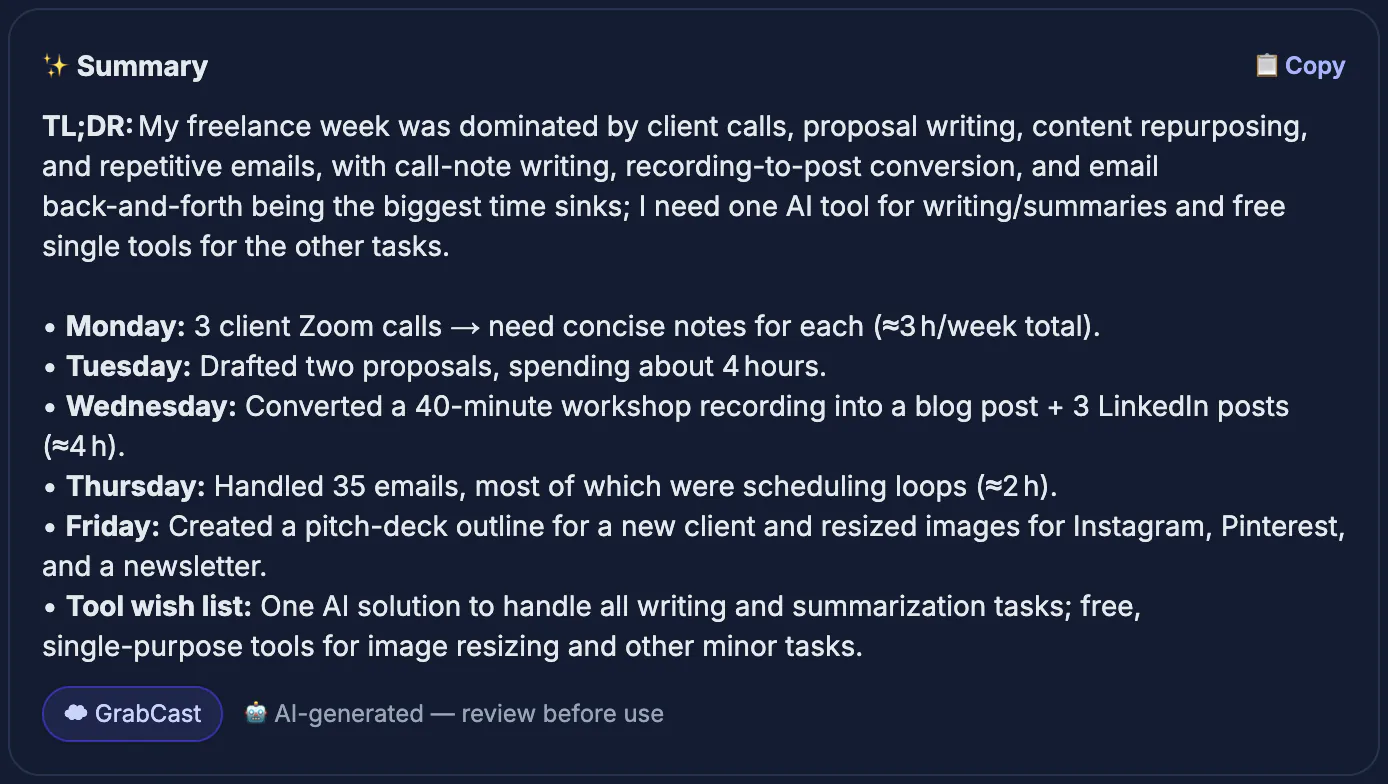
Many small teams now pay for a writing assistant, an image generator, a transcription service, a design app and a scheduler, each with its own login and monthly fee. Consolidating around a single platform cuts cost, reduces copy-paste between apps and keeps brand assets and history in one place. The catch is depth. A general assistant can draft a newsletter and summarize a PDF, but it will not replace a proper design canvas; a design suite can write captions, but its long-form writing is usually weaker than a dedicated assistant. The practical approach is one main platform chosen for your heaviest daily task, plus a couple of free specialist tools for jobs the platform handles poorly.
What all-in-one should really mean for you
Before comparing brands, list the five jobs you do every week and rank them by hours spent. Then test candidates against that list.
- Writing and editing: emails, articles, proposals and rewriting in a consistent voice.
- Research and files: summarizing PDFs, spreadsheets and long reports, ideally with sources you can verify.
- Visuals: images, social graphics and presentation decks with brand colors.
- Audio and video: transcription, captions and short clips from longer recordings.
- Workflow: sharing, team permissions, integrations and data controls for business use.
A platform that is excellent at your top two jobs and adequate at the rest usually beats one that claims everything but forces workarounds daily.
General AI assistants: ChatGPT, Gemini, Copilot, Claude
These four are the broadest options. All offer free access with limits and paid tiers for heavier use.
- ChatGPT: a very wide feature set in one app, including writing, file and data analysis, image generation, voice conversation and web search. A strong default if you want a single assistant for most tasks.
- Google Gemini: built into Gmail, Docs, Sheets and Drive for Workspace users, which removes copy-paste for Google-based teams.
- Microsoft Copilot: works inside Word, Excel, PowerPoint, Outlook and Teams, grounded in your organization's files when your plan includes it.
- Claude from Anthropic: well regarded for long documents, careful writing and coding help, with projects that keep reference files together.
Their weak spots are similar: they can state wrong facts confidently, design output is basic compared with a real design tool, and business data rules vary by plan. Check whether your plan lets the vendor train on your inputs before pasting client material.
Creator suites: Canva, Simplified and Notion AI
These start from a workspace and add AI, which suits people whose output is visual or collaborative.
- Canva: templates, brand kits, presentations, video editing and an AI design assistant. The best pick when most of your work ends up as graphics or decks.
- Simplified: combines AI writing, design templates, short video editing and social scheduling in one dashboard, aimed at small marketing teams. See Simplified.
- Notion AI: writes, summarizes and answers questions across your Notion pages and meeting notes, useful when your team already documents everything there.
The trade-off is that writing quality inside these suites is usually a step behind the leading assistants, and moving your templates and history elsewhere later is work. Take a free trial with a real week of tasks before committing a team.
Where free single-task tools still win
Some jobs do not justify a subscription. GrabCast offers a set of free, no-account utilities that fill gaps around whichever platform you choose.
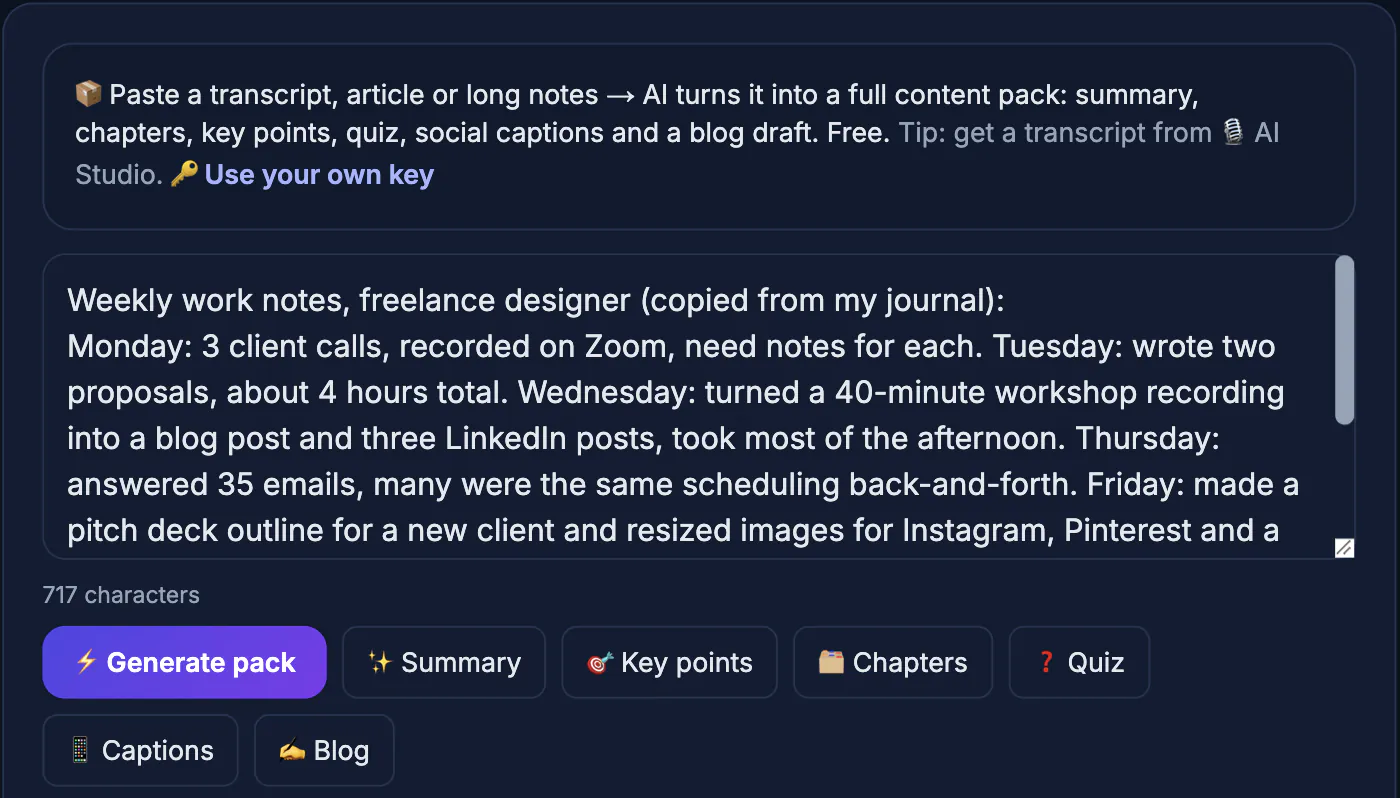
- AI Content Pack: paste a transcript, article or notes, up to about an hour of speech, and get a summary, key takeaways, chapters, a quiz, social captions and a blog draft. It uses a cloud AI, so text is sent to that service.
- AI Studio: transcribes audio and video with Whisper models running in your browser, so recordings stay on your device, and exports TXT, SRT, VTT or DOCX.
- AI Translator: translates text and subtitle files between 35 languages and keeps timestamps; its AI engine is also cloud-based.
- AI Clip Finder: suggests three to five short moments from a long transcript for Shorts, Reels or TikTok, with hooks and captions.
These are separate tools, not one assistant with memory, and the free AI can be busy at peak times. You can add your own AI key. For many solo creators, a free assistant tier plus these utilities covers most weekly work before any paid plan is needed.
Step-by-step
Common mistakes to avoid
Pro tips
Frequently asked questions
Which AI assistant is the most complete in 2026?
ChatGPT has one of the broadest feature sets, but Gemini and Copilot can be better choices for teams living in Google Workspace or Microsoft 365, and Claude is popular for long documents. Test with your own tasks.
Is GrabCast an all-in-one AI platform?
No. It is a collection of free single-purpose tools, such as the AI Content Pack, AI Studio transcription and AI Translator, that complement an assistant rather than replace it.
Is GrabCast's AI Content Pack private?
No. It sends your text to a cloud AI to write the results, so avoid confidential material. AI Studio transcription, by contrast, runs in your browser.
What is a good Simplified alternative?
Canva covers design, video and presentations with AI features, and pairing a general assistant for writing with a scheduler is another route. Compare against your actual weekly tasks.
Do I need a paid plan to get good results?
Not always. Free tiers handle occasional writing and research well. Paid plans mainly add higher limits, stronger models, team features and business data controls.
Choose your main AI platform by where your work already lives: an assistant such as ChatGPT, Gemini, Copilot or Claude for writing and research, or a suite such as Canva, Simplified or Notion AI for visual and team work. Fill the gaps with free single-task tools, keep sensitive material out of cloud AI, and fact-check everything you publish.
Related guides
Browse more: all AI guides · the AI Content Pack tool