Fix a PDF That Won't Open: Repair a Corrupted File Free
To fix a PDF that won't open, rebuild its internal structure: most damaged files still hold every page, but the index that tells a viewer where each object sits is wrong, or a stream length no longer matches its data. GrabCast's free Repair PDF rebuilds that structure in your browser with qpdf, explains in plain English what was broken, and shows a preview before you download. We tested it on a fictional two-page board minutes file whose index had been shifted and whose stream lengths had been altered.
🩹 Try Repair PDF now — freeOpen →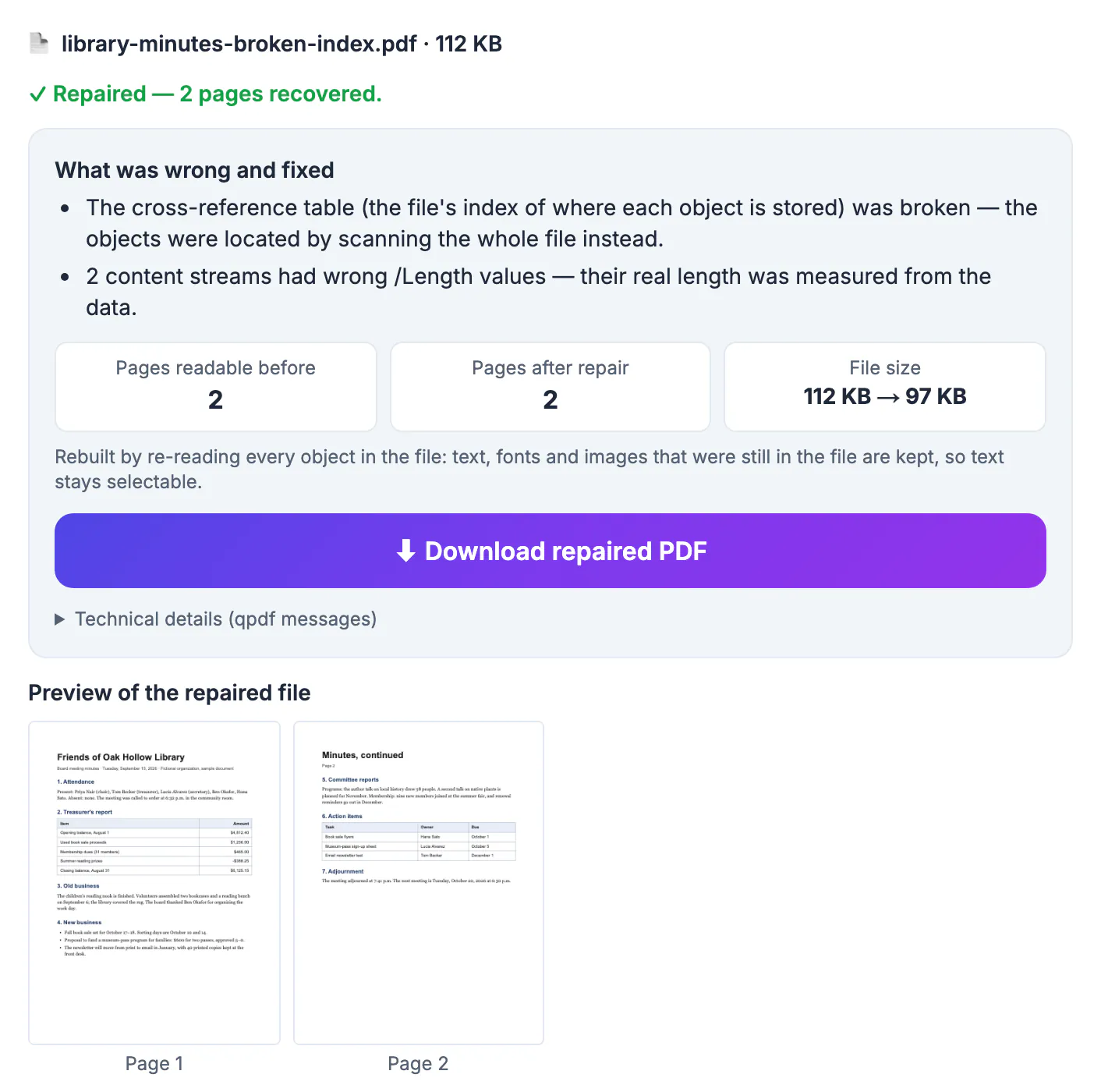
A PDF is not one continuous document but a collection of numbered objects, pages, fonts, images and text streams, plus a cross-reference table listing the exact byte where each one starts. If a sync client, an email gateway or a crashing app changes even a few bytes near the start, every offset in that table points to the wrong place. Viewers that trust the table give up with messages about a damaged file, even though the content itself is intact.
What Repair PDF does to fix a PDF that won't open
The tool first inspects the raw bytes, then tries up to three repair paths, keeping whichever recovers the most pages.
- Byte checks look for junk before the PDF header, extra data after the end-of-file marker, a file that stops too early, index entries pointing to the wrong place and streams whose /Length value does not reach the endstream keyword.
- Path one rewrites the file with qpdf, a long-standing open-source PDF toolkit, compiled to run in the browser; text, fonts, links and form fields are kept as they were.
- Path two re-reads every object in file order, ignoring the broken index and measuring each stream's real length, so text stays selectable.
- Path three, used only when both fail, re-draws each page a tolerant reader can display as an image, and tells you that text on those pages is no longer selectable.
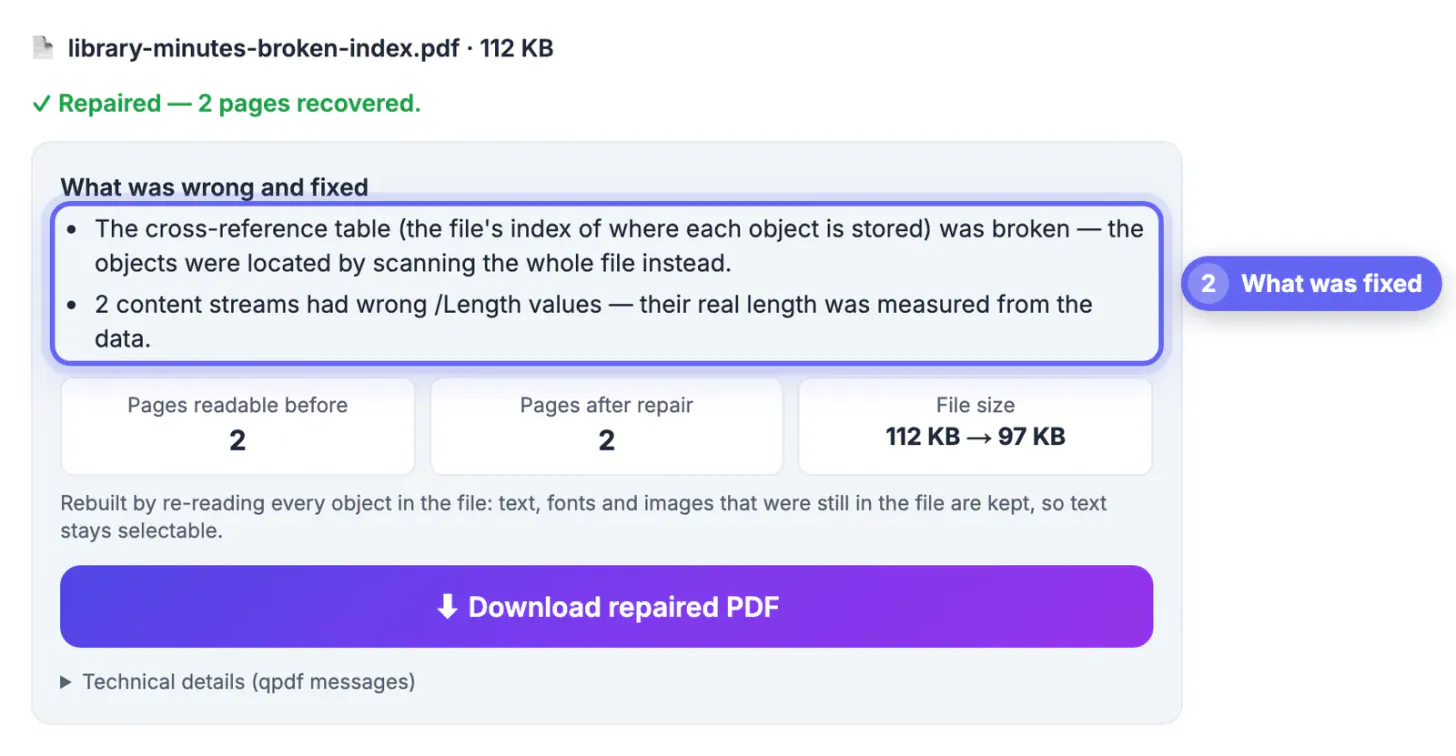
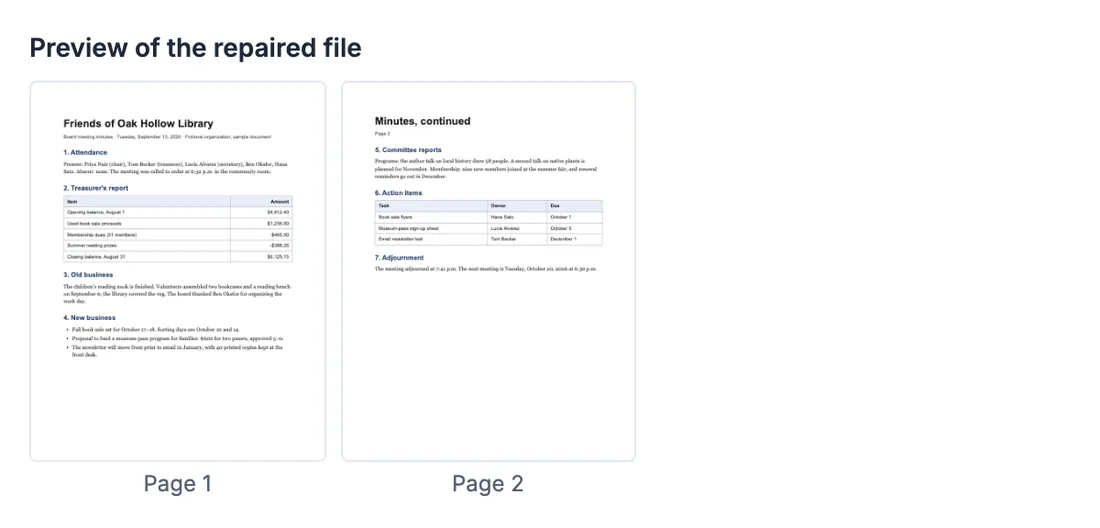
On the board minutes sample, the report listed two fixes: the cross-reference table was broken, so objects were located by scanning the whole file, and 2 content streams had wrong /Length values. Both pages came back with selectable text.
Reading the repair report
The result panel is designed to answer the questions you would ask a technician.
- What was wrong and fixed: one line per problem, in plain English rather than error codes.
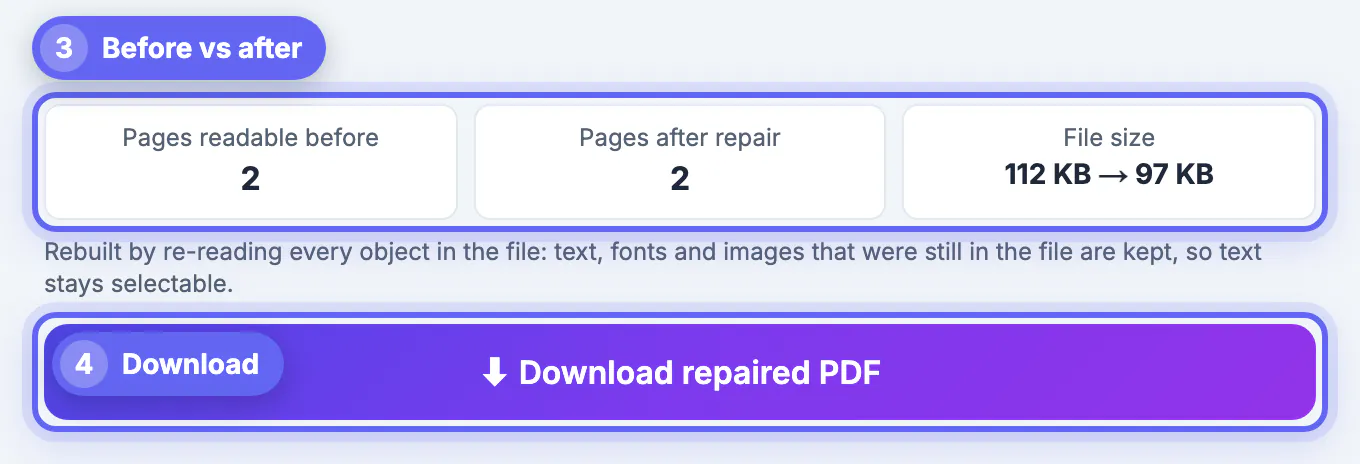
- Pages readable before: how many pages a normal reader could show from the damaged file, or Unreadable when none could be opened.
- Pages after repair: how many pages the repaired copy contains; in our test, 2 before and 2 after.
- File size: the change from damaged to repaired, here 112 KB to 97 KB.
- Technical details: the raw qpdf messages, for anyone who wants them.
If the tool finds nothing wrong, it says the PDF is healthy and still offers a cleanly rewritten copy. That is a hint the problem lies with the app you open it in, for example an outdated viewer or a phone preview that cannot handle a large file.
Common reasons a PDF will not open
- A cloud sync client or backup tool saved part of the file while it was still being written.
- An email system, form upload or web server added headers or an error page in front of the real data.
- The transfer was interrupted, leaving a file that ends too early.
- The disk filled up, or a USB stick was pulled out mid-copy.
- The file is password-protected, which is not damage at all; remove the password with Unlock PDF, using the password you know, then open or repair it.
If the file is not a PDF at all, for example a Word document renamed with a .pdf ending, the tool says so: no PDF header and no PDF objects means there is nothing to recover.
Limits, privacy and what to try next
Repair can only use what is still inside the file. If part of it was never saved or was cut off, that part cannot be recreated; the report says how many pages were recovered and flags pages whose fonts were lost.
- Everything runs locally with qpdf, pdf.js and pdf-lib; only those open-source engines download the first time, and the PDF never leaves your device.
- Very damaged files may only come back as page images. When that happens, a second button offers the text-preserving version with fewer pages, so you can choose.
- Always compare the preview with what you expected, especially page counts.
- If the file came from an email or a shared link, asking the sender for a fresh copy is often the fastest fix of all.
After a successful repair, open the -repaired.pdf in your usual viewer, search for a word to confirm the text layer works, and keep the damaged original until you are sure nothing is missing.
If only some pages are readable, extracting those pages saves what you can.
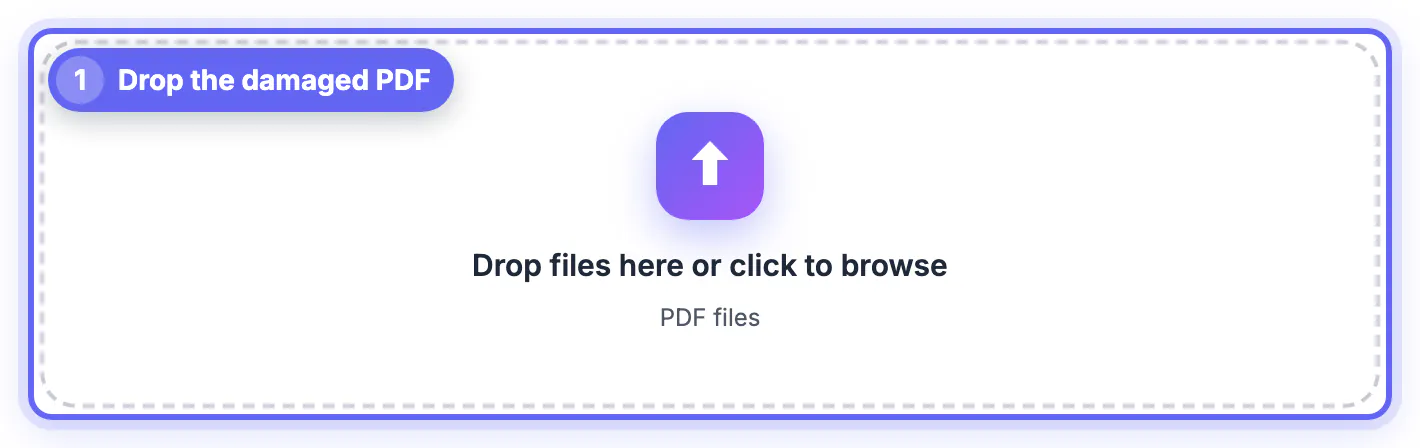
Step-by-step
Common mistakes to avoid
Pro tips
Frequently asked questions
Can every corrupted PDF be repaired?
No. The tool recovers every page whose data is still in the file. Data that was cut off or overwritten is gone, and the report shows how many pages came back.
Is my PDF uploaded to a server?
No. qpdf compiled to WebAssembly, pdf.js and pdf-lib run in your browser. Only the engines download the first time; the file stays on your device.
Will the repaired PDF keep selectable text?
Yes when qpdf or the object re-read succeeds, which covers most cases. Only the last-resort path turns pages into images, and the tool tells you when it used it.
What if the tool says the PDF is healthy?
Then no structural damage was found. Download the cleanly rewritten copy and try it, or open the file in another viewer.
Can it repair a password-protected PDF?
Not directly. Remove the password first with Unlock PDF, which requires you to know it, then repair the unlocked copy.
Most PDFs that won't open still contain their pages; the index or stream lengths are what broke. Rebuild the structure locally, read the plain-English report, compare page counts, check the preview, and keep the original until the repaired copy has proven itself.
Related guides
Browse more: all PDF guides · Repair PDF