How to Decode a Base64 String
Base64 turns arbitrary binary data into a string of safe, printable characters, and you will meet it everywhere: data URIs, JSON Web Tokens, email attachments, and API payloads. Decoding it reverses the process to recover the original bytes or text. Developers decode Base64 constantly to inspect a token, read an encoded config value, or extract an embedded image. This guide explains what Base64 is, how to decode a string in your browser, and a crucial honesty point: Base64 is encoding, not encryption, so it hides nothing and secures nothing. Everything runs locally on grabcast.click, so the strings you paste are never uploaded. It is free and needs no login.
🔤 Try the Base64 tool now — freeOpen →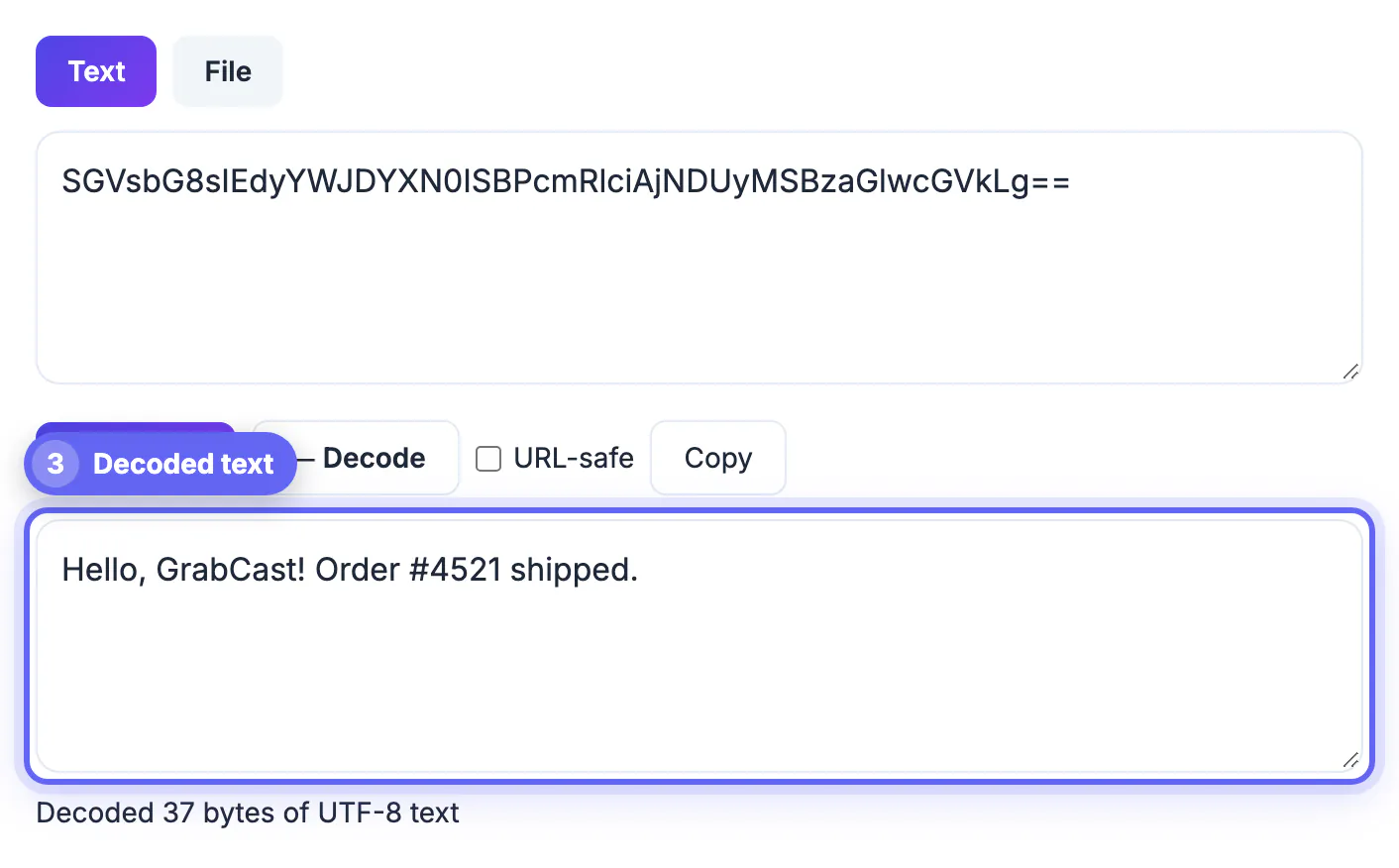
Many systems were built to handle text, not raw binary, and binary bytes can include control characters that break protocols or get corrupted in transit. Base64 solves this by mapping every three bytes onto four printable ASCII characters drawn from a 64-symbol alphabet. That lets you embed an image directly in HTML, put a signature inside a JSON token, or attach a file to an email that only carries text safely. The cost is size: Base64 output is about a third larger than the original. Decoding simply reverses the mapping to get the bytes back. Understanding this tradeoff explains when Base64 is the right tool and when it is just overhead.
How Base64 encoding works
Base64 is a fixed, reversible mapping between binary and text. There is no key and no secret involved.
- Every three bytes of input become four characters from the 64-symbol alphabet of letters, digits, plus, and slash.
- The equals sign at the end is padding used when the input length is not a multiple of three.
- The output is always larger than the input, by roughly one third.
- Because the mapping is fixed, anyone can decode it, so it provides no confidentiality.
Base64 is not encryption
This is the most important thing to understand, because treating Base64 as security leads to leaked secrets. It only changes the representation of data.
- Anyone can decode Base64 instantly with no key, so it hides nothing from a determined reader.
- Never put passwords, API keys, or personal data in Base64 expecting it to be protected.
- For confidentiality use real encryption, and for integrity use a hash or signature.
- Base64 inside a JWT, for example, is readable by design and is only signed, not hidden.
Decoding safely and correctly
Decoding is straightforward, but a few details determine whether you get clean output. Watch for these.
- Make sure the string is complete, including any trailing equals-sign padding.
- Be aware of URL-safe Base64, which uses hyphen and underscore instead of plus and slash.
- Decoding binary such as an image yields bytes, not readable text, so expect a file rather than a string.
- Garbled output usually means the input was not valid Base64 or used a different variant.
Common Base64 decoding errors and fixes
When a decode fails or returns nonsense, the string is usually damaged rather than the method being wrong. Check these causes in order.
- Invalid character: line breaks, spaces or a stray quote copied along with the text can break the alphabet. Trim the string and try again.
- Wrong length: a valid string has a length divisible by four once padding is included, so a missing equals sign is a common culprit.
- URL-safe variant: hyphens and underscores replace plus and slash, which a strict decoder rejects until you swap them back.
- Text that is not UTF-8: if the output shows replacement symbols, the original bytes were probably an image, archive or another character set.
If you need to go the other direction, encoding a string to Base64 with UTF-8 and padding covers the same details from the encoder side.
Where decoded Base64 appears in practice
Seeing real examples makes the format easier to recognise. HTTP Basic authentication sends a username and password joined by a colon and encoded, so the header looks opaque but decodes to plain text. Data URIs embed small images directly in HTML and CSS, and decoding the part after the comma gives you the image bytes. Email attachments travel as Base64 blocks inside the message, and API responses often wrap files or certificates the same way.
In each case, decoding is a debugging aid, not a security step. Pair it with a JWT decoder when the string has two dots, because tokens use a URL-safe variant of the same idea.
Step-by-step
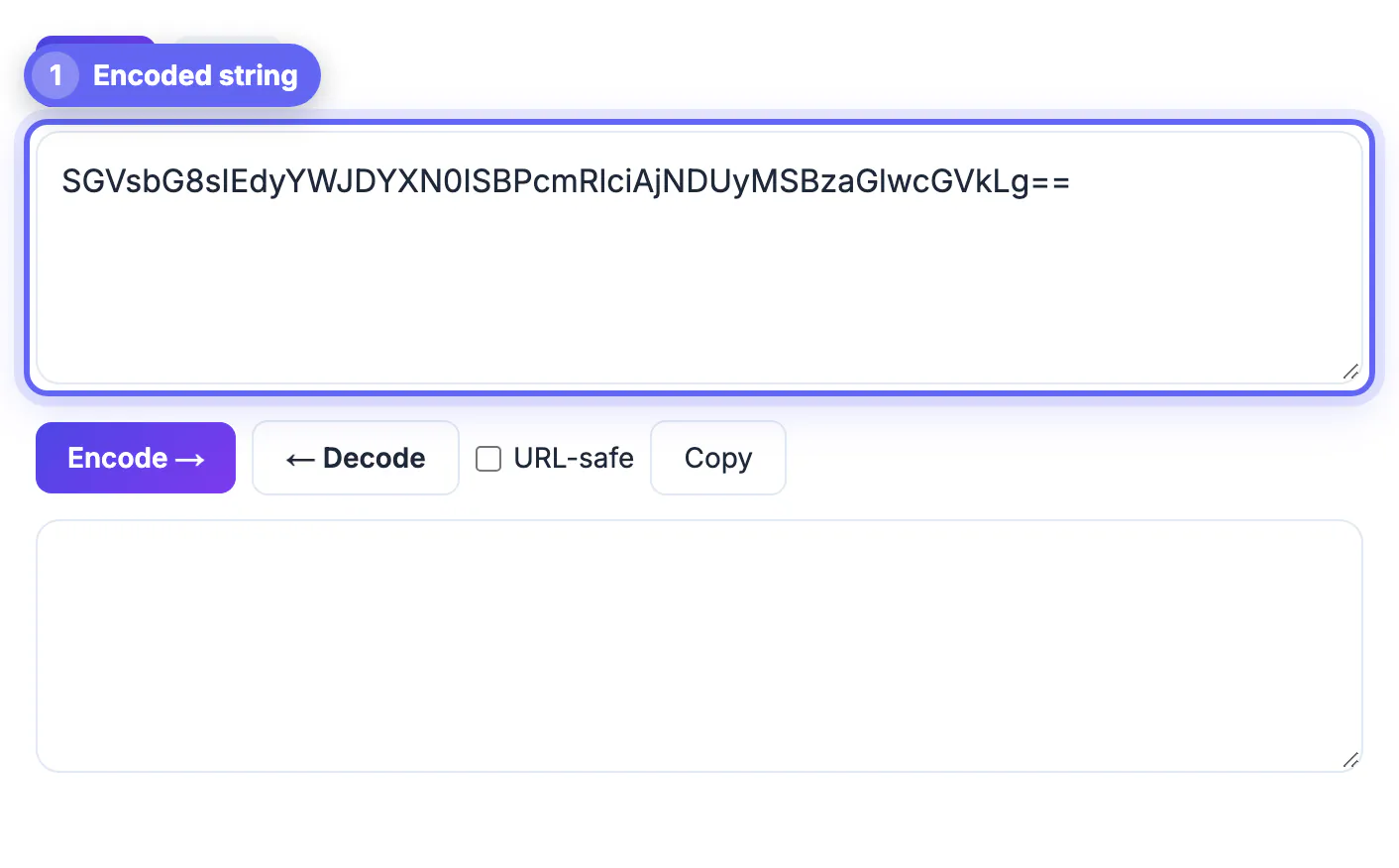
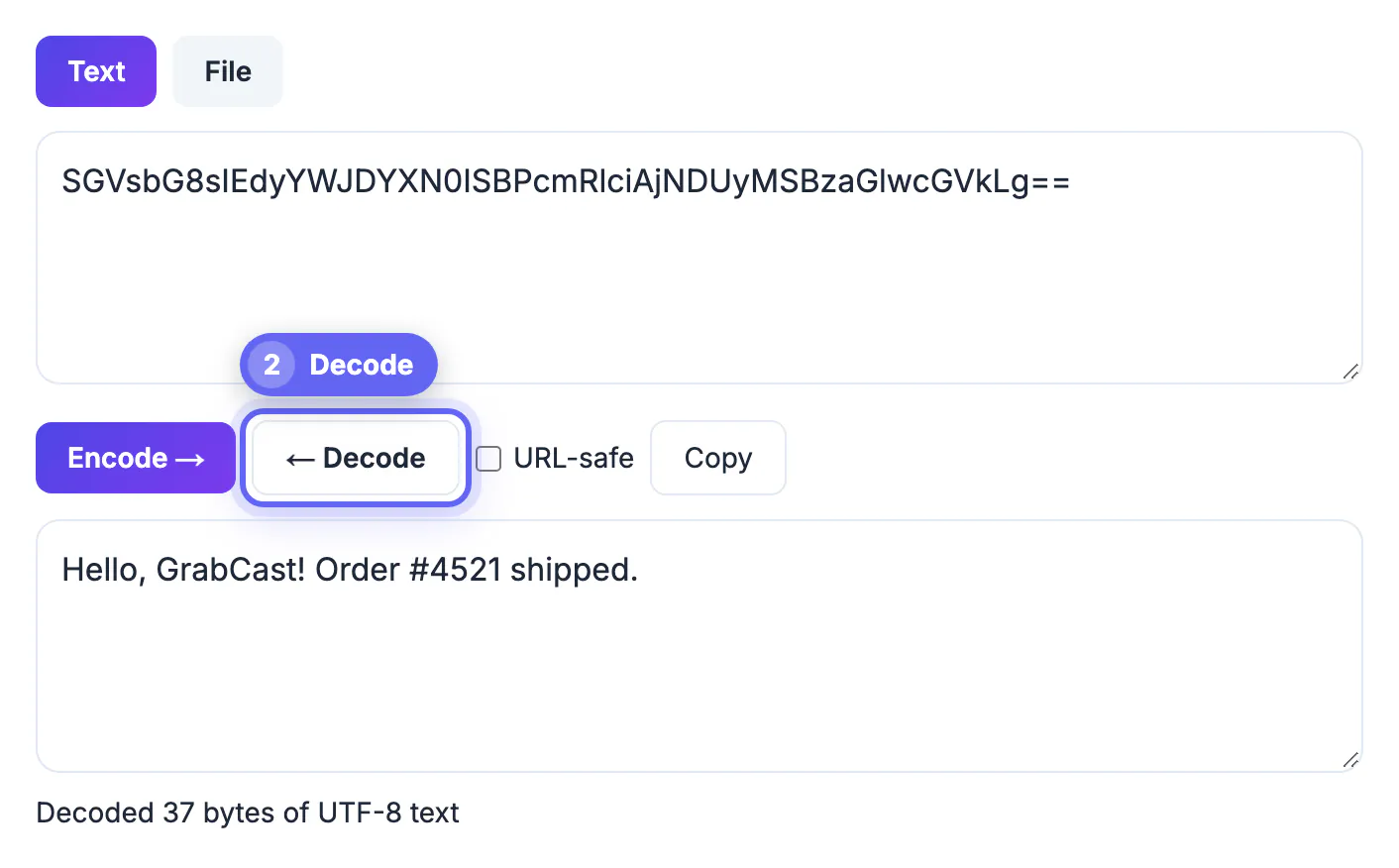
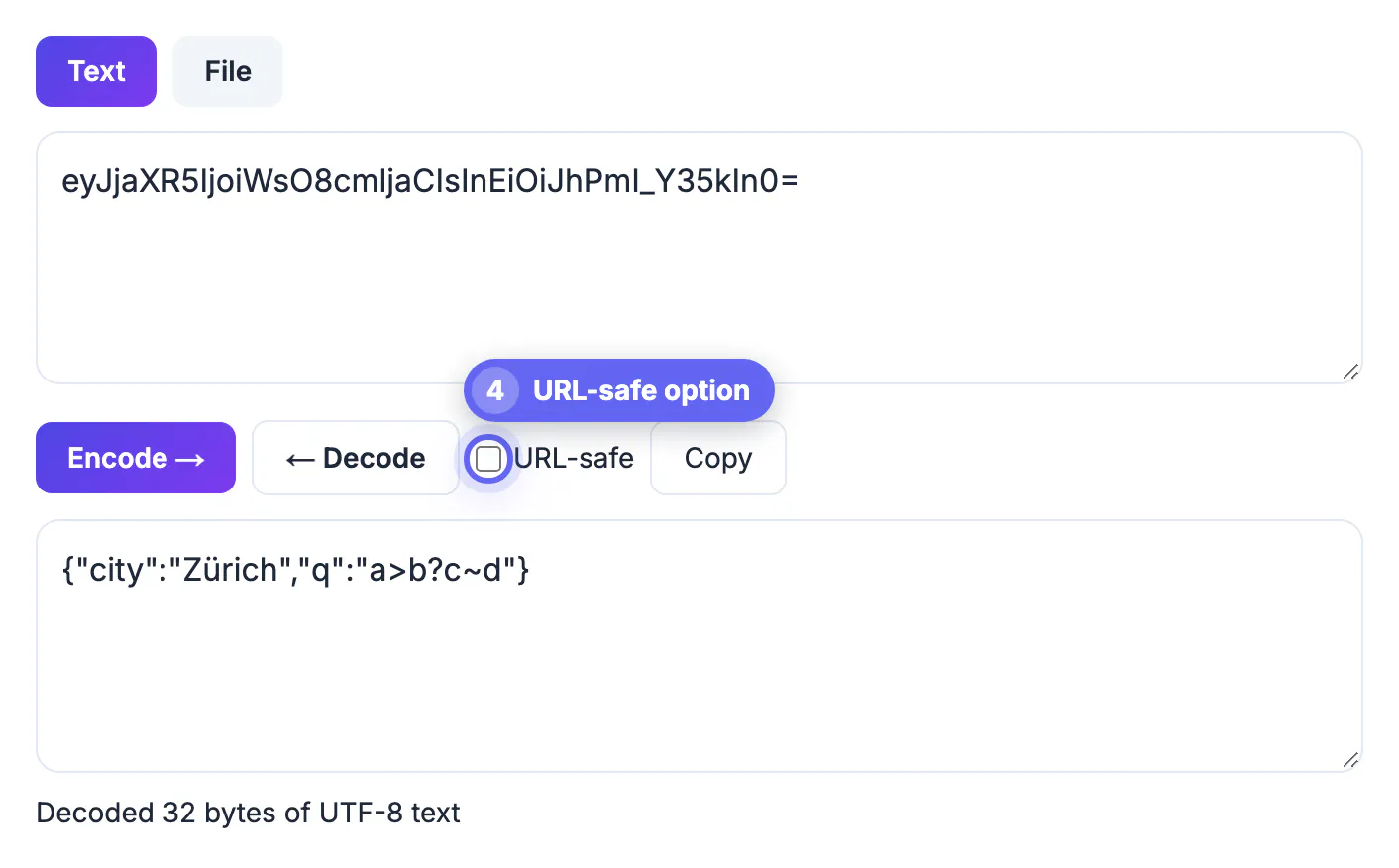
Common mistakes to avoid
Pro tips
Frequently asked questions
Is Base64 a form of encryption?
No. It is a reversible encoding with no key, so anyone can decode it. Use real encryption to protect sensitive data.
What are the equals signs at the end?
They are padding added when the input length is not a multiple of three bytes. They keep the output length a multiple of four.
Is my string sent to a server?
No. Decoding happens in your browser on grabcast.click, so the strings you paste never leave your device.
Why is my decoded text garbled?
The input may not be valid Base64, may be missing padding, or may use the URL-safe variant with hyphen and underscore.
Why is Base64 larger than the original?
It maps every three bytes to four characters, so the output is about one third bigger than the input.
Base64 is a reversible way to represent binary data as safe, printable text, which is why it shows up in tokens, data URIs, and email attachments. Decoding just reverses that mapping, and the essential point is that Base64 is encoding, not encryption, so it protects nothing on its own. The Base64 tool on grabcast.click encodes and decodes entirely in your browser, with no upload, no account, and no cost, so you can inspect and convert strings quickly and privately.
Related guides
Browse more: all text and developer guides · the Base64 tool