URL Encode a Query String: Percent-Encoding Guide
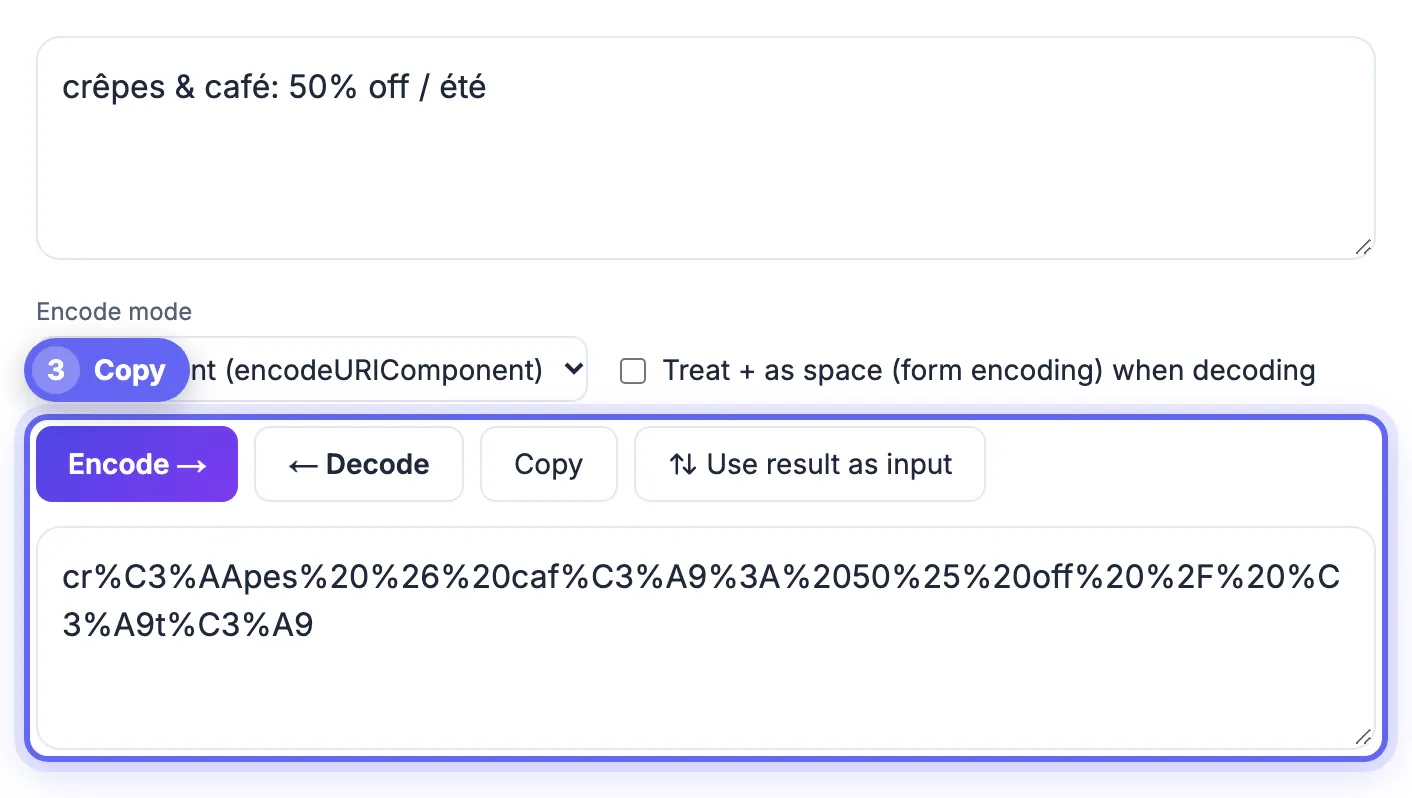
To URL encode a query string value, replace every character that has a special job in a web address, such as a space, &, =, ?, / or #, with a percent sign and its two-digit hex byte, so Tom & Jerry becomes Tom%20%26%20Jerry. Do this to each value separately, never to the finished address, or the slashes and question mark that hold the link together get escaped too. GrabCast's URL Encoder / Decoder does the conversion in both directions inside your browser: paste text and press Encode, or paste a scrambled link and press Decode to read it. This guide explains what percent-encoding actually changes, which characters need it, why a space sometimes turns into a plus sign, how to spot double encoding, and how decoding a suspicious or broken link shows you exactly where it went wrong.
🔗 Try URL Encoder now — freeOpen →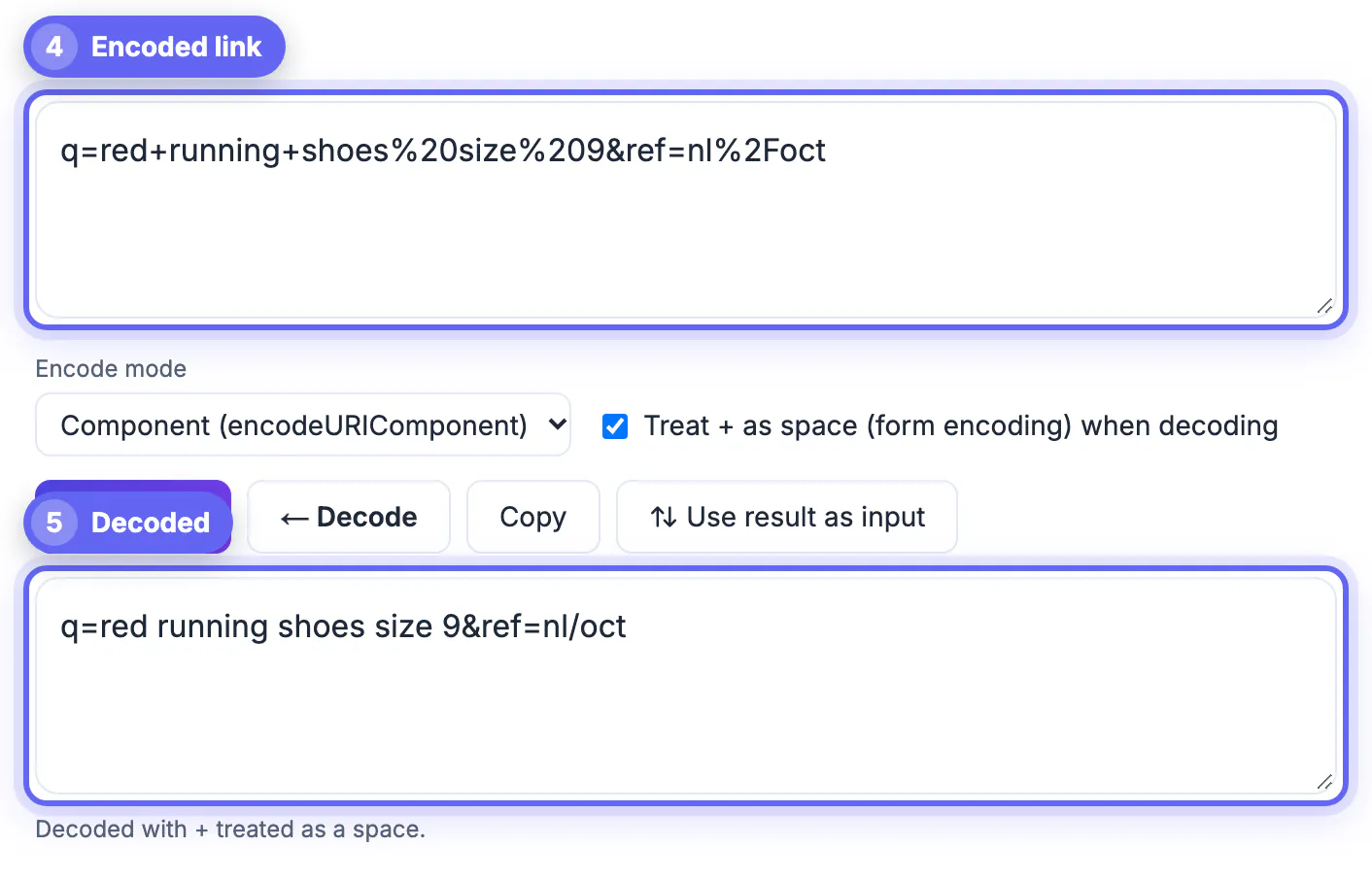
A web address is parsed by position and punctuation. The question mark starts the parameters, each ampersand begins a new one, the equals sign splits name from value and the hash mark ends everything the server will ever see. If a search term such as rock & roll goes in raw, the server receives a parameter called q with the value rock and a second, nameless parameter called roll. Nothing crashes; the page simply shows the wrong results, a redirect lands on the home page, or an API quietly ignores half your filter. Those silent failures are hard to trace, and escaping each value once, at the moment you build the link, prevents all of them.
What percent-encoding changes, character by character
The rules come from RFC 3986. Letters, digits and four marks, the hyphen, period, underscore and tilde, are unreserved and never need escaping. Everything else is either reserved for structure or unsafe, and gets rewritten as a percent sign followed by the byte value in hexadecimal. Text is first turned into UTF-8 bytes, so one visible character can become several codes.
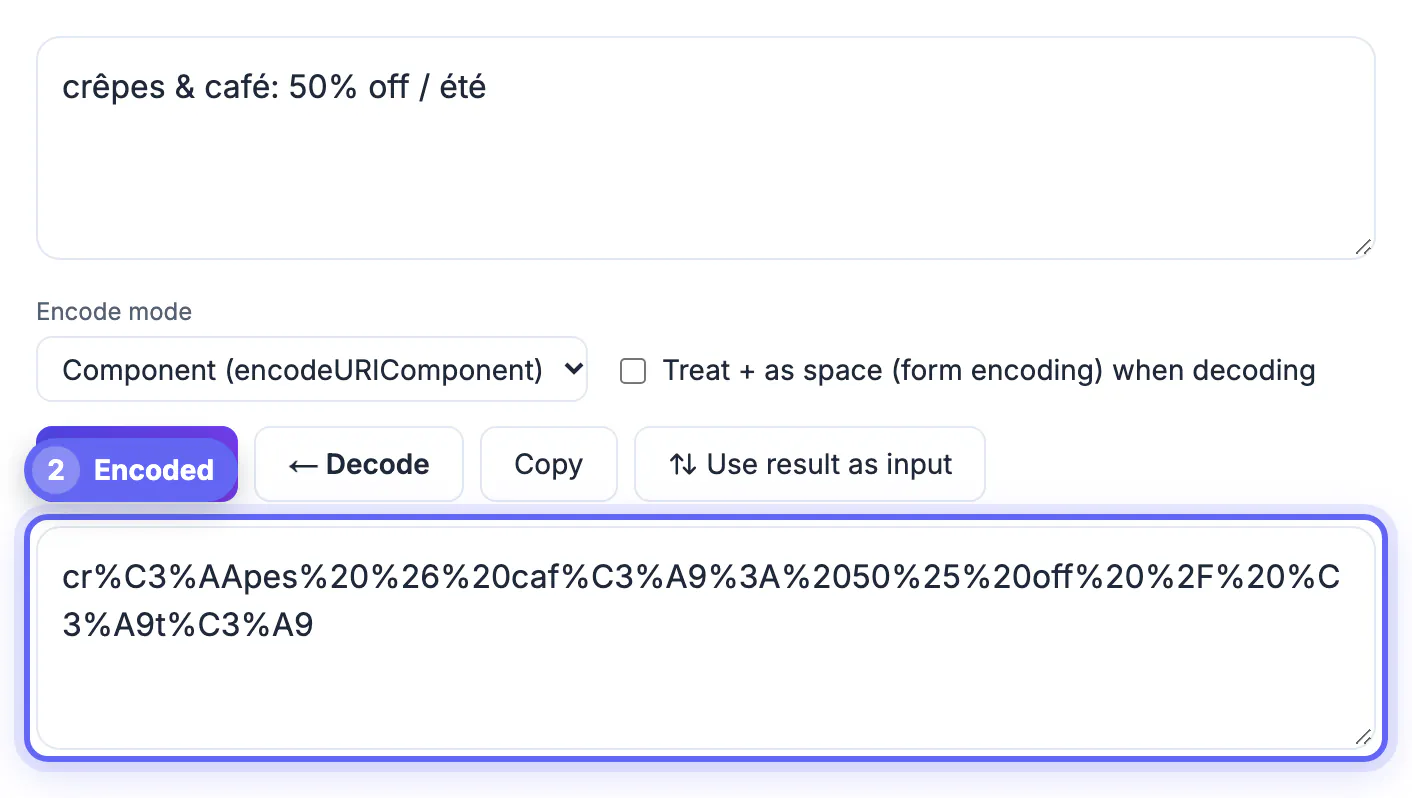
- Space becomes %20, ampersand %26, equals %3D, question mark %3F, slash %2F, hash %23 and plus %2B.
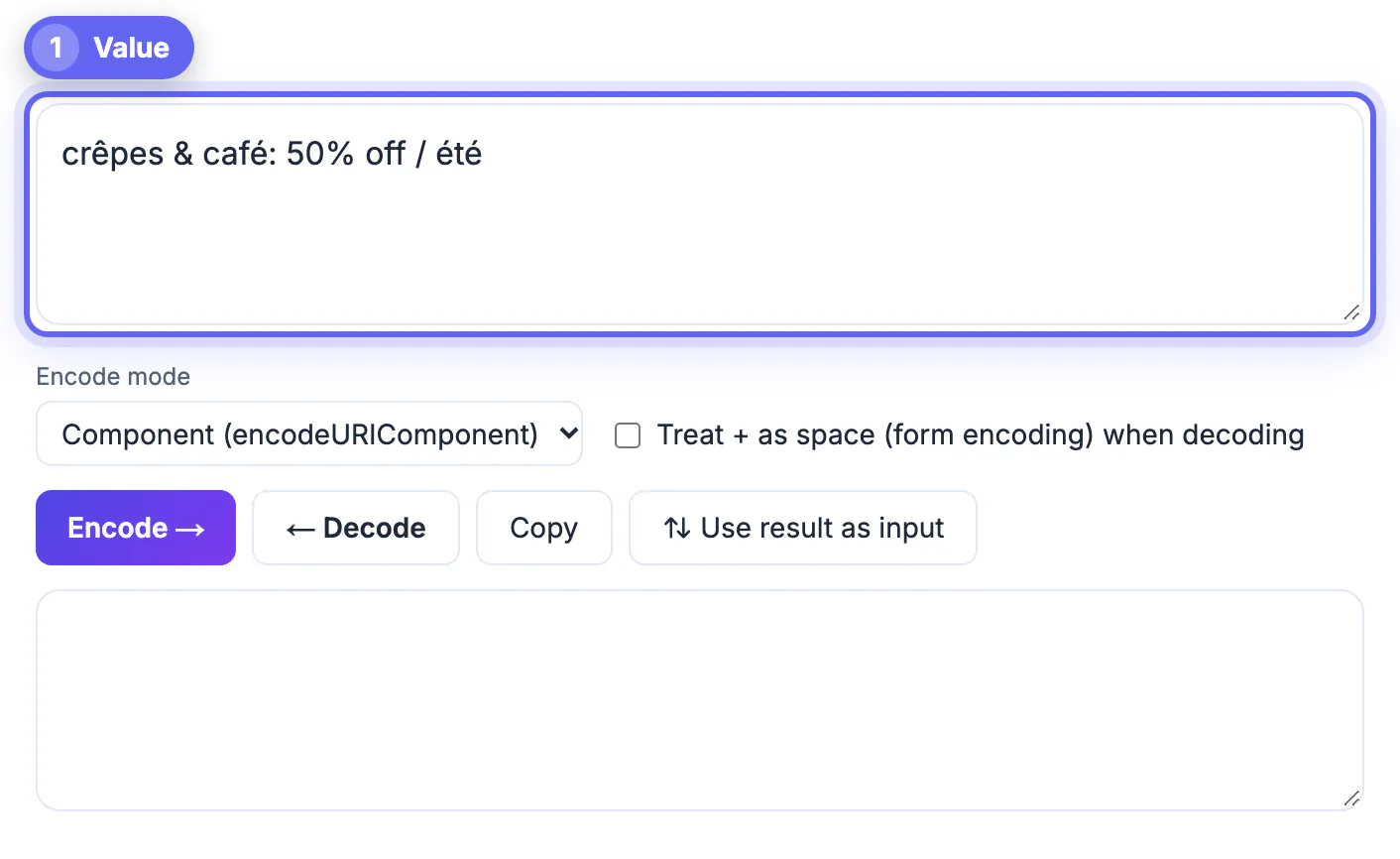
- A literal percent sign becomes %25, so 50% off turns into 50%25%20off.
- Accented letters take two bytes: café becomes caf%C3%A9 and São Paulo becomes S%C3%A3o%20Paulo.
- An emoji takes four bytes, so a grinning face becomes %F0%9F%98%80.
- C# tips becomes C%23%20tips; left raw, everything after the hash would be treated as a page fragment and never reach the server.
The scheme is fully reversible, which is why the same tool that escapes a value can also turn %C3%A9 back into é when you are reading a link someone sent you.
Encode each query value, not the finished address
GrabCast's Encode button, in its default Component mode, behaves like JavaScript's encodeURIComponent: it escapes the colon, slash, question mark and ampersand along with everything else. That is exactly right for a single value and exactly wrong for a whole address, because https://example.com/page would come out as https%3A%2F%2Fexample.com%2Fpage and stop working as a link. To tidy a complete address instead, switch to Full URL mode, which works like encodeURI and keeps the colon, slash, question mark, ampersand, equals sign and hash intact.
- Build links in pieces: escape rock & roll to rock%20%26%20roll, then assemble https://example.com/search?q=rock%20%26%20roll yourself.
- A return address passed as a parameter must be escaped whole, so /account?tab=billing travels as next=%2Faccount%3Ftab%3Dbilling.
- Campaign tags need the same care: utm_campaign=spring sale should be sent as spring%20sale, or some analytics tools record only the first word.
- In code, prefer the built-ins: encodeURIComponent or URLSearchParams in JavaScript, urllib.parse.quote or urlencode in Python, rawurlencode in PHP.
One edge case: encodeURIComponent leaves the characters ! ' ( ) and * untouched. Almost every server accepts them, but strict signature schemes such as OAuth 1.0 expect them escaped, so check the API documentation if a signed request keeps failing.
If the link is for a campaign, the UTM parameters guide and the UTM Builder help you build tracking tags that encode cleanly.
Spaces, plus signs and the double-encoding trap
A space has two legal spellings. %20 works anywhere in an address. The plus sign means a space only inside query data sent by HTML forms, a format called application/x-www-form-urlencoded, which is also what URLSearchParams produces: it writes rock+%26+roll, and so does GrabCast's Form data encode mode. Both reach a typical server as the same words.
- When decoding form data, tick Treat + as space (form encoding) in the GrabCast decoder; left unticked, it keeps plus signs as they are.
- A real plus sign in a value, such as a phone number or C++, must be sent as %2B or the server will read it as a space.
- Double encoding happens when an already escaped value is escaped again: %20 becomes %2520 and the page shows a literal %20 in a search box.
- If Decode reports invalid percent-encoding, it points to the stray %, usually one not followed by two hex digits, such as 100% at the end of a sentence, and write it as %25.
The fix for double encoding is to escape exactly once, at the last step before the link is built, and to decode incoming values exactly once as they arrive.
Decode a link to debug it, and keep secrets out of it
Decoding is often more useful than encoding. Paste a long tracking or sign-in link, press Decode, and the hidden destination, campaign names and parameters become readable. That is a quick way to see where a redirect really points before you click it, or why an API call returned the wrong records.
- Escaping is not hiding: anyone can reverse %70%61%73%73 back to pass in a second.
- Addresses are stored in browser history, server and proxy logs, analytics tools and sometimes the Referer header sent to other sites.
- Send passwords, API keys and session tokens in request headers or a POST body, never as parameters.
- Keep links reasonably short; around 2,000 characters is a common safe ceiling, and some servers reject requests with very long addresses.
The GrabCast tool runs on your browser's built-in functions, so pasted links and tokens are not sent to a server, but the habit of keeping secrets out of addresses matters far more than where you convert them.
Step-by-step
Common mistakes to avoid
Pro tips
Frequently asked questions
What is percent-encoding?
It is the way web addresses carry characters they cannot hold directly. Each unsafe byte is written as a percent sign and two hex digits, so a space becomes %20 and an ampersand %26. It is reversible, and it is often called URL encoding.
Which characters need to be encoded?
Letters, digits and the - _ . ~ marks are always safe. Spaces, reserved characters such as ? & = # / : and + when they are part of a value, the % sign itself and all non-English characters need escaping.
Should I encode the whole URL or just the parameters?
Usually just the values. The default Component mode escapes slashes and colons as well, which is right for one value but breaks a full address; for a whole link that only needs spaces and accents fixed, use Full URL mode. Otherwise escape each value, then assemble the link around it.
Why does a space sometimes become a plus sign?
HTML forms and URLSearchParams use + for spaces in query data. Servers read both + and %20 as a space there, but + means a plus sign elsewhere, so %20 is the safer choice when you build links by hand.
Why did my link break after I added a value?
Usually an unescaped & or # inside the value, or double encoding that turned %20 into %2520. Decode the link to see what the server receives, then escape the value exactly once.
Escape values, not addresses, and do it exactly once. Percent-encoding swaps spaces, symbols and non-English letters for UTF-8 byte codes so every parameter arrives intact, and decoding reverses it so you can read and debug any link. It keeps links valid, not private, so keep secrets in headers or the request body.
Related guides
Browse more: all text and developer guides · URL Encoder