How to Schedule Threads Posts: App and Free Planner
You can schedule Threads posts directly in the Threads app, which added scheduling in 2025, or plan them together with Instagram, Bluesky and your other networks in a free scheduler. The native option is quick for a single post. A planner helps when the same announcement goes to several networks, when you write multi-post threads, or when you want to see the whole week on one calendar. This guide covers both routes and the details that trip people up on Threads: how the 500-character limit counts emoji, the one topic tag per post, carousel limits, and reply controls. The example is a fictional plant shop, Tall Order Plants, planning a three-part care thread with a photo.
📅 Try the Social Media Scheduler now — freeOpen →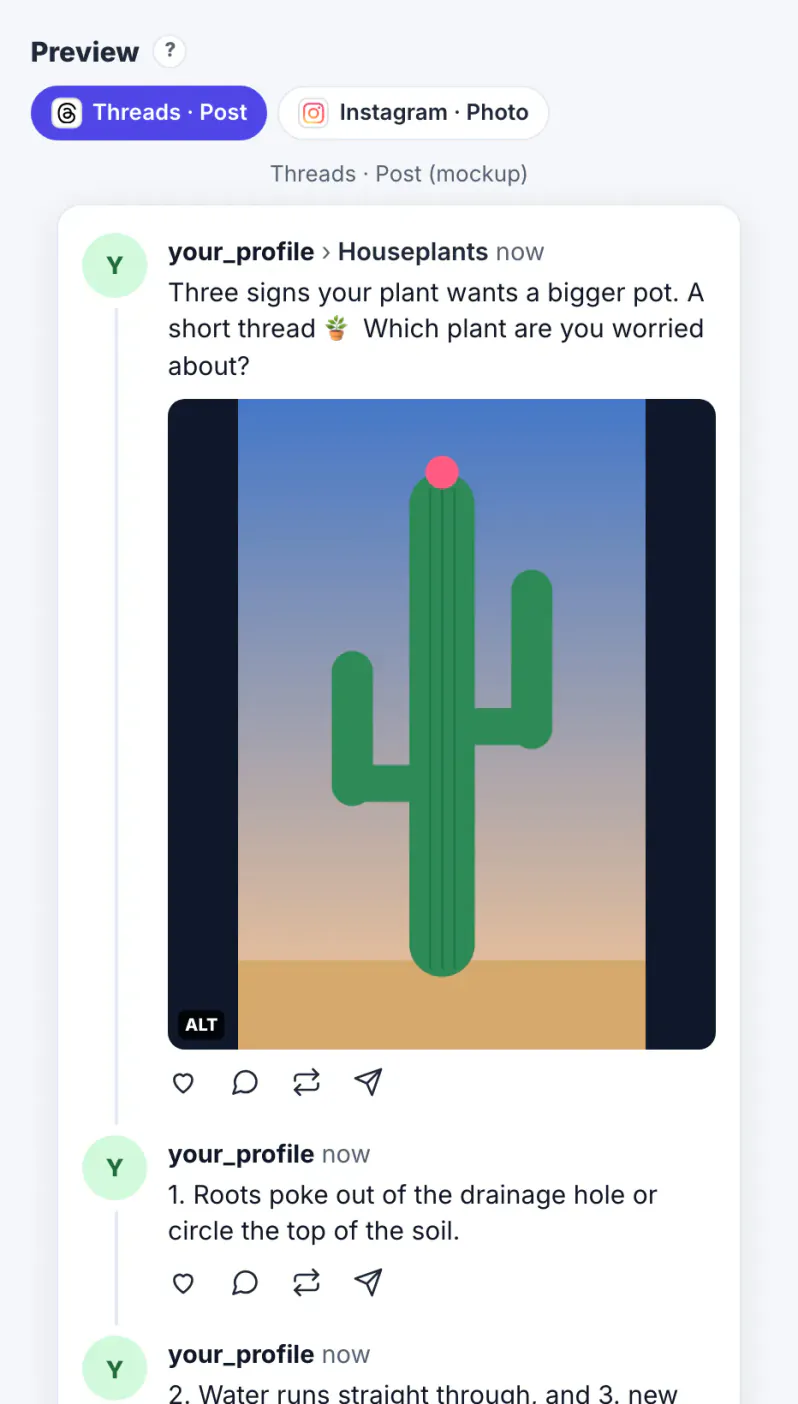
Threads rewards conversation. Posts that start replies keep travelling, and a well-structured thread gives people something to reply to. That kind of writing is easier with time to think than in a spare minute between tasks. Planning also keeps Threads consistent with the rest of your channels: when a product launch goes out on Instagram, the Threads version can go out the same hour with wording that suits a text-first network rather than a pasted Instagram caption full of hashtags. And a plan protects the quiet days. A few evergreen tips kept as drafts mean the account does not go silent during a busy week, which matters on a platform where regular posting helps you appear in followers' feeds.
How to schedule Threads posts in the Threads app
Write the post in Threads, open the more-options menu in the composer, and choose Schedule, then pick a date and time. Scheduled posts wait in your drafts area, where you can edit or delete them before they go live. Menus move between app versions, so if you do not see the option, update the app or try Threads on the web.
- Good for: a single post or thread on Threads only.
- Less helpful for: planning the same message across Instagram, Facebook and Bluesky, or seeing a month at a glance.
If Threads is your only network, the native scheduler is all you need. If it is one of several, plan in one place and let each network's version carry its own wording.
Plan Threads posts with your other networks
In the Social Media Scheduler, tick Threads under Post to. The Threads connection uses Meta's Threads API and is pending Meta's review; while the Threads option shows plan only, GrabCast plans and times the post and you publish it yourself when the reminder fires.
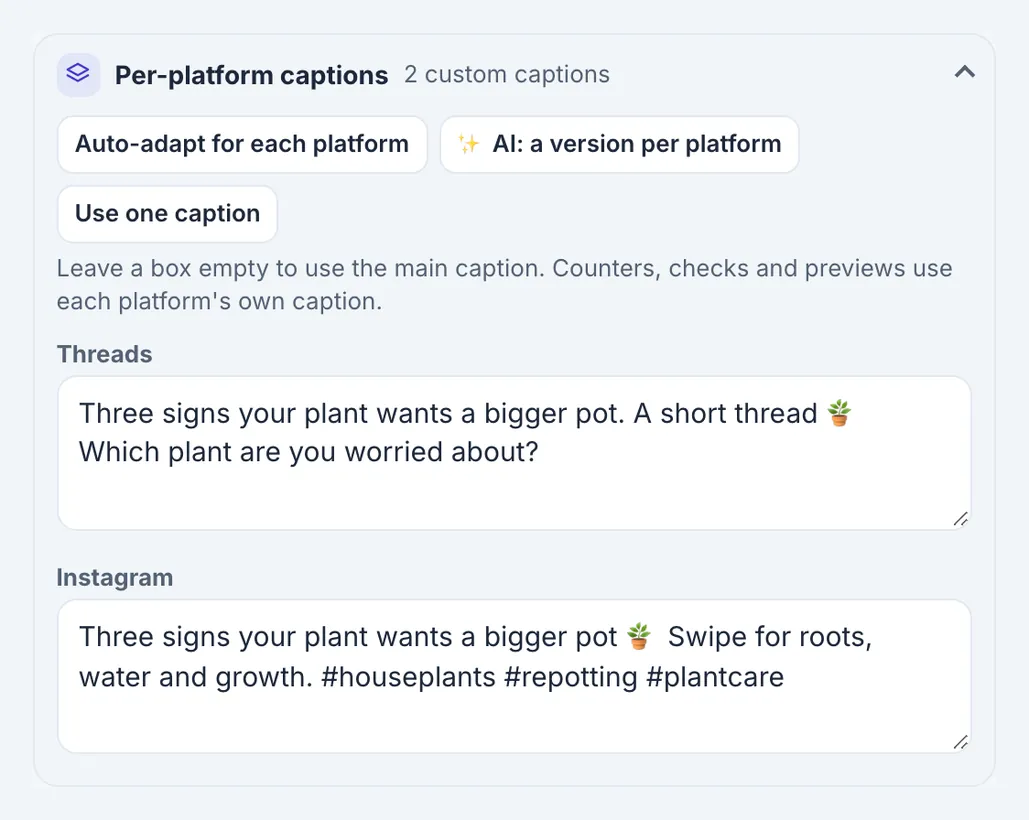
- Per-platform captions let the Threads version drop the hashtags and read like conversation while Instagram keeps its own caption.
- The counter shows each network's limit side by side, such as Threads 500 and Bluesky 300.
- Previews show how the post and photo sit on each network.
- The calendar puts all versions of a launch on the same day so nothing is forgotten.
The plant shop wrote one caption, then used Per-platform captions to give Threads a question at the end, which suits a network built on replies.
Threads rules the planner checks
These are the limits the Threads API enforces at the time of writing, mirrored in the composer.
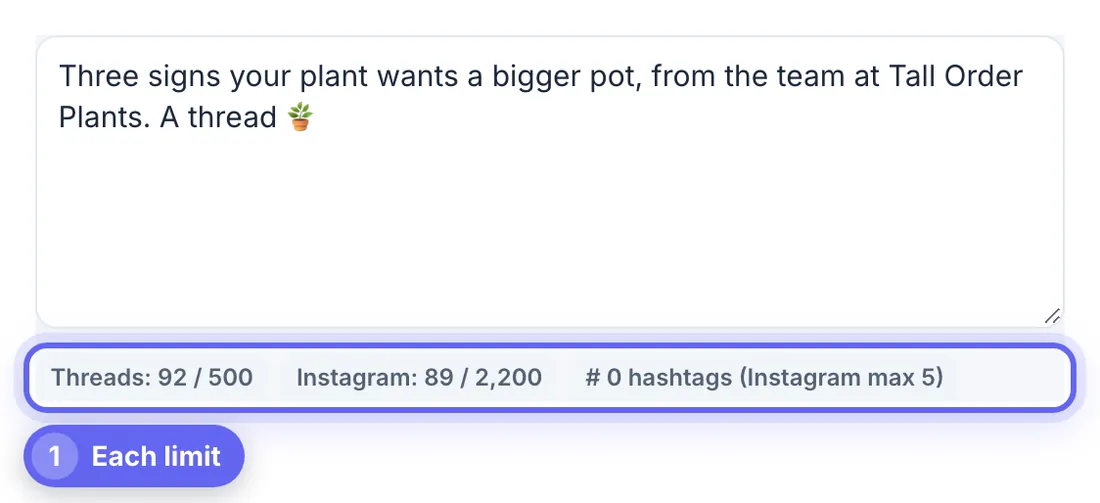
- 500 characters per post. Threads counts most emoji as more than one character, by their byte length, so an emoji-heavy post fills up faster than it looks; the counter uses the same rule.
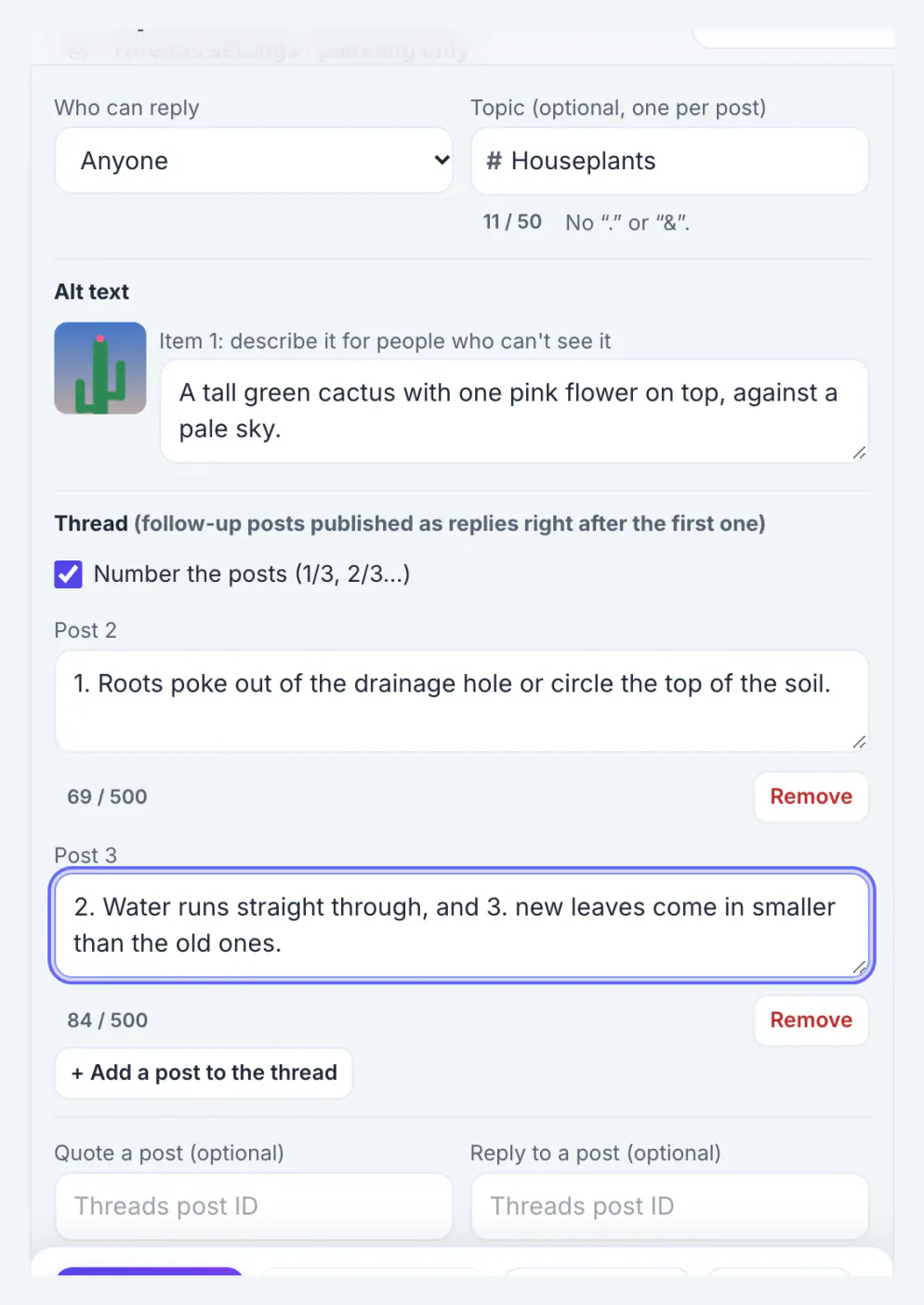
- Up to 5 links per post, and one topic tag of 1 to 50 characters without periods or ampersands.
- Media: no media for a text post, one JPEG or PNG image up to 8 MB, or one MP4 or MOV video up to 5 minutes; 2 to 20 items make a carousel.
- Alt text up to 1,000 characters for each image.
The topic tag replaces a stack of hashtags on Threads. Pick the single topic people would browse for, such as Houseplants, rather than five variations.
Build a thread people reply to
In the Threads settings panel, + Add a post to the thread creates follow-up posts that publish as replies right after the first one. Number the posts adds 1/3, 2/3 and so on.
- Lead with the payoff: the first post should make sense on its own, because many people see only that one.
- Keep each follow-up to one idea, such as one care tip per post.
- End with a real question, which invites replies.
- Choose who can reply: anyone, profiles you follow, only profiles you mention, or only your followers.
Tall Order's thread opened by promising three signs a plant needs a bigger pot and asking which plant readers were worried about, then gave the signs in two numbered follow-ups. For counting characters in drafts elsewhere, the word counter shows platform limits too.
Step-by-step
Common mistakes to avoid
Pro tips
Frequently asked questions
Can you schedule posts on Threads?
Yes. The Threads app added scheduling in 2025 through the composer's more-options menu. Planners can also schedule Threads posts through Meta's Threads API.
What is the Threads character limit?
500 characters per post, with most emoji counting as more than one character. Longer text should become a thread of follow-up posts.
How many hashtags can I use on Threads?
Threads uses one topic tag per post, 1 to 50 characters, without periods or ampersands.
Can I schedule a Threads carousel?
Yes. Two to twenty images or videos make a carousel, and each image can have alt text.
Why does GrabCast show plan only for Threads?
Threads publishing needs Meta's approval of GrabCast's app. Until then you plan and time the post in GrabCast and publish it in Threads when reminded.
Use the Threads app to schedule a quick single post, and a planner when Threads is one of several networks. Either way, write within 500 characters with emoji counted carefully, choose one topic tag, lead a thread with its strongest post, end with a question, and set reply controls before you publish.
Related guides
Browse more: all business guides · the Social Media Scheduler