What Is a 2FA Code and How Does TOTP Work?
A 2FA code is the short, six-digit number you enter after your password to prove it is really you. Most of these codes come from a system called TOTP, which generates a fresh number every thirty seconds from a shared secret and the current time. This explainer unpacks what a 2FA code is and exactly how TOTP produces it, without the jargon. Once you see how the pieces fit together, the rotating six digits stop feeling like magic and start making sense.
🔐 Try the 2FA Code Generator now — freeOpen →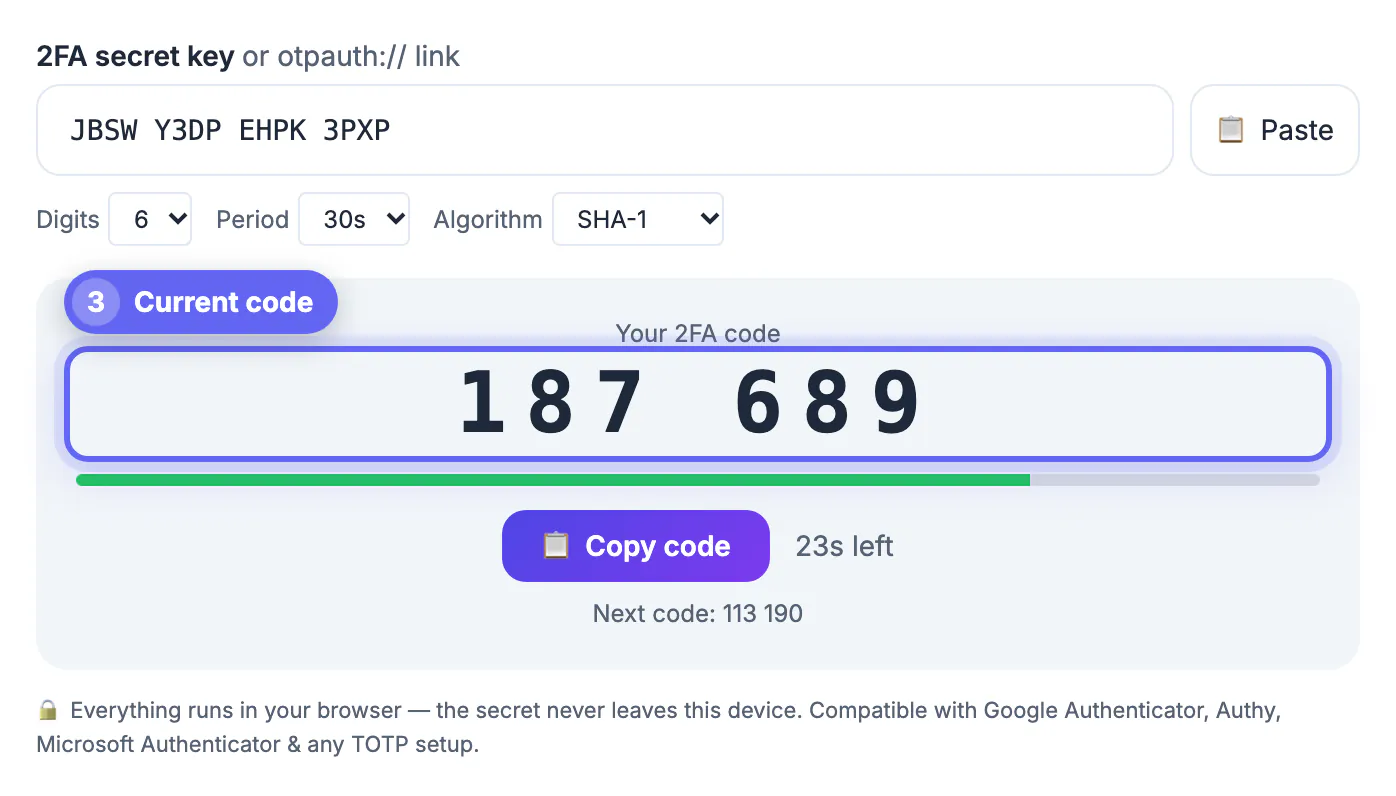
A password alone is a single point of failure: if it leaks, anyone can log in. Two-factor authentication adds a second proof, something you have, so a stolen password is no longer enough. The 2FA code is that second factor. Because the code changes constantly and is generated on your own device, an attacker who knows your password still cannot get in without the current number. Understanding how the code is produced makes the whole system less mysterious and helps you use it confidently. Grasping the mechanism also helps you troubleshoot: most 2FA problems trace back to a clock out of sync or a code entered a beat too late, both of which the model explains.
What a 2FA code actually is
A 2FA code is a temporary, one-time password, usually six digits, that is valid for a short window and then replaced by a new one.
- It is a second factor on top of your password
- It changes every thirty seconds in most apps
- It is generated locally, not sent over the internet each time
- Entering it proves you hold the enrolled device
How TOTP generates the code
TOTP stands for time-based one-time password. It combines two ingredients you and the server both know to compute the same number independently.
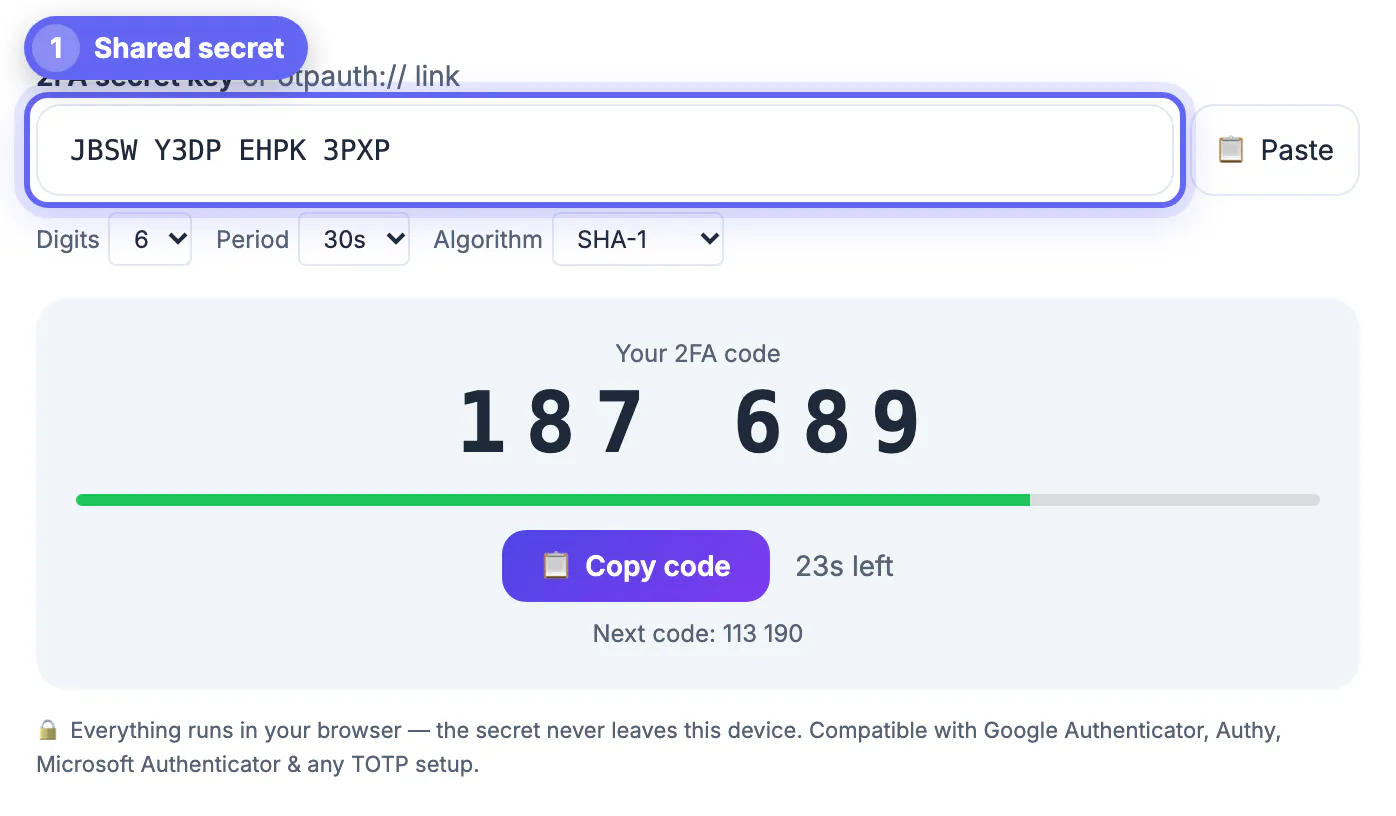
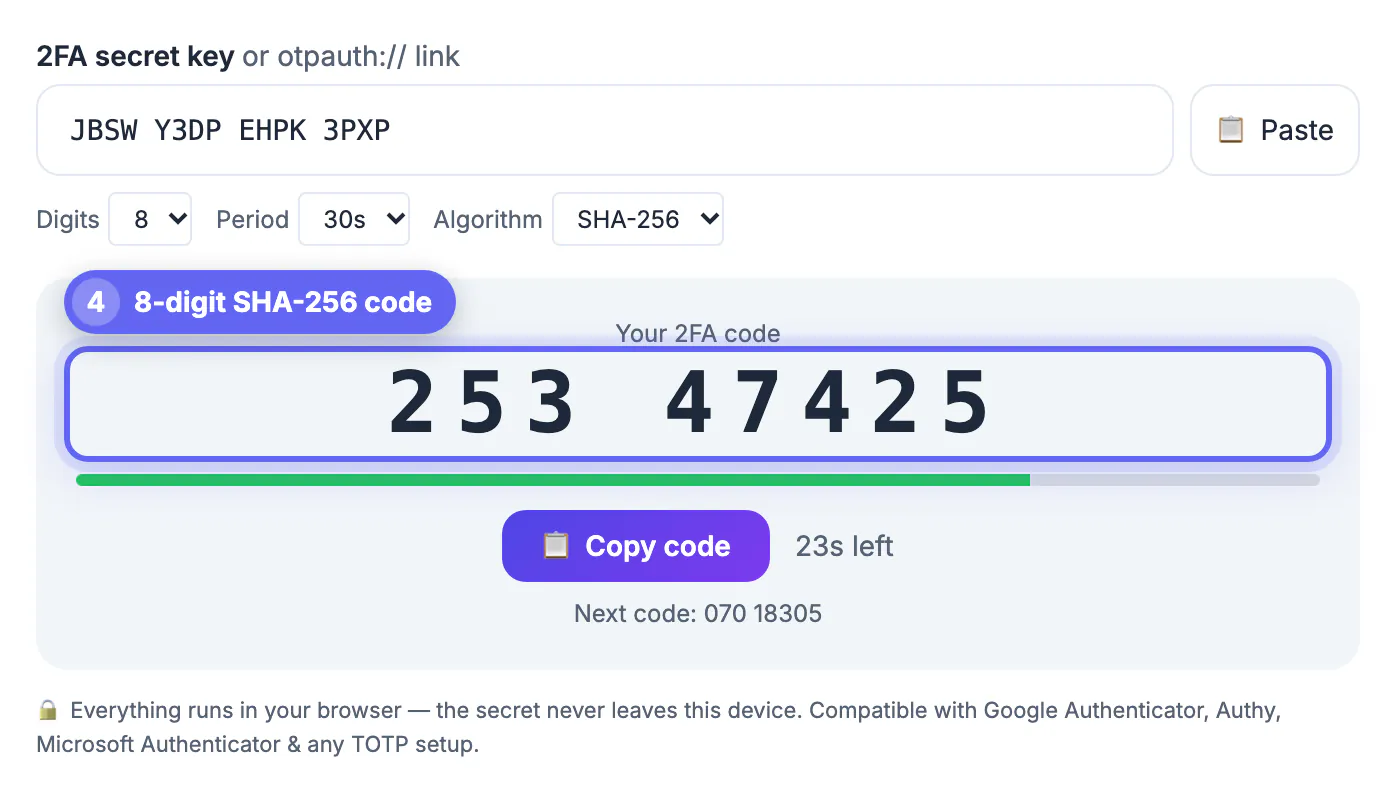
When you set up 2FA, the service shares a secret key with your authenticator, usually via a QR code. From then on, your app takes that secret and the current time, runs them through a hashing function, and produces the six-digit code. The server does the same calculation, and if the numbers match, you are in.
Why the code changes every 30 seconds
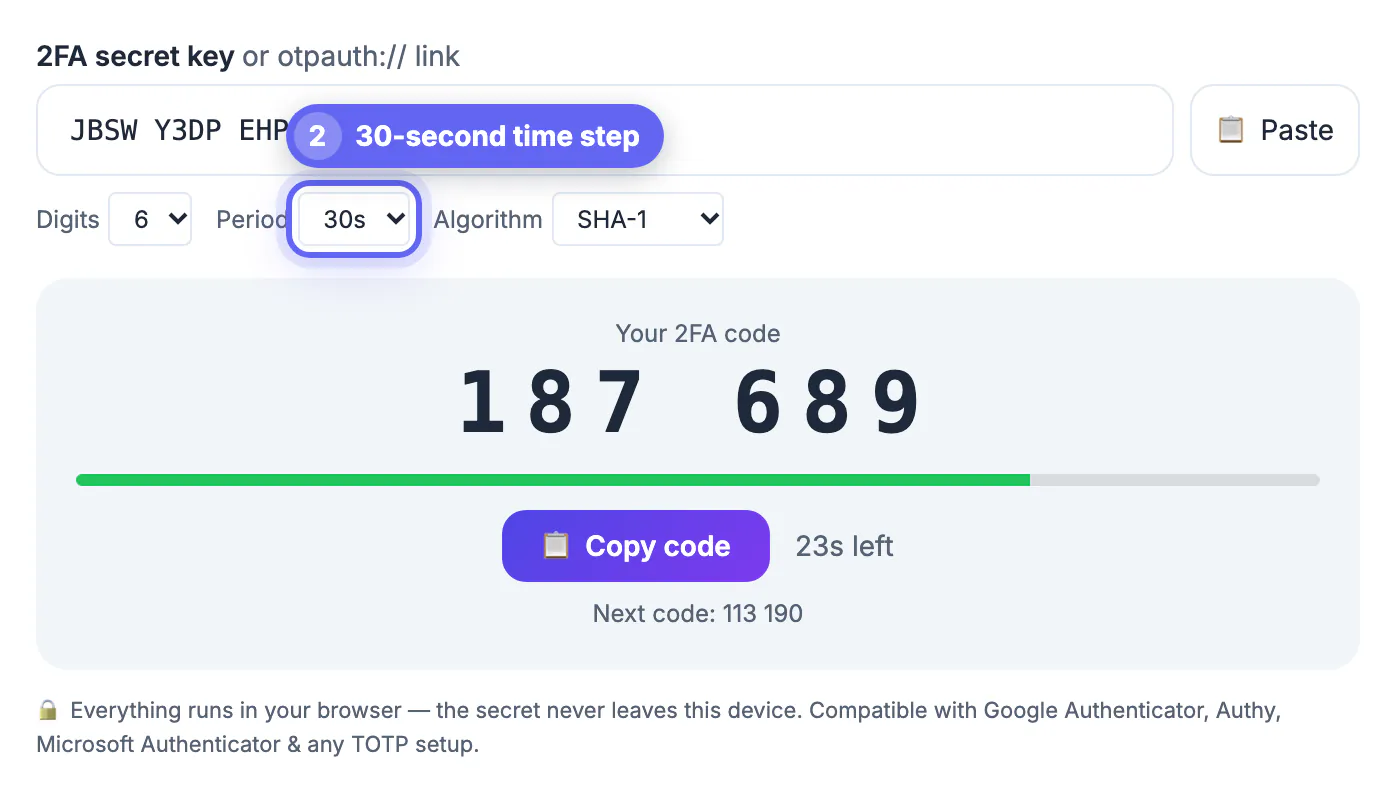
The time element is what makes the code temporary. TOTP divides time into thirty-second windows and generates a new code for each one.
- Both devices round the clock to the same time step
- A new time step means a new code
- Old codes expire, so a stolen code is useless quickly
- A small grace window covers minor clock differences
Why it works without the internet
A common surprise is that authenticator apps generate codes offline. Nothing is sent to you when you open the app.
Because both your device and the server already share the secret and both read the clock, each computes the code on its own. That is why 2FA codes work on a plane with no signal, and why they are more reliable than codes texted to a phone.
HOTP, TOTP and where the code comes from
Two closely related schemes generate one-time codes, and knowing the difference clarifies why most apps refresh on a timer.
- HOTP increments a counter each time you request a code
- TOTP replaces that counter with the current time
- Time-based codes need no server round trip to stay in sync
- Nearly all modern authenticator apps use TOTP
What the QR code actually contains
The QR code you scan during setup is not the code itself; it is the shared secret that makes every future code possible.
Encoded inside it are the secret key, the account name and the issuer, so your app knows which service the codes belong to. Because that secret is the crown jewel, anyone who captures the QR code can generate your codes, which is why you should treat setup screens as sensitive.
When a 2FA code is rejected
A code that looks right but fails is almost always a timing or entry problem, not a broken account. Work through the usual suspects before requesting a reset.
- Clock drift: if your phone clock is off by even a minute, the server computes a different number. Switch date and time to automatic and try the next code.
- Expired window: the code you read may have rolled over while you typed. Wait for the fresh one instead of retrying the old digits.
- Wrong entry: apps often hold several accounts with similar names. Check that the issuer label matches the site you are signing in to.
- Too many attempts: repeated failures can trigger a temporary lockout, so pause a few minutes rather than guessing.
Treat the second factor as one layer of a set. Pair it with a unique, long credential from the Password Generator so that neither factor carries the whole defence.
Where 2FA codes are used day to day
You meet these codes most often when signing in to email, banking, cloud storage and social accounts, and again when a service sees a new device or location. Some sites ask for the code on every login, others only when something looks unusual, so the prompt you see depends on how that service assesses risk.
Step-by-step
Common mistakes to avoid
Pro tips
Frequently asked questions
What is a 2FA code?
It is a short one-time number, usually six digits, that you enter after your password as a second proof of identity.
How does TOTP create the code?
It combines a secret shared at setup with the current time, hashes them together, and outputs a six-digit code that the server independently recomputes.
Why does the code change every 30 seconds?
TOTP splits time into thirty-second windows and generates a new code for each, so an intercepted code expires almost immediately.
Do 2FA codes need an internet connection?
No. Authenticator apps compute codes offline from the shared secret and the clock, so they work with no signal.
What is the difference between HOTP and TOTP?
HOTP generates codes from an incrementing counter, while TOTP uses the current time; almost all authenticator apps use TOTP, which is why codes refresh on a timer.
A 2FA code is a one-time number that TOTP computes offline from a shared secret and the clock, giving you a second factor that a stolen password cannot bypass.
Related guides
Browse more: all all guides · the 2FA Code Generator