Crop Image to 3:2 for 4x6 Prints Without Lab Cuts
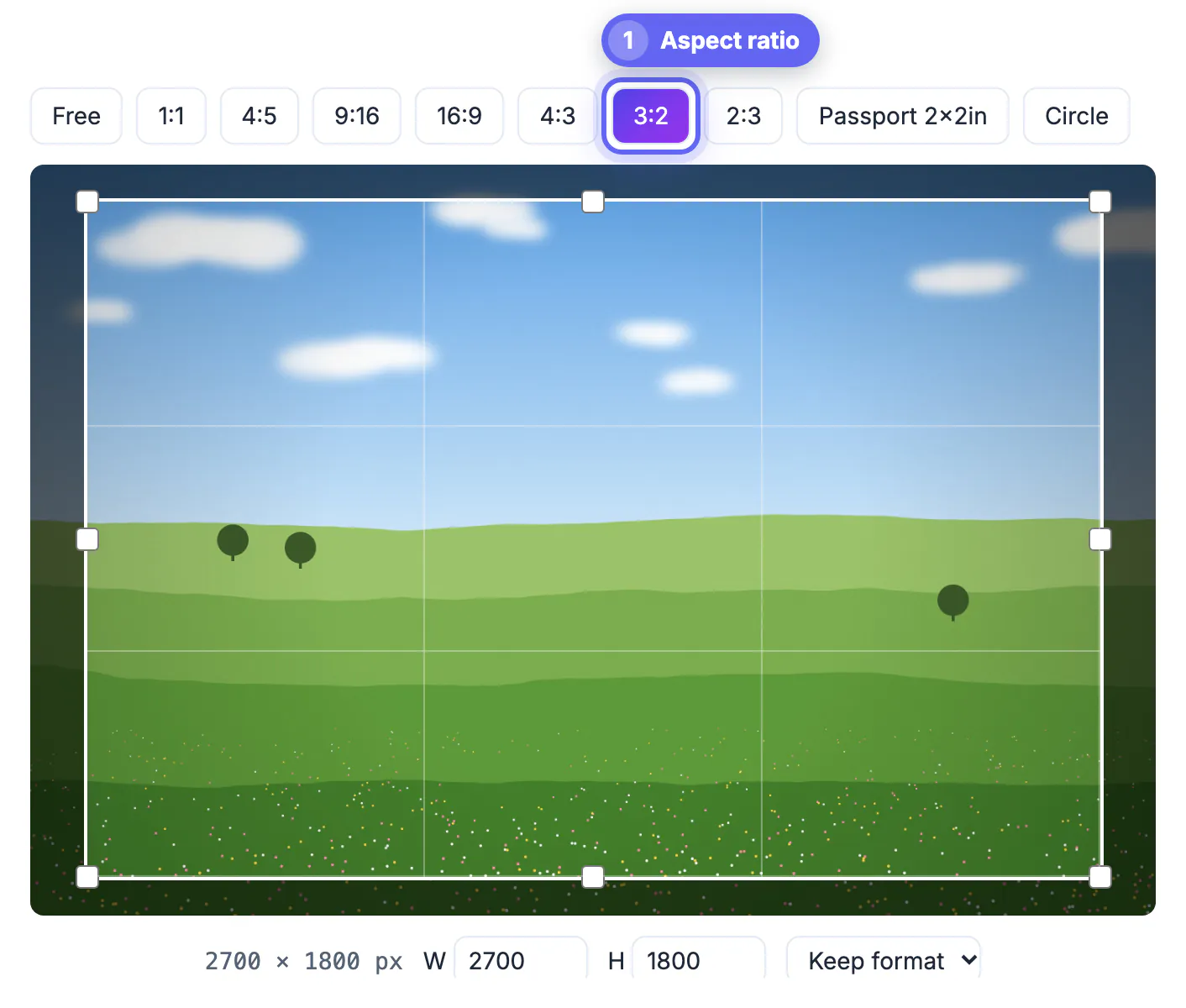
To stop a lab from cutting off heads, crop image to 3:2 yourself before you upload: a 4x6 print is exactly 3:2, and a file of any other shape gets trimmed automatically. For a sharp 4x6 you want about 1200 x 1800 pixels, which nearly any phone or camera from the last decade can deliver. This guide covers the pixel math for every 3:2 paper size, the sizes that are not 3:2, and how much margin to leave for the cutter.
✂️ Try Crop Image now — freeOpen →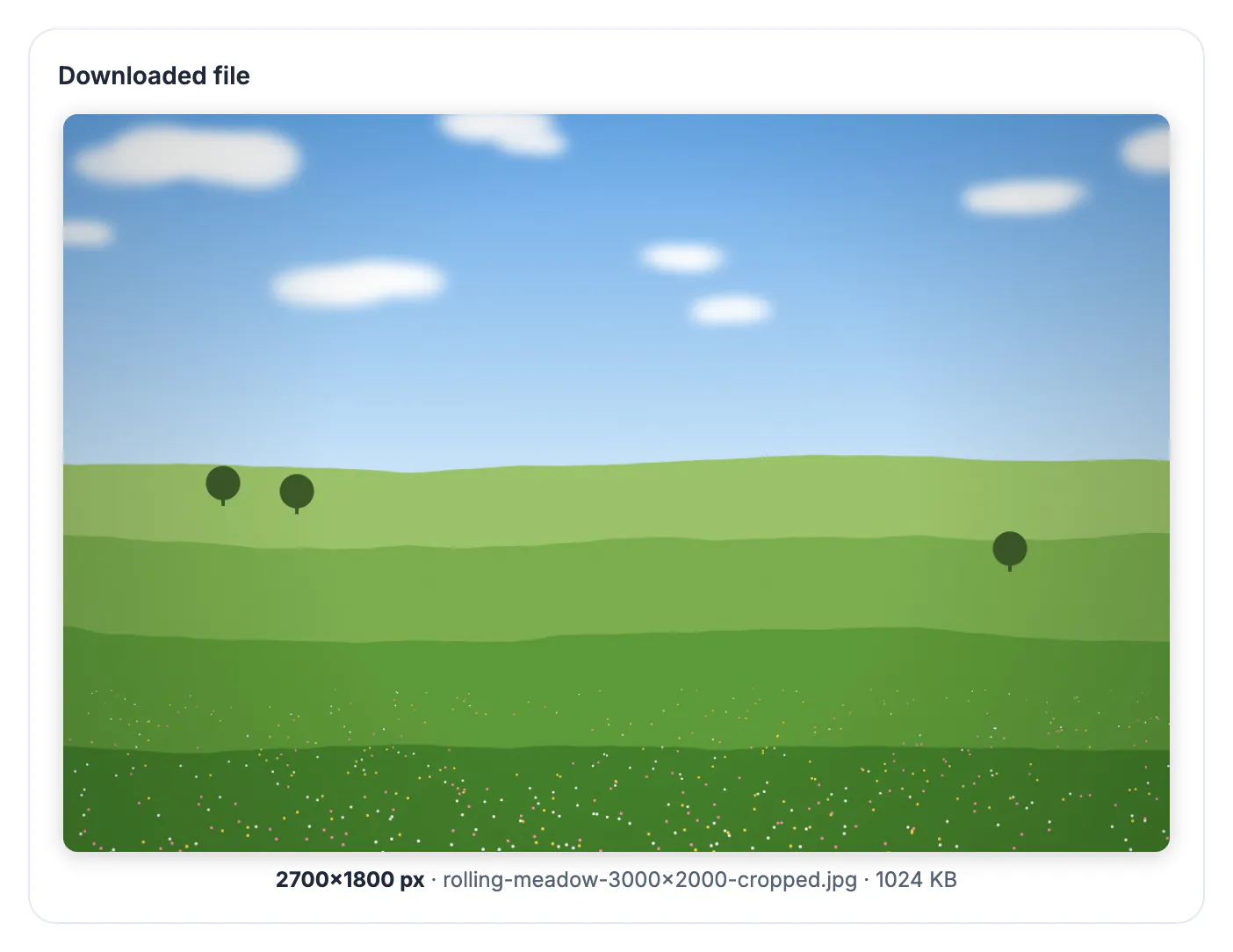
Photo paper comes in fixed rectangles, and the most common one, 4x6 inches, has a long side exactly 1.5 times its short side. Most phones shoot 4:3 frames (4032 x 3024 pixels on a typical 12 MP sensor), which are slightly squarer. When a squarer file meets 3:2 paper, the lab has two choices: leave white bars on two sides, or enlarge the frame until it fills the paper and slice off the overflow. Nearly every drugstore and warehouse-club kiosk defaults to the second option, so roughly 11 percent of the long edge of a 4:3 phone shot is thrown away, usually from the top and bottom of a vertical picture, exactly where foreheads and feet live. Dedicated cameras from Canon, Nikon, Sony and Fujifilm already shoot native 3:2, so their frames print full; phone users are the ones who get surprised. There is a cost angle too. Reprinting a batch of 60 vacation shots because grandparents lost their foreheads wastes money and a week of mailing time, while cropping takes a few seconds per frame. Doing it yourself also lets you choose which edge to sacrifice: sky above a mountain can go, but the trail at the bottom might be the story.
Which paper sizes are 3:2 and which are not
Only some standard sizes share the 3:2 shape. If you crop once to 3:2, every size in the first list prints without extra trimming; the second list needs its own crop.
- True 3:2 sizes: 4x6, 6x9, 8x12, 12x18, 16x24 and 20x30 inches, in landscape or portrait
- 5x7 is 1.4 to 1, so a 3:2 file loses about 7 percent of its long side on this paper
- 8x10 and 16x20 are 5:4, a much squarer shape that removes about 17 percent of a 3:2 frame
- 11x14 sits near 1.27 to 1 and behaves almost like 8x10
- Wallet prints (2.5x3.5) are 7:5, the same family as 5x7
Ordering a mix of 4x6 for an album and 8x10 for a frame? Export two separate files from the same original rather than letting one crop serve both.
Pixel targets for a sharp print at 300 PPI
Paper exposes softness that a phone screen hides. Labs quote 300 pixels per inch as the ideal and roughly 150 as the floor for pieces viewed from a few feet away.
- 4x6: 1200 x 1800 pixels (about 2.2 megapixels)
- 6x9: 1800 x 2700 pixels
- 8x12: 2400 x 3600 pixels
- 12x18: 3600 x 5400 pixels, or 1800 x 2700 at an acceptable 150 PPI for wall viewing
- A 4032 x 3024 phone file cropped to 3:2 becomes 4032 x 2688, enough for 9x13.4 inches at 300 PPI
If the crop dimensions fall below the target, choose a smaller paper size instead of upscaling. Enlarging software invents pixels and rarely fools anyone holding the print.
Printing several shots on one sheet? The Photo Collage Maker lays them out. Large file? Shrink it with the Compress Image tool before sending it to the lab.
Trim margin: keep faces out of the outer 3 percent
Even a perfect 3:2 file loses a sliver. Printers use a small bleed and cut the paper afterward, and cutting tolerance varies from one machine to the next.
- Assume up to 1/8 inch can vanish from each edge of a 4x6, about 3 percent
- Keep eyes, chins, text and signatures at least that far from every border
- Group shots need extra room at the ends of the row, where people stand closest to the edge
- Some kiosks offer a fit option with thin white borders; that avoids trimming but shrinks the picture slightly
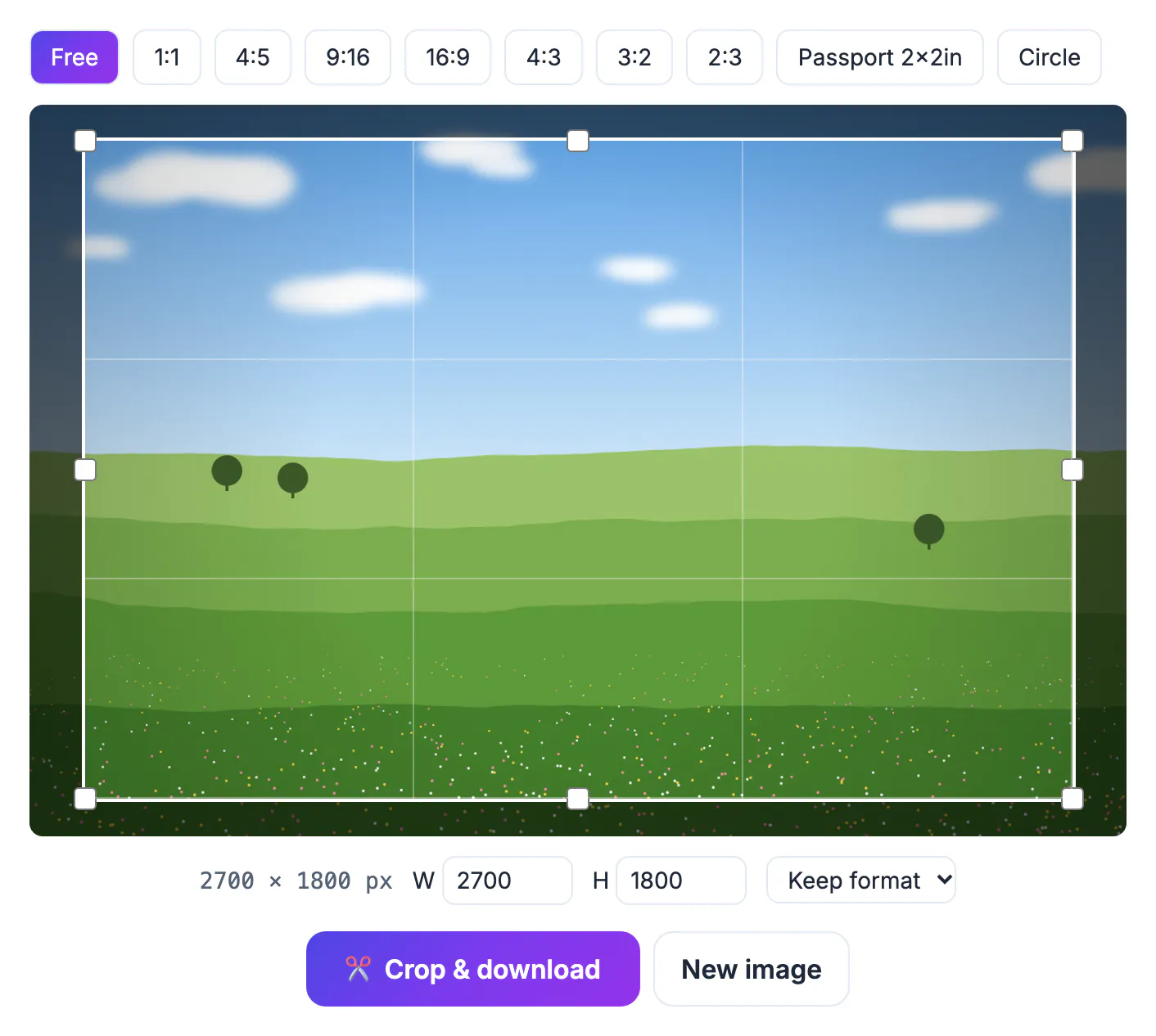
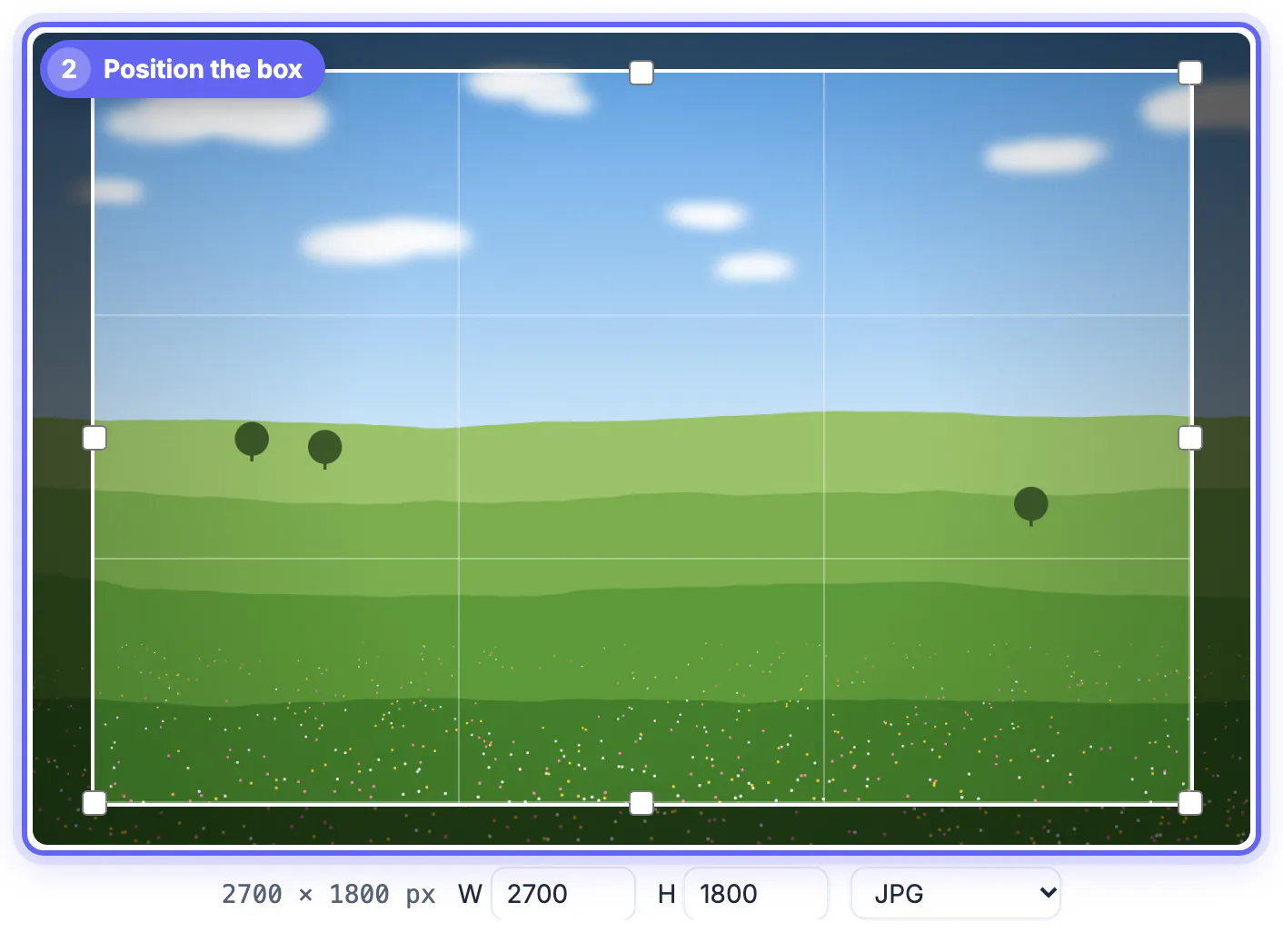
The thirds grid inside the crop box doubles as a guide here: anything inside the outer lines is safely clear of the cutter.
Portrait prints, 2:3, and cropping several frames for one album
A vertical 4x6 is the same rectangle turned on its side, which the tool offers as the 2:3 preset. Use 3:2 for landscapes and 2:3 for standing portraits so you never rotate the frame inside the box.
- Pick the orientation that matches the finished album page, not the way the phone was held
- Keep the horizon level; a tilted shoreline looks worse on paper than on a screen
- For a matching set, reuse the same preset so every print lines up in the sleeve
- Save JPG for labs; most online print services reject or convert PNG and WebP uploads
Order one test print before a batch of 200. A single $0.30 print costs far less than reprinting a whole wedding album.
Step-by-step

Common mistakes to avoid
Pro tips
Frequently asked questions
What aspect ratio is a 4x6 print?
Exactly 3:2, because 6 divided by 4 is 1.5. The same shape covers 6x9, 8x12, 12x18 and 20x30, so one crop fits all of them. Portrait and landscape versions use the same shape, just rotated.
How many pixels do I need for a 4x6?
About 1200 x 1800 at 300 pixels per inch. Around 900 x 1350 (225 PPI) still prints acceptably, but below that, fine detail like hair and text starts to blur. Larger enlargements need proportionally more: 2400 x 3600 for an 8x12 and 3600 x 5400 for a 12x18.
Why is my 5x7 print still cropped after I cropped to 3:2?
Because 5x7 is 1.4 to 1, not 1.5 to 1. Crop a separate version with exact pixel dimensions, for example 1500 x 2100, for that size. Many kiosks let you set a different crop for each size in the same order, which helps if you forget.
Does cropping reduce print quality?
It removes pixels, so the remaining area must still meet the pixel target. The crop tool itself does not rescale what is left; it saves JPG at high quality or PNG losslessly. For best results, crop from the camera original rather than an edited export that was already reduced.
Can I crop on my phone before ordering prints?
Yes. The crop box works with touch in mobile browsers, and the file never leaves your device during cropping. There is no watermark, file limit or account, and you can crop as many album frames as you like.
A 4x6 is 3:2, and so are 6x9, 8x12 and 12x18. Crop to that shape yourself, keep faces clear of the outer 3 percent, hit roughly 300 pixels per inch, and make a separate file for 5x7 or 8x10 paper.
Related guides
Browse more: all image guides · Crop Image