Crop Photo to Passport Size: 2x2 in and 35x45 mm
To crop photo to passport size for a US application, cut a square 2 x 2 inch frame where the head, measured from chin to top of hair, spans 1 to 1 3/8 inches. The UK, Schengen countries and much of Europe want 35 x 45 mm instead, with different head rules. Get the crop right and you can print official-size copies at home or at a drugstore kiosk for well under a dollar, instead of paying around $15 at a counter service. Cropping cannot fix a bad background or shadows, though, so start with a compliant shot.
✂️ Try Crop Image now — freeOpen →
Agencies reject photos for problems that a quick crop would have prevented. The US State Department lists head size and position among the most common reasons, alongside shadows, glasses and old photos. A face that is too small or too large, or eyes set too high in the frame, fails no matter how sharp the picture is. Most home photos are taken from farther away, so the head fills too little of the frame until you crop in. Doing that crop carefully against the official measurements, rather than eyeballing it, is what turns a decent phone picture into an acceptable application photo. Keep in mind that editing beyond cropping and resizing, such as smoothing skin, replacing the background or using filters, is not allowed and can lead to a rejected application. Doing it yourself pays off most for families: four passport renewals at a counter service cost around $60, while a home photo cropped correctly and printed on two 4x6 sheets costs about a dollar. Students applying for visas, job applicants needing ID badges and anyone renewing a driver's permit or residence card with an agency that accepts self-supplied photos can follow the same process.
Passport photo size rules by country
Always confirm on the issuing agency's own page before you print, because rules do change. These are the published specs at the time of writing.
- United States passport and many visas: 2 x 2 inches (51 x 51 mm); head 1 to 1 3/8 inches (25 to 35 mm) from chin to top of hair
- United Kingdom: 35 x 45 mm; head 29 to 34 mm from chin to crown; plain cream or light grey background
- Schengen visas and most EU passports: 35 x 45 mm; face 32 to 36 mm, roughly 70 to 80 percent of the height
- Canada: 50 x 70 mm; face 31 to 36 mm from chin to crown
- Indian visa applications: 2 x 2 inches, square like the US format
Background, lighting and expression rules sit alongside the dimension rules. The US requires a plain white or off-white background, both eyes open, a neutral expression or natural smile, and no glasses.
Translating the rules into pixels
An editor works in pixels, not millimeters, so convert the head rule into a share of the frame first.
- US 2 x 2 at 600 x 600 pixels: head should span 300 to 413 pixels, which is 50 to 69 percent of the height
- US eye line: 1 1/8 to 1 3/8 inches from the bottom, or 56 to 69 percent of the height up from the bottom edge
- 35 x 45 mm frames: use exact pixel entry at a 7:9 shape, for example 700 x 900 pixels
- At 700 x 900, a 32 to 36 mm face equals roughly 640 to 720 pixels tall
- Keep the face centered left to right with even space on both sides
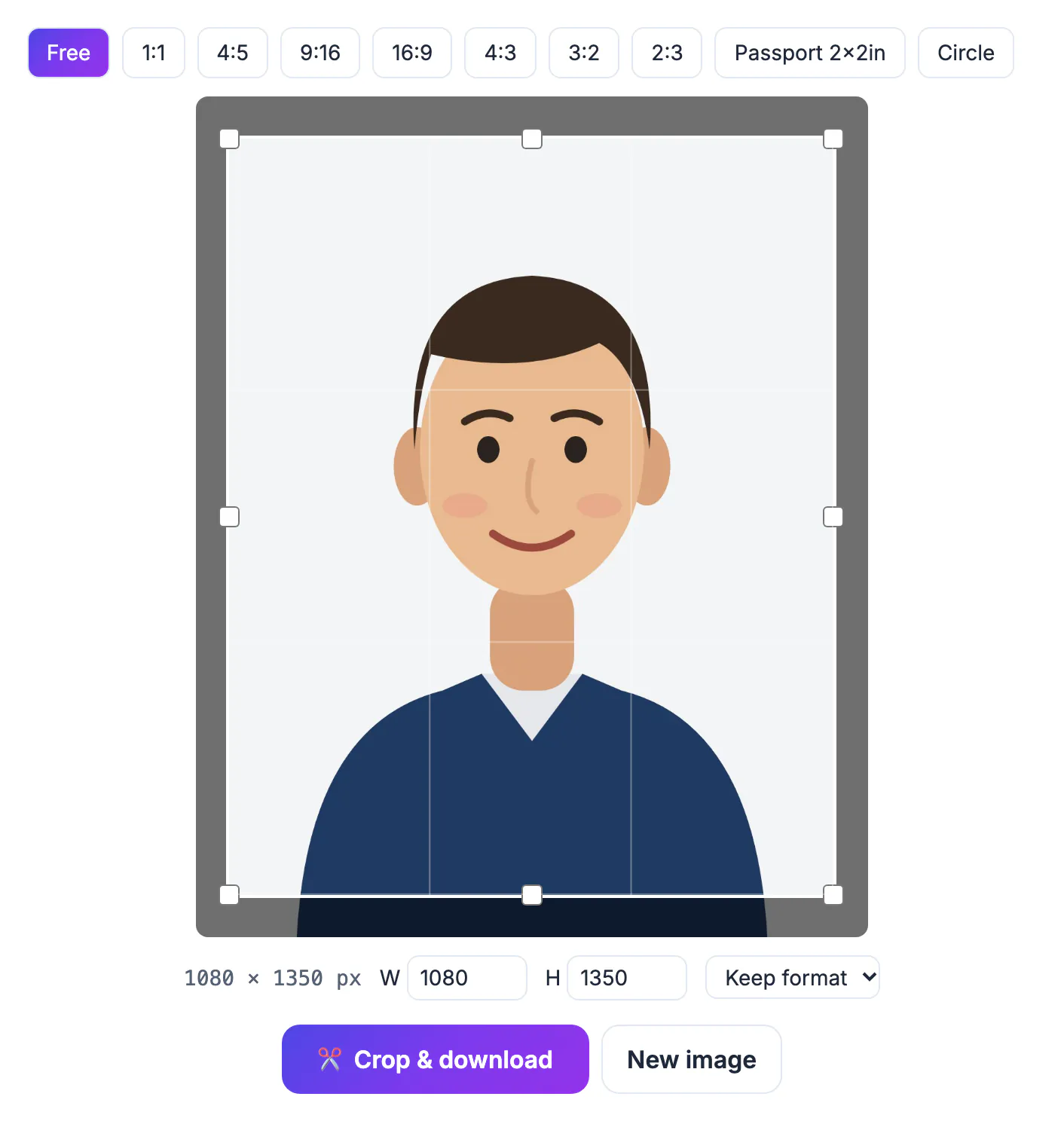
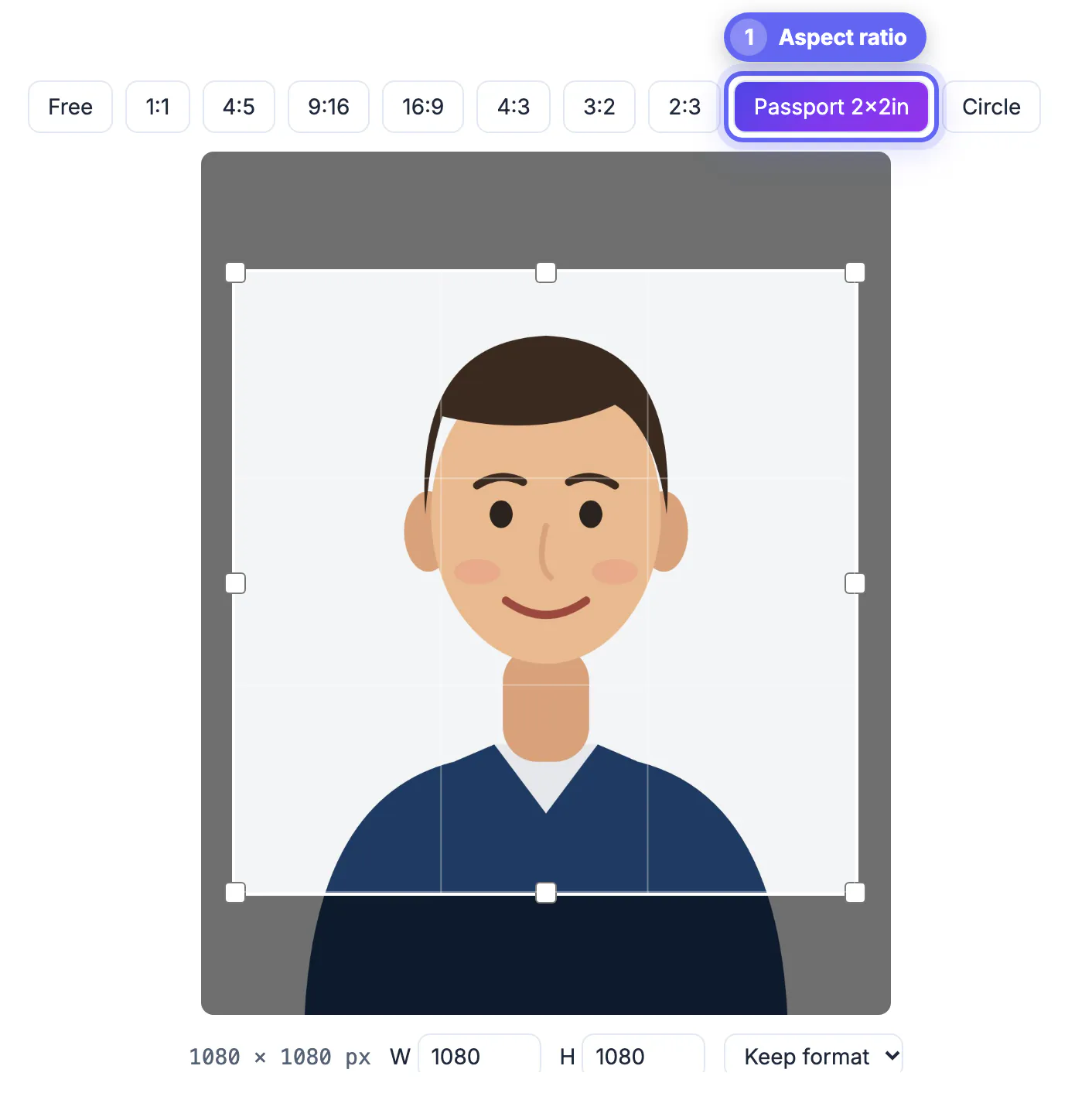
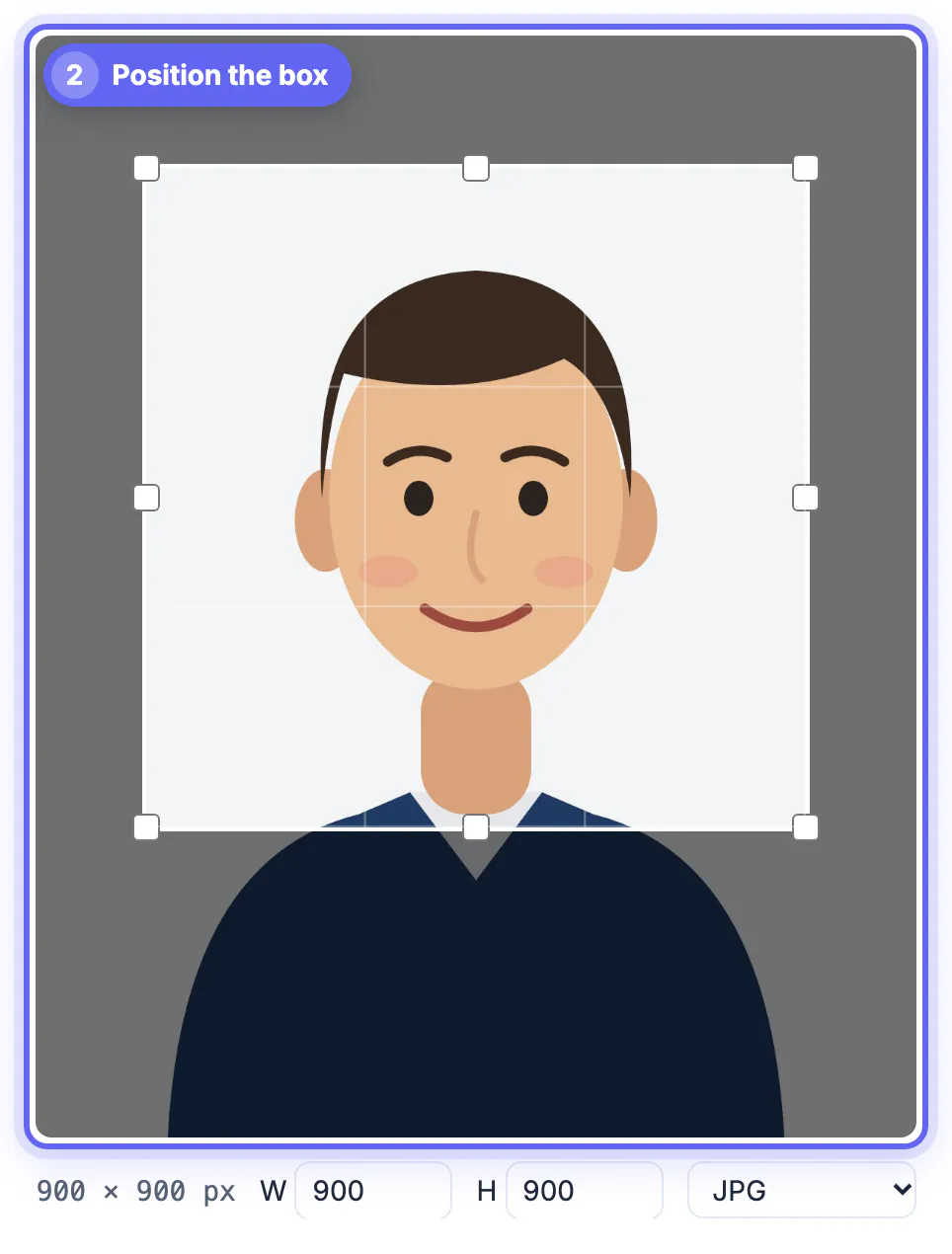
The Passport 2x2in preset in Crop Image locks a square box; for 35 x 45 mm, choose Free and type the width and height.
Digital photos for online renewal
US online renewal and several other online services accept a digital file instead of a paper print, with strict technical limits.
- US digital photo: JPEG, square, at least 600 x 600 and no more than 1200 x 1200 pixels
- US file size must fall between 54 KB and 10 MB
- UK online applications accept a digital photo at least 600 pixels wide and 750 tall
- Do not upload a scan of a printed photo if the service asks for a digital original
After cropping, open Resize Image and pick the Passport 2x2 in (600 px) preset to land exactly on 600 x 600.
Printing two passport photos on one 4x6
Most applications need two identical prints. A 4x6 at 300 PPI is 1200 x 1800 pixels, so two 600 x 600 squares fit side by side with room left over.
- Place both squares on a white 1200 x 1800 canvas in any editor, then order a standard 4x6
- Choose matte or glossy photo paper; plain printer paper is not accepted
- Ask the kiosk not to scale or fit the image, or the 2 x 2 dimensions will be wrong
- Measure the printed head with a ruler before cutting
A single 4x6 costs about 30 to 50 cents at most drugstore labs and gives you two usable copies.
The phone scanning guide helps if you also need clean digital copies of the supporting documents.
Step-by-step

Common mistakes to avoid
Pro tips
Frequently asked questions
What size is a US passport photo in pixels?
For a digital upload, a square between 600 x 600 and 1200 x 1200 pixels. For print, 2 x 2 inches, which is 600 x 600 pixels at 300 PPI. Placed on a 1200 x 1800 canvas and printed as a 4x6 without scaling, a 600 x 600 square comes out at exactly 2 x 2 inches.
How big should my head be in a 2x2 photo?
Between 1 and 1 3/8 inches from chin to top of hair, which is 50 to 69 percent of the frame height. The eyes should also sit between 1 1/8 and 1 3/8 inches from the bottom of the photo.
Is 35x45 mm the same as 2x2 inches?
No. 35 x 45 mm is a taller rectangle used by the UK, Schengen states and much of Europe. A 2 x 2 inch photo is square. Using the wrong format is one of the more common reasons overseas visa applications get sent back.
Can I crop my own passport photo?
Yes. Cropping and resizing are allowed. Retouching, filters and background replacement are not, so keep edits to the crop. If in doubt, leave a little more room above the hair rather than less; clipped hair is a frequent rejection reason.
Is my photo uploaded when I crop it here?
No. Crop Image runs in your browser, so your ID photo stays on your device. Your photo is not stored, shared or sent to a government agency by the tool.
US photos are 2 x 2 inches with a head of 1 to 1 3/8 inches; the UK and Schengen use 35 x 45 mm. Crop against those numbers, resize to 600 x 600 for digital renewal, and print two copies on a 4x6 without scaling.
Related guides
Browse more: all image guides · Crop Image