Crop to 4:5 Instagram Portrait: 1080x1350 Guide
The tallest photo a regular Instagram feed post can show without cropping is 4:5, which is 1080 x 1350 pixels. Crop to 4:5 Instagram portrait size and your picture takes up about 25 percent more vertical space on a phone than a square, which means more time on screen as people scroll. The catch is that your profile grid now previews posts as 3:4 rectangles, so a thin strip on each side of a 4:5 post gets hidden there. Here is how to frame for both views at once.
✂️ Try Crop Image now — freeOpen →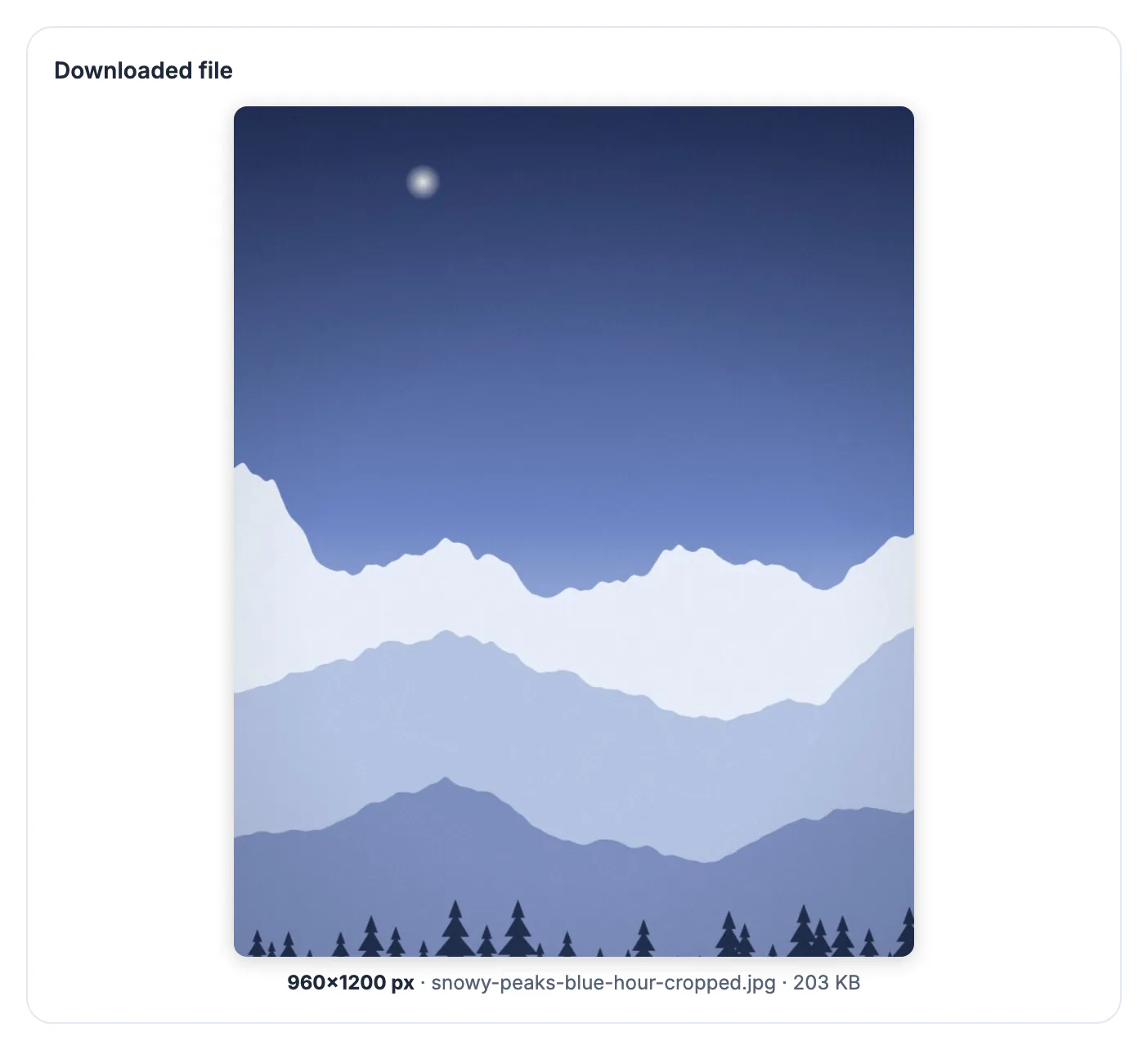
Instagram accepts feed photos anywhere from 1.91:1 landscape to 4:5 portrait. Anything taller, such as a 9:16 phone screenshot or a 2:3 camera frame, is center-cropped down to 4:5 when you post. Feed width is fixed on a phone, so the only way to claim more screen is height: a 1080 x 1350 post is 270 pixels taller than a 1080 x 1080 square and more than twice the height of a 1.91:1 landscape. Photographers, food creators and small brands have leaned on this for years because the extra height pushes the next post further down. The platform will choose a crop for you if you skip this step, but its center crop has no idea where the product label or the bride's face is. Brands that switched a product catalog from squares to 1080 x 1350 frames often report longer dwell time simply because the post lingers on screen a beat longer. The same frame also works for Facebook feed posts and Threads, which display tall 4:5 media nicely, so one export serves three apps with no extra editing.
The numbers Instagram uses for 4:5 posts
Everything about this format follows from one width. The app displays feed photos at 1080 pixels wide and scales anything else to match.
- Recommended upload: 1080 x 1350 pixels, a ratio of 0.8
- Uploads wider than 1080 are downsized and recompressed by Instagram
- Frames narrower than 320 pixels are enlarged and look soft
- Allowed feed range: 1.91:1 (1080 x 566) to 4:5 (1080 x 1350)
- A 12 MP phone portrait (3024 x 4032) cropped to 4:5 keeps 3024 x 3780, about 94 percent of the frame
Because the camera already shoots close to 4:5 when held vertically, this trim costs you very little. The real work is choosing which 6 percent to lose.
Designing for the 3:4 profile grid
Since early 2025 the profile grid shows each post as a 3:4 tile instead of a square. A 1080 x 1350 post is trimmed to roughly 1012 x 1350 in that tile, so about 34 pixels vanish from each side.
- Keep logos, prices and text at least 50 pixels in from the left and right edges
- Faces near the side of a group shot may be half hidden in the grid preview
- Top and bottom are not trimmed in the grid, so vertical headroom is safe
- You can adjust the grid thumbnail after posting, but it cannot show more than the 3:4 window
Think of the feed as the full 4:5 canvas and the grid as a slightly narrower window onto it.
Carousels: one ratio rules every slide
In a multi-photo post, the first photo sets the frame for the whole carousel. Mixing a square cover with 4:5 slides forces the app to trim the later ones.
- Crop every slide with the same 4:5 preset before you start the upload
- Up to 20 photos and videos fit in one carousel
- For a panorama split across slides, divide the wide shot into equal 1080 x 1350 panels so the seams line up
- Put the strongest shot first; it is the only one guaranteed to appear in followers' feeds
Batch-resizing every finished file to 1080 x 1350 with the resizer's 4:5 preset keeps the set identical in size.
Export settings that survive Instagram compression
Instagram recompresses every upload, so the goal is to hand it a clean file at its native size and let it do as little work as possible.
- Export JPG at high quality; PNG uploads are converted anyway
- Resize to exactly 1080 wide so the app does not resample a 3024-pixel file on your phone
- Avoid heavy grain and fine patterns, which break into blocks after compression
- Upload over Wi-Fi when the app offers a highest-quality upload setting
The cropper keeps your original pixel count, so run the result through the resizer to land on 1080 x 1350 exactly.
Heavy file after export? The Compress Image tool trims the size before you upload.
Step-by-step
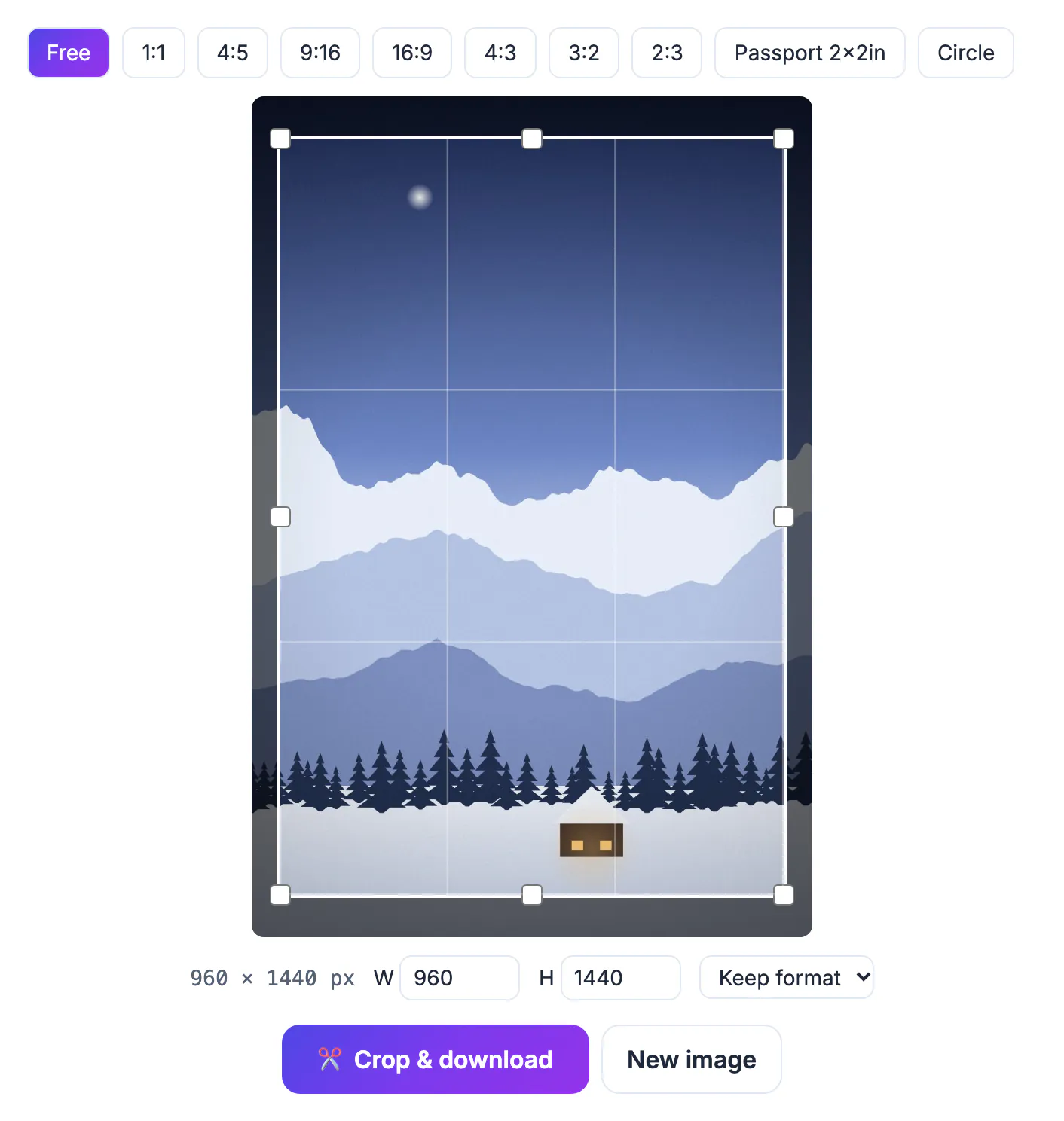
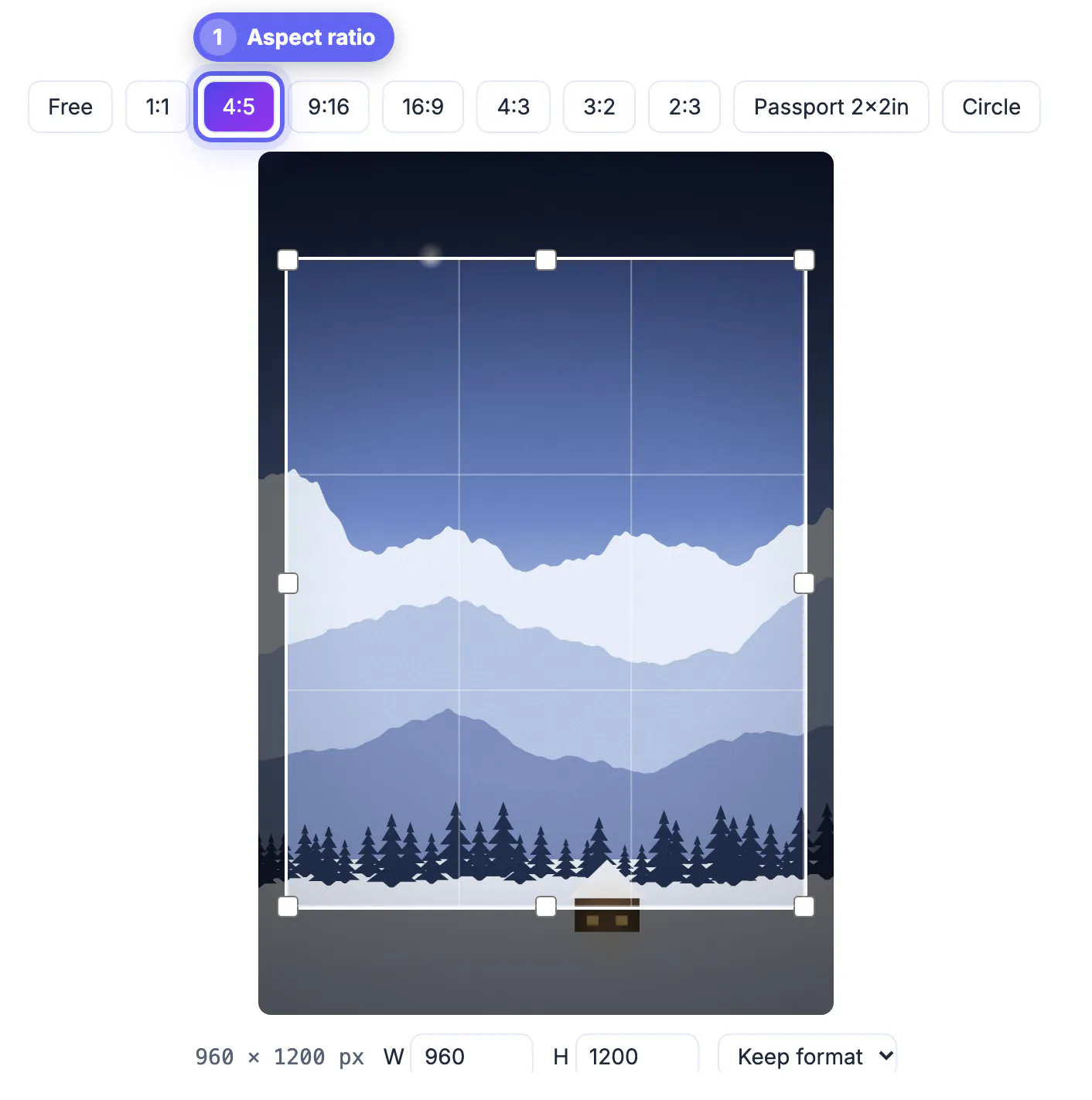
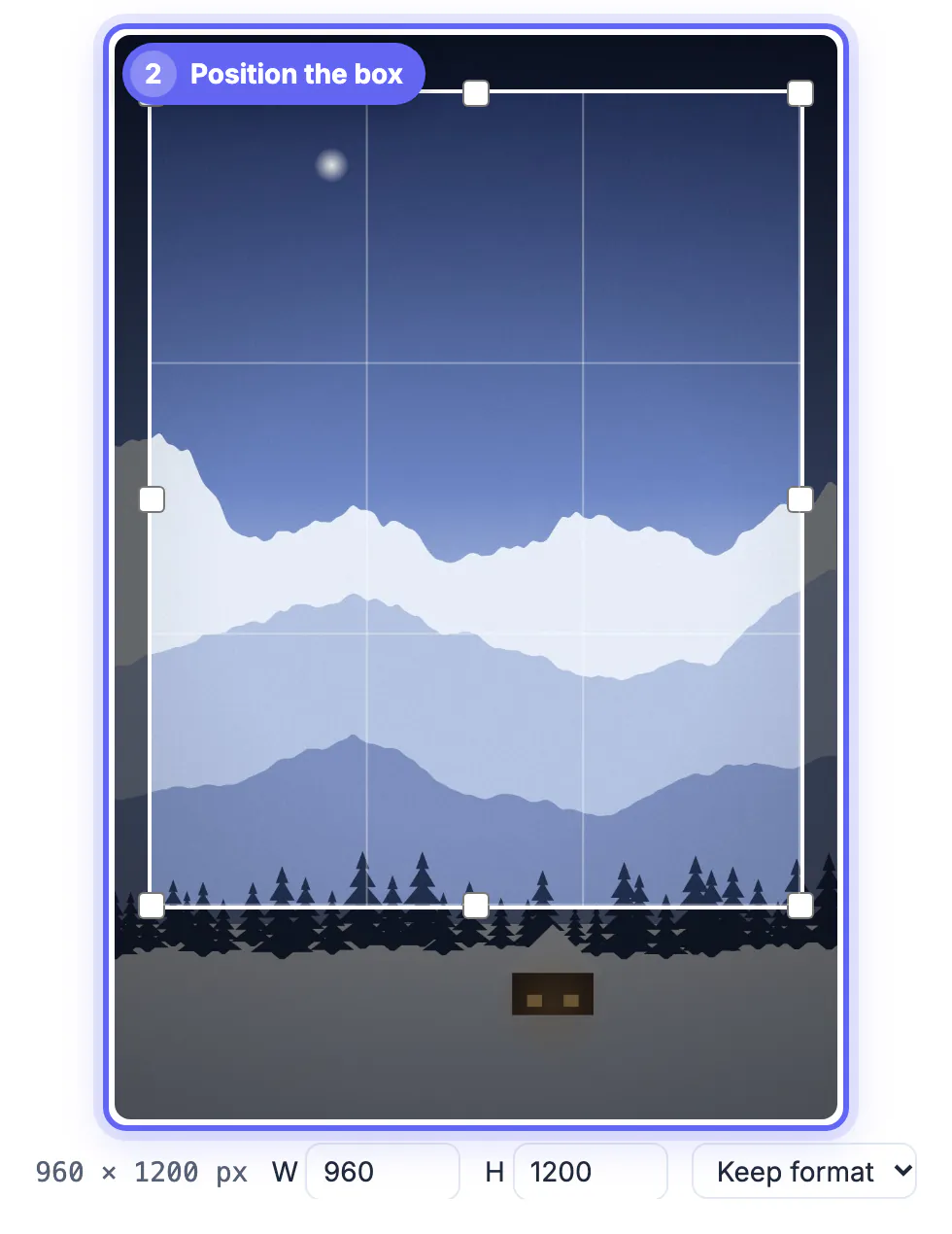

Common mistakes to avoid
Pro tips
Frequently asked questions
What size is a 4:5 Instagram post?
1080 x 1350 pixels. Instagram shows feed photos 1080 pixels wide, and 4:5 is the tallest shape it allows for a standard photo post. Facebook and Threads show the same file well, so one export covers several feeds.
Why does my 4:5 post look cut off on my profile?
The profile grid now uses 3:4 tiles, which are slightly narrower than 4:5. About 34 pixels on each side are hidden in the grid but still visible in the feed. Tap the post itself to confirm nothing important was lost; the full frame is always visible there.
Can I post a 9:16 photo in the feed?
Not as a regular photo post. Instagram crops it to 4:5. Use Stories or Reels for full 9:16, or crop it to 4:5 yourself first. Instagram Stories use the full 1080 x 1920 phone screen instead, which is a separate format with its own layout rules.
Should every carousel slide be 4:5?
Yes. The first slide sets the ratio for the set, so matching every slide avoids unexpected cropping of the later images. A mixed-ratio carousel is the most common reason slides look zoomed in after posting.
Does the cropper upload my photos?
No. Cropping happens in your browser tab, and the file stays on your device until you post it yourself. You can crop every frame of a planned carousel on a laptop or phone before opening the app.
Crop feed photos to 4:5 and export at 1080 x 1350 to claim the most vertical space Instagram allows. Keep text and faces about 50 pixels in from the sides for the 3:4 grid, and match every carousel slide to the first.
Related guides
Browse more: all image guides · Crop Image