Edit PDF Lecture Slides in PowerPoint With Speaker Notes
If the only copy of a lecture is a PDF, you can turn it back into editable PowerPoint slides: convert it with Editable text mode and tick the option that copies each page's text into the speaker notes. Teachers inheriting a colleague's unit, teaching assistants updating last term's handouts and students asked to present a chapter all run into this. Using a four-slide earth science lecture from a fictional course as the example, this guide shows what GrabCast's PDF to PowerPoint rebuilds, where the dashed outlines in the preview tell you which words are now text boxes, and how to tidy the slides so they are ready for the next class.
📽️ Try the PDF to PowerPoint converter now — freeOpen →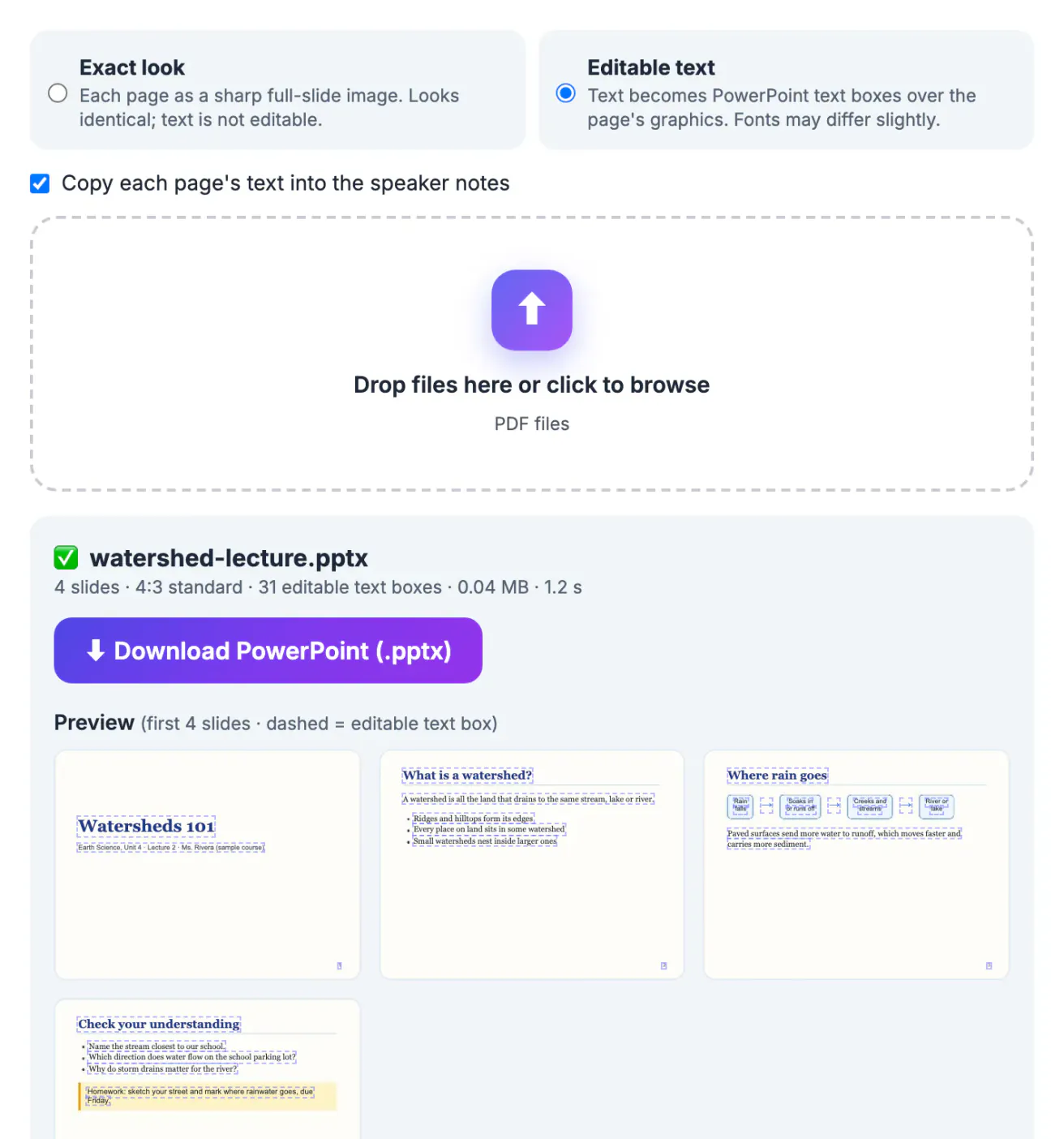
Retyping a 30-slide lecture takes an afternoon, and the layout, diagrams and example questions were the valuable part anyway. When a course moves between instructors or learning platforms, the PDF export is often all that survives. Converting it with editable text keeps the diagrams as they were, gives you real text for titles and bullets, and puts each page's words into the notes pane where you can expand them into a script. Because the conversion runs in the browser, course material that is not public yet, including answer keys, never leaves your computer.
Settings for editable lecture slides
- Editable text: every line of text becomes a PowerPoint text box placed over the page's graphics, with its original size, color and bold or italic style.
- Copy each page's text into the speaker notes: tick this box before dropping the file. Each slide's notes then hold the page's text as one paragraph, which is a head start on presenter notes.
- Leave everything else alone. The slide size follows the PDF automatically; the sample lecture was made in 4:3, so it became 10 by 7.5 inch slides.
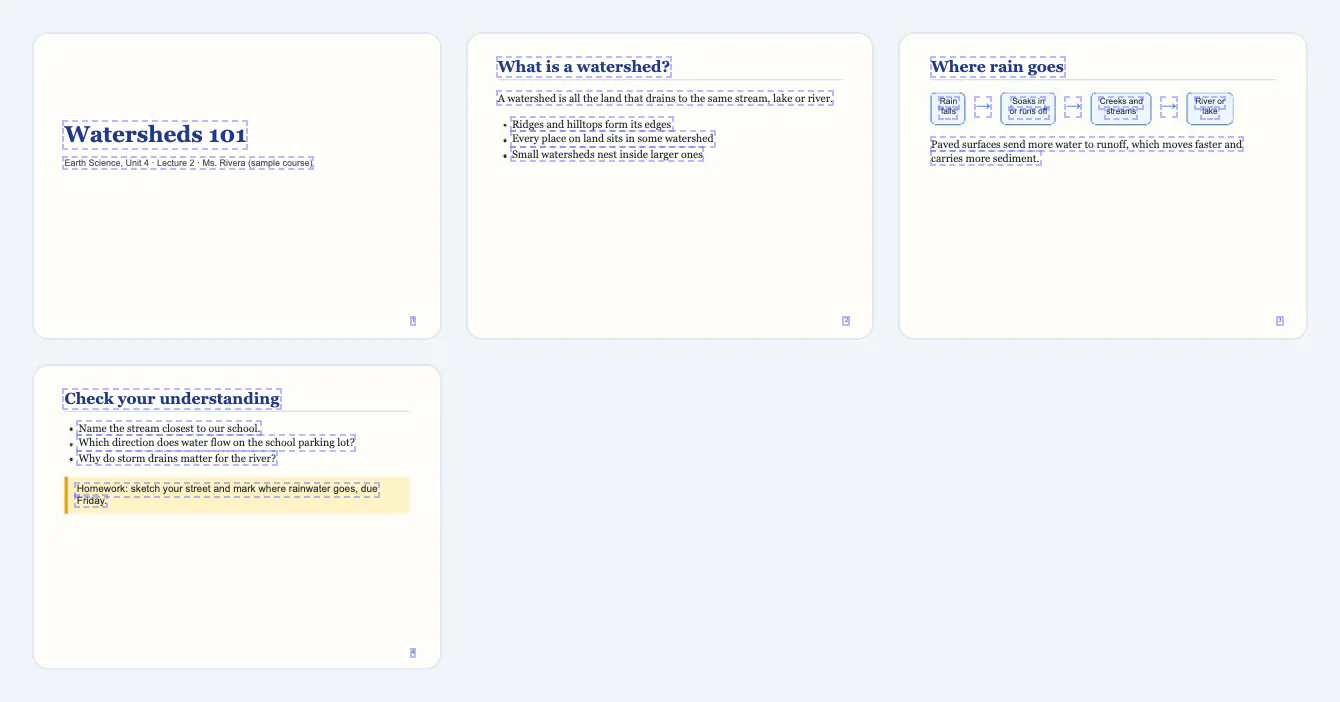
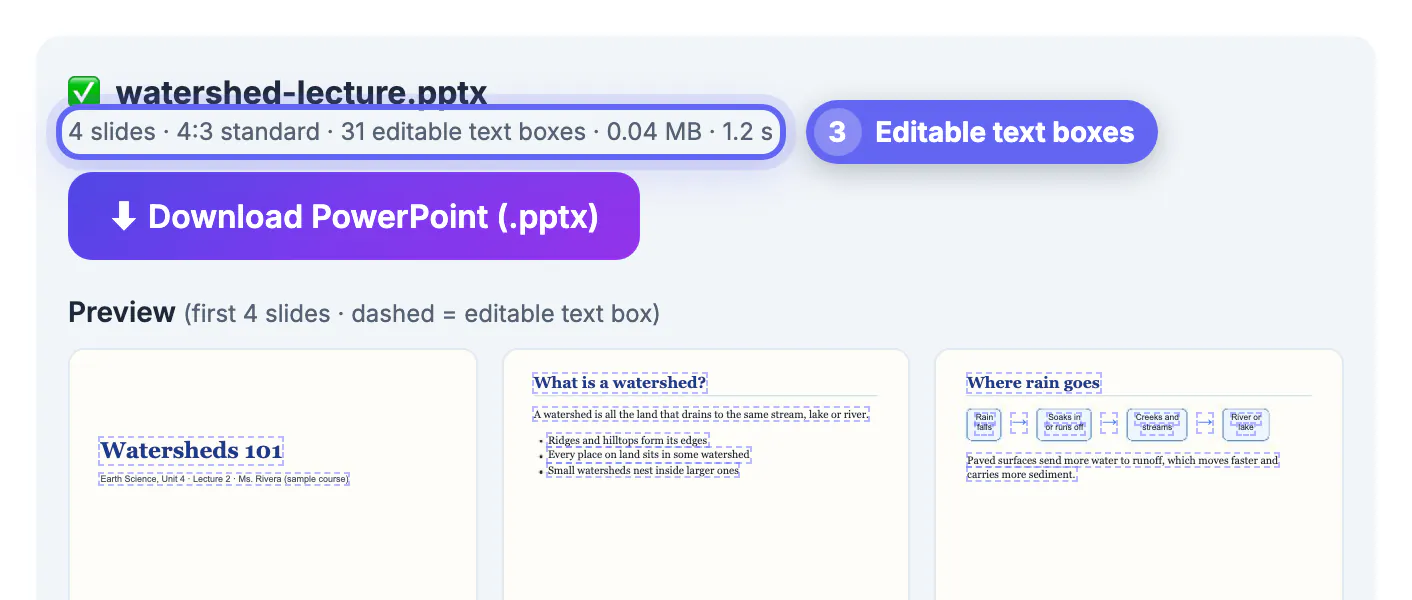
The sample converted into 4 slides with 31 editable text boxes, shown in the summary line under the file name.
Reading the dashed outlines in the preview
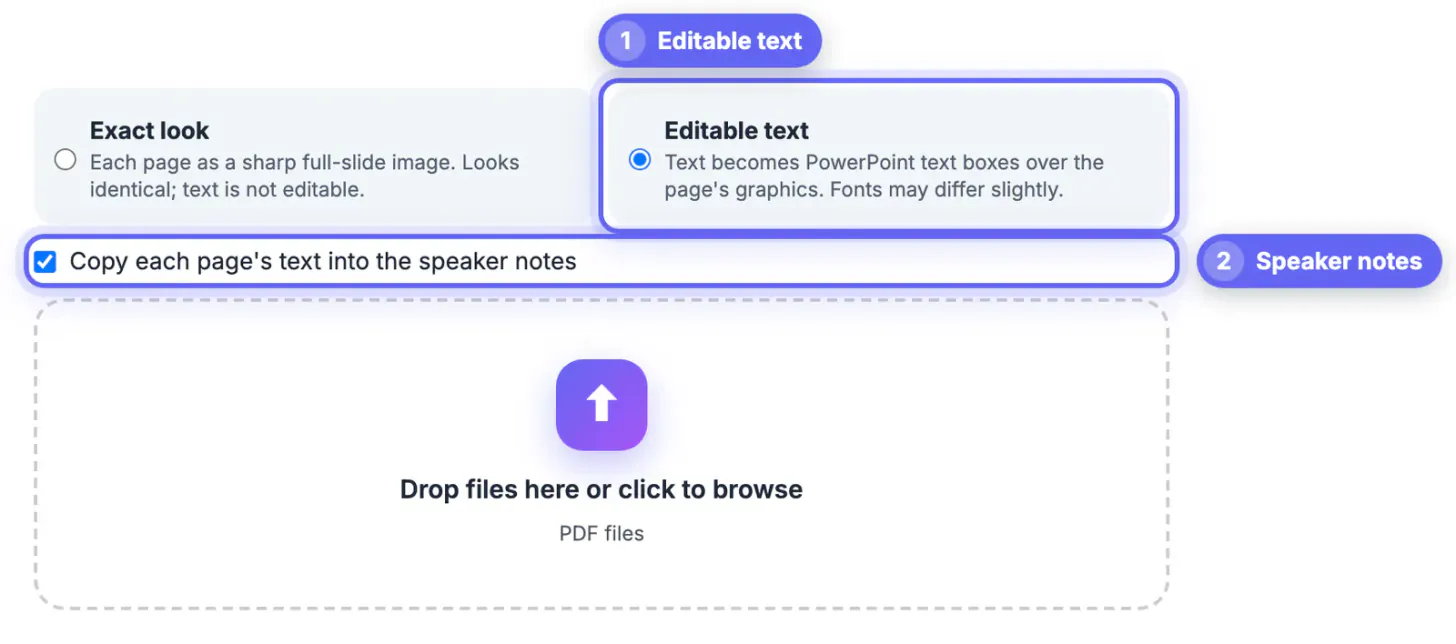
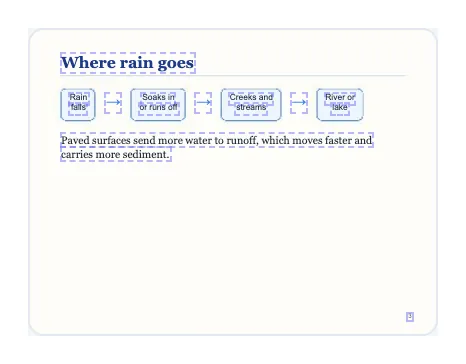
After conversion, the preview shows up to six slides with a dashed outline around each text box. That map tells you exactly what you will be able to edit. On the watershed lecture, the title Watersheds 101, the subtitle, each bullet and the homework box all have outlines. On the Where rain goes slide, the four labels in the diagram, such as Rain falls and Soaks in or runs off, each became a small text box, while the boxes and arrows around them stayed part of the background picture.
Anything without an outline is part of the image: photos, drawn shapes, arrows and chart bars. If a whole slide has no outlines, it had no selectable text, usually because it was a scanned page or a picture pasted into the original deck. The converter lists how many pages had no text so you know which slides need retyping or OCR PDF first.
Tidy the deck in PowerPoint
- Open the notes pane (View, then Notes) and turn the copied page text into full sentences you can say aloud. The text is already there; you are editing, not typing from scratch.
- Replace fonts in one go with Home, Replace, Replace Fonts if the substitute font does not match your school template.
- Where a bullet list reads as separate lines, select the boxes, delete all but the first, and paste the lines back into it, so the list flows as one paragraph you can extend.
- Update dates and names first, the details most likely to be outdated in an older lecture.
- Apply your own design theme only after the text is fixed; the converted page image sits in the background and can be removed slide by slide if you want a clean layout.
Limits worth knowing before class
Diagrams and charts do not become editable PowerPoint objects. In the sample, the flow diagram stays a picture with editable labels on top, which is enough to fix a typo but not to add a fifth box; for that, redraw the diagram with PowerPoint shapes.
Math symbols and special fonts are replaced with standard fonts, so an equation built from symbols may need checking. Text written at an angle stays part of the picture. Animations and slide transitions from the original are not in the PDF and cannot be recovered.
For course packs, the converter takes up to 200 pages per file. Split larger exports by unit with Split PDF, then convert each unit into its own deck.
Step-by-step
Common mistakes to avoid
Pro tips
Frequently asked questions
Can I get my speaker notes back from a PDF?
Only if they were printed into the PDF pages. A normal slide export does not contain notes. The converter's notes option copies each page's visible text into the notes pane, which you can then rewrite as presenter notes.
Will the fonts match the original lecture?
Close, but not always exactly. Embedded PDF fonts are replaced with standard fonts like Arial, Calibri, Georgia or Times New Roman based on the original font name, so line lengths can change slightly.
Can I edit diagrams and charts after converting?
The text labels become editable text boxes, but lines, arrows, shapes and chart bars stay part of the slide background image. To change the structure of a diagram, redraw it with PowerPoint shapes.
Does it work for a scanned handout?
Scanned pages have no text layer, so they come out as picture-only slides even in Editable text mode. Run OCR PDF on the handout first, then convert the result.
Is the lecture uploaded to a server?
No. The PDF is read and the .pptx is built inside your browser. That makes it suitable for unpublished course material, exams and answer keys.
A lecture that only exists as a PDF can become editable slides again in a minute. Choose Editable text, tick the speaker notes option, use the dashed outlines in the preview to see what you can change, and then fix diagram labels, fonts and dates in PowerPoint. Diagrams stay pictures, so redraw only what you need to change, and your next class gets an updated deck without an afternoon of retyping.
Related guides
Browse more: all PDF guides · the PDF to PowerPoint converter