Fit a Wide Spreadsheet on a PDF Page, or Split It Cleanly
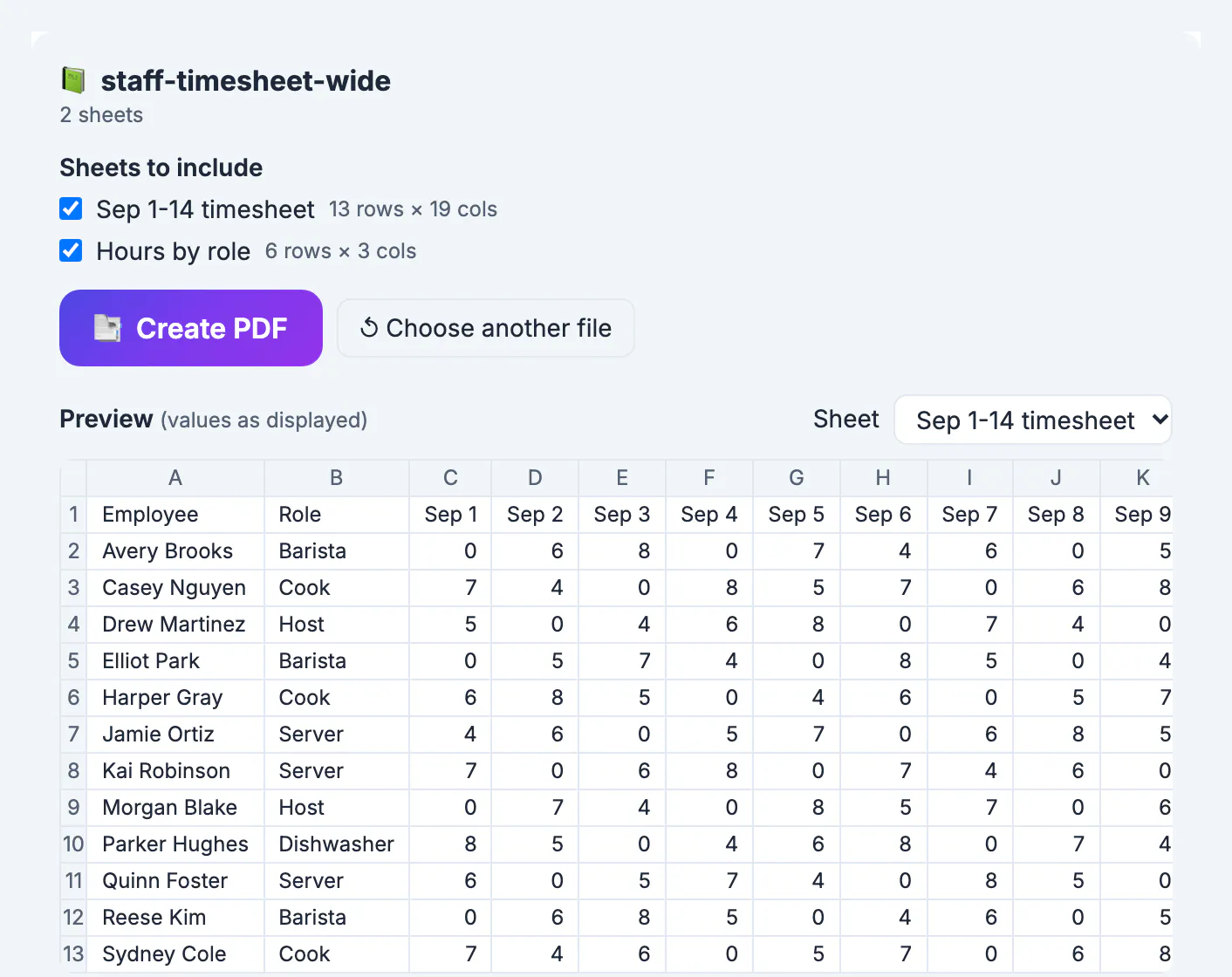
A wide spreadsheet can go into a PDF in two honest ways: shrink it so every column fits across one page, or keep full-size text and continue the extra columns on the next page. GrabCast's Excel to PDF tool does both, and its Auto orientation turns wide sheets to landscape first. This guide uses a two-week staff timesheet with 19 columns, a name and role, fourteen days, total hours, rate and gross pay, to show what each choice produces and how to decide which one a manager, an accountant or a printer will thank you for.
📑 Try Excel to PDF now — freeOpen →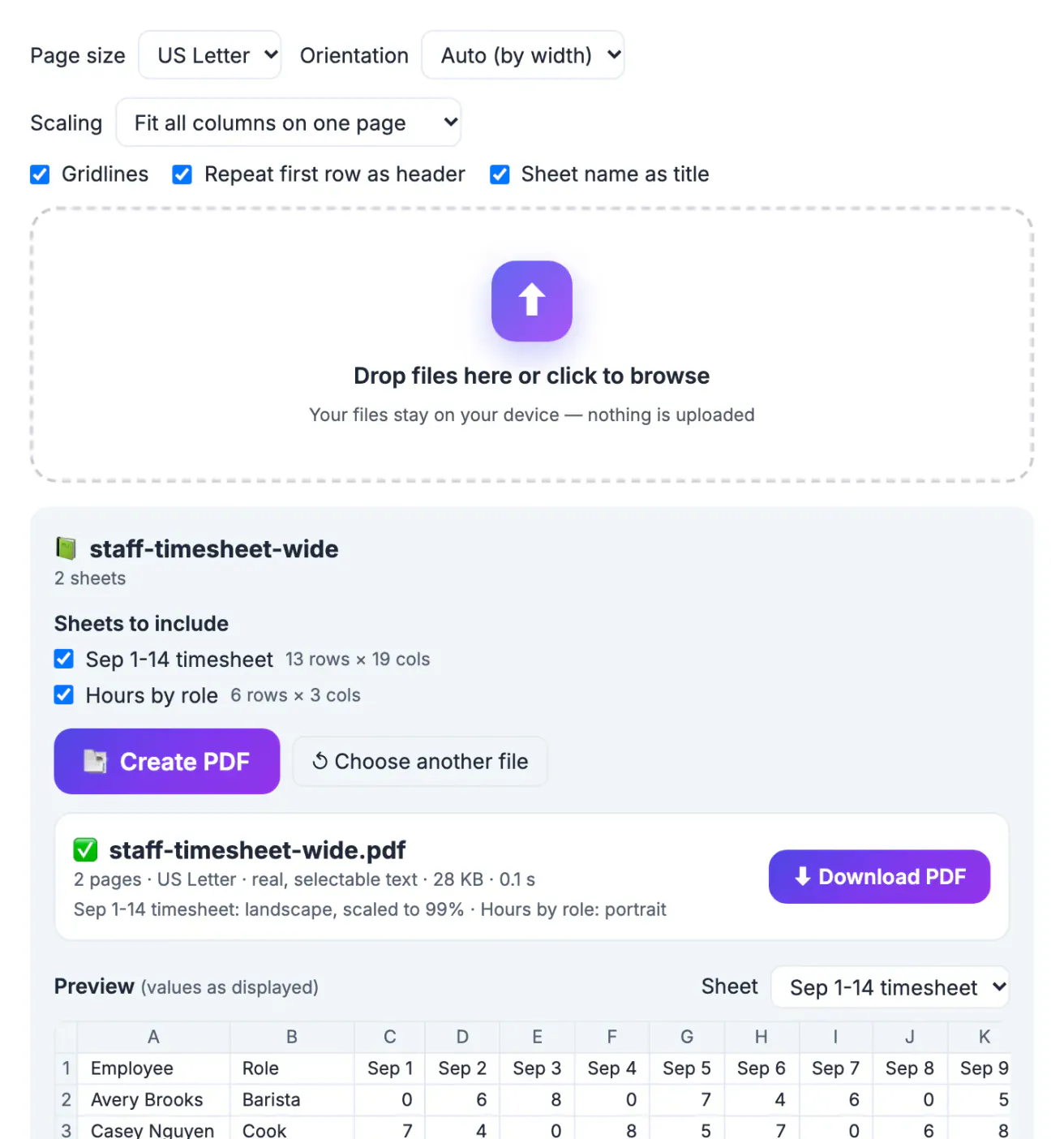
Paper is narrow. A US Letter page in portrait gives you about 7.5 inches of usable width after margins, and a column of hours at a readable size needs roughly half an inch. That is room for a dozen or so columns before something has to give. Excel's own print settings offer similar choices, but they hide in page setup dialogs and many people end up with the last five columns printed alone on page three, detached from the names they belong to. Planning the layout on purpose, by landscape, by scaling or by splitting, is the difference between a timesheet payroll can check at a glance and one that gets sent back.
Fit all columns: one wide sheet per page
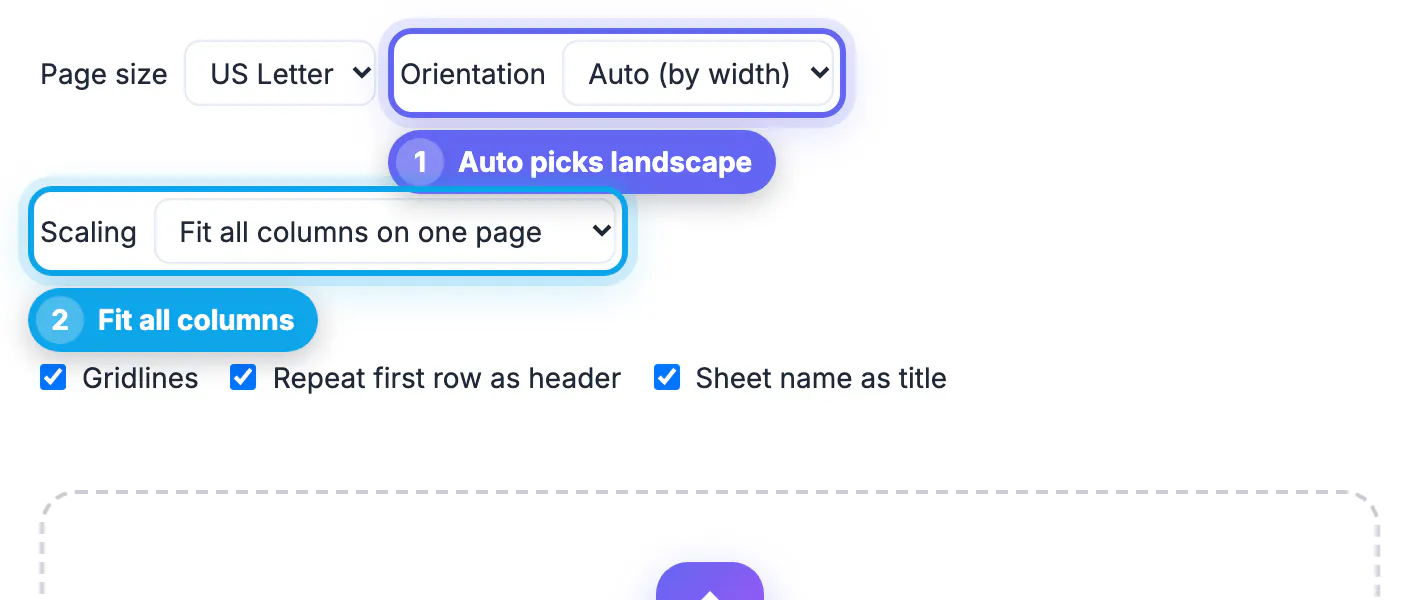
With Scaling set to Fit all columns on one page and Orientation on Auto, the tool first measures every column from its content. If the table is wider than a portrait page, it switches that sheet to landscape. If it is still too wide, text columns such as names and roles wrap down to about an inch, and only then is the whole table scaled down.
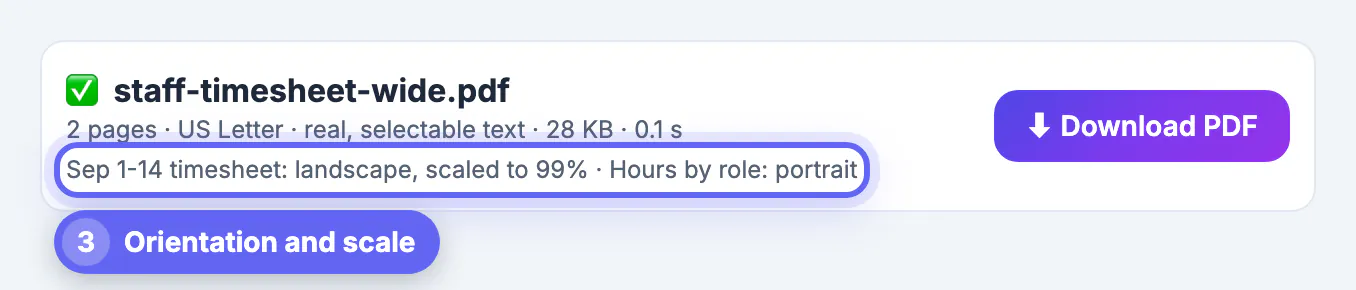
- In the timesheet example, Auto chose landscape and scaled the sheet to 99 percent, so the text stayed almost full size.
- The summary line reads Sep 1-14 timesheet: landscape, scaled to 99% and Hours by role: portrait, because each sheet gets its own orientation.
- The first row, with the dates, repeats at the top of every page when the header option is on.
- Numbers are never wrapped, so figures like $1,178.00 stay on one line.
As the column count grows, the scale drops fast, and a table at 60 percent is hard to read on paper even if it looks fine zoomed in on screen.
Actual size: column sections at full 9 point text
Switch Scaling to Actual size when readability matters more than keeping everything on one sheet of paper. Text stays at 9 points and the columns that do not fit continue on the following pages as column sections.
- With Sheet name as title on, each section is headed with the sheet name and its column range in brackets, so readers know where they are.
- The first row repeats at the top of each section, so dates stay visible.
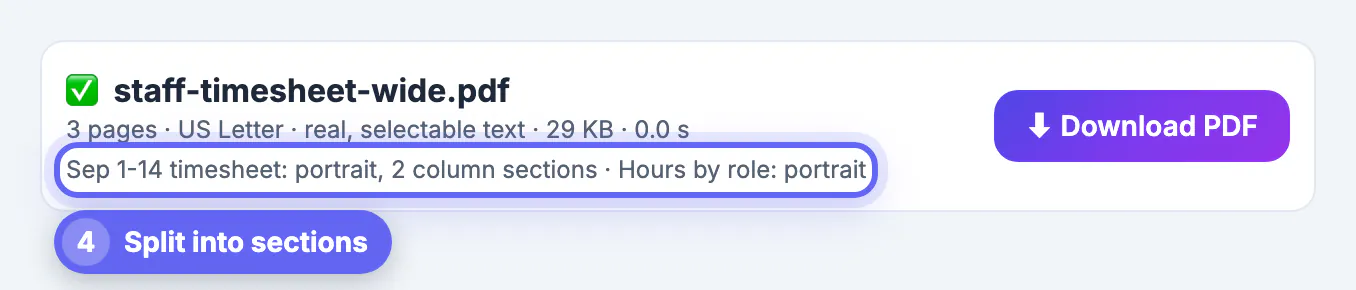
- In the example, forcing portrait with Actual size produced 3 pages, with the timesheet split into 2 column sections.
- Rows never break in the middle, so a person's hours stay together.
The weakness is that the name column appears only in the first section. For a timesheet, that means matching row positions across pages. Use Actual size for reference tables and archives, and Fit for sheets people will read line by line.
Making a wide spreadsheet narrower before converting
The cleanest PDF often comes from a slightly edited workbook. A few minutes in Excel or Google Sheets can remove the need to shrink anything.
- Hide columns the reader does not need, such as internal IDs or helper calculations; hidden columns are left out of the PDF.
- Shorten headers, for example Sep 1 instead of Monday, September 1.
- Move long text such as notes to a separate sheet and convert it on its own page.
- Split one very wide sheet into two logical sheets, such as week 1 and week 2.
- Choose US Legal, which adds 3 inches of width in landscape.
Each change makes the Fit scale go up, and none of them alters the numbers payroll relies on. The goal is a table that prints at 80 percent or more, which reads comfortably on paper.
Checking and sharing the wide PDF
Before sending, read the result line and open the PDF at 100 percent zoom, the size it will be on paper.
- If the scale is below about 70 percent, try one of the narrowing steps above or switch to Actual size.
- If a second sheet you did not want appears in the summary, untick it in the sheet list and create the PDF again.
- Print one test page before printing twenty copies for a meeting.
- For payroll or HR sheets, protect the PDF with a password after converting.
Everything runs in your browser, so a timesheet with names and pay rates is never uploaded. The limits are generous for this use: up to 150,000 cells per PDF and 5,000 rows per sheet.
Landscape pages that open sideways can be fixed with the Rotate PDF tool, and the Crop PDF tool trims leftover margins.
Step-by-step
Common mistakes to avoid
Pro tips
Frequently asked questions
How do I fit all columns of a spreadsheet on one PDF page?
Choose Fit all columns on one page and keep Orientation on Auto. The tool turns wide sheets to landscape, wraps long text columns, and only then shrinks the table to the page width.
What does Actual size do with extra columns?
It keeps text at 9 points and continues the columns that do not fit on following pages, labeled with the column range. Rows are not split, and the first row can repeat on each section.
Why did one sheet print in landscape and another in portrait?
With Auto orientation, each sheet gets the orientation its width needs. A wide timesheet goes landscape, while a narrow summary stays portrait in the same PDF.
How small can the text get with Fit?
The table shrinks as much as needed to fit the width, so very wide sheets can become tiny. Aim for a scale of 80 percent or more, and narrow the sheet or use Actual size below that.
Can I fit a wide Google Sheets file?
Yes. Download it from Google Sheets as .xlsx, .ods or .csv, then drop it into Excel to PDF and choose the scaling you want.
For wide sheets that people read row by row, keep Auto orientation and Fit all columns, and narrow the workbook until the scale stays above about 80 percent. For reference tables, Actual size keeps full-size text in labeled column sections.
Related guides
Browse more: all PDF guides · Excel to PDF