Excel to PDF Without Cut-Off Columns or Lost Formats
To convert Excel to PDF without columns spilling onto extra pages, open GrabCast's Excel to PDF tool, leave Scaling on Fit all columns on one page, drop in the workbook, tick the sheets you want and click Create PDF. Values print exactly as the spreadsheet displays them, including dollar signs, thousands separators and percentages, and the whole conversion happens in your browser. This guide explains each option using a small quarterly sales workbook, and covers what a PDF can and cannot carry over from a spreadsheet.
📑 Try Excel to PDF now — freeOpen →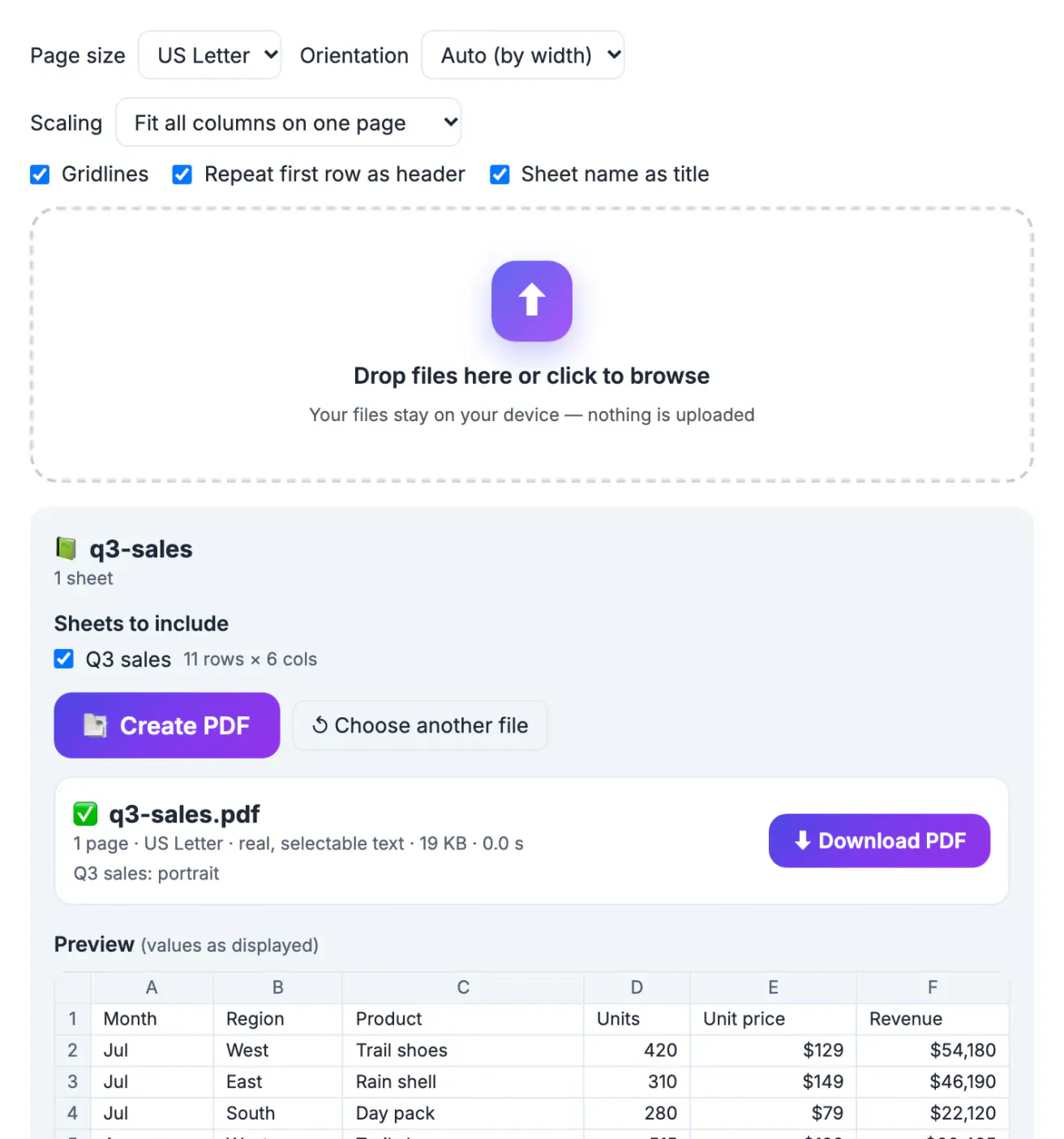
A spreadsheet has no pages. It is a grid that can run to column Z and row 5,000, and the page layout only exists when somebody sets a print area, scaling and orientation. Most people never do, so printing or exporting straight from Excel produces the classic mess: the last two columns on a separate page, a header row that appears only once, tiny unreadable text, or gridlines missing so numbers float in space. Sending the .xlsx itself has other problems: the recipient may not have Excel, formulas can be changed, and hidden sheets with internal notes travel along. A well-built PDF gives everybody the same readable table, with only the sheets you chose.
The Excel to PDF options, explained
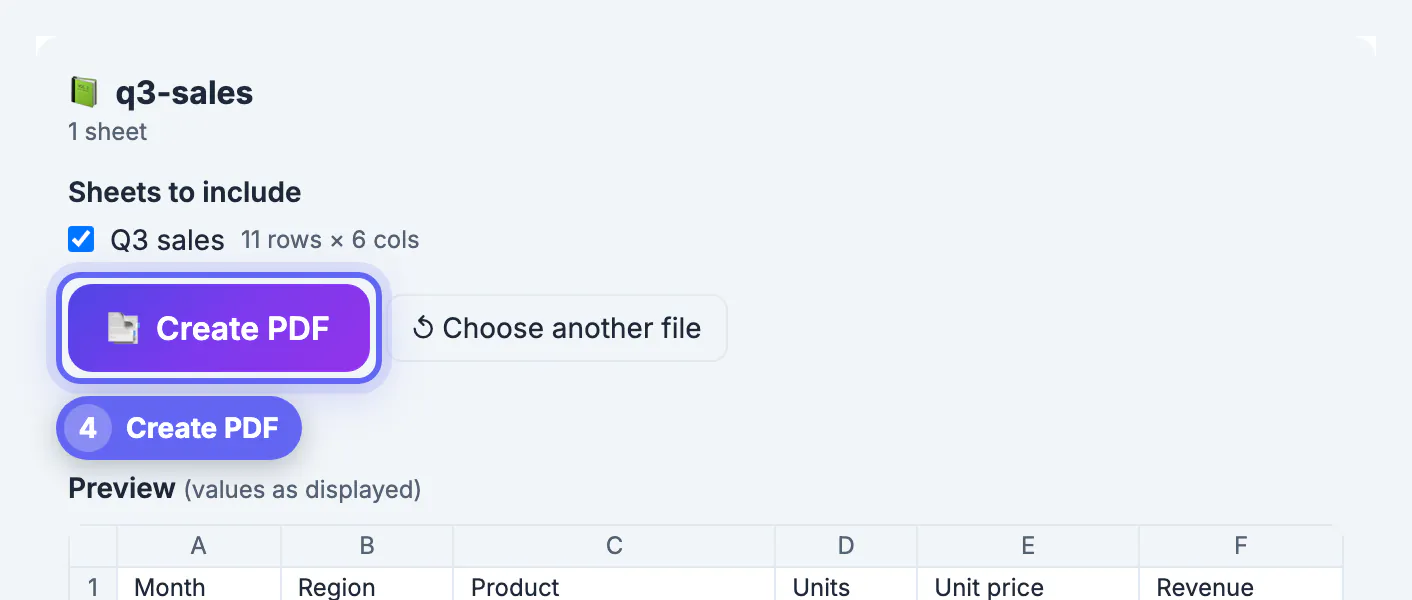
All settings sit above the drop box and are read when you click Create PDF, so you can change them and create the file again without re-adding the workbook.
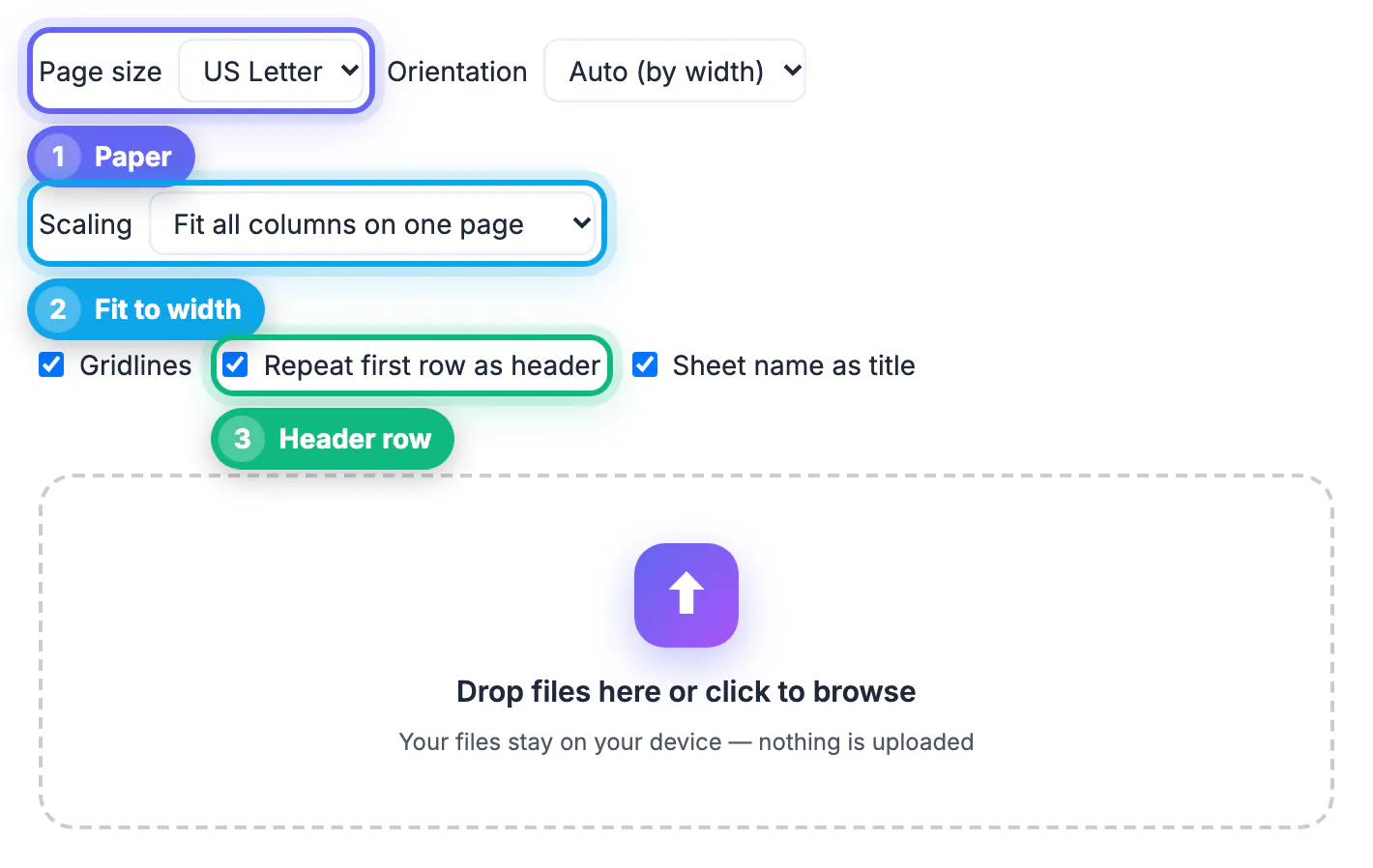
- Page size: US Letter, A4 or US Legal.
- Orientation: Auto (by width) chooses portrait or landscape for each sheet based on how wide its columns are; you can force Portrait or Landscape.
- Scaling: Fit all columns on one page wraps long text columns first and then shrinks the table to the page width; Actual size keeps 9 point text and continues extra columns on following pages.
- Gridlines: thin lines around every cell, which make numbers far easier to follow on paper.
- Repeat first row as header: the first row is printed bold on a shaded background at the top of every page.
- Sheet name as title: prints the sheet's name above its table, useful when a PDF holds several sheets.
For most business sheets, the defaults are right: Auto orientation, Fit all columns, gridlines and a repeated header.
Picking sheets and reading the preview
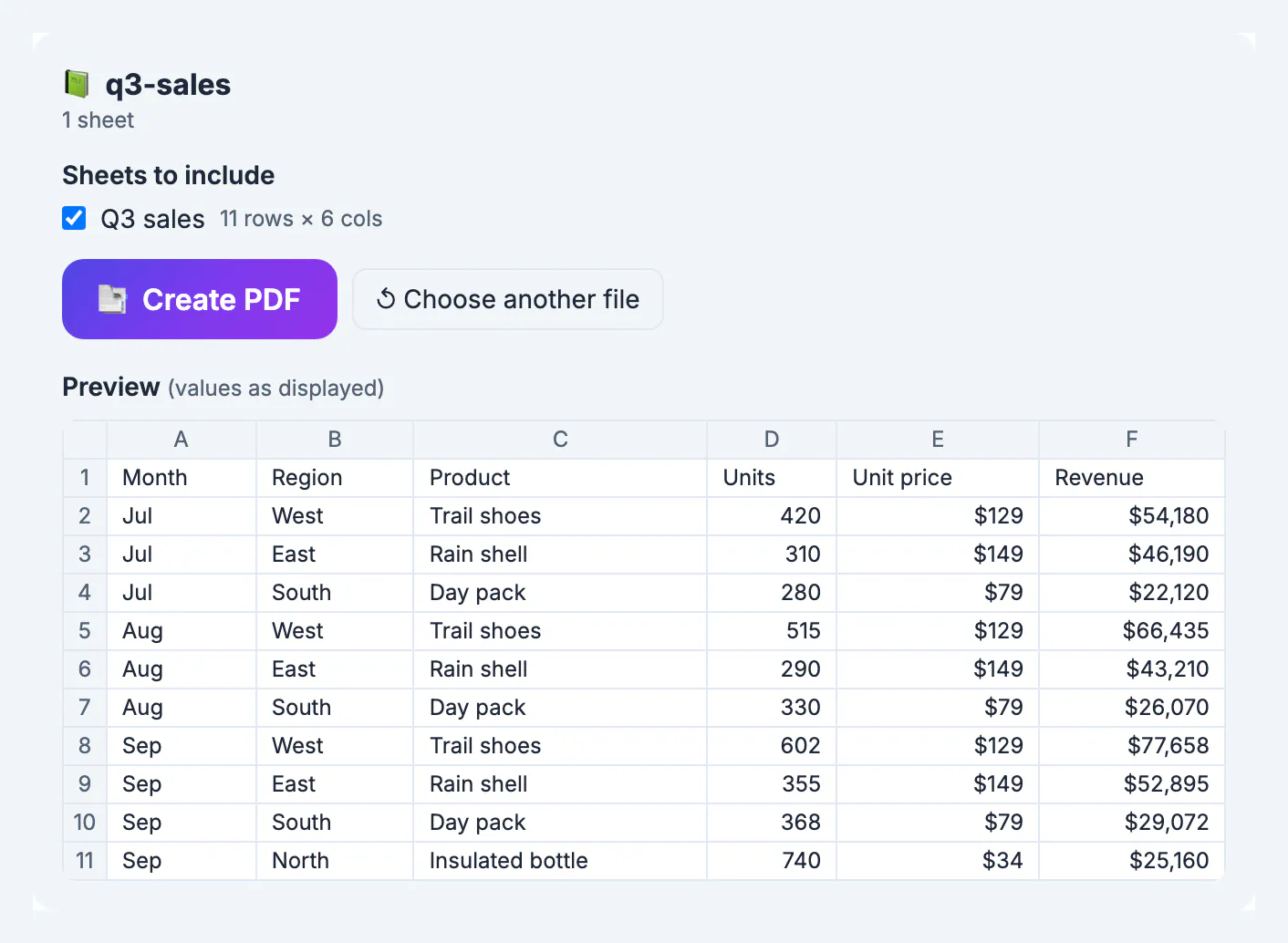
After you drop the workbook, the tool lists every sheet with its size, for example Q3 sales with 11 rows by 6 columns. Sheets with data are ticked, empty sheets are greyed out, and hidden sheets are listed but left unticked so internal tabs do not leak into the PDF by accident.
The preview shows up to 20 rows and 30 columns of the selected sheet with row numbers and column letters. It shows values as displayed, the same text you see in Excel.
- Currency such as $54,180 keeps its symbol and separators.
- Percentages, dates and fixed decimals follow each cell's number format.
- Numbers are right-aligned so columns of figures line up.
- Formulas print their last saved result, not the formula text.
If a total shows a stale number, open the file in Excel, let it recalculate, save it, and drop it in again.
Reading the result line
After Create PDF, a result box shows the file name, page count, paper size, the note real, selectable text, the file size and the time taken. The PDF also downloads automatically. The line under it describes each sheet: in the sample, Q3 sales: portrait, one page on US Letter.
- Landscape means the sheet was too wide for a portrait page and Auto turned it.
- Scaled to a percentage means the table was shrunk to fit the page width; below about 70 percent, text gets hard to read on paper.
- Column sections appear only with Actual size and mean the sheet continues sideways on extra pages.
- Page numbers such as 1 / 3 are added at the bottom whenever the PDF has two or more pages.
If the scale is too small, untick columns you do not need by hiding them in Excel, choose US Legal or landscape, or switch to Actual size.
What a PDF of a spreadsheet leaves out
The PDF carries cell values, merged cells and a clean table layout. It does not try to copy a workbook's decoration, and knowing that avoids surprises.
- Fonts, fill colors, borders and conditional formatting are replaced by one neutral table style.
- Charts, images and comments are not included; export a chart from Excel as an image if you need it.
- Hidden rows and hidden columns are left out, which is handy for trimming helper columns.
- Each PDF holds up to 150,000 cells, and very long sheets are cut to the first 5,000 rows.
- The built-in font covers Latin, Greek, Cyrillic and Vietnamese; Chinese, Japanese, Korean, Arabic, Hebrew, Thai and emoji may not appear, and the tool warns you when it sees them.
The workbook is read by SheetJS and the PDF is written by pdfmake, both in your browser, so sales figures, payroll and budgets stay on your device. Password-protected workbooks must be unlocked in Excel first.
Multi-page reports read better numbered, and this page numbering guide shows how. If the file is heavy, the Compress PDF tool shrinks it.
Step-by-step

Common mistakes to avoid
Pro tips
Frequently asked questions
Is this Excel to PDF converter free?
Yes. It is free with no sign-up and no watermark. Each PDF can hold up to 150,000 cells, and very long sheets are cut to the first 5,000 rows.
Is my spreadsheet uploaded?
No. SheetJS reads the workbook and pdfmake writes the PDF, both inside your browser. Only the libraries are downloaded; your data stays on your device.
Are number formats kept?
Yes. Each cell prints as it is displayed, with currency symbols, thousands separators, decimals, percentages and dates from its number format. Formulas show their last saved result.
Can I convert only one sheet of a workbook?
Yes. After you drop the file, untick the sheets you do not want. Hidden sheets start unticked, and empty sheets cannot be selected.
Why is my text so small in the PDF?
Fit all columns on one page shrinks wide sheets to the page width. Choose landscape or US Legal, hide columns you do not need, or switch Scaling to Actual size to keep 9 point text.
For a readable spreadsheet PDF, keep Auto orientation, Fit all columns, gridlines and the repeated header, tick only the sheets you mean to share, and check the result line for scale. The workbook never leaves your device.
Related guides
Browse more: all PDF guides · Excel to PDF