Convert Text to Uppercase or Lowercase: 6 Fast Methods
To convert text to uppercase or lowercase, select it in Microsoft Word and press Shift+F3, use the Capitalization submenu in Google Docs, or wrap a cell in =UPPER() or =LOWER() in Excel and Google Sheets. When the words live somewhere else, like an email draft, a CMS field or a list of 300 product names, paste them into GrabCast's free tool and copy the result. Each method has quirks worth knowing before you trust it with a client deliverable: Word cycles through three styles in a fixed loop, Excel's PROPER function turns don't into Don'T, and plenty of software treats Admin and admin as two different things. This guide compares six approaches side by side, shows which one fits which job, and flags the places where capitalization quietly changes how systems behave.
🔠 Try the Case Converter tool now — freeOpen →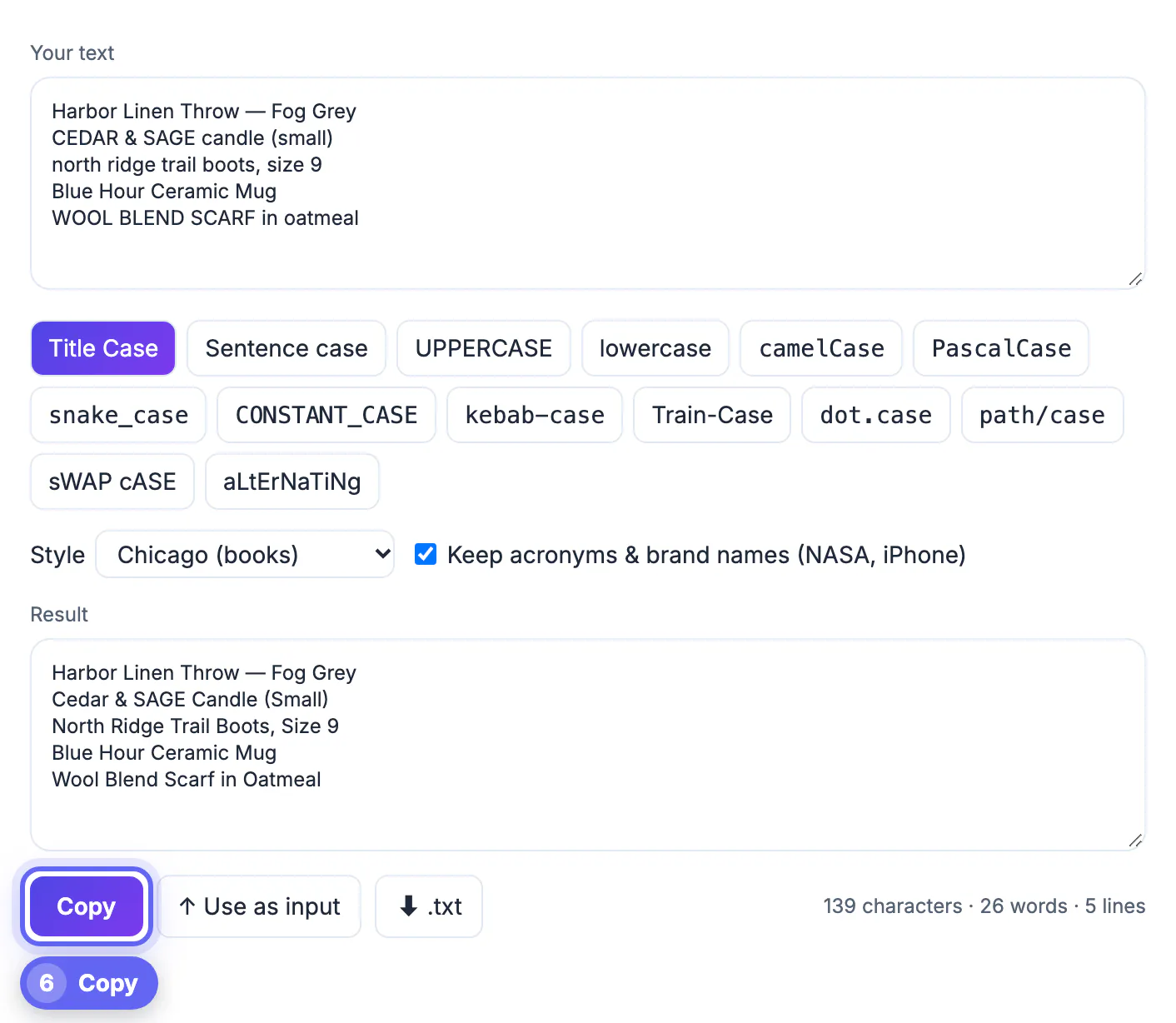
Most of the time, switching between capitals and small letters is about looks: a headline style, a button label, a column that arrived shouting. But capitals also carry data. Passwords, API keys, Base64 strings and many URL paths treat A and a as different characters, so a careless bulk change can break logins and links. On the other side, inconsistent capitals cause duplicate records, because a CRM may store Acme Corp and ACME CORP as two customers. Knowing which tool to use, and what each one actually changes, saves both the cleanup time and the embarrassing bug that follows a blind find-and-replace.
Convert text to uppercase or lowercase in Word and Google Docs
Microsoft Word has the quickest built-in route. Select the words and press Shift+F3 (Fn+Shift+F3 on many laptops, including most MacBooks). Each press moves to the next style in a loop of all capitals, all small letters and a capital on each word. With nothing selected, the shortcut works on the single word under the cursor. The Home tab's Aa button offers five choices, including Sentence style and tOGGLE cASE.
- Google Docs: open Format, then the Capitalization submenu, and pick one of three options. There is no sentence option, and the title option capitalizes short words such as of and the as well.
- Word's All Caps font effect (Ctrl+Shift+A) only changes how letters look on screen. The stored characters stay as typed, so pasting that heading into Slack or a CMS brings back the original mix.
- Neither editor knows AP or Chicago headline rules, so small words end up with capitals a copy editor would remove.
Spreadsheet formulas: UPPER, LOWER and PROPER
In Excel and Google Sheets, put =UPPER(A2), =LOWER(A2) or =PROPER(A2) in an empty column, fill it down, then copy that column and use Paste Special, Values over the originals. For a 5,000-row CRM export this is the right choice, because formulas are fast and repeatable when fresh rows arrive next month.
- PROPER capitalizes any letter that follows a non-letter, so don't becomes Don'T and 3rd becomes 3Rd, while o'neil correctly becomes O'Neil.
- PROPER also forces the rest of each word into small letters, so iPhone turns into Iphone and NASA into Nasa.
- Excel has no sentence-style function. The usual workaround, =UPPER(LEFT(A2,1))&LOWER(MID(A2,2,999)), handles one sentence per cell and nothing more.
- Formulas leave you with two columns until you paste values, a step people forget before sending the file.
CSS, the terminal, and where capitals change behavior
Web developers rarely need to retype anything. The CSS property that restyles letters at display time keeps the HTML source in its original form, which is better for search snippets and for readers who copy a heading. On macOS or Linux, tr '[:lower:]' '[:upper:]' rewrites a whole file in one pass. Capitals also matter beyond appearance, because many systems compare letters exactly.
- Passwords are always sensitive to capitals, so never normalize a stored credential or a list of API keys.
- URL paths on Linux servers are sensitive: /Pricing and /pricing can be two different pages, or one page and a 404. Domain names are not.
- Email domains ignore capitals. The part before the @ technically may not, although Gmail, Outlook and most providers treat it as insensitive.
- Windows and the default macOS file system treat Report.pdf and report.pdf as one file, while Linux sees two, which regularly breaks Git repositories moved between machines.
When a dedicated case converter beats built-in commands
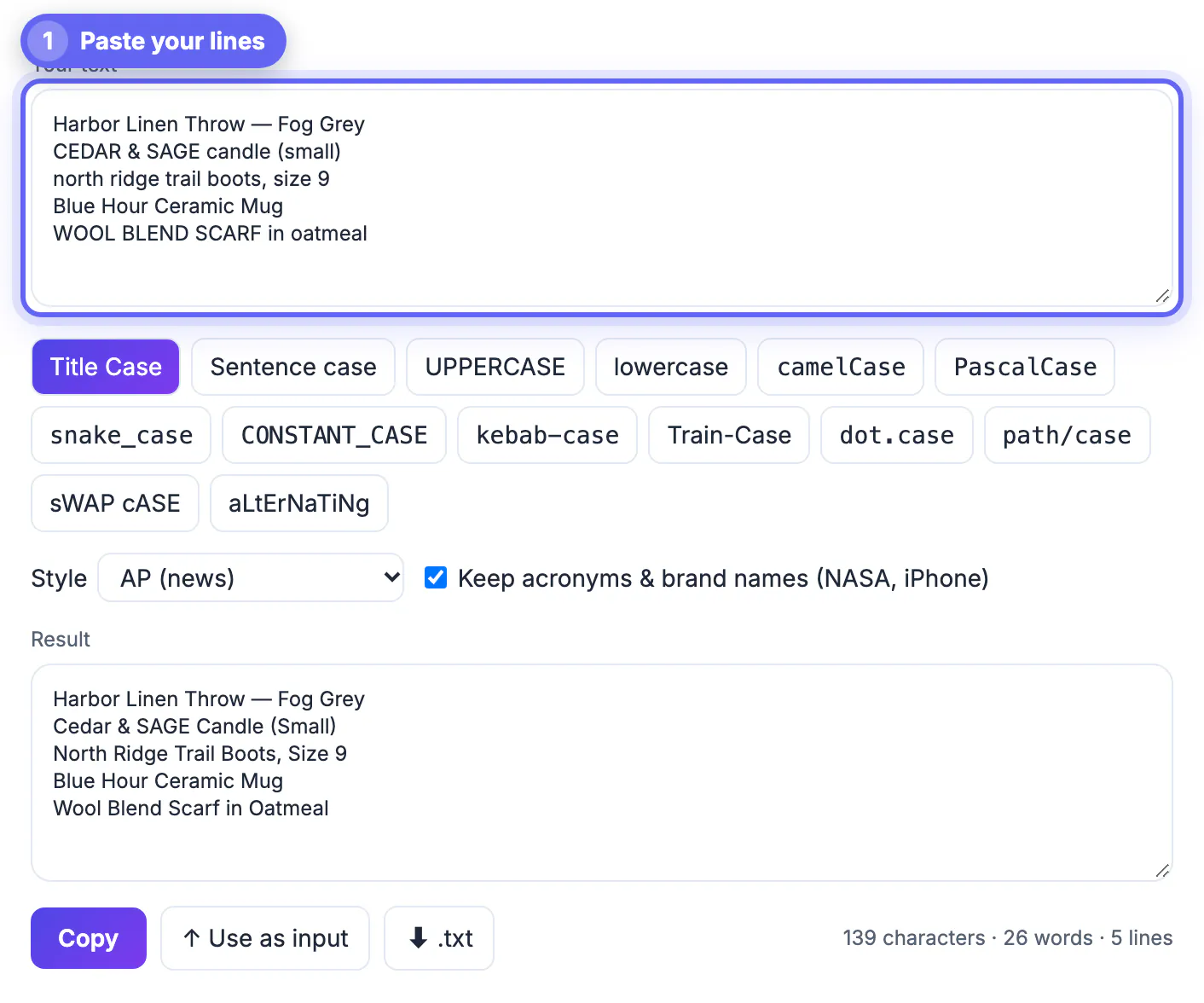
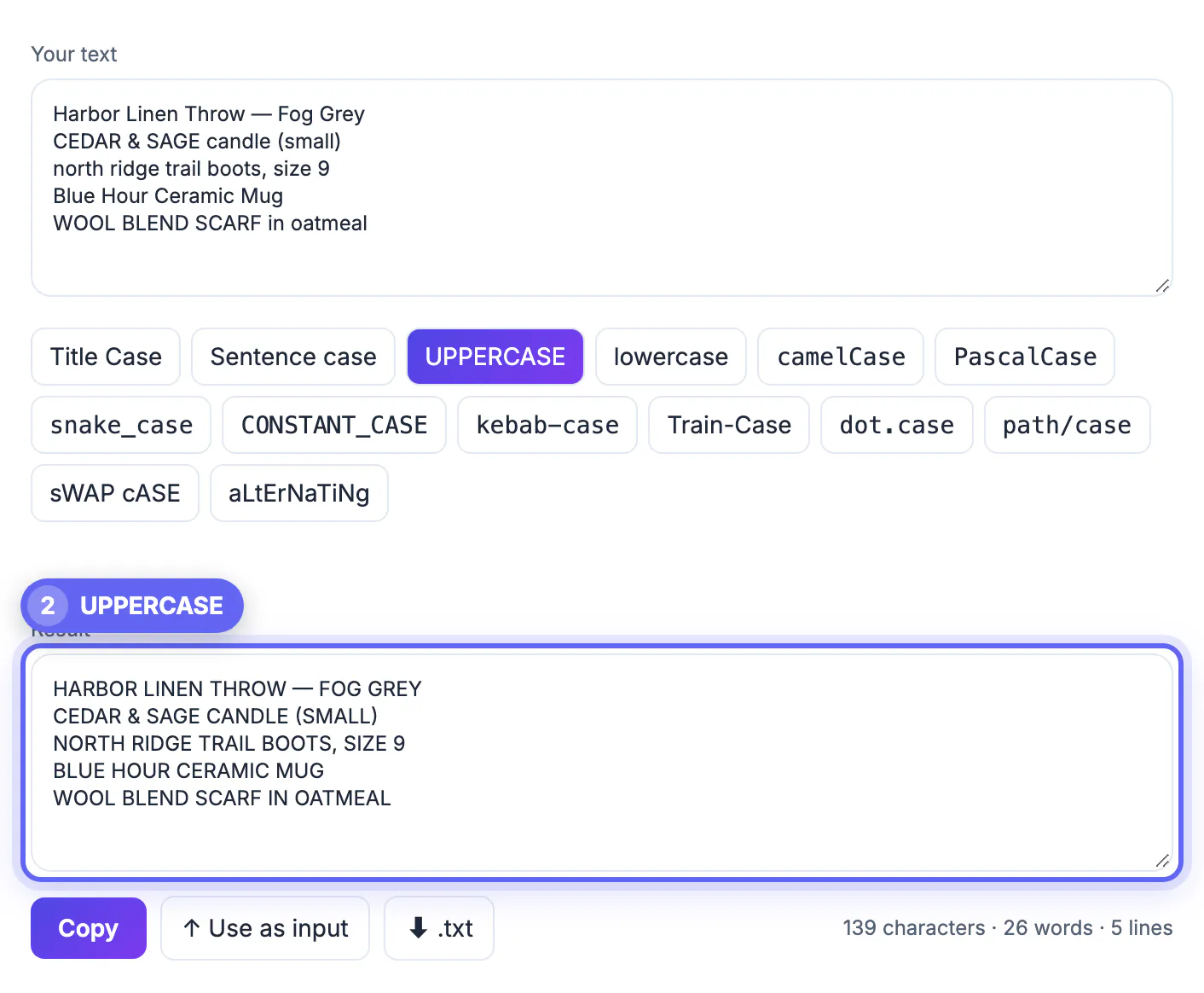
Built-in commands only work inside their own app. The GrabCast page helps when words need to travel: a list of 200 headlines, a column pasted out of a PDF, or labels that must become variable names. Paste once and pick one of 14 styles. The result updates live, and every line is processed on its own, so a list stays a list.
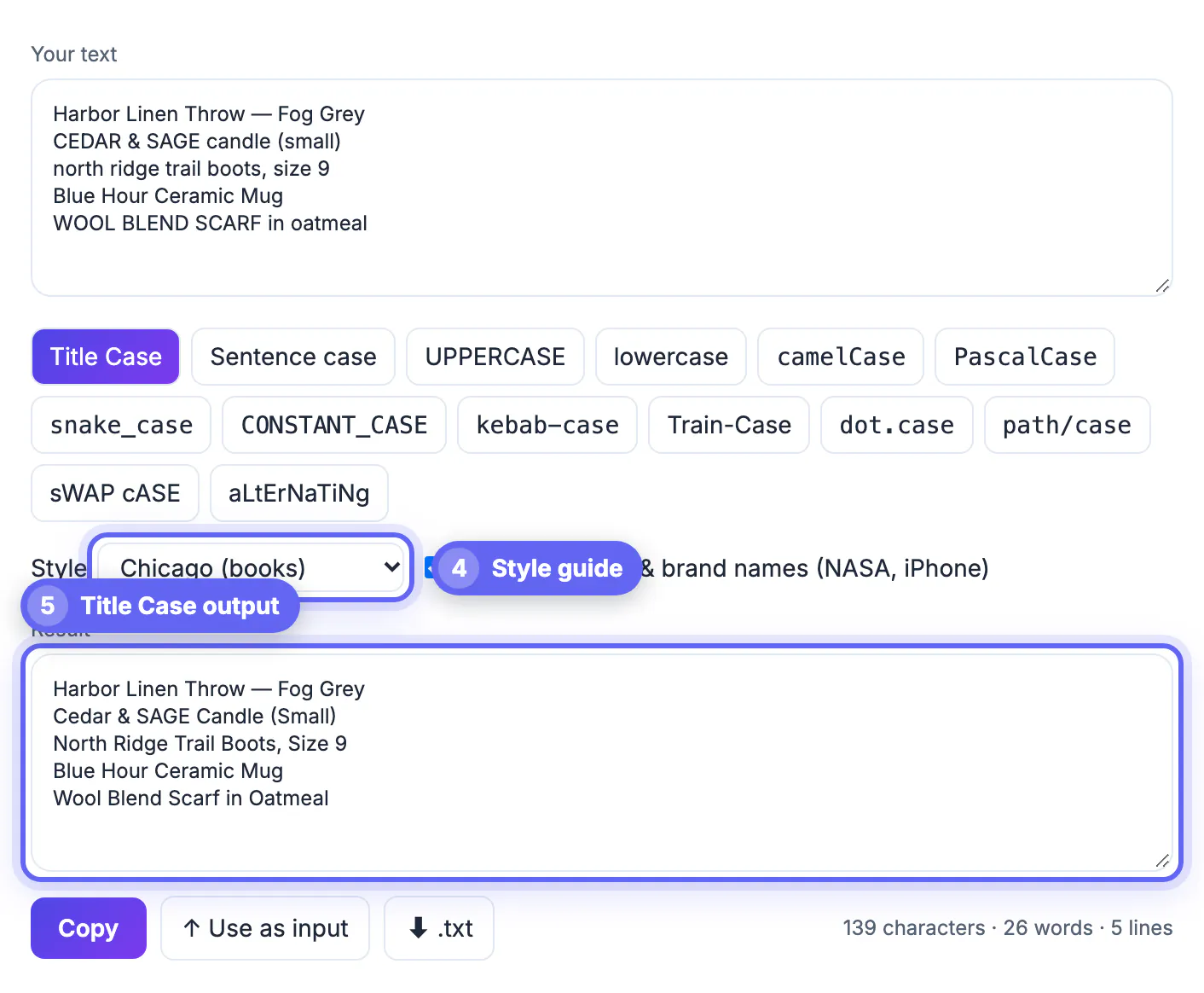
- Title style follows AP, Chicago, APA or MLA rules for minor words, or Capitalize Every Word if you want the Google Docs behavior.
- The Keep acronyms and brand names checkbox leaves NASA, iPhone, eBay and U.S. alone in title and sentence modes, which PROPER cannot do.
- Developer styles such as camelCase and snake_case turn a human label into an identifier in one click.
- A counter shows characters, words and lines, and you can copy, reuse the output as new input, or download a .txt file. Everything runs in your browser tab.
Dealing with messy pasted text beyond capitals? The Text Cleaner tidies stray spacing, and the Fancy Text Generator covers stylised letters for bios and posts.
Step-by-step
Common mistakes to avoid
Pro tips
Frequently asked questions
What is the keyboard shortcut to change capitalization in Word?
Shift+F3 on Windows and Mac, adding Fn on many laptops. Select the words first, or place the cursor inside a single word, then press repeatedly to cycle through all capitals, all small letters and a capital on each word.
Can Google Sheets convert text to uppercase?
Yes. =UPPER(A2) returns the cell in capitals, =LOWER(A2) in small letters and =PROPER(A2) capitalizes each word. Copy the formula column and paste values over the original when you are done, then delete the helper column.
Why did the converter change NASA to Nasa when my input was all capitals?
When most letters in a line are already capitals, the tool cannot tell acronyms from shouting, so it recases everything and ignores the acronym option for that line. Fix the handful of real acronyms by hand afterward; it is usually two or three words.
Does changing capitals affect punctuation or spacing?
No. Only letters change in UPPERCASE, lowercase, Title Case and Sentence case; spaces, line breaks, digits and punctuation stay where they were. Developer styles like snake_case and kebab-case are the exception, because they replace spaces and punctuation with a separator.
Is it safe to paste confidential text into an online converter?
GrabCast's Case Converter runs in JavaScript inside your browser tab, so the words you paste are not sent to a server to be converted, and closing the tab clears them. As with any website, avoid pasting live passwords or keys anywhere you do not need to.
Use Shift+F3 inside Word, UPPER, LOWER or PROPER inside a spreadsheet, and CSS for website headings. For everything else, especially lists, brand names and style-guide headlines, the Case Converter is the fastest route. Before any bulk change, ask whether capitals carry meaning in that field; for passwords, keys and URL paths they usually do.
Related guides
Browse more: all text and developer guides · the Case Converter tool