Email Signature With a Logo: Size, Hosting, Dark Mode
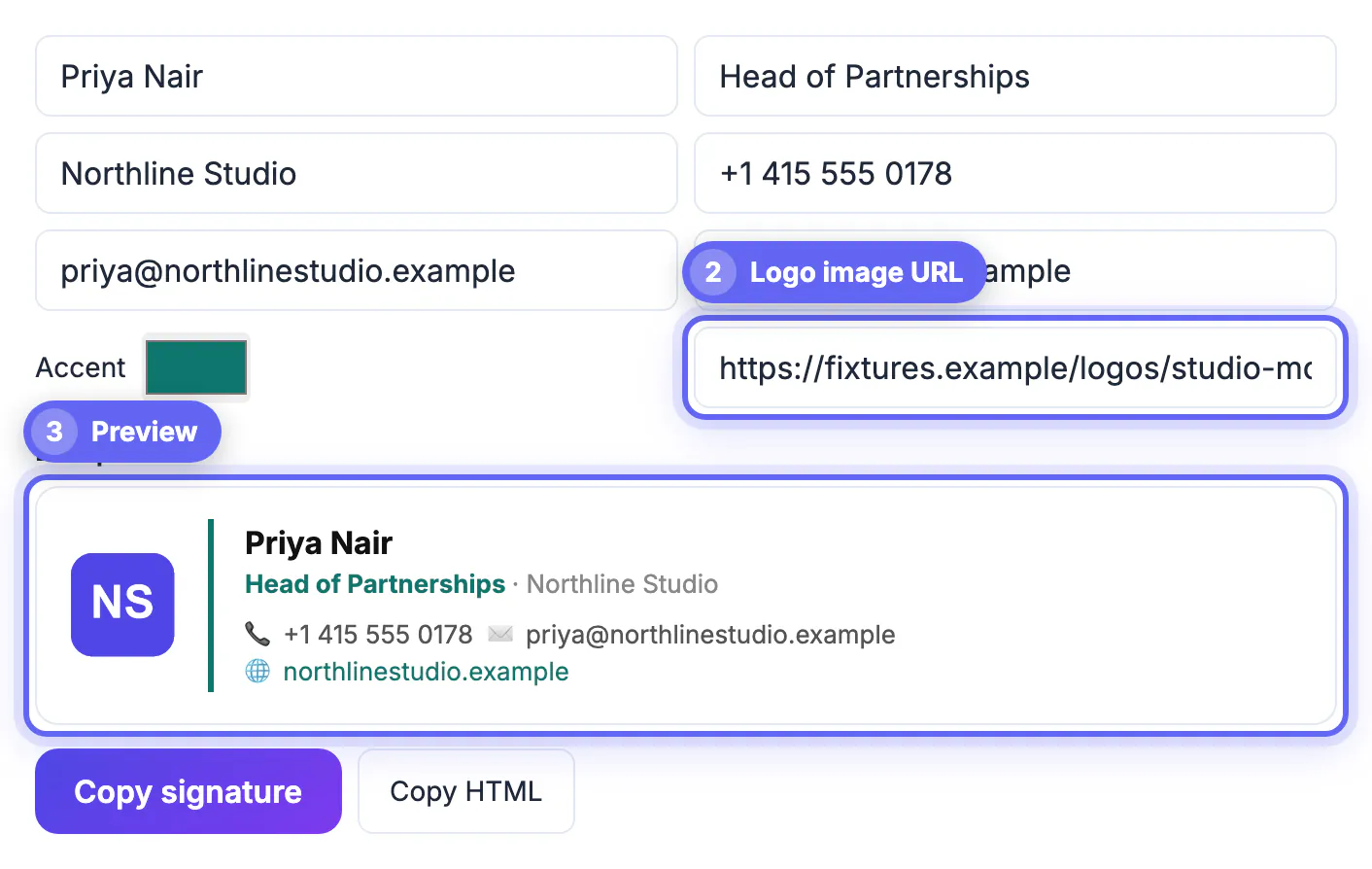
To make an email signature with a logo, upload a small square version of your logo to a public web address, paste that https link into the Logo image URL field of GrabCast Email Signature Generator, check the preview, and copy the signature into Gmail or Outlook. The generator shows the logo 56 pixels wide to the left of your details, with a thin divider in your accent color and softly rounded corners. Nearly every broken logo comes from one of three causes: an image that is the wrong shape for that space, a link recipients cannot reach, or colors that disappear in dark mode. This guide covers each of them, plus what happens when a recipient's email app blocks images.
🖋️ Try the Email Signature tool now — freeOpen →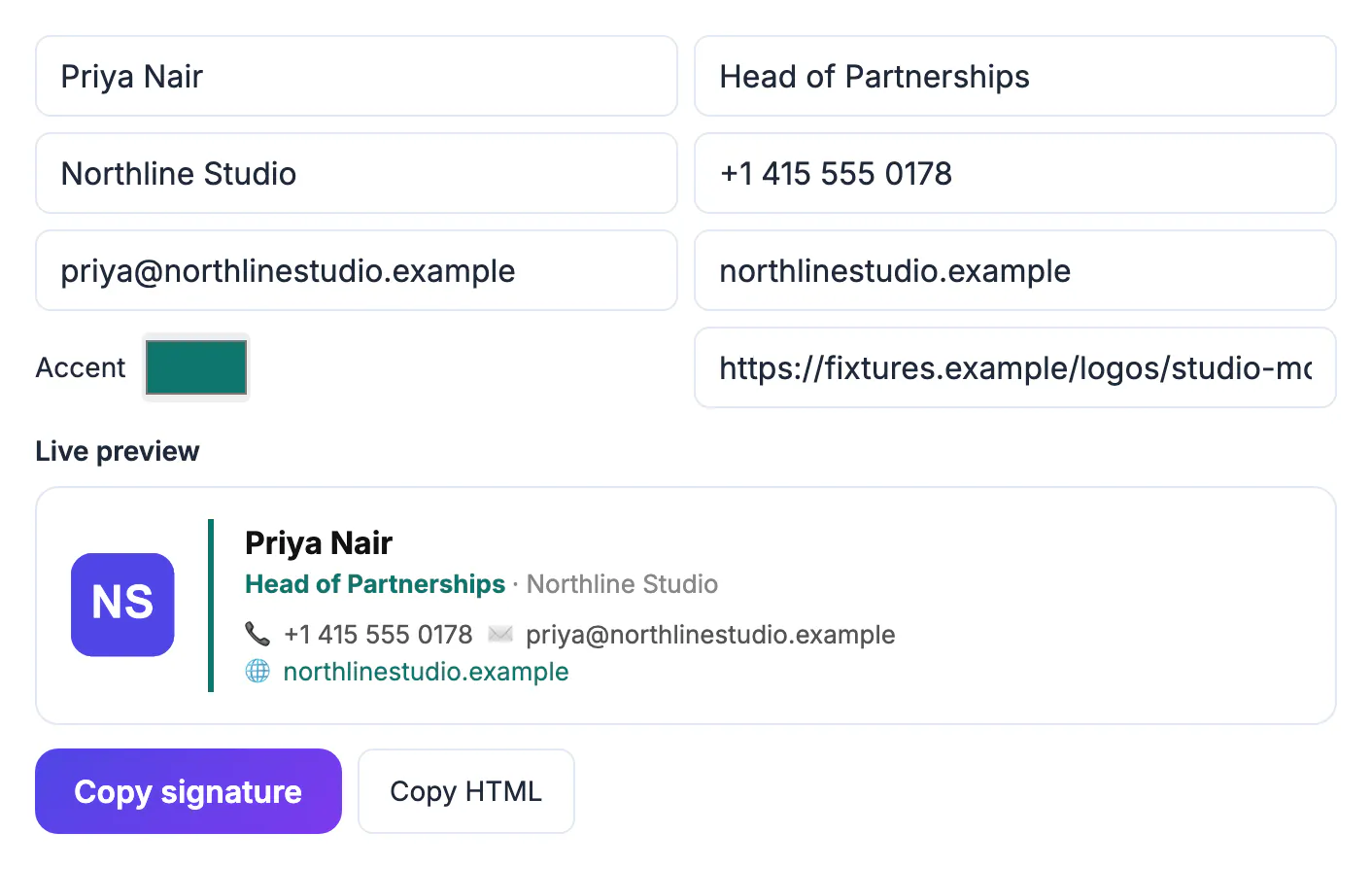
Text in a signature almost always displays correctly; the image is the fragile part. The logo is not attached to your email but loaded from its web address each time a message is opened, so a moved file, an expired sharing link or a private folder turns it into an empty box in every email you have already sent. Email apps also handle images differently: some load them through a proxy, some wait until the reader allows images, and dark mode can invert the colors around them. A logo that fails looks careless in a way a plain text block never does, which is why the few technical choices below are worth getting right once.
Pick a logo shape that fits the space
The generator sets the logo width to 56 pixels and lets the height follow, so the shape of your file decides how big the logo actually looks.
- A square mark, monogram or app-style icon fills the full 56 by 56 area and reads clearly next to a four-line text block.
- A wide wordmark with a 4:1 ratio shrinks to about 56 by 14 pixels, too small to read. Use the icon version of your brand, or place the wordmark on a square tile.
- Export the file at two to three times the display size, around 112 to 168 pixels wide, so it stays crisp on high-density phone and laptop screens.
- Keep the file small, ideally under about 50 KB, so it loads instantly on mobile data.
GrabCast Crop Image can cut a square from a larger logo, and Resize Image sets exact pixel dimensions such as 150 by 150. The tool rounds the corners slightly, so a square with a solid background looks like a tidy app icon.
Host the logo at a public https link
Email apps fetch the logo from its address every time a message is opened, so the link has to work for strangers, forever.
- Best: a file on your own website, for example yourdomain.com/email/logo.png. You control it, and it will not move when a subscription changes.
- Acceptable: any public image host that gives a direct link ending in .png or .jpg and does not expire.
- Avoid: share links from cloud drives, which usually open a viewer page rather than the image itself, and links containing temporary access tokens.
- Never: a path to a file on your computer, such as C:\Users or file://, which only works on your own machine.
To test a link, paste it into a private browser window. If you see just the image, with no sign-in page or viewer around it, the signature will be able to load it. The generator never uploads the image; it only writes the link into the HTML, and nothing you type is stored by GrabCast.
Make an email signature with a logo that survives dark mode
Dark mode in Gmail, Outlook and Apple Mail can darken the background around your signature, and some apps adjust colors on the fly.
- A transparent PNG with dark lettering can vanish on a dark background, because the black letters sit on near-black.
- A logo on its own solid tile, white or your brand color, stays visible in both light and dark themes, and the rounded corners make the tile look intentional.
- If you prefer transparency, choose a version with a light outline or a mid-tone color that contrasts with both white and dark gray.
- Pick an accent color with enough contrast in both themes; mid-range blues, teals and oranges usually work, very dark navy may fade.
Check the result on a phone switched to dark mode, since mobile apps are where most readers will see it, and where the differences are most visible.
When images are blocked, and how to test
Some email apps and many company mail systems do not load external images until the reader clicks to allow them, and Gmail loads images through Google's own proxy. You cannot control this, so design for it.
- Make sure the signature still works without the image: your name, title, company, phone and link are all text, so the essentials survive.
- Do not put contact details inside the logo image, since that information disappears when images are blocked.
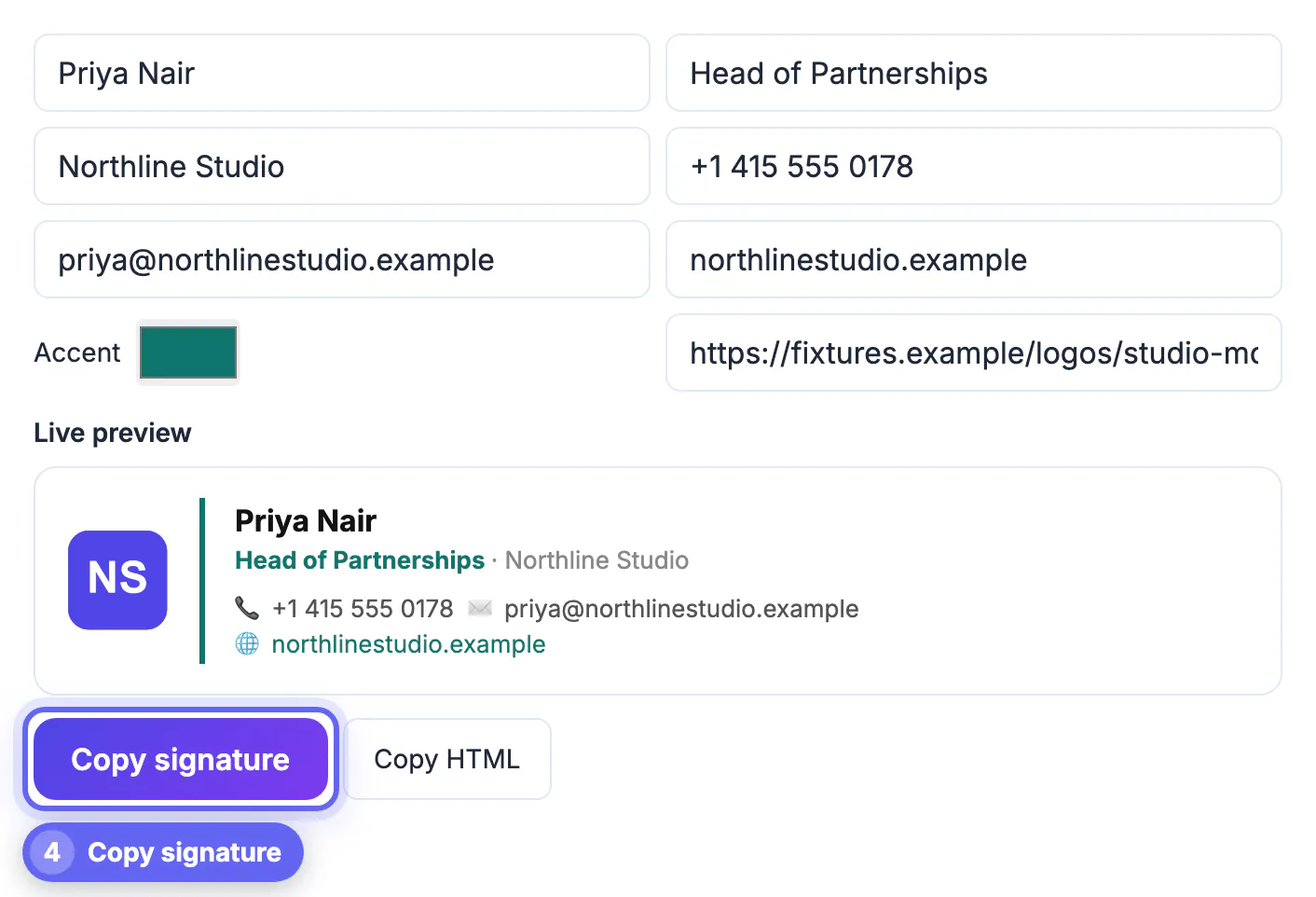
- Some Outlook versions may convert a pasted image into an attachment. Pasting the generator's signature, which references a hosted link, avoids most of that; send a test to confirm.
- Send test emails to a Gmail account, an Outlook account and an iPhone, and view each in light and dark mode before making it your default.
If the logo shows as a broken box in any test, the link is the problem: open it in a private window, fix the hosting, and generate the signature again.
Step-by-step
Common mistakes to avoid
Pro tips
Frequently asked questions
What size should an email signature logo be?
The GrabCast generator displays it 56 pixels wide. Prepare a square image about 112 to 168 pixels wide and under about 50 KB so it stays sharp and loads fast.
Why does my logo show as a broken image?
The link is private, moved or not a direct image file. Host the logo at a public https address ending in .png or .jpg and test it in a private browser window.
Can I upload the logo from my computer?
Not in the generator, which uses an image link so the logo loads for every recipient. Upload the file to your website or a public image host first.
PNG or JPG for a signature logo?
Either works. A PNG keeps crisp edges and transparency; a JPG on a solid background is fine too. For dark mode, a logo on a solid tile is the safest choice.
Why do some recipients not see my logo at all?
Their email app or company system blocks external images until they allow them. That is normal, which is why your contact details should always be text.
An email signature with a logo works when the image is square, small and crisp, hosted at a permanent public https link, and visible on both light and dark backgrounds. Paste that link into the generator, keep your contact details in text so blocked images cost nothing important, and test in Gmail, Outlook and on a phone before you make it your default.
Related guides
Browse more: all business guides · the Email Signature tool