What Is an Electronic Signature? A Plain Guide
An electronic signature is any mark you apply digitally, a drawn signature, a typed name or a clicked checkbox, to show you agree to a document. It is a broad and widely accepted idea, but it is easy to confuse with a digital signature, which is a specific cryptographic technology. This explainer clears up what counts, how the terms differ and when each is enough. Once the terms are clear, choosing the right kind of signature for a given document becomes straightforward.
✍️ Try Signature Maker now — freeOpen →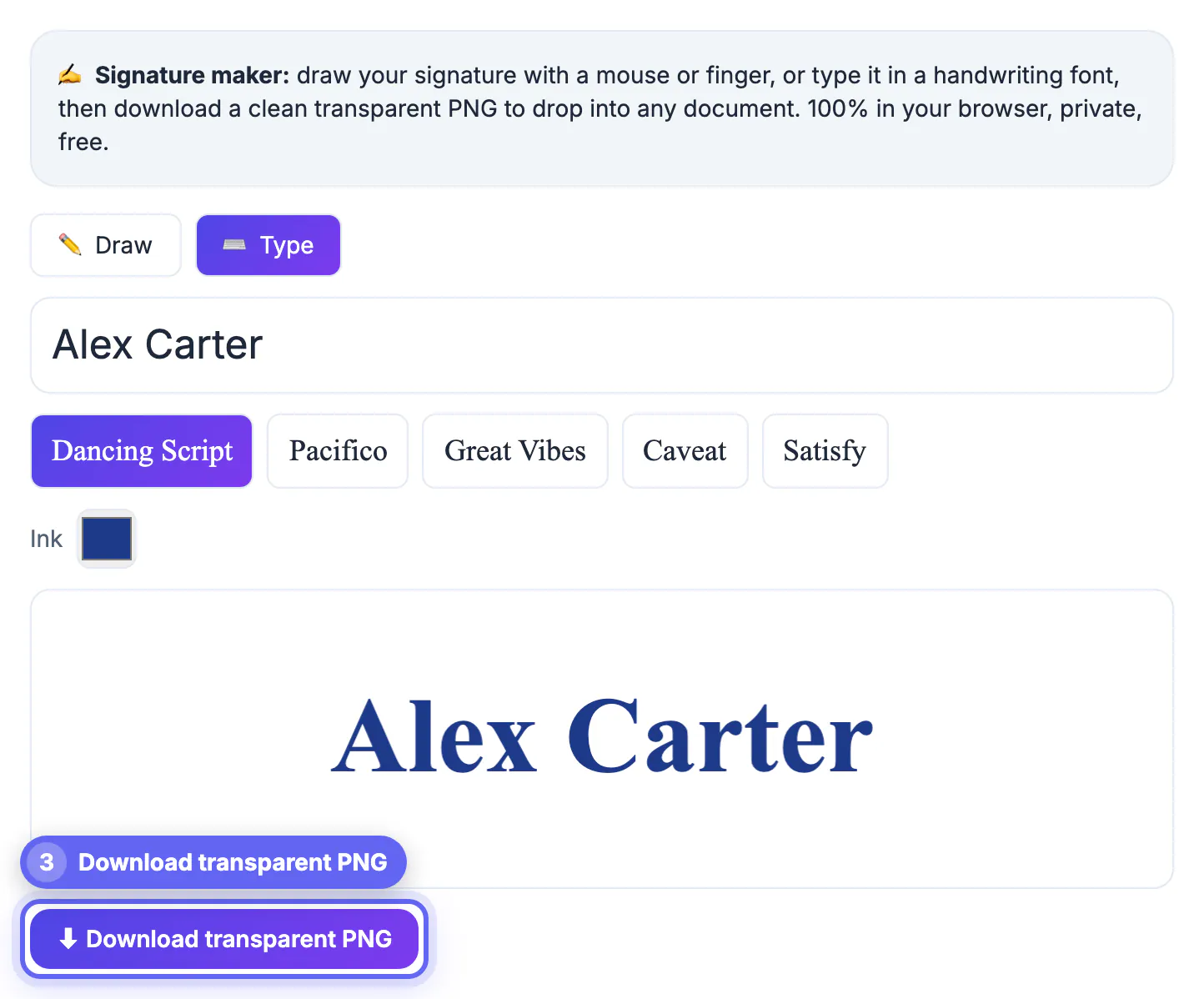
People sign things online constantly, agreeing to terms, approving invoices, accepting offers, and the word signature covers a surprising range of actions. Knowing what actually counts as an electronic signature helps you understand what you are agreeing to and what a document needs from you. It also prevents a common mix-up: assuming you need heavyweight cryptographic tooling when a simple signature image is perfectly acceptable, or the reverse, assuming a typed name is enough where a verified digital signature is required. The confusion is not just academic: reaching for cryptographic tooling on a simple form wastes time, while treating a regulated document casually can invalidate it.
What counts as an electronic signature
An electronic signature is defined by intent, not by a specific technology. Many everyday actions qualify.
- A signature drawn with a mouse, trackpad or finger
- A name typed into a signature field
- A checked box or a clicked I agree button
- A pasted signature image on a PDF or contract
Electronic signature vs digital signature
The two terms are often used interchangeably, but they mean different things. One is a broad concept and the other is a precise technology.
An electronic signature is any digital mark of intent. A digital signature is a cryptographic method that uses a certificate to prove who signed and that the document was not altered. Every digital signature is electronic, but not every electronic signature is a digital signature.
When a simple signature is enough
For most everyday agreements, a drawn or typed signature applied to a document is entirely acceptable and widely recognized.
- Informal agreements and internal approvals
- Forms, letters and everyday business documents
- Anywhere the other party accepts a signature image
- Situations where proof of tamper-evidence is not required
When you need something stronger
Certain high-stakes or regulated documents call for a verified digital signature that proves identity and integrity.
If a document must resist tampering or prove exactly who signed, a cryptographic digital signature or a dedicated e-signing platform is the right tool. For everything else, a clean signature image does the job.
What makes an electronic signature hold up
Beyond the mark itself, what gives an electronic signature weight is evidence of intent and a record of the act. Most platforms capture this automatically.
- A clear action showing the signer meant to agree
- A timestamp recording when the signature was applied
- An association between the signer and the document
- A copy of the signed document kept for reference
Choosing the right signature for the job
Match effort to stakes. Everyday agreements need nothing more than a clean signature image, while a handful of documents justify more.
For internal approvals, letters and routine forms, a drawn or typed signature is proportionate and accepted. For property, finance or anything that must survive a dispute, use a platform that verifies identity and preserves an audit trail.
How to create a usable electronic signature
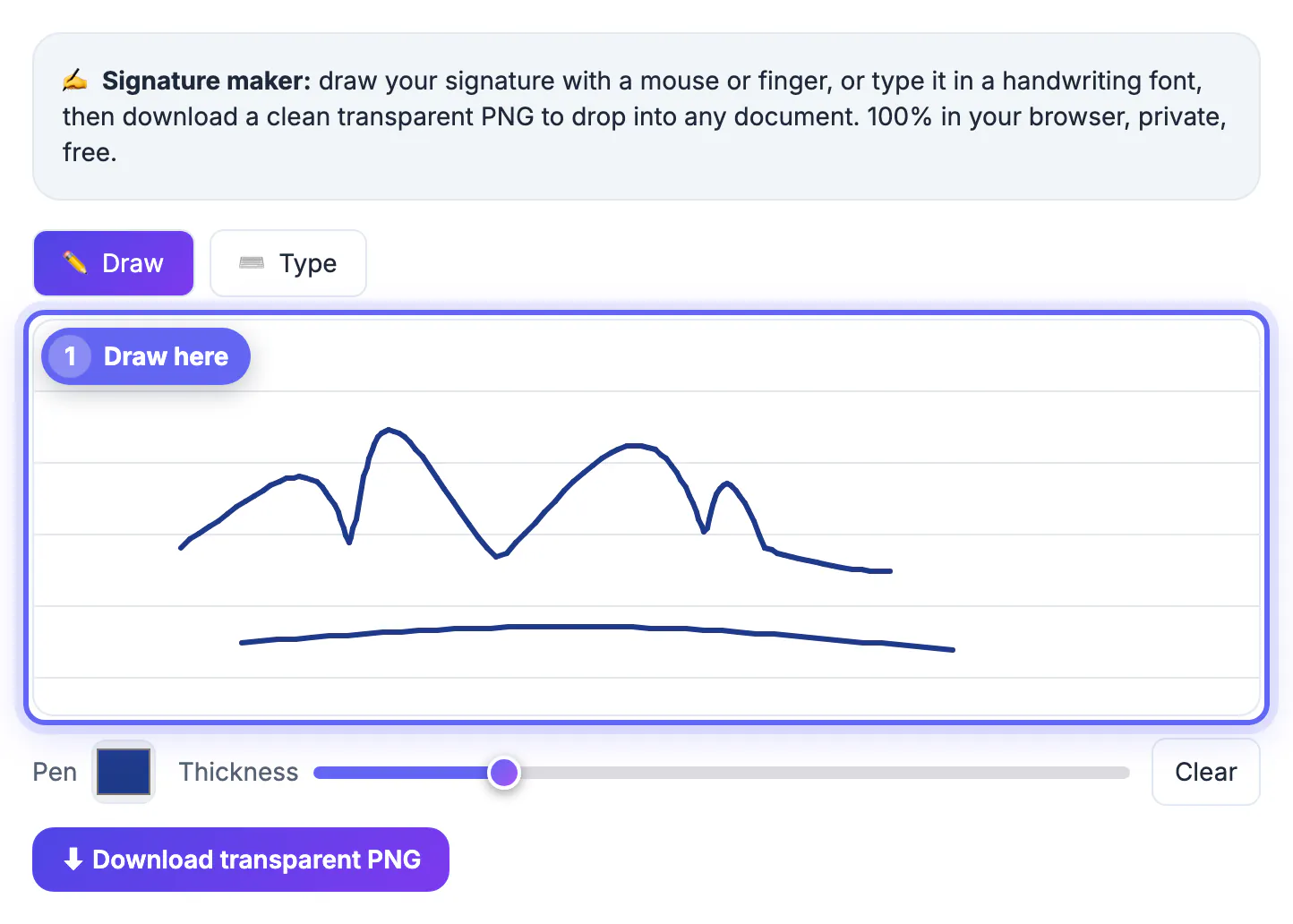
Making one takes a minute. Open the Signature Maker, draw with a finger, trackpad or stylus, or type your name in a handwriting font, and download it as a transparent PNG. Keep the original file safe so you can reuse it on every document you sign.
- Sign slightly larger than normal and scale down for a smoother line.
- Use dark ink so the signature stays visible after printing or compression.
- Keep a version without a date so you can add the signing date separately.
To place it on a contract, see signing a PDF online without printing for options and trade-offs between free and paid services.
Safe habits when signing electronically
A signature image is easy to copy, so treat it with care. Do not post it publicly, and avoid sending it as a standalone file to people you do not know. Add the date and the name of the document nearby so it cannot be easily reused on something else. For agreements where the other party may later dispute who signed, prefer a service that records signer identity, IP address and an audit trail. Keep copies of the final signed document and the email thread in which it was sent, since that context often matters more than the mark itself.
- Check the document for blanks before signing.
- Never sign a form that lacks the date, amount or names.
- Save the final copy in a folder that is backed up.
Where electronic signatures are commonly accepted
In the US, the ESIGN Act and UETA treat electronic signatures as valid for most commercial agreements, and the EU eIDAS regulation recognises several levels. Typical everyday uses include rental applications, consent forms, quotes, NDAs and employment paperwork. Certain documents, such as wills, some court filings and notarised papers, often follow special rules, so check local requirements before relying on a simple mark.
Step-by-step
Common mistakes to avoid
Pro tips
Frequently asked questions
What is an electronic signature?
It is any digital mark showing you agree to a document, such as a drawn signature, a typed name or a clicked I agree button.
Is an electronic signature the same as a digital signature?
No. An electronic signature is any digital mark of intent, while a digital signature is a specific cryptographic technology that verifies identity and integrity.
Is a typed signature valid?
In many everyday contexts yes, though specific regulated documents may require a verified digital signature.
When do I need a digital signature?
When a document must prove exactly who signed and that it was not altered, such as regulated or high-stakes agreements.
What gives an electronic signature legal weight?
Evidence of intent to sign, a timestamp, a link between signer and document, and a retained copy; verified platforms capture these automatically for higher-stakes cases.
An electronic signature is any digital mark of intent, and for most documents a simple drawn or typed one is enough, while cryptographic digital signatures cover the high-stakes cases.
Related guides
Browse more: all business guides · Signature Maker