Make a Transparent Signature PNG Online Free
A transparent signature PNG is the format that lets your signature sit on any document without an ugly white rectangle behind it. Making one online is free and takes only a moment: create the signature, remove the background and export. This how-to covers each step so your signature layers cleanly onto contracts, letters and forms. The difference between a boxed signature and a transparent one is the difference between looking improvised and looking intentional.
✍️ Try Signature Maker now — freeOpen →
A signature saved as a JPG, or a PNG with a white background, drags a visible box onto every document you place it on. On a white page you might not notice, but the moment the signature lands on a colored form, a letterhead or a shaded table, the box appears and the whole thing looks amateurish. A transparent PNG has no background at all, so only the ink shows. That single property is what makes a signature image reusable everywhere, which is why the format is worth getting right. Get the file right once and it becomes portable: the same clean PNG drops into a word processor, a slide, a certificate or an email footer without ever showing a background.
Make a transparent signature PNG
Start in the signature maker, create your mark, and make sure the export keeps the background clear rather than filling it white.
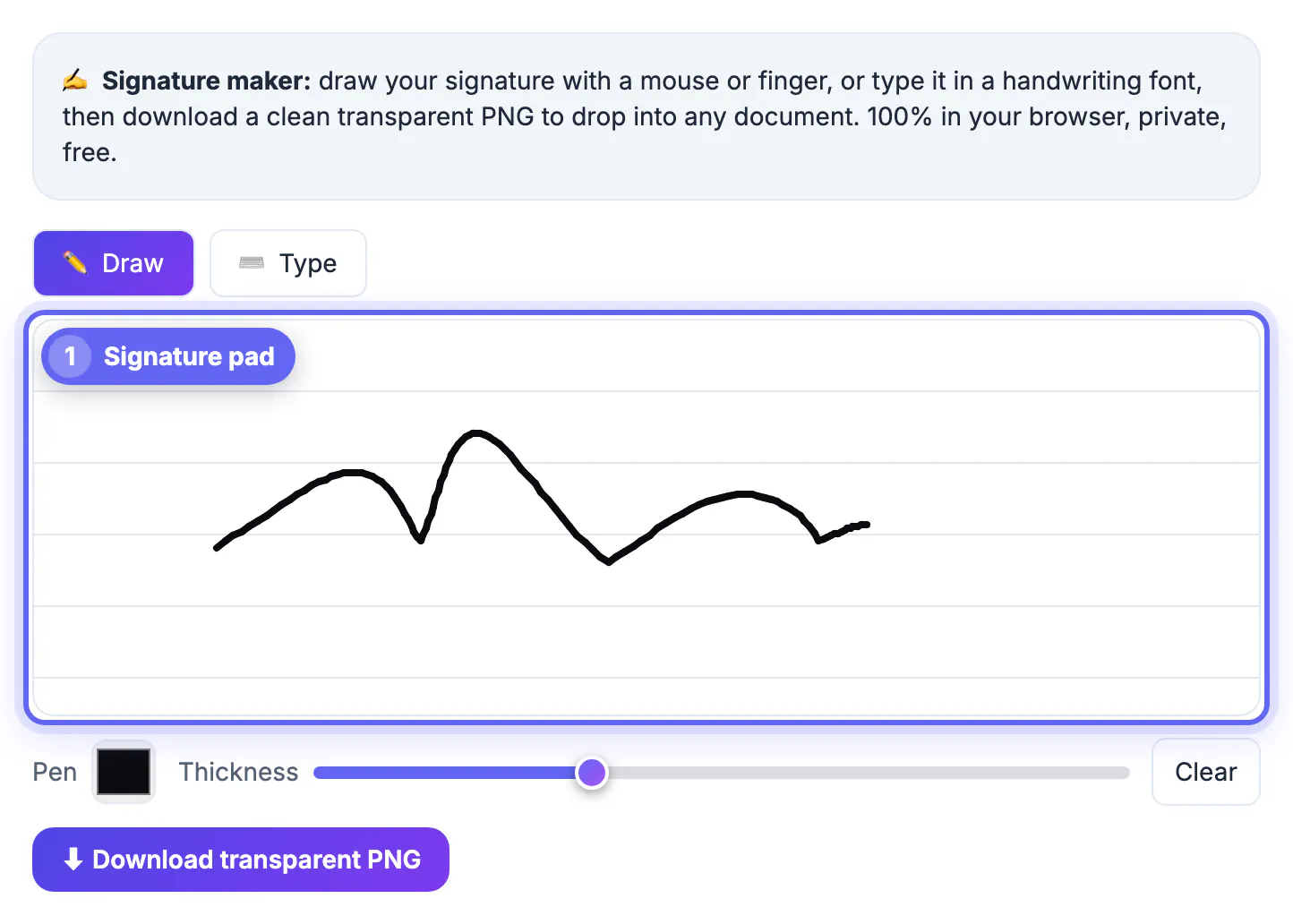
- Draw or type your signature in the editor
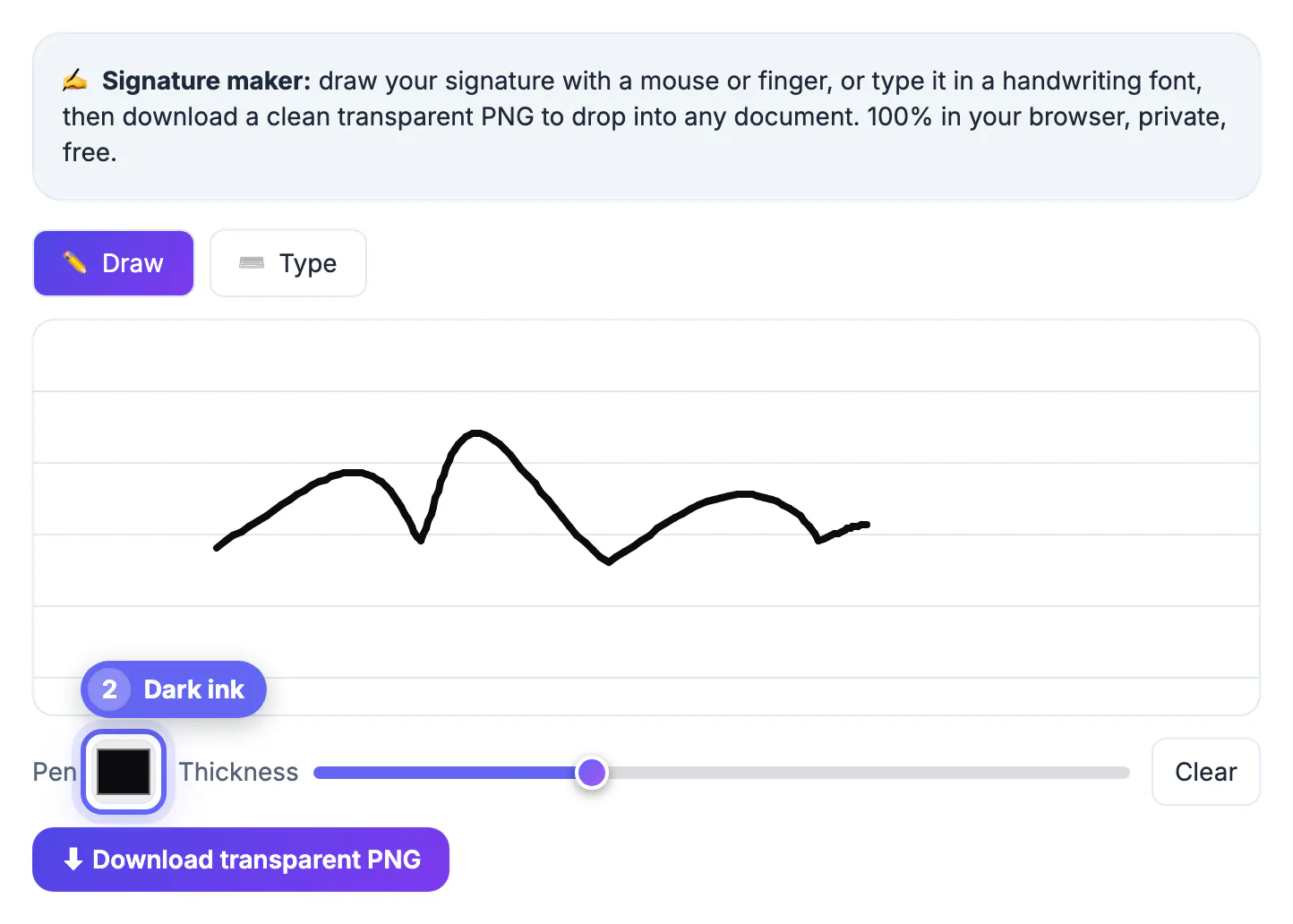
- Choose a dark ink color for strong contrast
- Click ⬇ Download transparent PNG; the background is always left clear
- Save the PNG, since JPG cannot store transparency
Why PNG and not JPG
The file format decides whether transparency is even possible. JPG has no transparency channel, so it always fills the background with a solid color.
PNG supports an alpha channel, which stores which pixels are see-through. That is why a signature must be a PNG to layer cleanly; a JPG will always carry a box.
Check the transparency actually worked
Before you rely on it, confirm the background is truly clear. A quick test saves you from placing a boxed signature on an important document.
- Drop the PNG onto a colored background and look for a box
- Zoom in on the edges of the strokes for stray white pixels
- View it in an image viewer that shows a checkerboard for transparency
- Re-export with a darker ink if the strokes look faint
Trim the empty space before you place it
Transparent does not mean tight. The downloaded signature.png keeps the whole canvas: a drawn signature spans the full width of the pad and 220 pixels of height, multiplied by your screen's pixel density, and a typed one adds padding around your name. That invisible margin makes the image awkward to line up, because the selection box you drag in Word or a PDF editor is far bigger than the ink.
- Crop close to the strokes, leaving a few pixels of room so loops and tails are not clipped.
- Use a cropper that keeps PNG output; GrabCast's Crop Image has a Keep format option, while choosing JPG fills the background white.
- Rename the file from signature.png to something you will recognize later, such as your name and the year.
- Repeat the colored-background test after cropping, since some editors quietly flatten transparency when they save.
- In Word, set the picture's text wrapping to In Front of Text so you can drag it onto the line freely.
Use and reuse the file
Once you have a clean transparent PNG, it becomes a permanent asset. Place it on a PDF, a Word document, an email footer or a certificate.
Keep it backed up with your key files, and you never have to remake it. Every document you sign afterward reuses the same crisp, background-free signature.
Why the ink color matters for transparency
Transparency solves the background, but the stroke color decides whether the signature is actually visible once placed. Faint ink disappears on light pages.
- Choose a dark, saturated color for reliable contrast
- Avoid pale grays that vanish on white documents
- Increase stroke thickness if the line looks too thin
- Preview against both light and dark backgrounds
Store the PNG as a reusable asset
A transparent signature is worth keeping, because remaking one every time is exactly the friction you set out to avoid.
Save the PNG somewhere durable, a password manager attachment or a backed-up folder, and name it clearly. Treat it as you would any signature: it represents you, so keep it out of shared or public locations.
Troubleshooting a signature that still has a box
If a white or gray rectangle appears behind your signature after placing it, the problem is usually the file format or the editor, not the signature itself.
- The file was saved or converted to JPG somewhere along the way, which removes transparency.
- The editor flattens images when you export the document, so check its export option for preserving transparency.
- A screenshot of the signature includes the page background; always use the downloaded file instead.
- Some email clients show a white background in dark mode, so test on both light and dark.
If you need to change the file type afterwards, the image converter keeps alpha when you stay in PNG, and cropping the empty margins makes placement easier.
Sizing the signature for common documents
A signature about 150 to 250 pixels wide is usually enough for a letter or contract line, while email footers prefer about 120 pixels to keep the message small. Keep the original large file as your master and make smaller copies for specific uses.
Step-by-step
Common mistakes to avoid
Pro tips
Frequently asked questions
How do I make a signature with a transparent background?
Create the signature and download it as a PNG. The GrabCast Signature Maker always exports with a clear background, and PNG is the most widely supported format that stores transparency.
Why does my signature have a white box?
It was saved as a JPG or exported with a white fill; re-export as a transparent PNG to remove the box.
Is making a transparent signature PNG free?
Yes. You can draw or type a signature and export a transparent PNG in your browser at no cost.
Where can I use the transparent PNG?
Anywhere: PDFs, Word documents, email footers and certificates, since the clear background lets it layer onto any color.
What ink color works best for a transparent signature?
A dark, saturated color such as black or deep blue, since faint or gray strokes can disappear against light documents even with a transparent background.
A transparent signature PNG layers onto any document with no white box, and you can draw, clear the background and export one for free in seconds.
Related guides
Browse more: all business guides · Signature Maker